
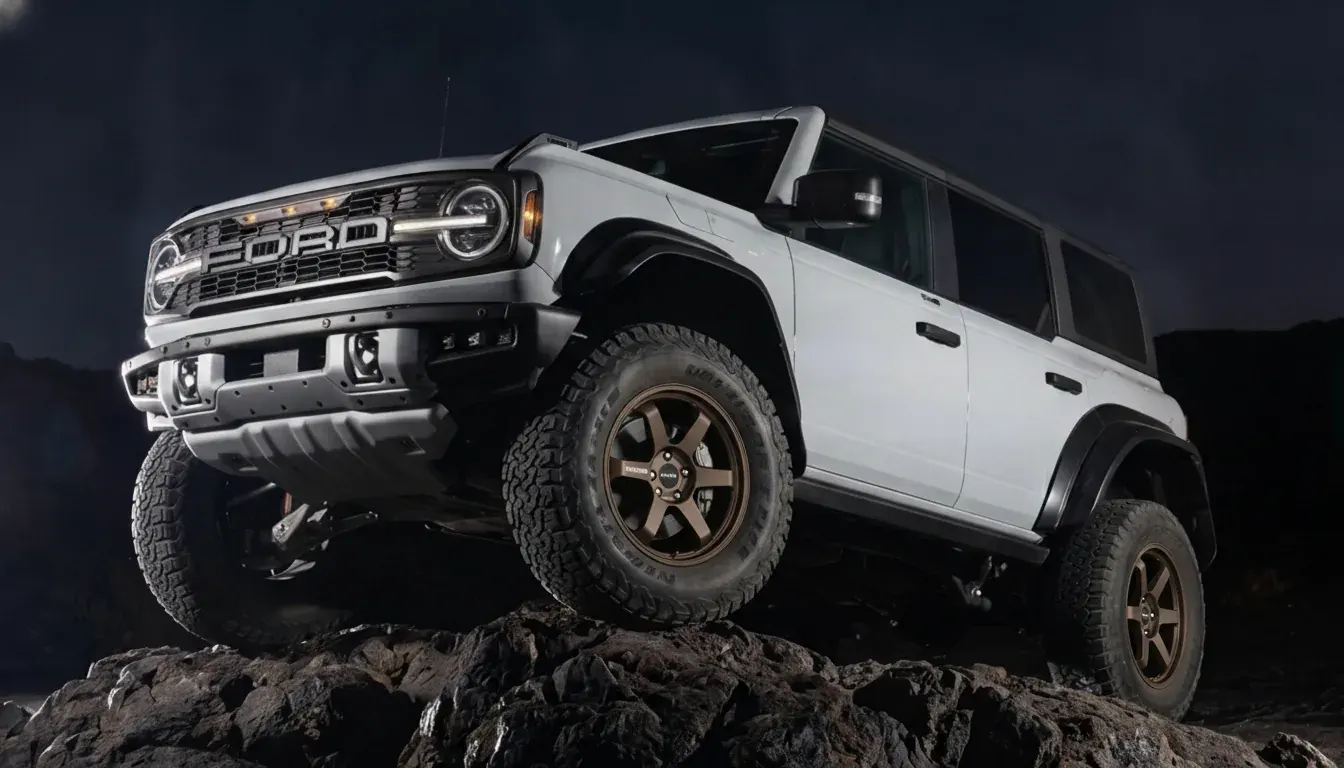
Best wheel visualizer for your build
Your car photo or a stock model? Find the best wheel visualizer for the way you shop, and know what to check before you buy.
The quick answer
Use your own photo to judge the look. Choose a stock model tool to browse a retailer’s catalog, a 3D configurator to explore a build, or a photo-based tool to see wheels on your actual car.
A visualizer shows the style. Confirm wheel size, offset, and clearance separately before buying.
01 / Compare
Four ways to preview wheels
Start with what you want to see: a catalog car, a 3D build, or your own photo.
Stock model visualizers
Discount Tire Wheel Visualizer, PerformancePlusTire Wheel Visualizer, WheelSetGo Vehicle Visualizer, Golden Offroad Wheel Visualizer
Quick inspiration when you want to browse a retailer catalog.
Not your exact car photo, so stance, wrap, lighting, and camera angle differ.
3D configurators
3DTuning
Rotating a 3D car model to explore styles.
Almost never your exact car or your exact photo.
Photo-based visualizers
WheelBlend, TheWheelVisualizer
Seeing wheels on your actual car photo.
Input quality matters, so bad angles or tiny screenshots can reduce realism.
General AI editors
Pixelcut wheel fitment visualizer
Concept art and fast style exploration.
The wheel may not match a real model you can buy.
02 / Try it yourself
The five-minute test
Use the same inputs in each tool so you can compare the results fairly.
Start with a clear car photo
Choose a side or three-quarter view with sharp wheel arches. Use a normal photo without transparency.
Try two wheel images
Use a clean wheel PNG and a marketplace screenshot to see how the tool handles different sources.
Render, then zoom in
Check the spokes, wheel edges, and fender shadows for warping, halos, or awkward alignment.
Change the finish
Try bronze or chrome with the same wheel image. Look for controls that make comparison easy.
Save the result
Download an image and check its quality, watermark, and sharing options.
03 / Buyer’s checklist
What makes a useful preview?
Look for the features that matter to your build and the way you compare wheels.
- Uses your actual car photo, not a stock model
Your stance, lighting, paint, wrap, and camera angle all change how a wheel looks.
Check: Look for a workflow that starts with an upload, not only a year make model dropdown.
- Supports real wheel images from the internet
Real buyers use screenshots, used listings, and random brand PNGs, not only a curated catalog.
Check: Try a marketplace screenshot and a clean product photo. A transparent wheel PNG is a bonus.
- Realistic masking and perspective
Weak tools fail at alignment, edges, shadows, and occlusion under the fender.
Check: Zoom in on fender edges and spokes. Look for clean transitions and natural shadows.
- Finish and color controls without hunting new photos
Chrome vs satin vs matte can change the whole build. You should be able to iterate quickly.
Check: See if the tool lets you set finish style and a color value for the same wheel input.
- Batch comparison and saved history
The best workflow makes it easy to run multiple variations and compare later.
Check: Confirm there is a gallery or history view and that past renders persist.
- Exports you will actually use
You will want a clean image for a group chat, forum post, client approval, or social.
Check: Check download quality, watermark rules, and whether it provides share links.
- Privacy defaults you can trust
Your car photo and plate should not be public by default.
Check: Prefer tools that keep uploads private and make sharing optional.
- Clear limitations and honest fitment disclaimers
A visualizer is not a replacement for offset clearance calculations and tire sizing.
Check: Good tools separate looks from rubbing risk and tell you what they cannot do.
- Speed you can iterate with
Wheel shopping is comparison heavy. If each preview takes forever, you will not test enough options.
Check: Time a first render and a repeat render with the same car photo. Caching and saved assets matter.
04 / Your car, your wheels
Where WheelBlend fits
WheelBlend is a photo-based wheel visualizer. Upload your car and a wheel image, create a realistic preview, then compare your options.
Bring the wheels you found
Use product photos, transparent PNGs, on-car photos, or marketplace screenshots.
Dial in the look
Adjust wheel finish, color, size, tire profile, stance, and caliper color.
Compare and share
Revisit saved renders, download your favorites, or share a link. Uploads are private by default.
Clear photos give the best results. Previews help you choose a style; confirm brake, suspension, and tire clearance with your shop.
05 / Common questions
Before you try a visualizer
See the wheels on your car.
Upload a car photo and a wheel image. Your next look starts here.