Step 01
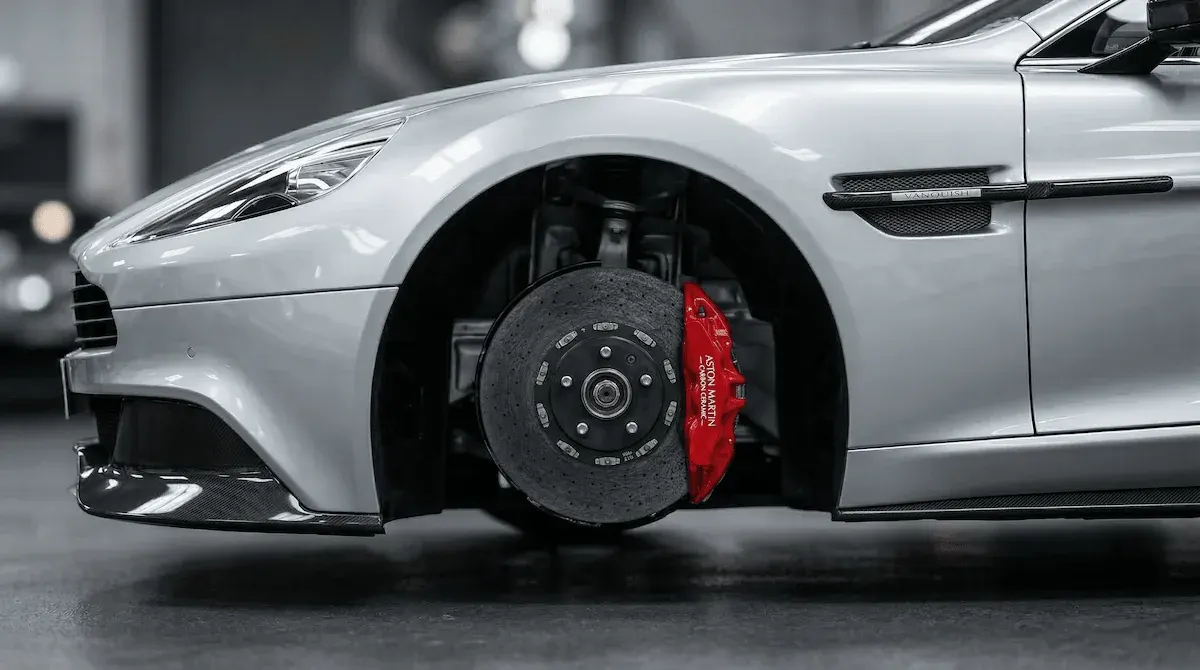
Capture the customer car
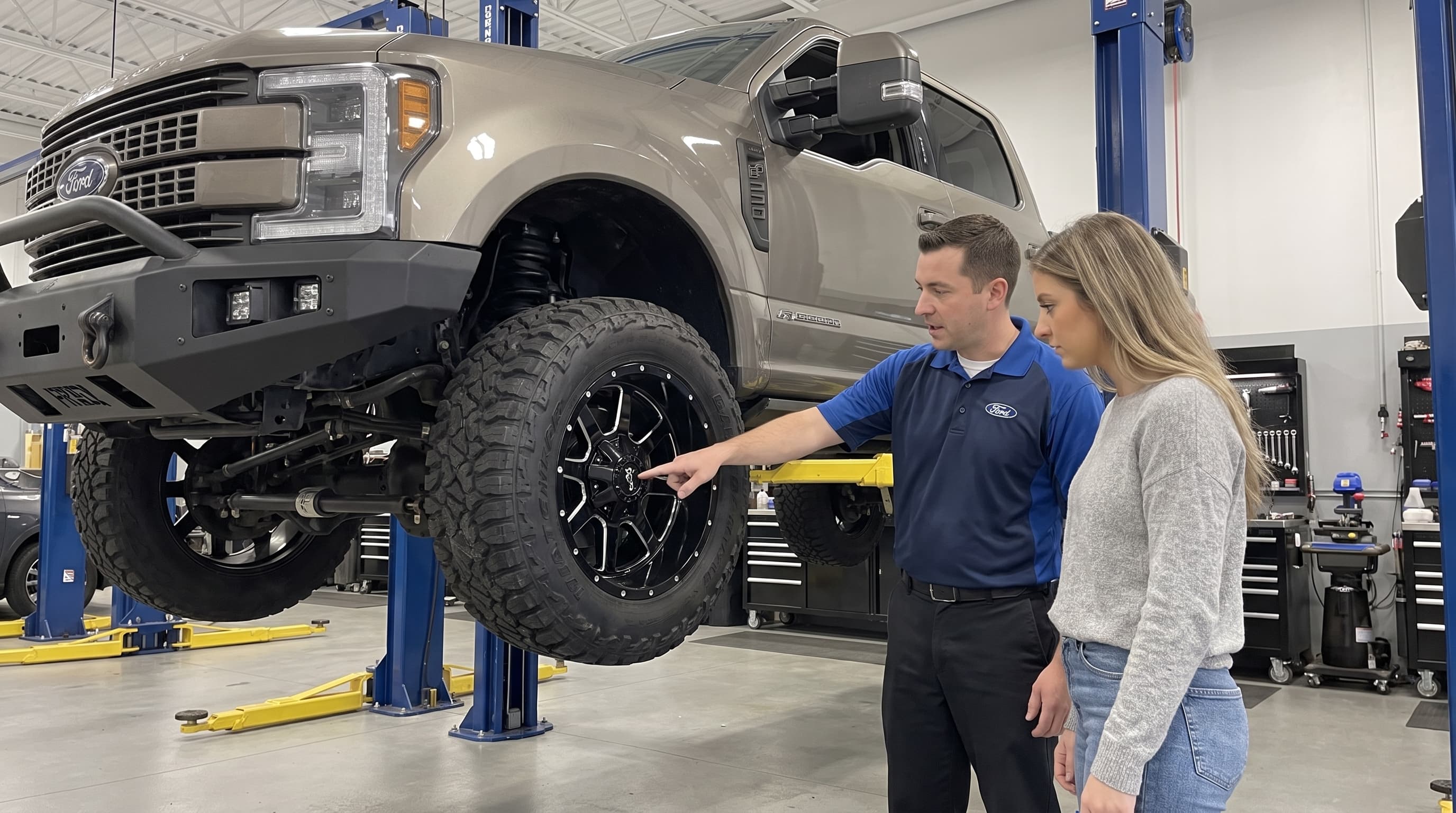
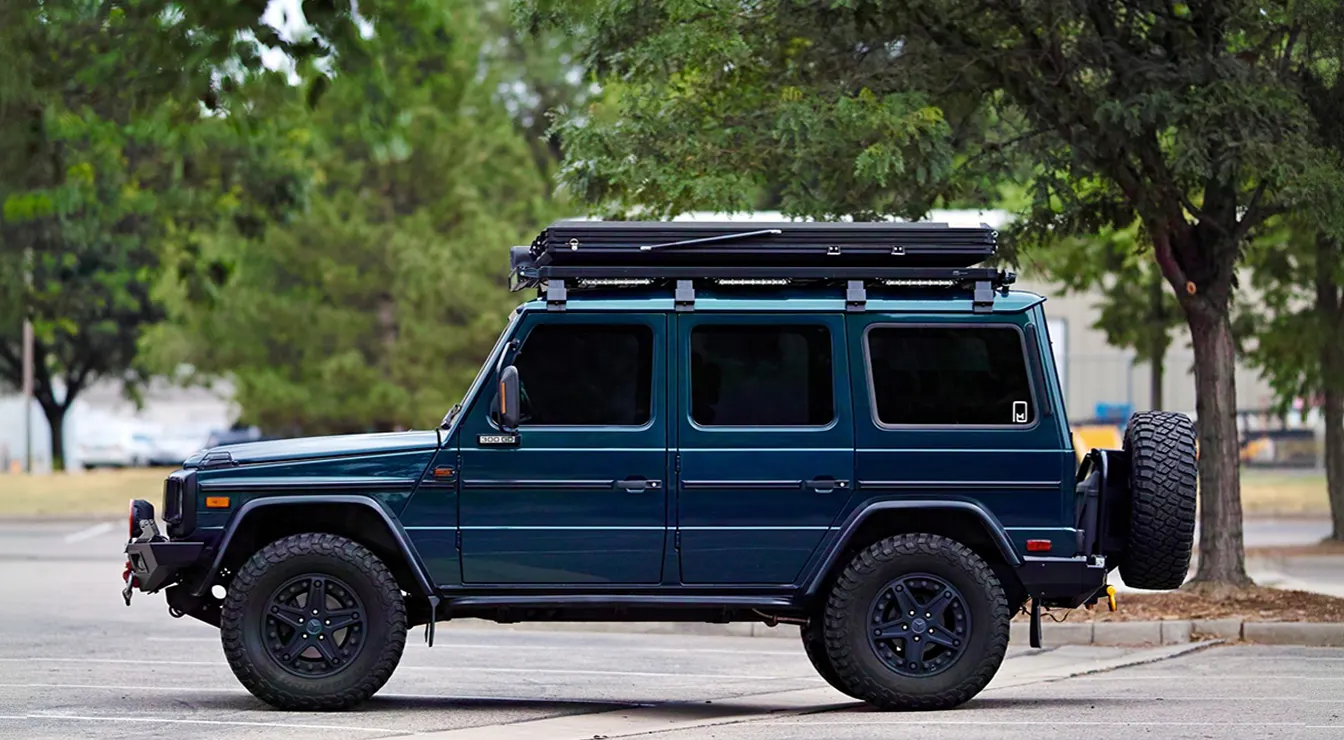
Use a phone photo from the bay, the parking lot, or the customer's message.

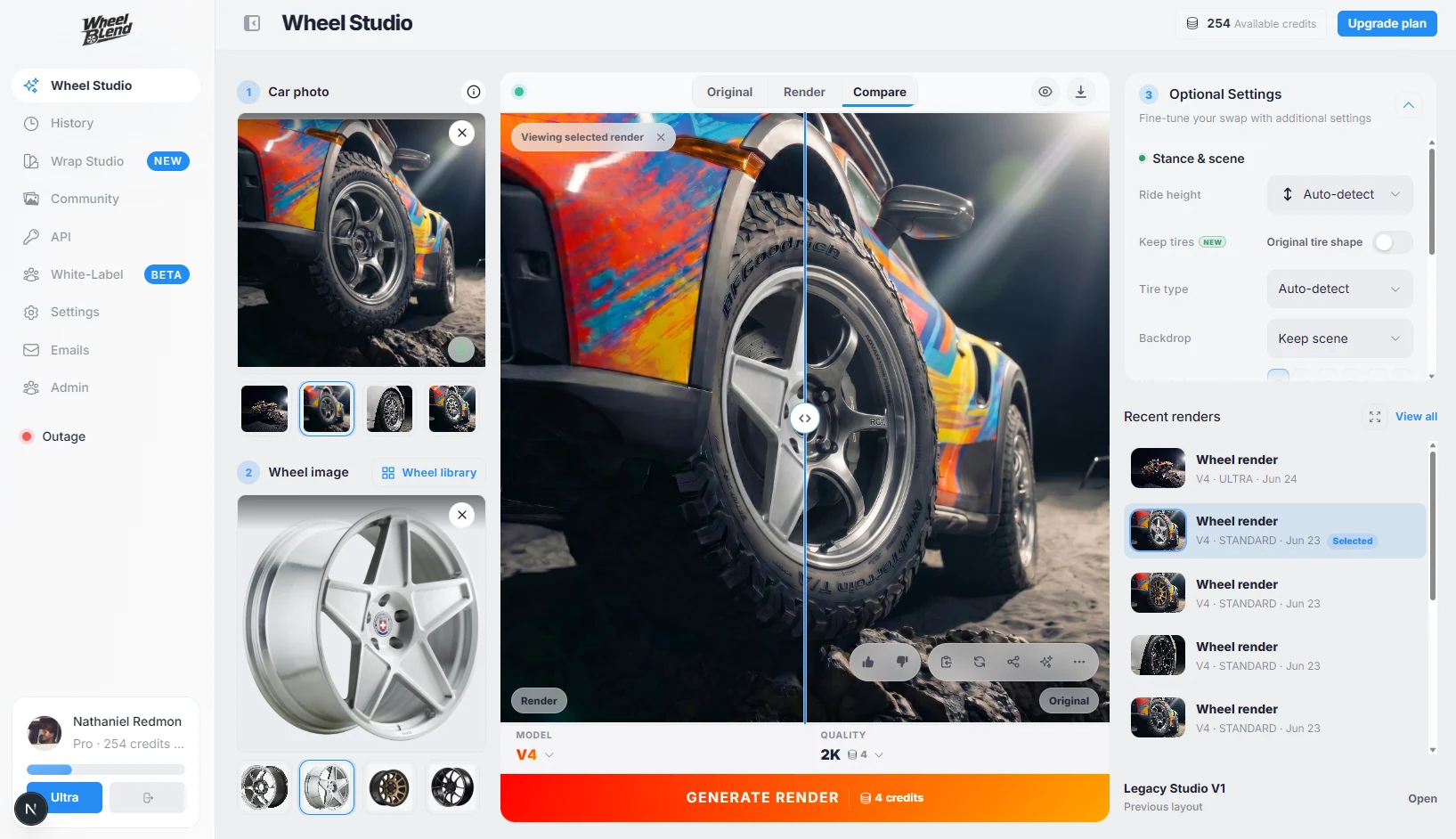
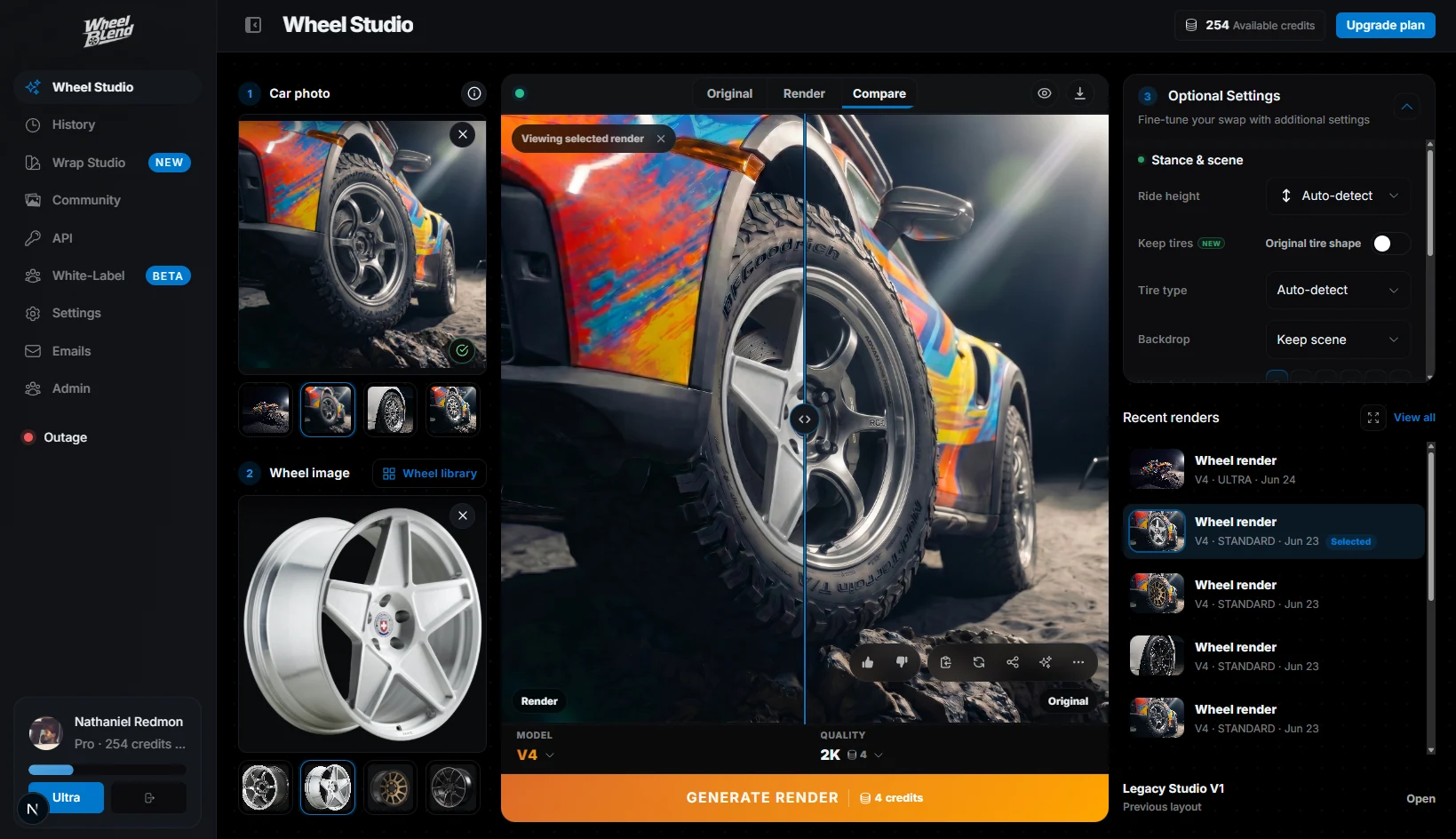
Show every customer the wheel package on their own car. Create approval-ready previews at the counter, send them by link, and move the conversation toward a quote or booking.
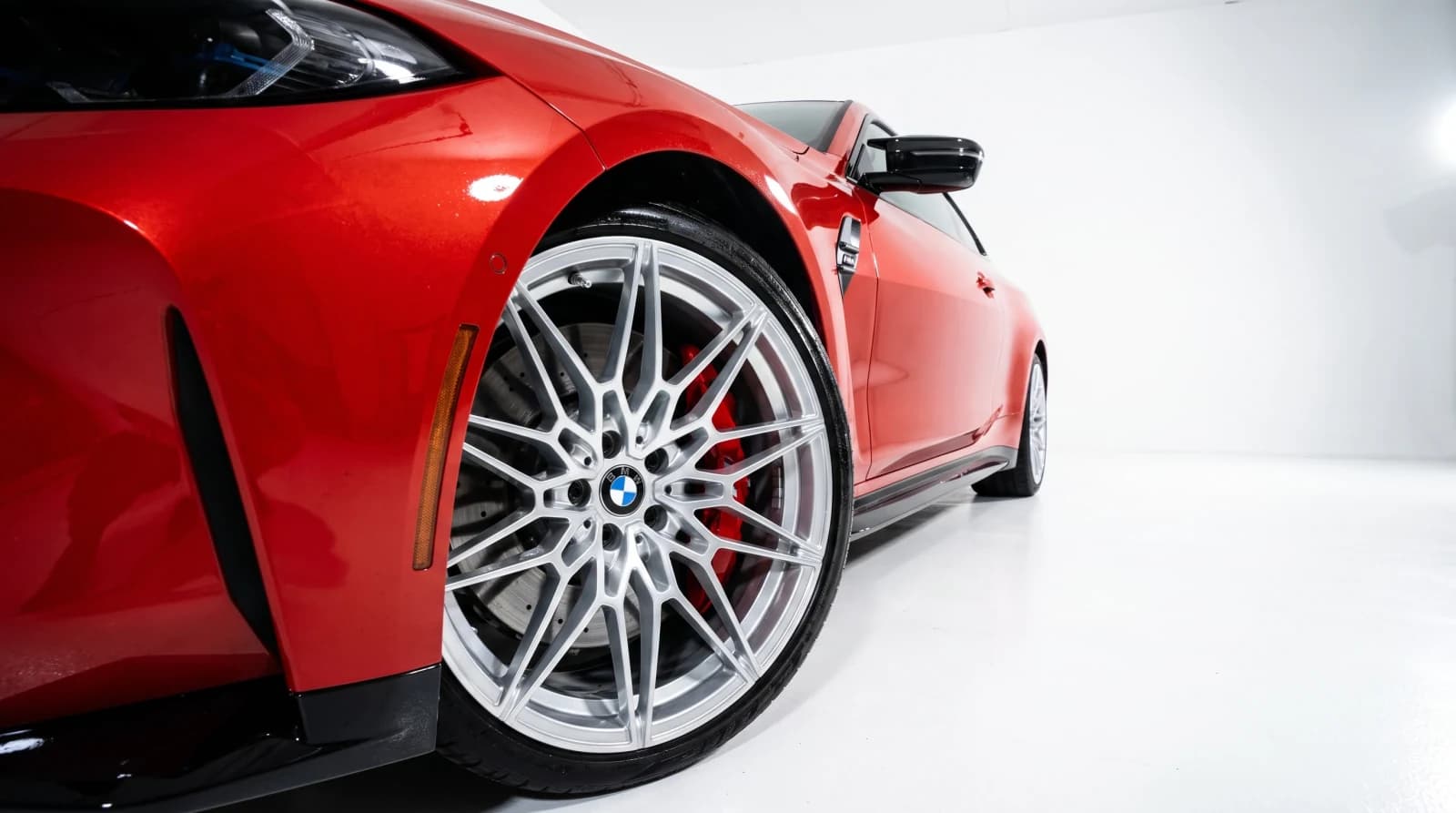
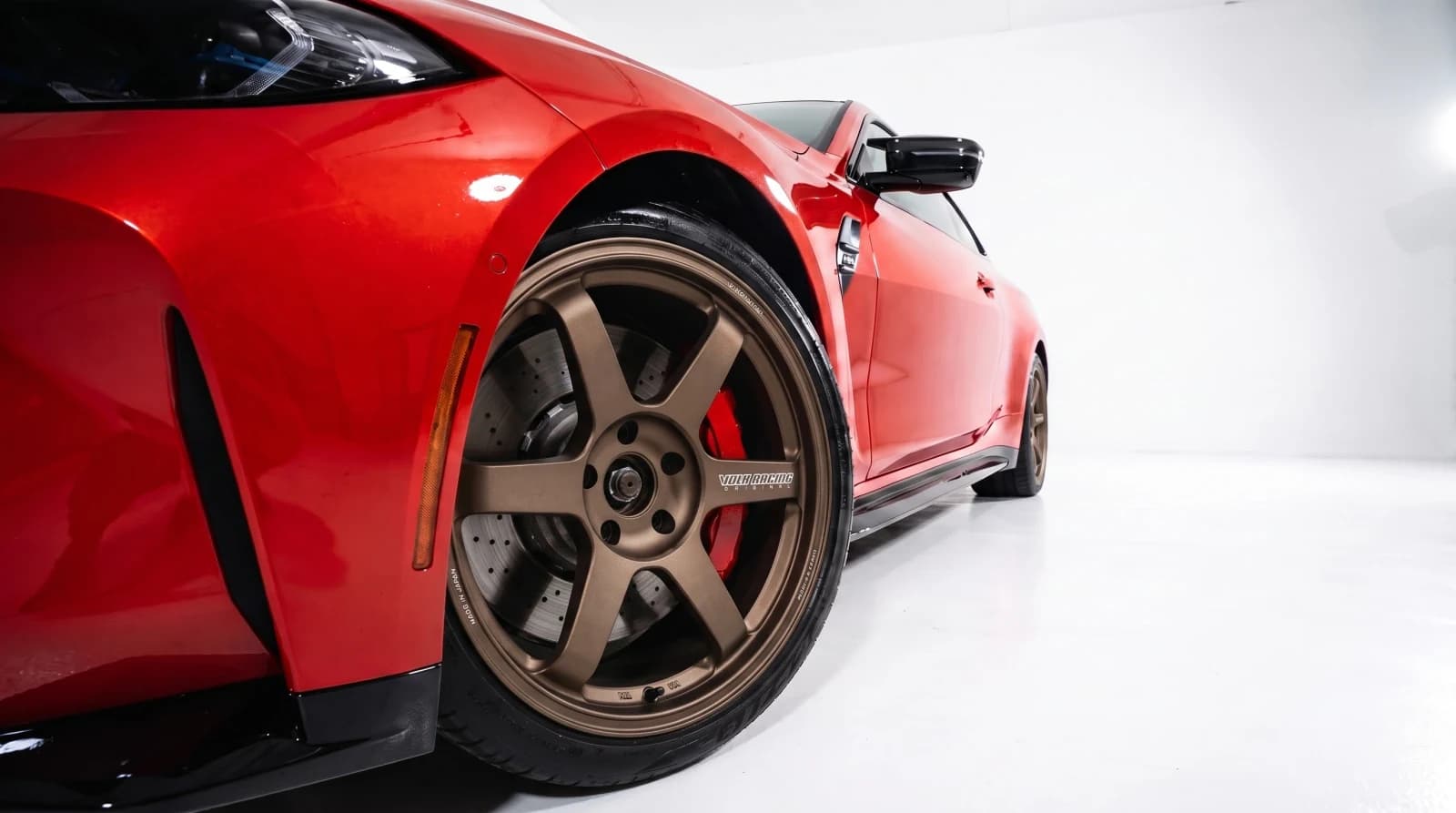
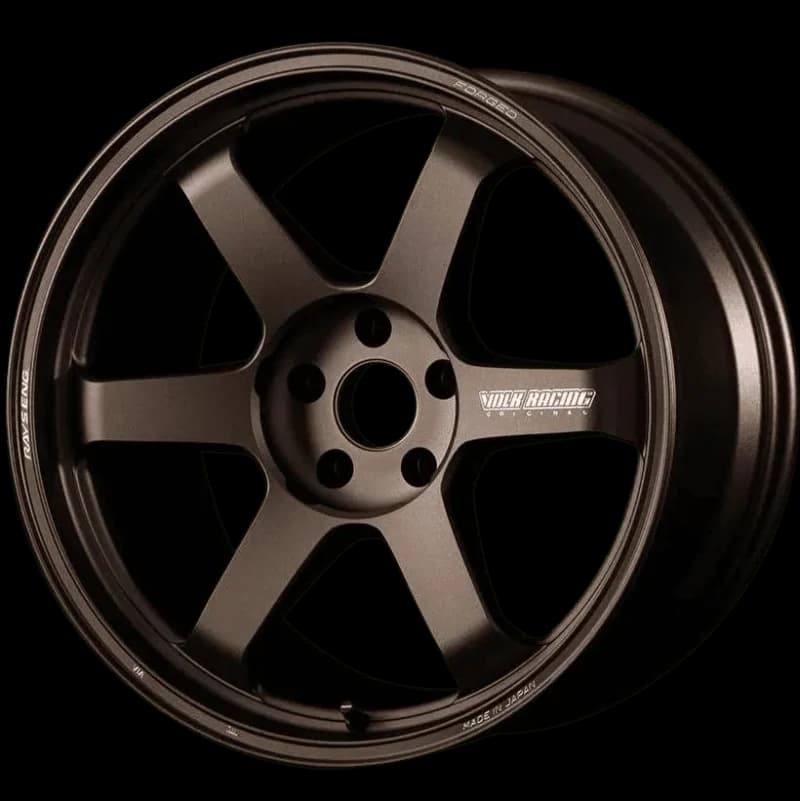
Customers want to see the wheel on their own car before they spend. WheelBlend gives them a clear before-and-after preview during the conversation, so the quote is easier to approve and the follow-up has something concrete to share.
Use a phone photo from the bay, the parking lot, or the customer's message.
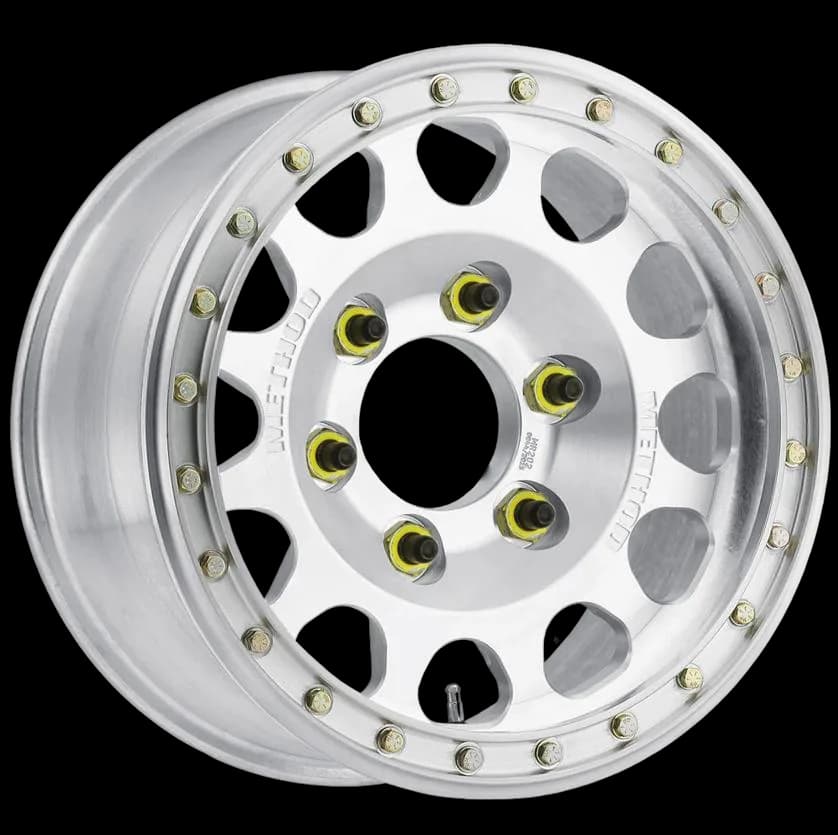
Load the wheel images, finishes, and packages your shop already sells.
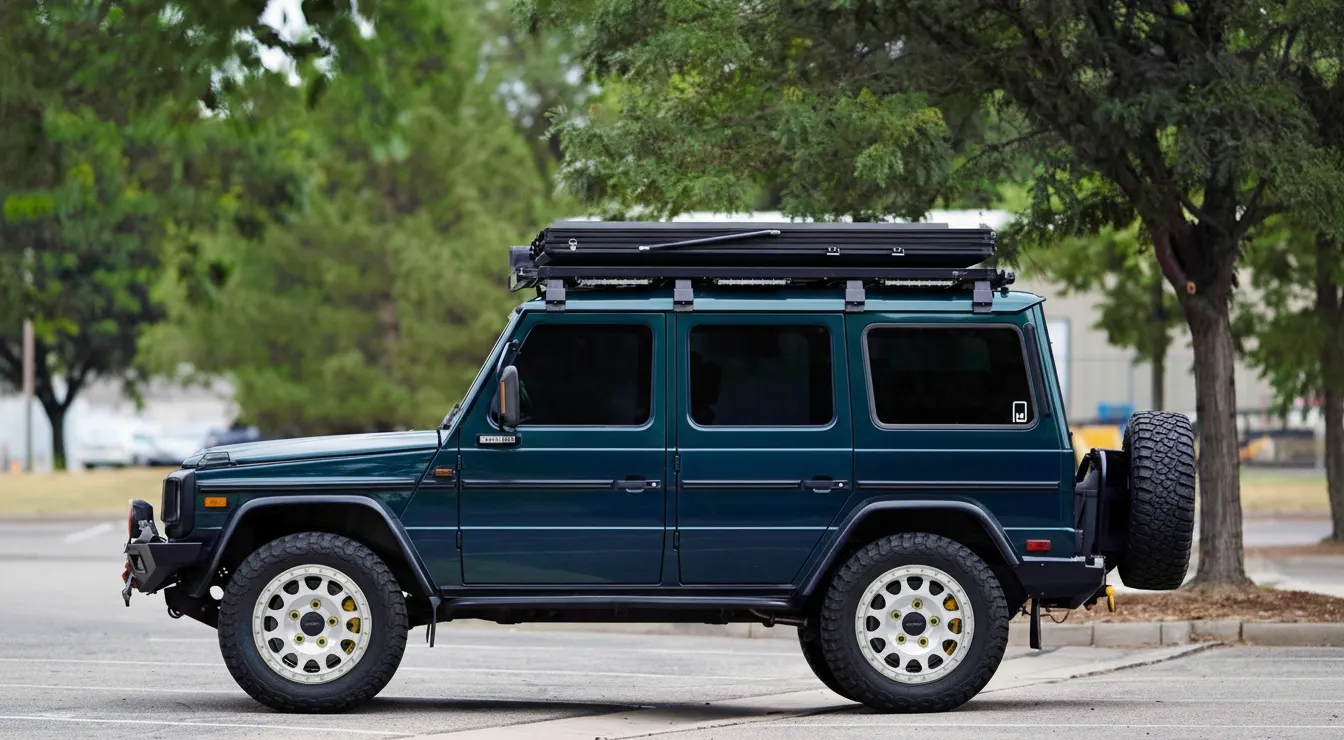
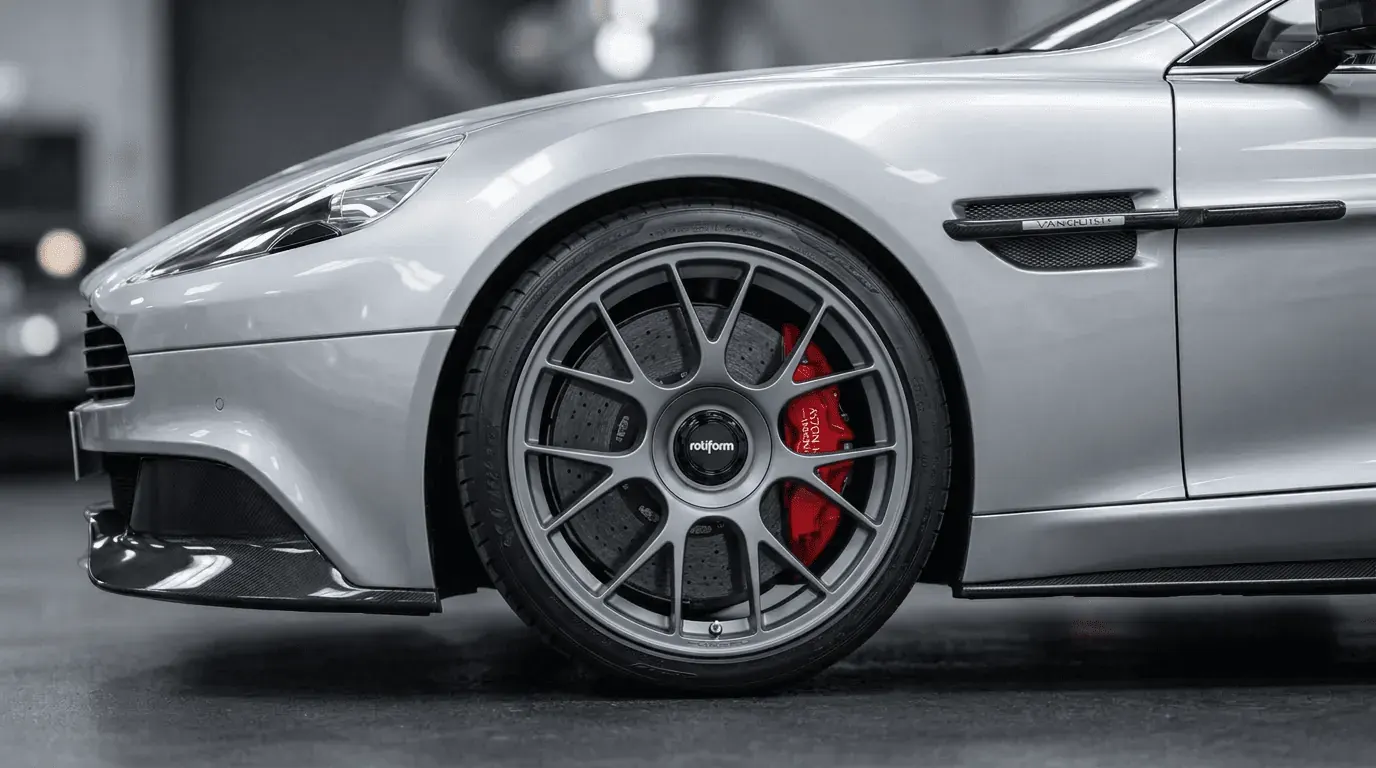
Send the before-and-after preview with a quote, booking link, or follow-up message.
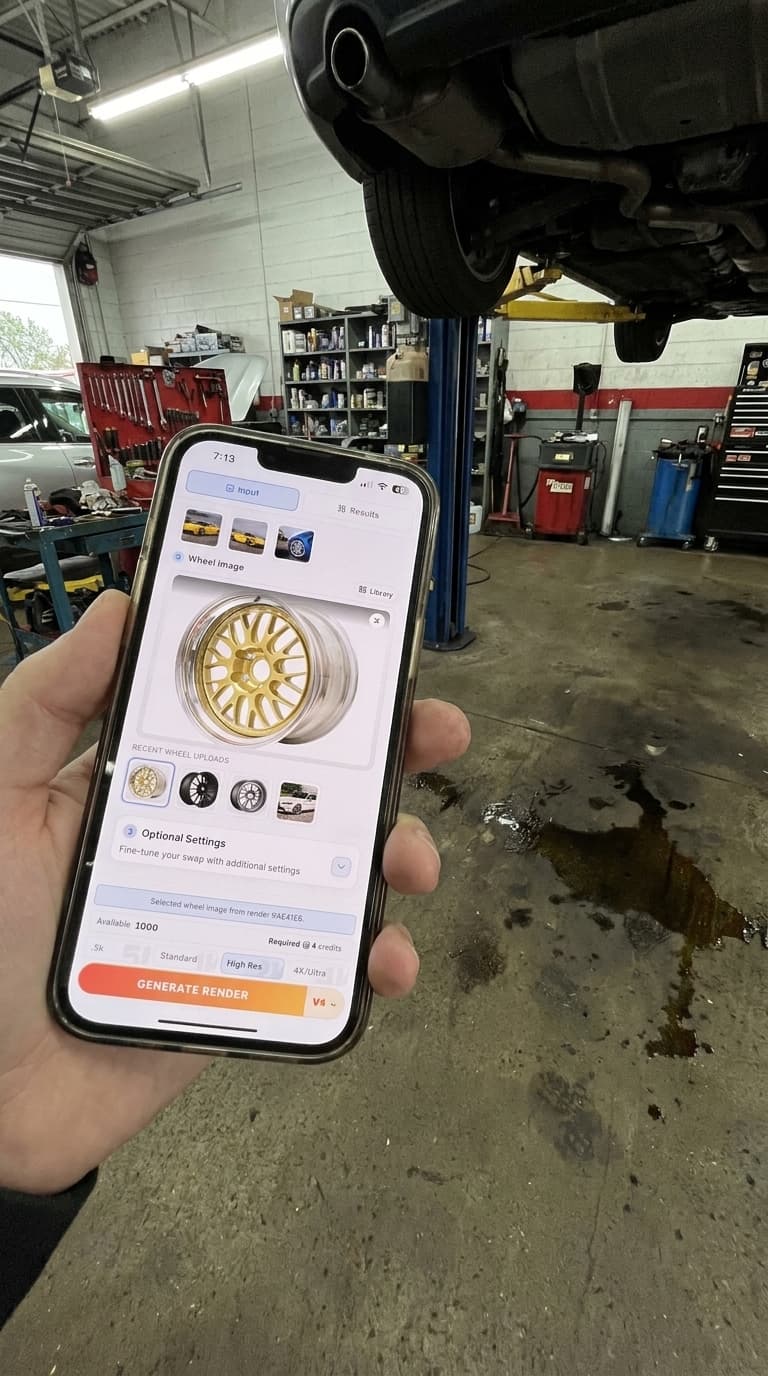
Upload a phone photo from the bay, parking lot, or a photo the customer texted in.
Use product photos, screenshots, or library wheels to compare styles, finishes, and packages.
Export before-and-after previews for quotes, texts, emails, and follow-up conversations.
Use WheelBlend at the counter, in text and email follow-up, or on your shop website.
Forget manual Photoshop cutouts or guessing games. Our Vision Engine perfectly aligns aftermarket wheels onto your customer's exact vehicle instantly, removing purchase hesitation.
Generate photorealistic test-fits in 15s flat. Swap between wheel brands and finishes instantly to keep the sales momentum alive.
Embed the visualizer on your own website or use it on an iPad in the showroom. Give your sales team the ultimate tool to dial in ride height and fitment for every customer.
A shop needs more than a render. It needs a repeatable path from customer interest to quote, approval, and follow-up without adding heavy design work to the sales process.
Use WheelBlend during or after a customer conversation when you need a fast visual answer for a specific vehicle and wheel idea.
For shops that want customers to explore options before contacting sales, WheelBlend can support a branded hosted or embedded experience.
Start with one-off renders for consultations, then add a customer-facing studio when you want shoppers to explore on their own.
WheelBlend shows how a setup may look. Your shop should still check physical fitment before the sale or install.
Yes. Shops use WheelBlend for visual approvals, quote conversations, wheel and tire package comparisons, and follow-up renders.
Yes. WheelBlend is designed to work with imperfect wheel source images, including screenshots from supplier sites and product photos.
Yes. You can share a branded WheelBlend page or add the visualizer to your website. We will help you choose the best option for your site.
Yes. Customer-facing flows can collect contact details, vehicle information, and notes around the preview so your team has context for follow-up.
Yes. You can turn ride height, tire style, and visual wheel size choices on or off.
Yes. Catalogs can include wheels and packages with price, product links, availability, and the calls to action your shop uses.
No. It creates visual previews. Shops should still confirm mechanical fitment specs before ordering or installing wheels.
Yes. Use the rendered before-and-after images in client conversations, approvals, and follow-up messages.
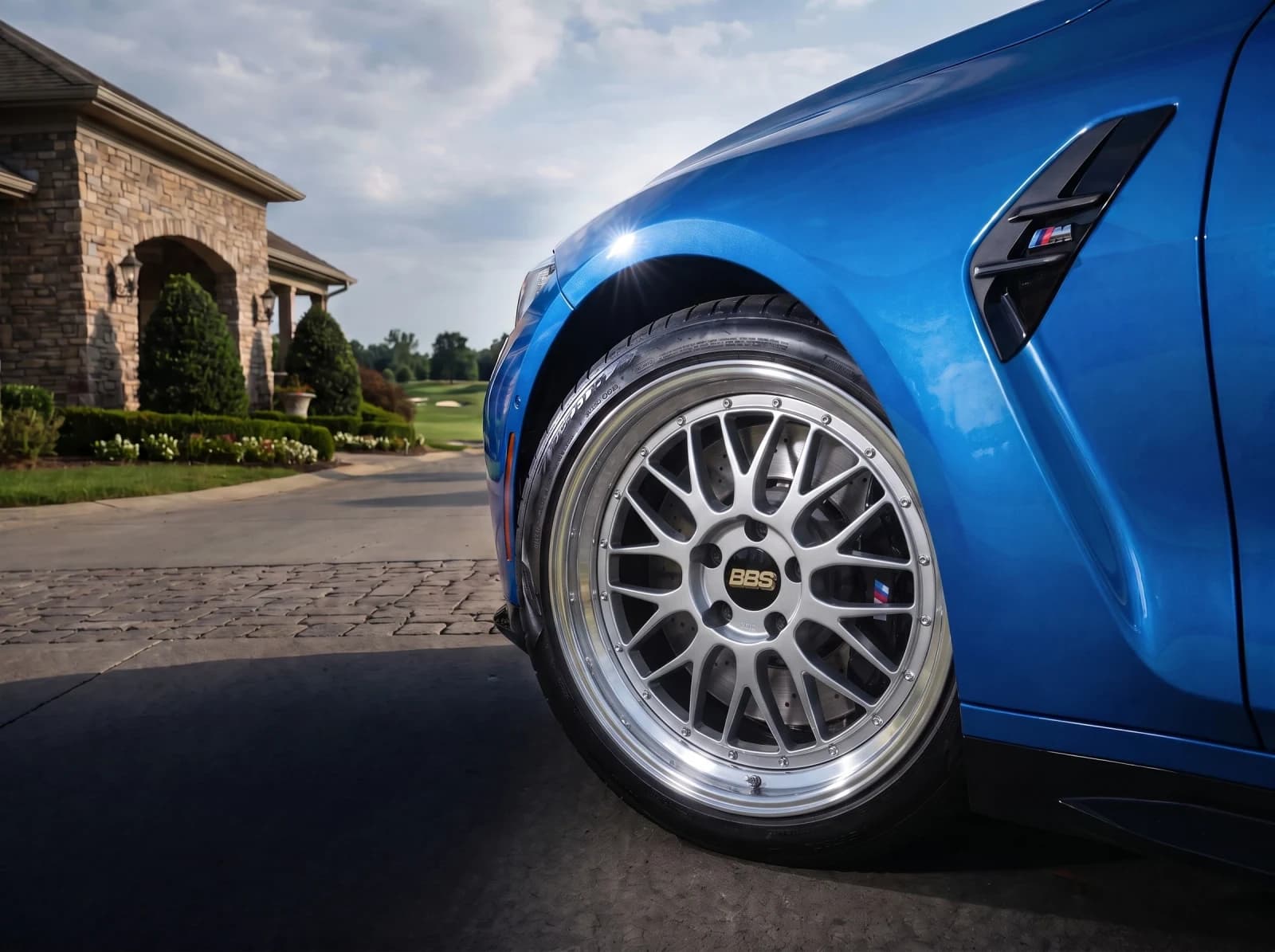 For Wheel BrandsPut your wheels on your customers' cars.Show your catalog on real customer cars. Launch a branded visualizer, embed it in your store, or connect the API to your product pages and dealer tools.
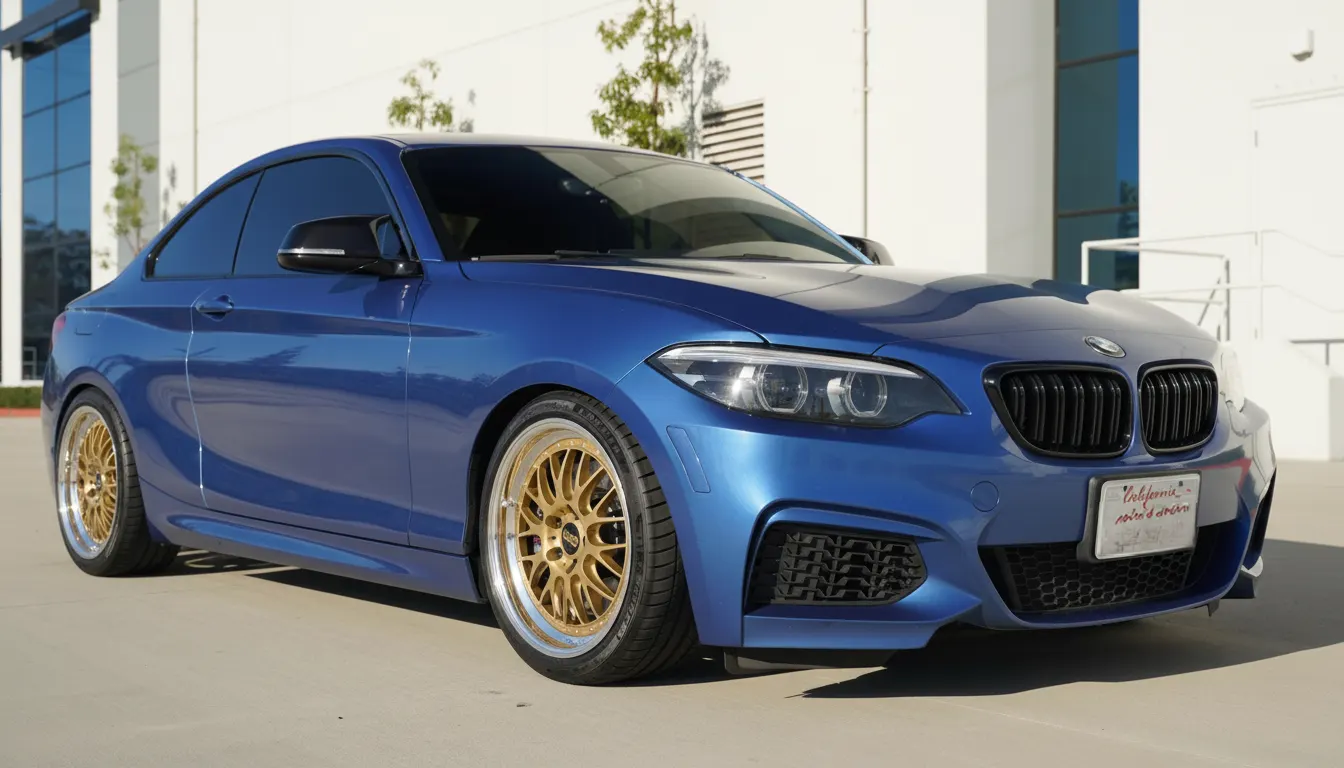 For Car EnthusiastsTry wheels on your car before you buy.Upload a photo of your car, add any wheel image, and compare realistic before-and-after previews. Judge the style on your actual paint, stance, and lighting before you spend money.
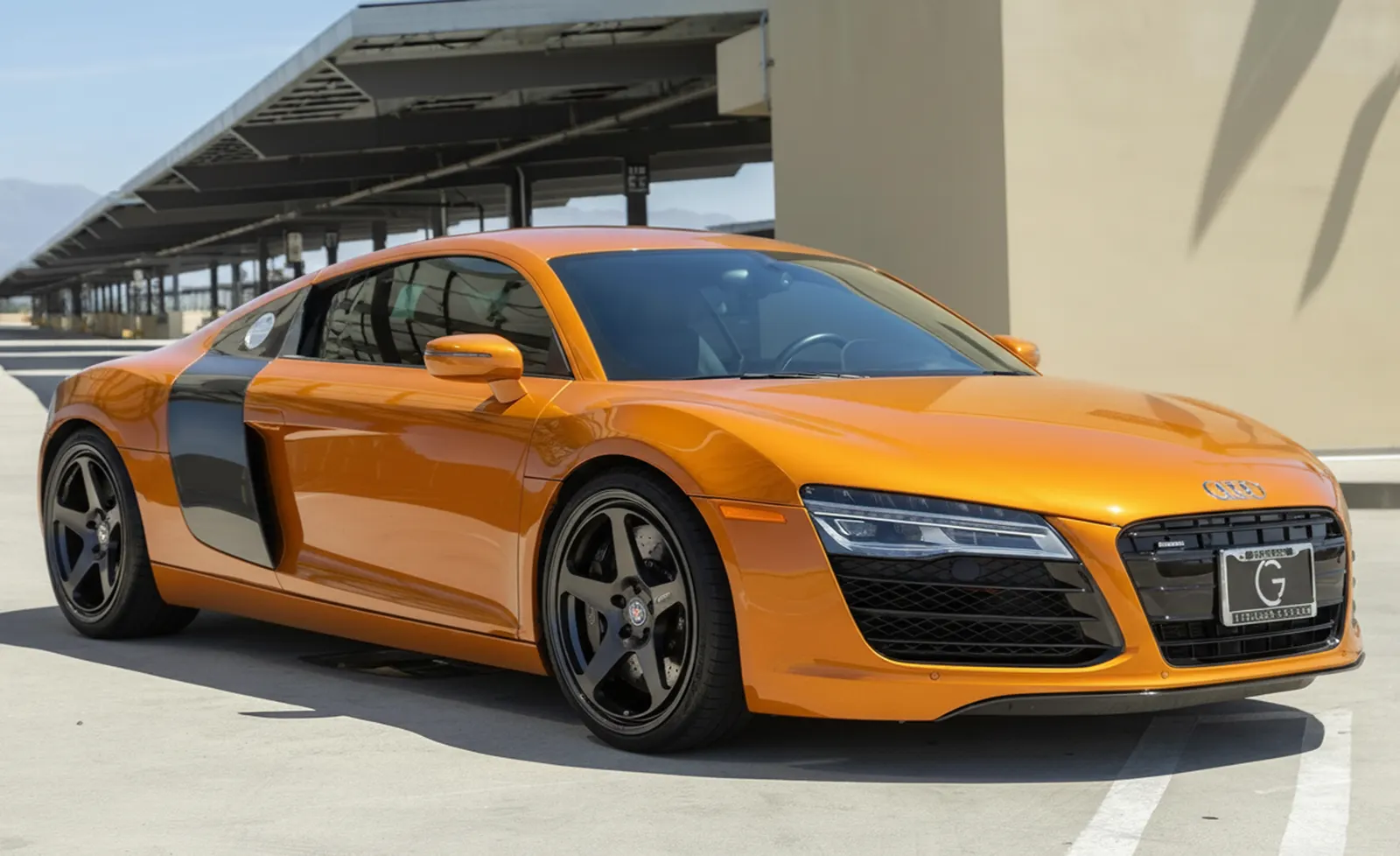 For Content CreatorsCreate realistic wheel swap renders for car content.Turn a car photo and a wheel idea into a before-and-after render for posts, polls, client previews, and build concepts. No manual masking or full editing session required.
We will show you a customer preview using the wheels your shop sells.