
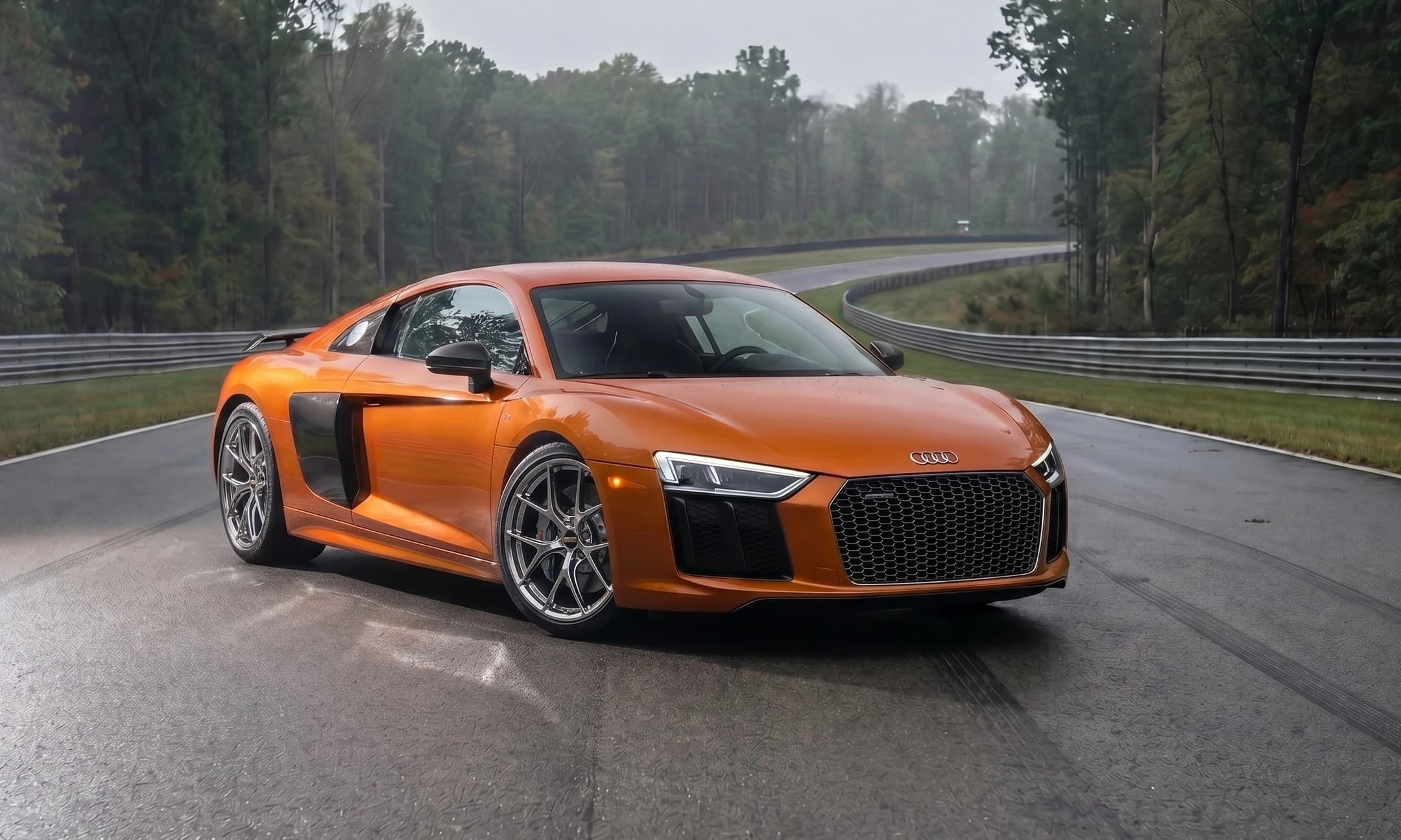
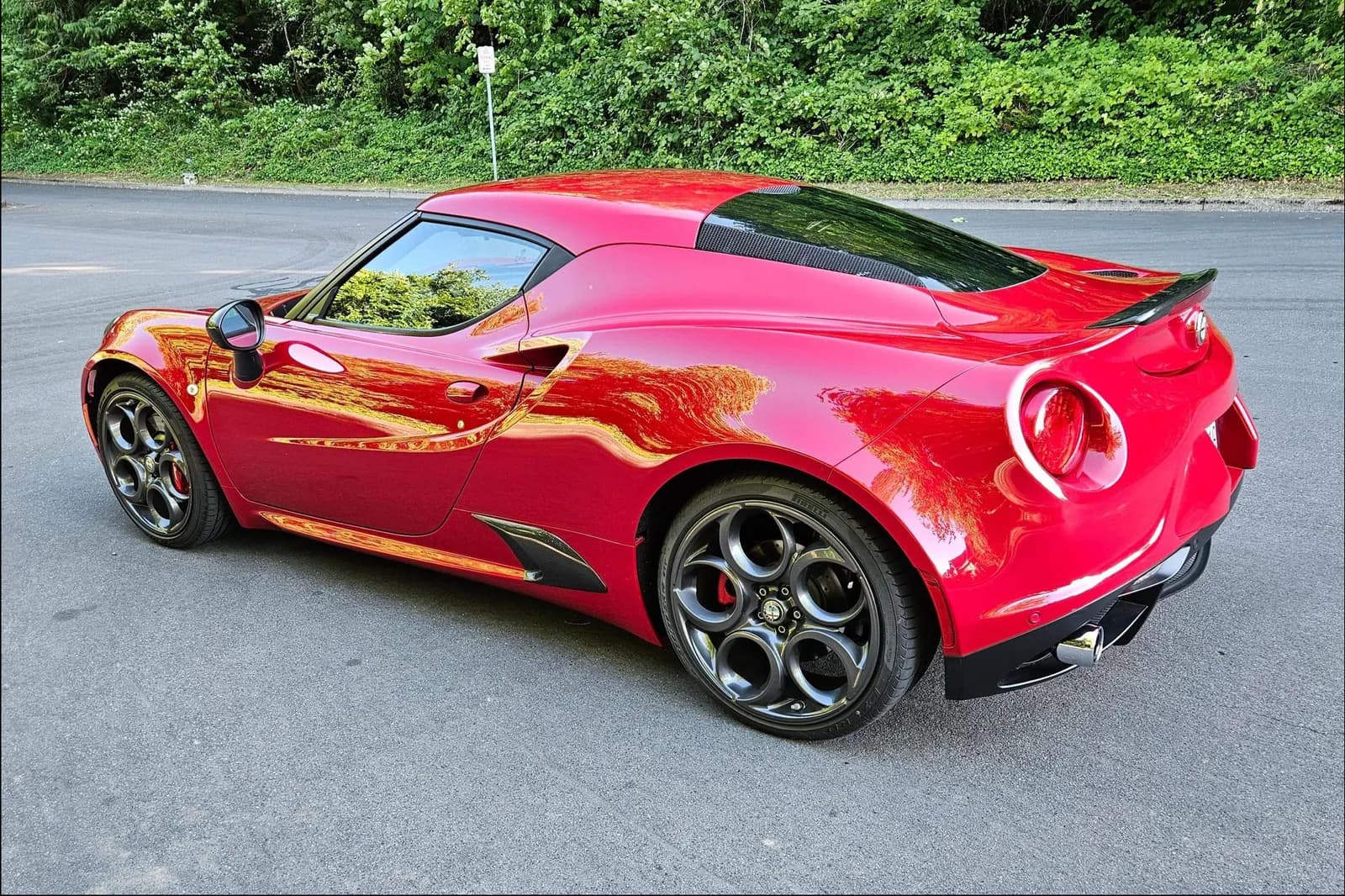
Step 01
Upload the build photo
Start with a car photo from a shoot, phone, meet, or parking deck.

Turn a car photo and a wheel idea into a before-and-after render for posts, polls, client previews, and build concepts. No manual masking or full editing session required.
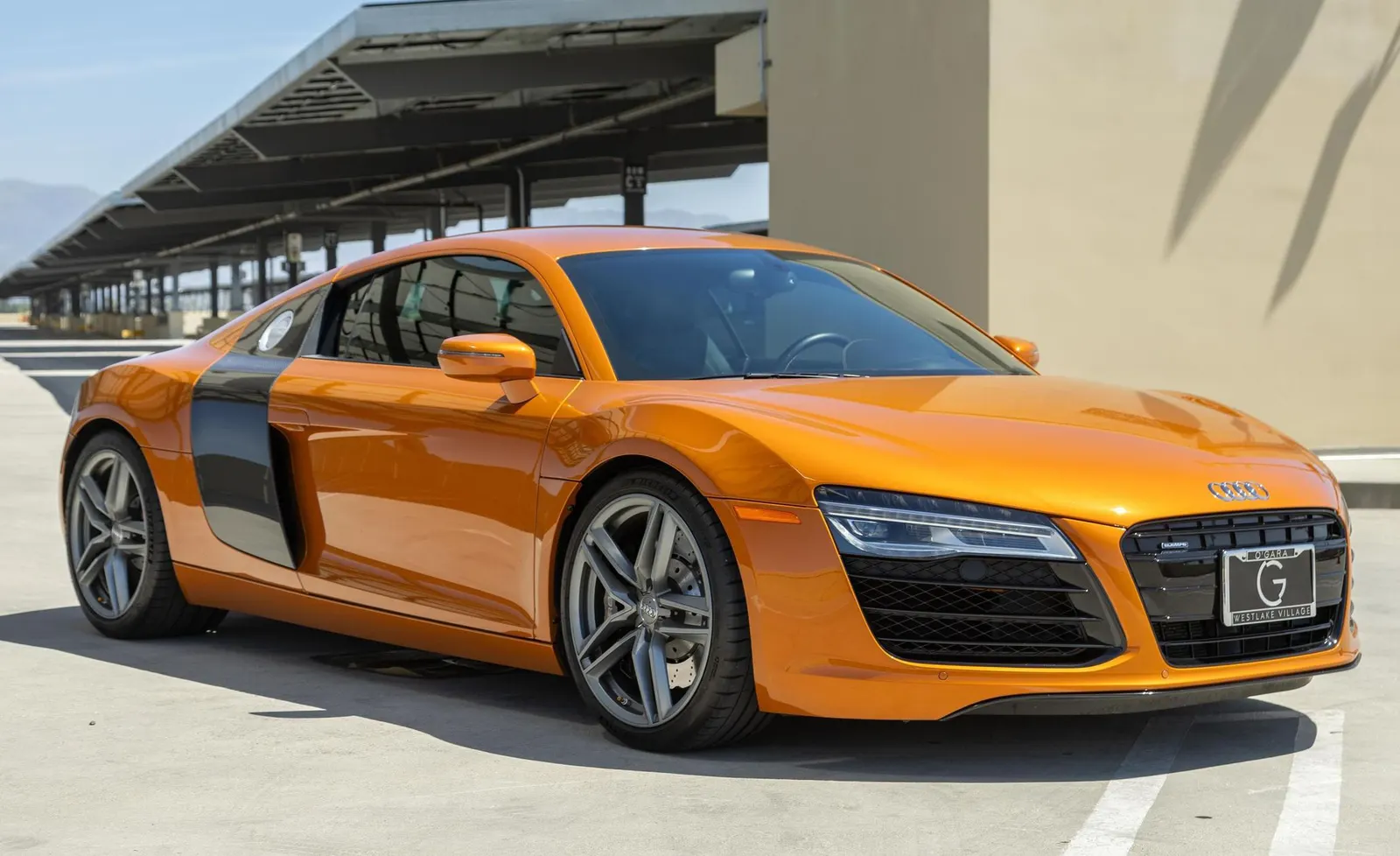
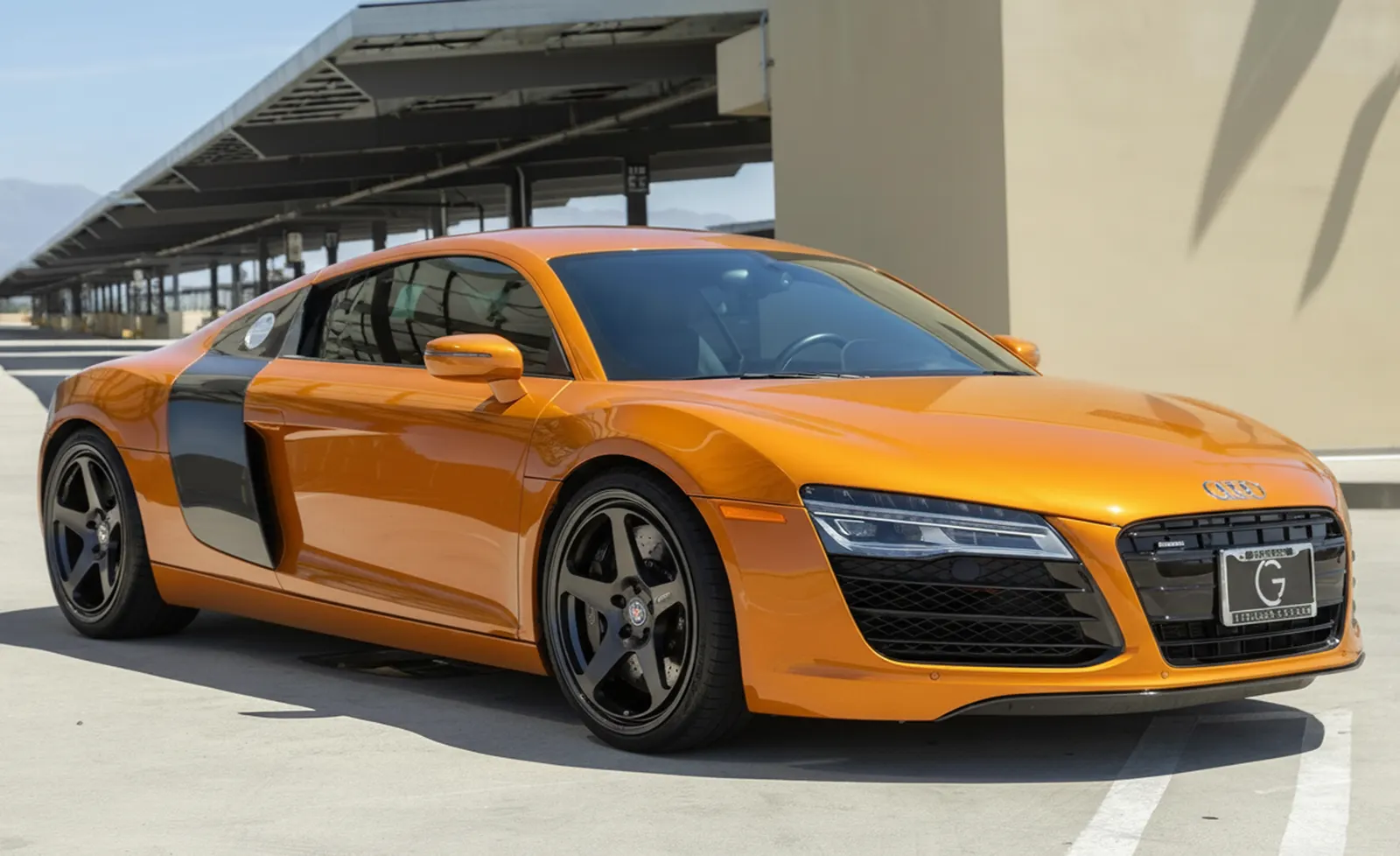
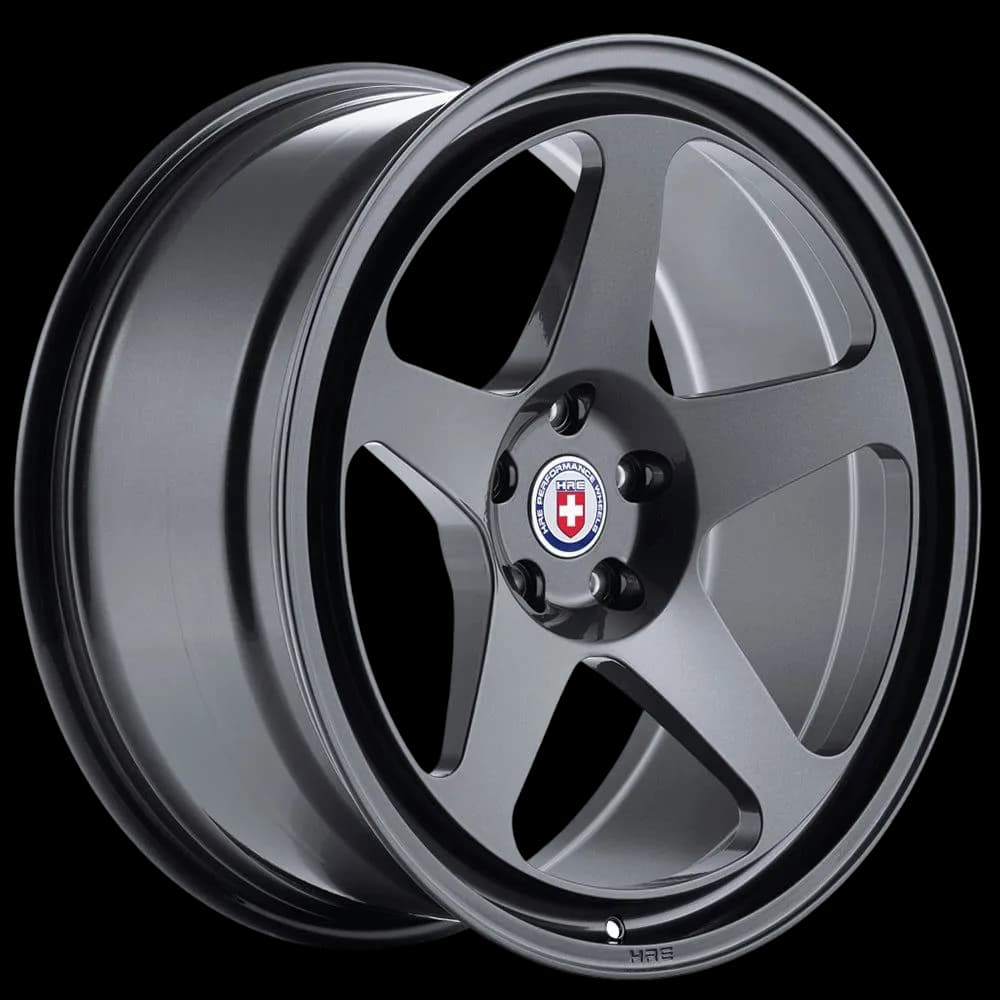
Every poll, sponsor concept, and client idea should not need a full editing session. WheelBlend keeps the car, setting, and angle from your photo while you test wheel after wheel.
Start with a car photo from a shoot, phone, meet, or parking deck.
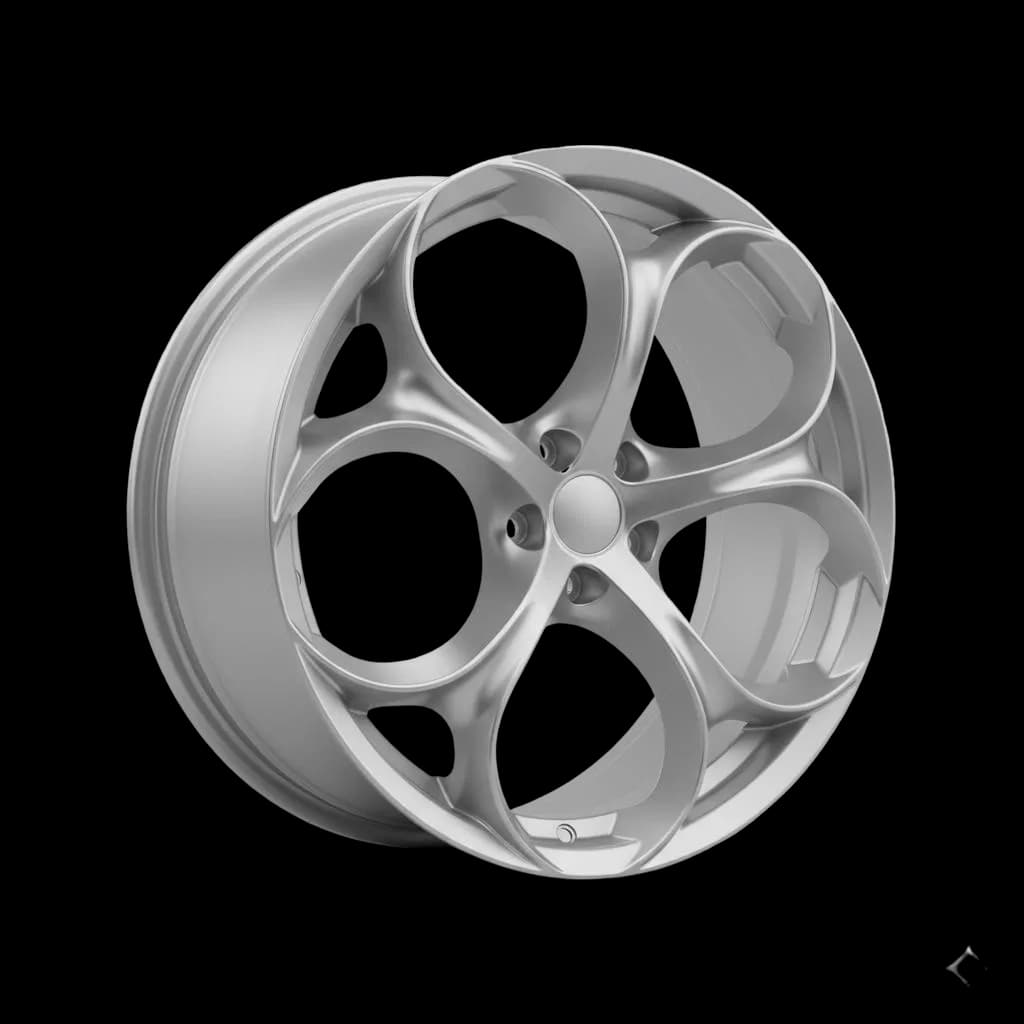
Use a wheel PNG, product photo, listing screenshot, or library wheel.
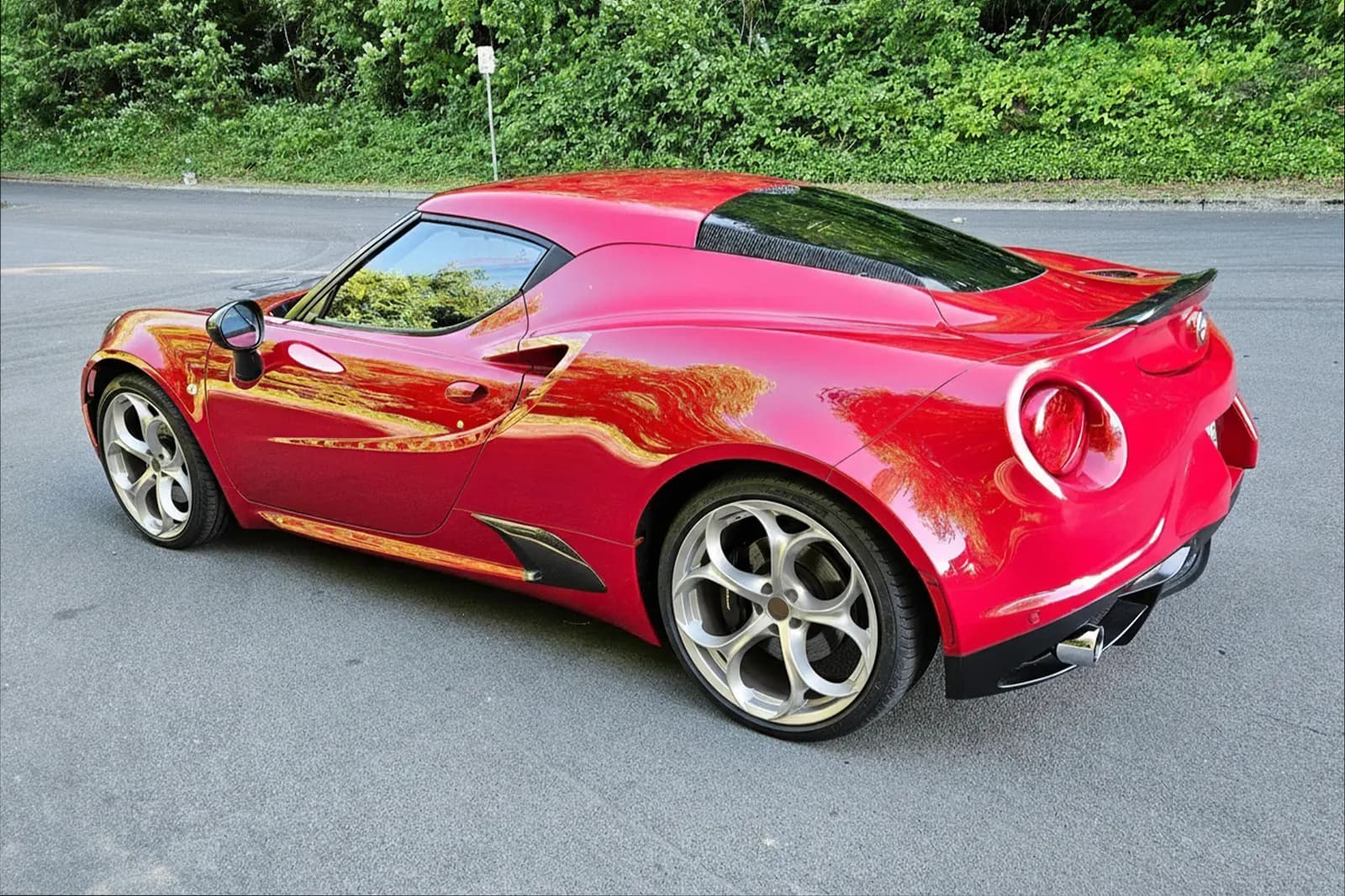
Create before-and-after visuals for posts, polls, client previews, and build concepts.
Start with a car photo from a shoot, phone, meet, or parking deck.
Use a wheel PNG, product photo, listing screenshot, or library wheel.
Create before-and-after visuals for posts, polls, client previews, and build concepts.
Fast enough for social, clear enough for clients, and realistic enough that the build still feels like your car.
Create wheel swap concepts without slow manual masking, compositing, and lighting edits for every new idea.
Change the wheels while keeping the source car, setting, paint, and camera angle central to the final image.
Before-and-after renders give followers, sponsors, and clients an easy visual decision point.
Creators need output that is fast enough for social, clear enough for clients, and realistic enough that the car still feels like the same build. WheelBlend is built for that middle ground.
Use WheelBlend when you want to turn a wheel idea into a post, poll, short-form concept, or build-thread update without opening a full editing workflow.
WheelBlend can help creators, shops, and brand partners align on the concept before spending time on a shoot, install, or full campaign asset.
Use WheelBlend for organic posts, client work, and sponsor concepts before a full shoot or install.
WheelBlend creates visual concepts for content and planning. Confirm physical fitment before any install.
Yes. WheelBlend is built around realistic before-and-after wheel render comparisons.
No. Upload the car and wheel images, then generate the preview in the app.
Yes, when you have the right to use the input images. Label concepts clearly when needed, especially for client, sponsor, or marketplace content.
Yes. Run different wheel options on the same car to create comparison posts or polls.
Yes. You can return to a car and wheel combination and create another variation without starting over.
Yes. Paid plans remove the free-plan watermark and include more renders each month, with higher-resolution options on advanced tiers.
Yes. Mock up the partner wheel or finish on a real build photo before you pitch, post, or schedule production.
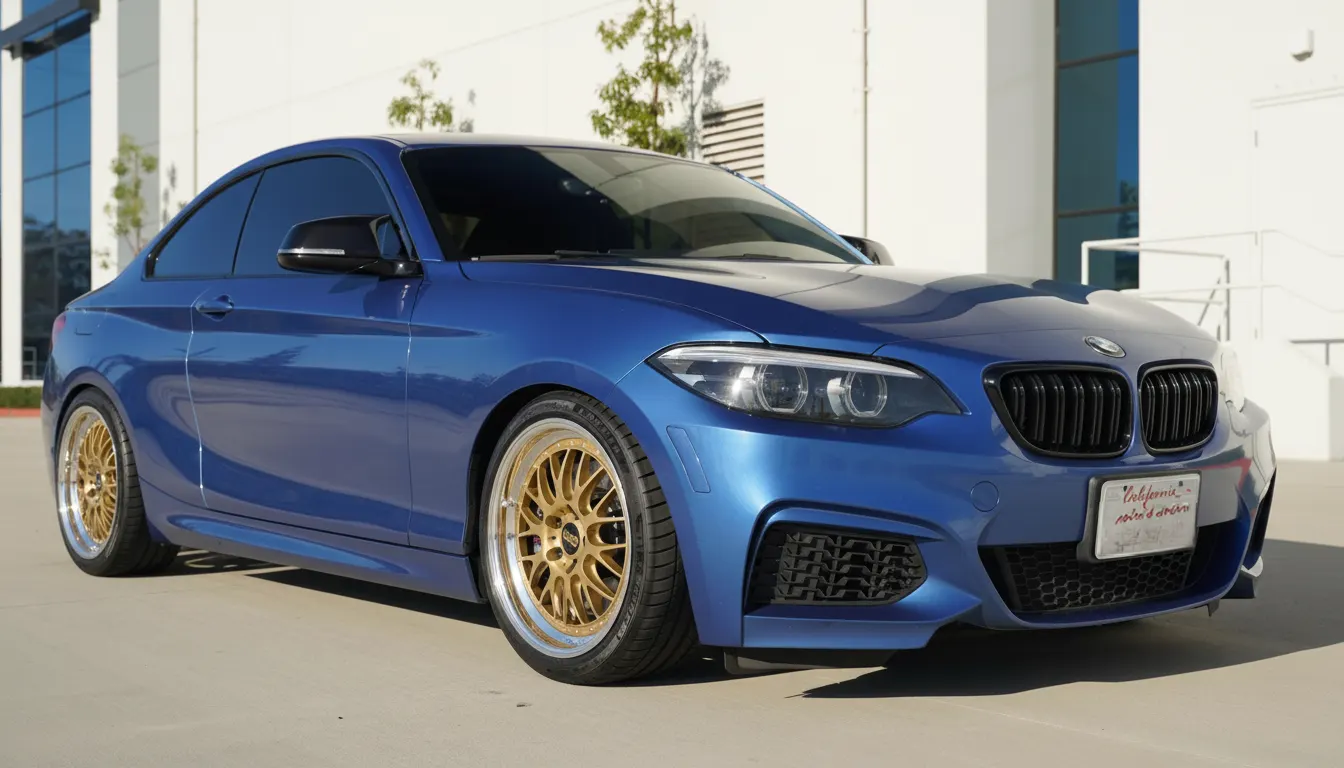 For Car EnthusiastsTry wheels on your car before you buy.Upload a photo of your car, add any wheel image, and compare realistic before-and-after previews. Judge the style on your actual paint, stance, and lighting before you spend money.
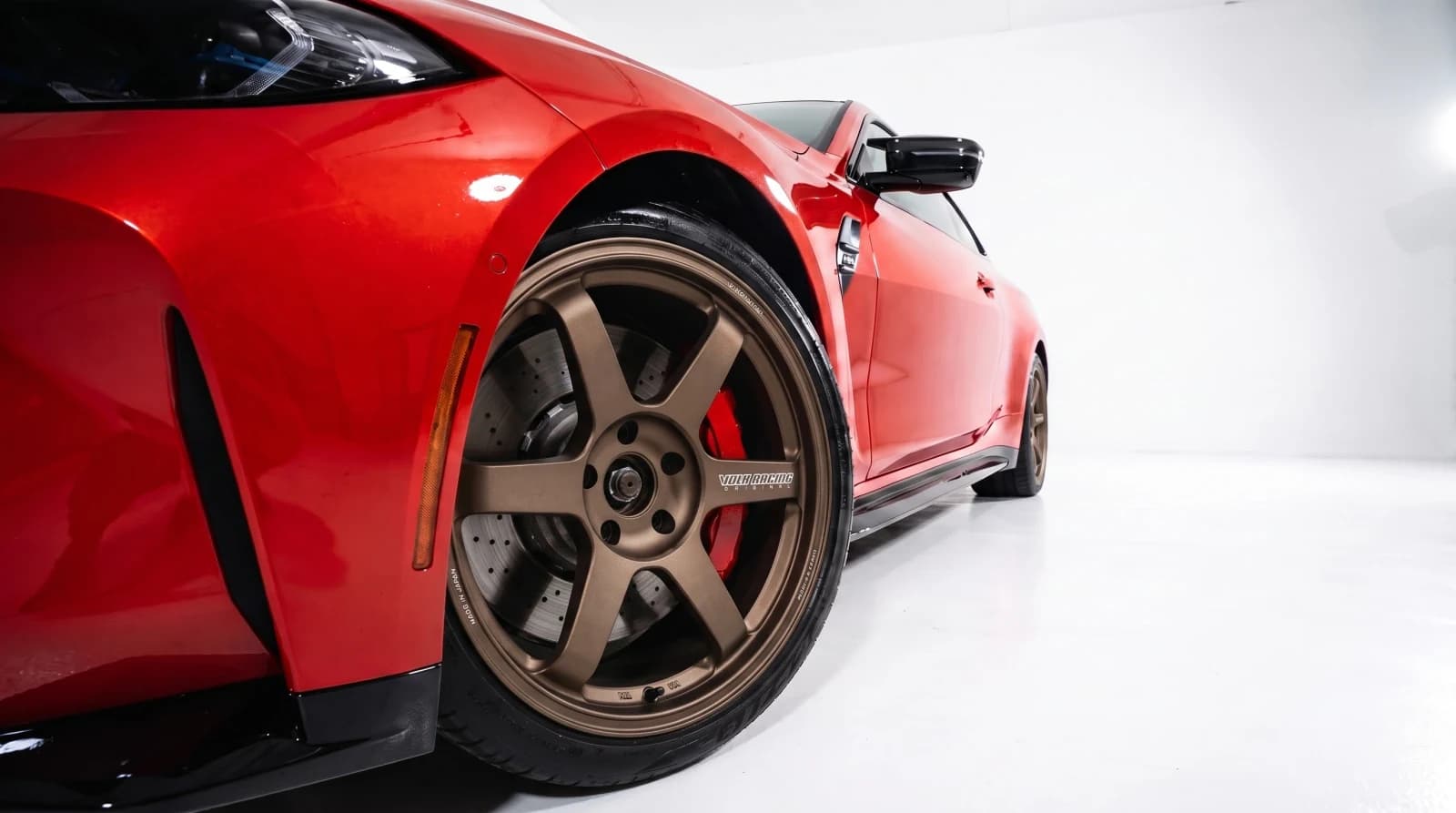 For Wheel ShopsVirtual wheel fitment software for custom shops.Show every customer the wheel package on their own car. Create approval-ready previews at the counter, send them by link, and move the conversation toward a quote or booking.
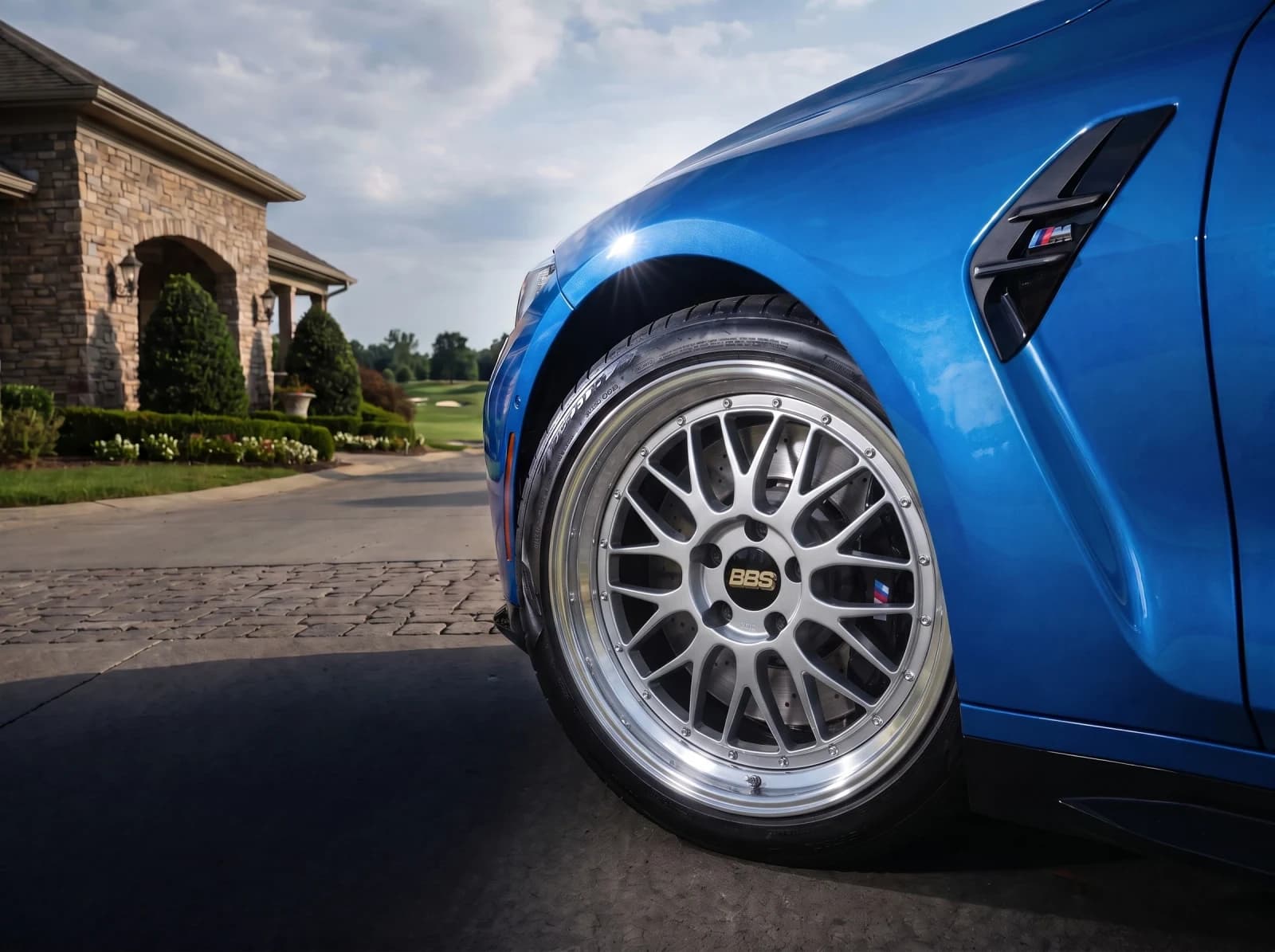 For Wheel BrandsPut your wheels on your customers' cars.Show your catalog on real customer cars. Launch a branded visualizer, embed it in your store, or connect the API to your product pages and dealer tools.
Upload a build photo, test a wheel, and export a before-and-after your audience can react to.