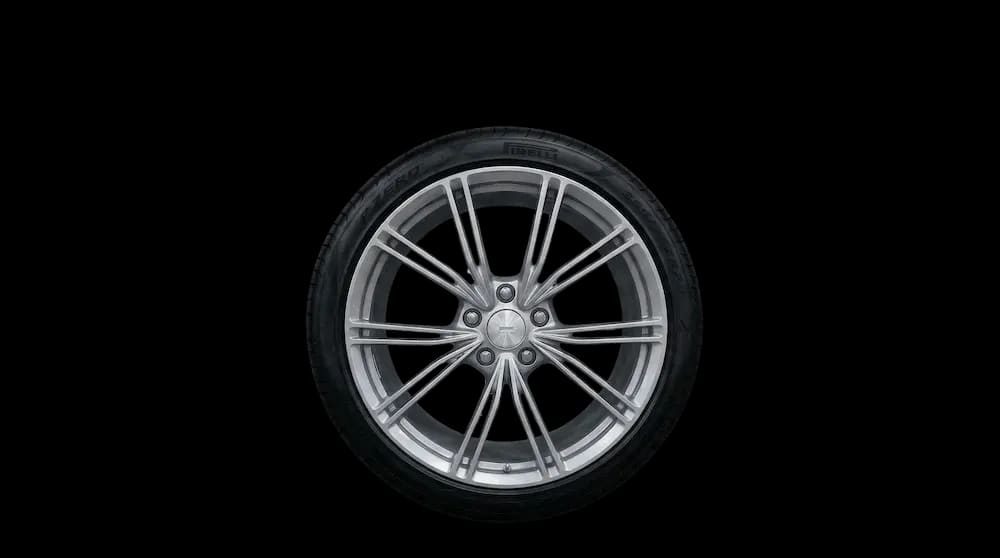
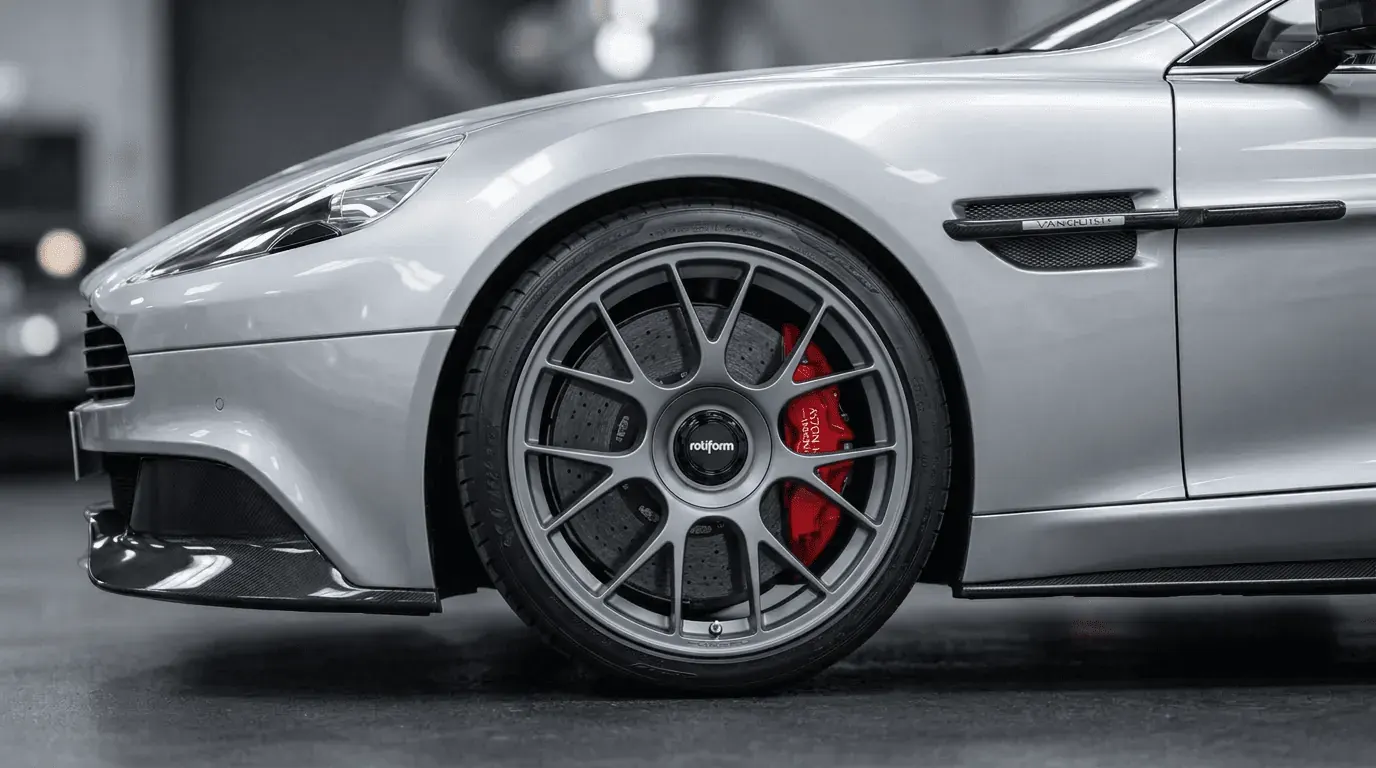
Headless Wheel Visualization.
Connect directly to the raw power of our Vision Engine. Automate massive pipelines of wheel fitment renders without ever touching a user interface.

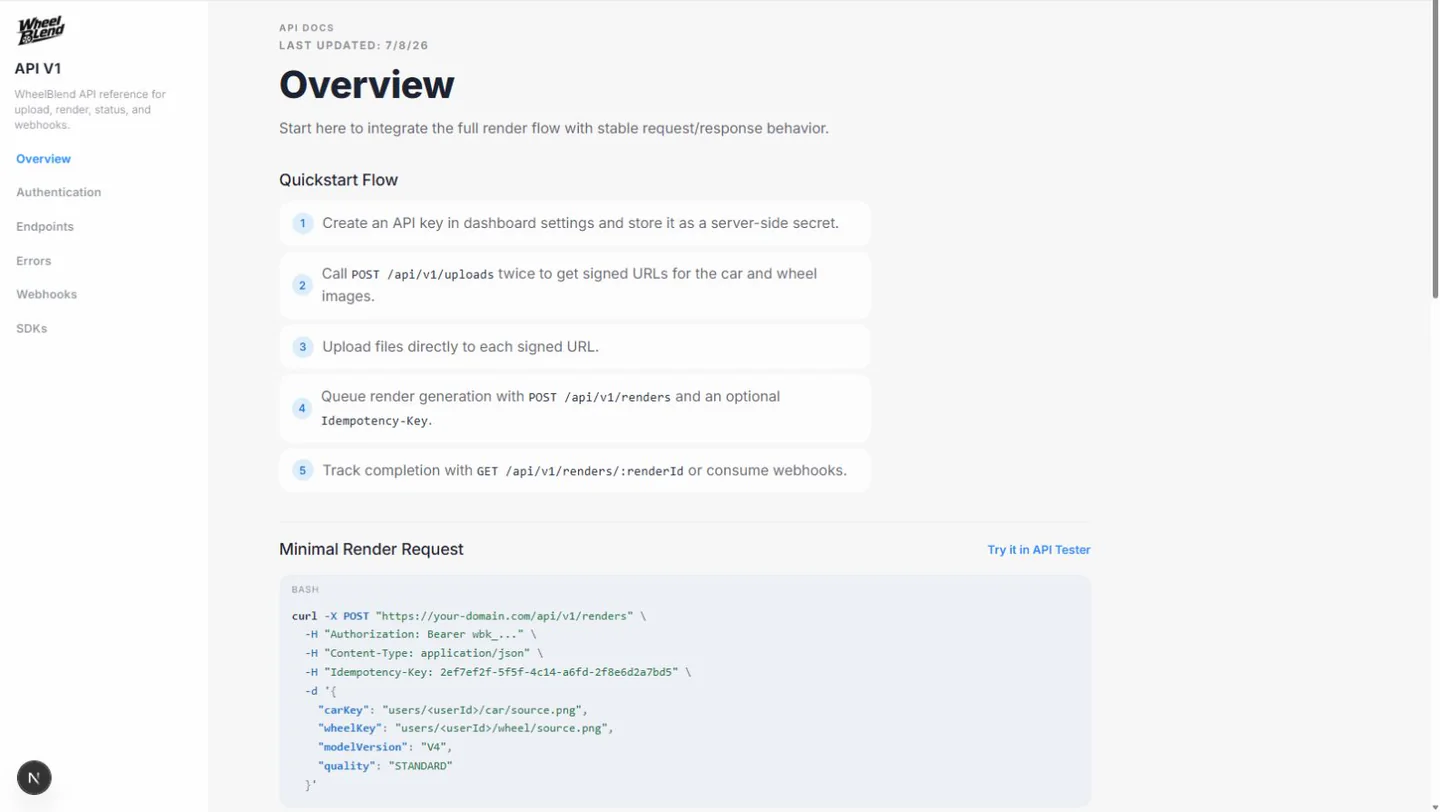
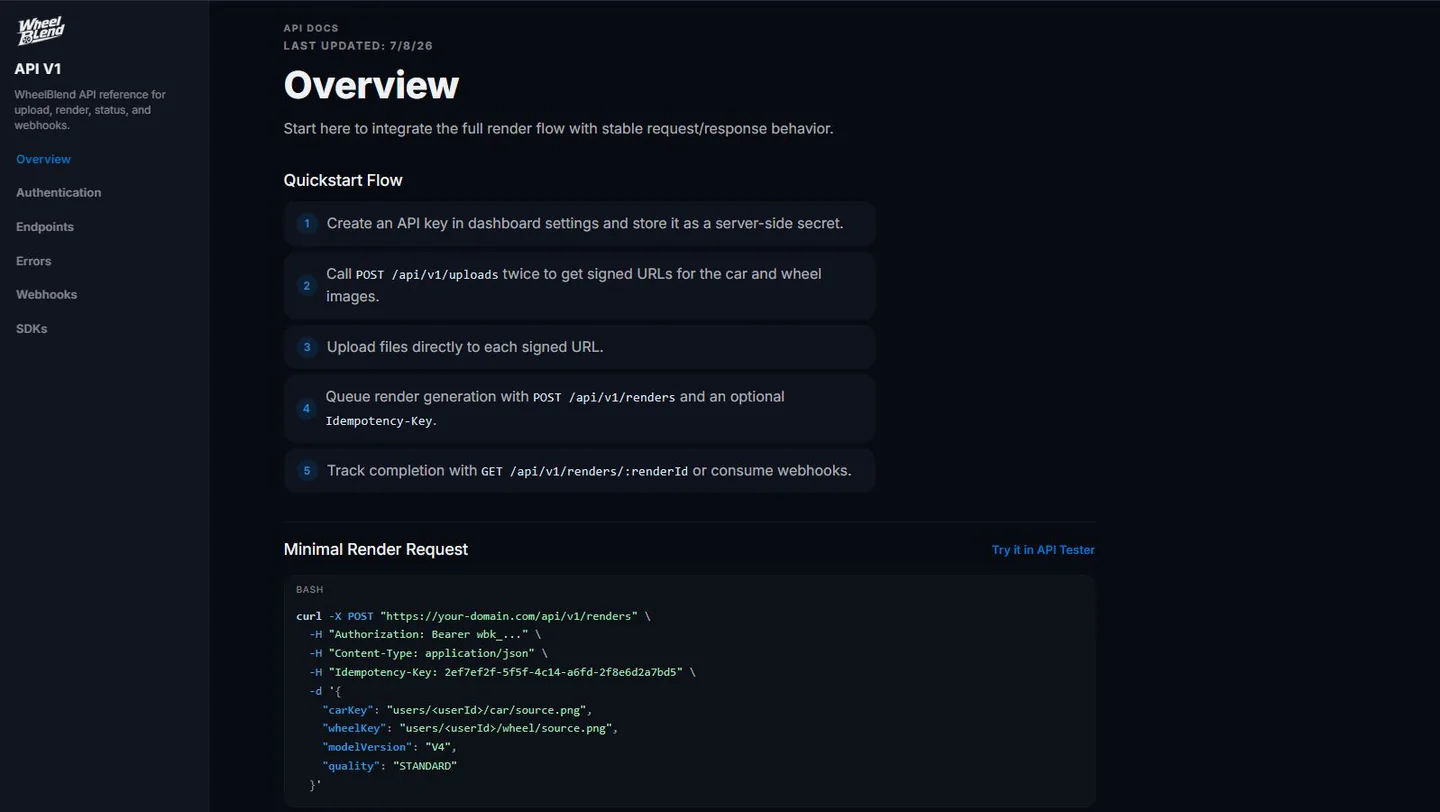
Integrate the WheelBlend API to instantly generate photorealistic wheel previews inside your ecommerce store, app, marketplace, or sales tool.












Use the WheelBlend API when you want previews inside your own store, marketplace, dealer portal, or sales tool. Your app controls the screen, product data, and customer journey.
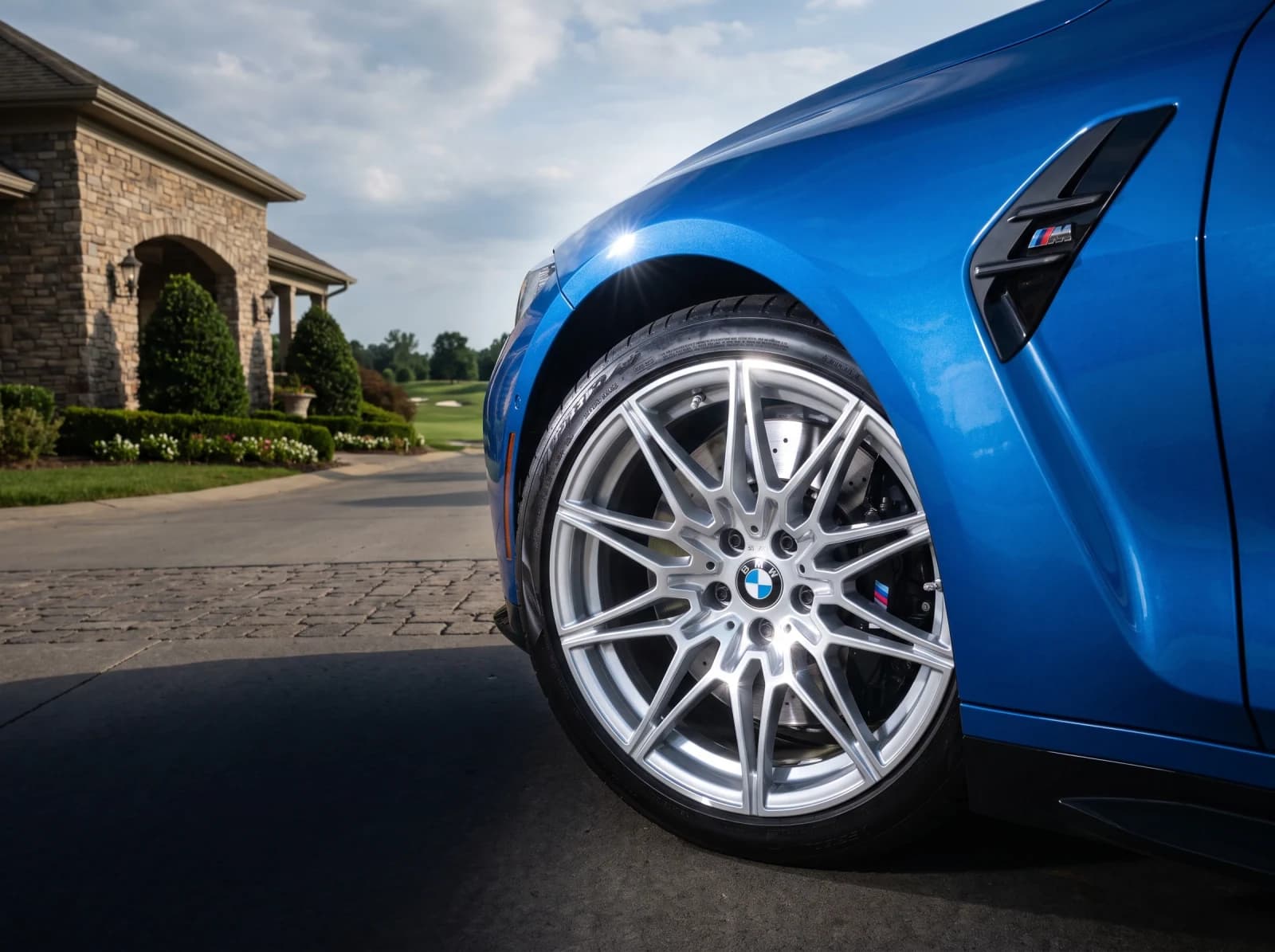
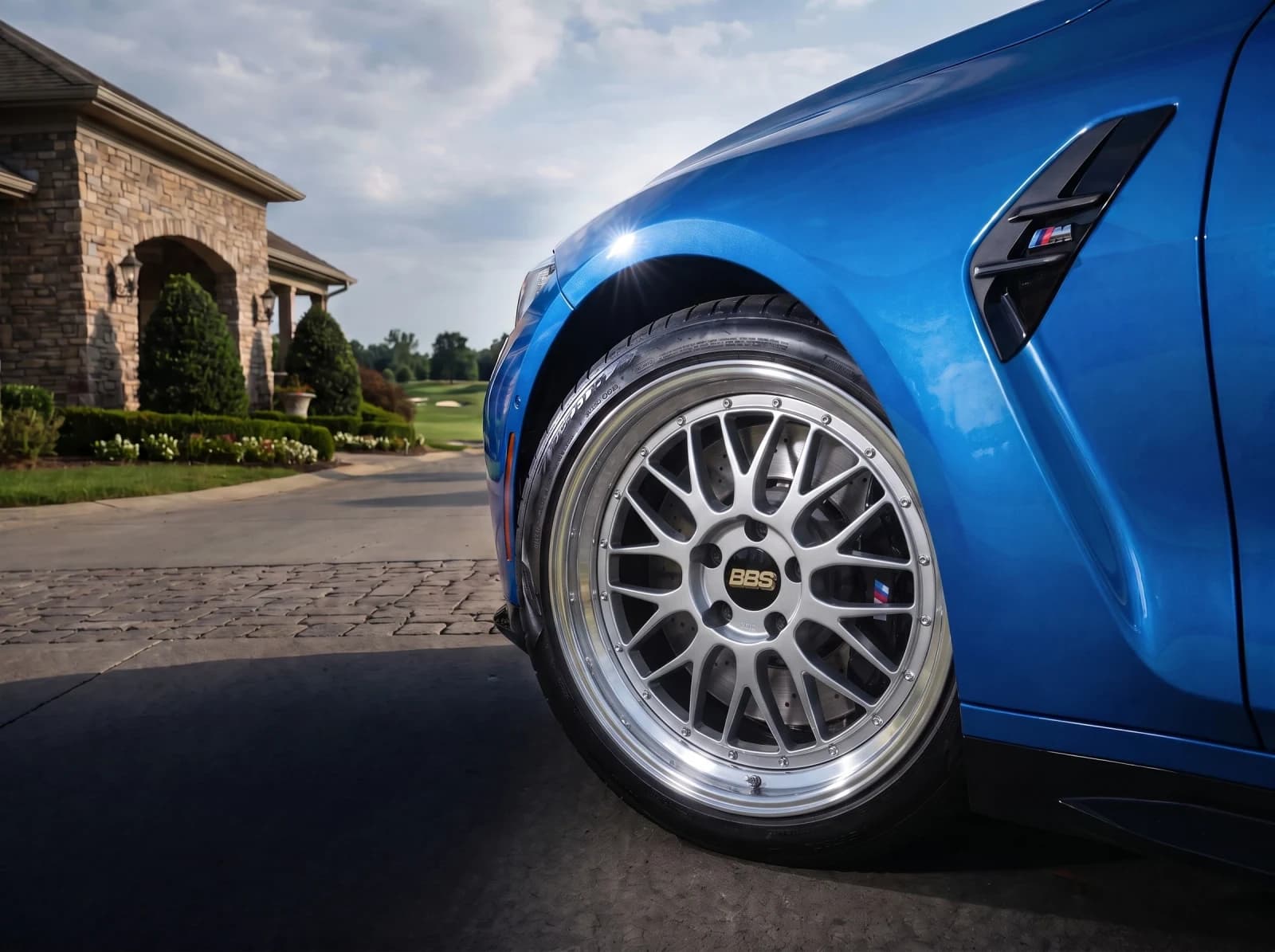
The API fits into customer-facing products and the tools your team uses behind the scenes.
Connect directly to the raw power of our Vision Engine. Automate massive pipelines of wheel fitment renders without ever touching a user interface.
Our distributed GPU clusters process intelligent masking and 3D rendering in milliseconds. Built to handle massive marketplace scale.
Comprehensive documentation, RESTful endpoints, and webhooks. Build your own unique front-end experiences on top of our rendering engine.
Our API accepts a rich set of optional parameters so you can precisely match real-world fitment, wheel sizes, and custom finishes.
{
  "carKey": "uploads/customer-car.jpg",
  "wheelKey": "catalog/vossen_hf5.png",
  "controls": {
    // Drop the suspension
    "fitment": "lowered",
    // Staggered or squared sizing
    "wheelSize": 22,
    // Apply custom wheel finishes
    "finishColor": "matte_bronze",
    // Big brake kit styling
    "caliperColor": "#ff0000"
  }
}Lower or raise the suspension to match specific lowering springs or coilovers.
Scale the wheels accurately within the wheel well for true-to-life fitment.
Dynamically recolor the wheel face while preserving metallic lighting.
Match the vehicle's brake kit with custom hex color codes.
The API includes clear endpoints for uploads, renders, job status, usage, and webhooks. It also supports safe retries, so the same request does not create extra jobs.
Business plans include a shared monthly balance for Studio and API renders. Additional renders use your business balance at the rates below. Included usage refreshes monthly, does not roll over, and cached mask work costs less.
| Model | Quality | Fresh render | Cached render |
|---|---|---|---|
| V6 | Standard1K | $0.20 | $0.10 |
| V6 | High Res2K | $0.30 | $0.15 |
| V6 | 4K/Ultra4K | $0.38 | $0.23 |
| V4 | .5k.5K | $0.13 | $0.07 |
| V4 | Standard1K | $0.20 | $0.10 |
| V4 | High Res2K | $0.30 | $0.15 |
| V4 | 4K/Ultra4K | $0.38 | $0.23 |
| V3 | Standard1K | $0.40 | $0.20 |
| V3 | High Res2K | $0.40 | $0.20 |
| V3 | 4K/Ultra4K | $0.56 | $0.36 |
| V5 | Standard1K | $0.10 | $0.10 |
| V5 | High Res2K | $0.20 | $0.20 |
| V2 | Standard1K | $0.12 | $0.06 |
| V1 | Standard1K | $0.12 | $0.06 |
See the full request contract, estimates, and retry behavior in the API documentation.
Business includes API access and $75 each month for Studio and API renders. Choose Business Plus for full white-label delivery, or talk with us about Enterprise volume.
API access and a branded WheelBlend studio for one storefront.
Full white-label delivery and higher included usage.
For larger catalogs, multiple storefronts, and custom terms.
The API creates a visual preview. Your product should still check physical fitment, price, and stock.
No. The API creates the visual preview. Keep using your current catalog or fitment data to confirm what fits.
No. The API starts a render job. Your app can check its status or wait for a webhook update.
Yes. Your app sends the wheel image and keeps the product data, SKU, price, and stock.
Business includes $75 and Business Plus includes $150 each month, shared by your hosted Studio, embedded Studio, and API. Renders use included funds first, then added funds. Included funds refresh monthly and do not roll over; added funds do not expire.
Your server requests a short-lived signed upload URL, uploads each image directly, and then sends the returned car and wheel keys with the render request.
The API supports controls for ride height, wheel offset, tire style, wheel size, finish, finish color, brake color, background, and replacement scope.
You can send an idempotency key with a render request. Safe retries with the same key return the original job instead of creating and billing another render.
Yes. An estimate-only request returns the resolved model, quality, controls, and credit cost without starting a render or using your balance.
Tell us where the preview belongs and how many renders you expect.