Step 01
Instant Wheel Visualization
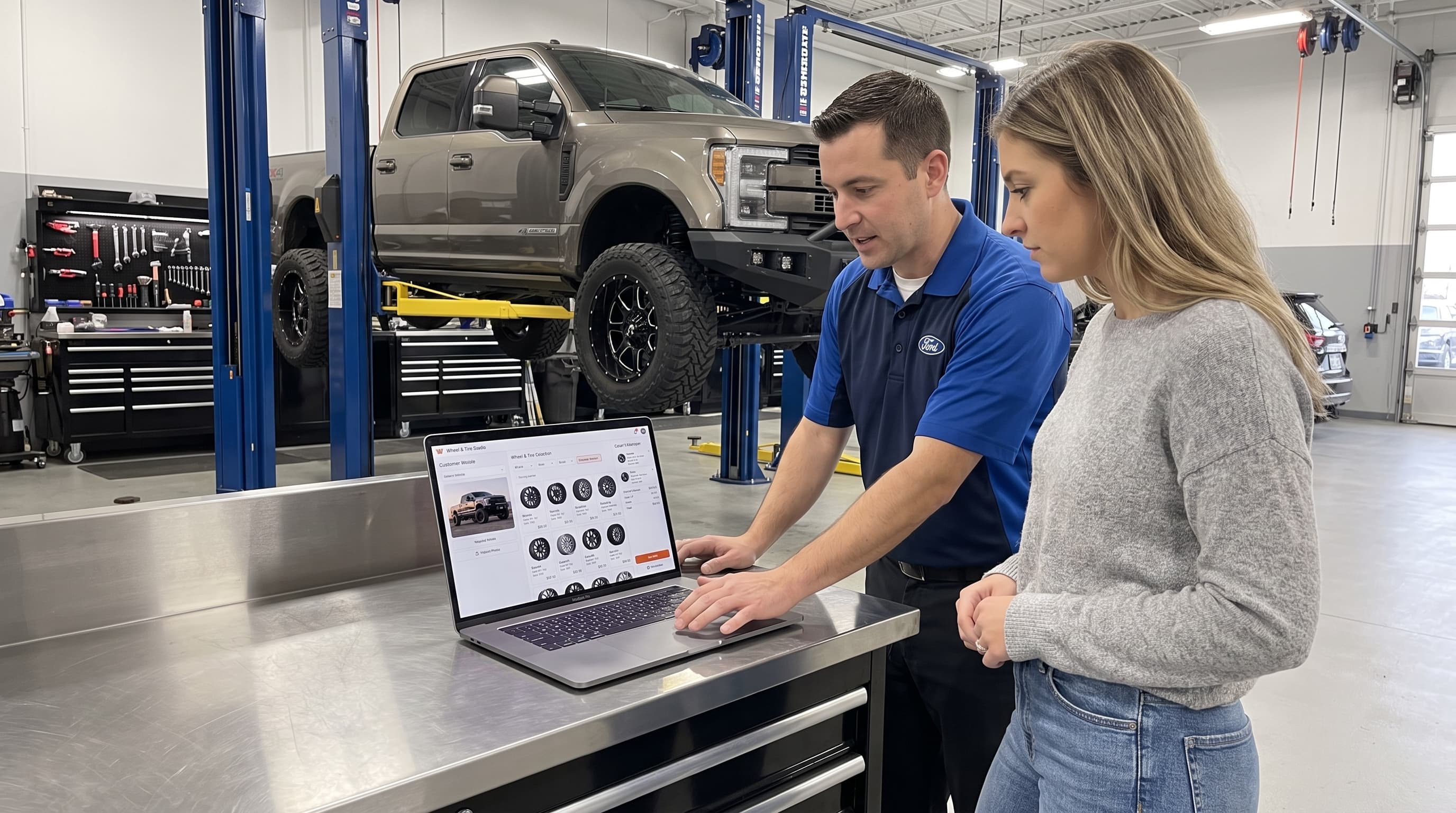
Show your customer their exact vehicle with their chosen wheels directly at the counter. Turn abstract ideas into instant 'yes' moments.

Show each customer the wheels you sell on a photo of their own car. Create previews at the counter, send them by link, or add the visualizer to your shop website.












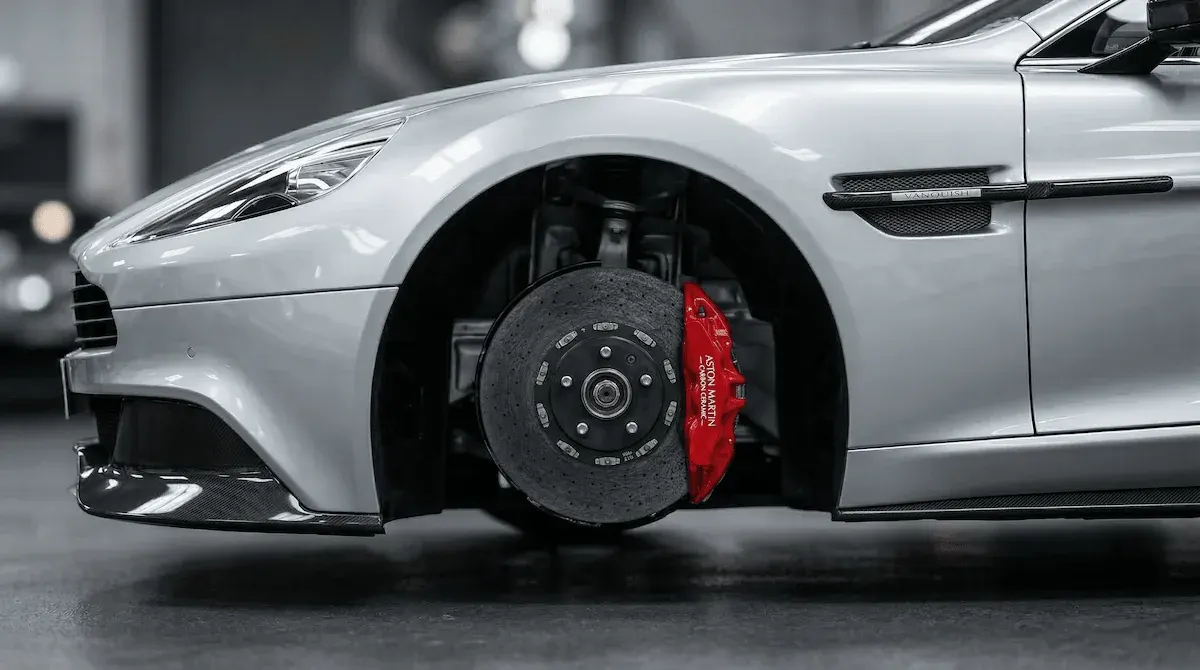
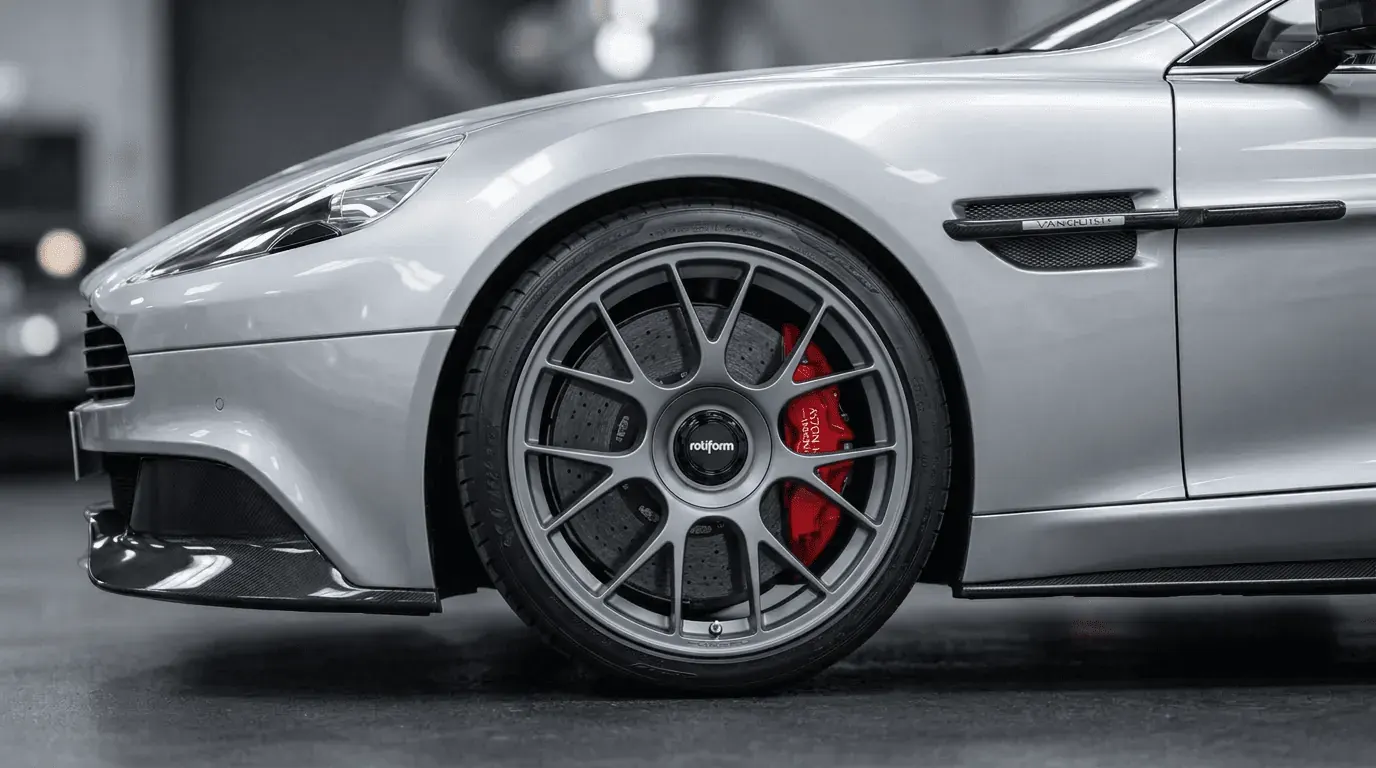
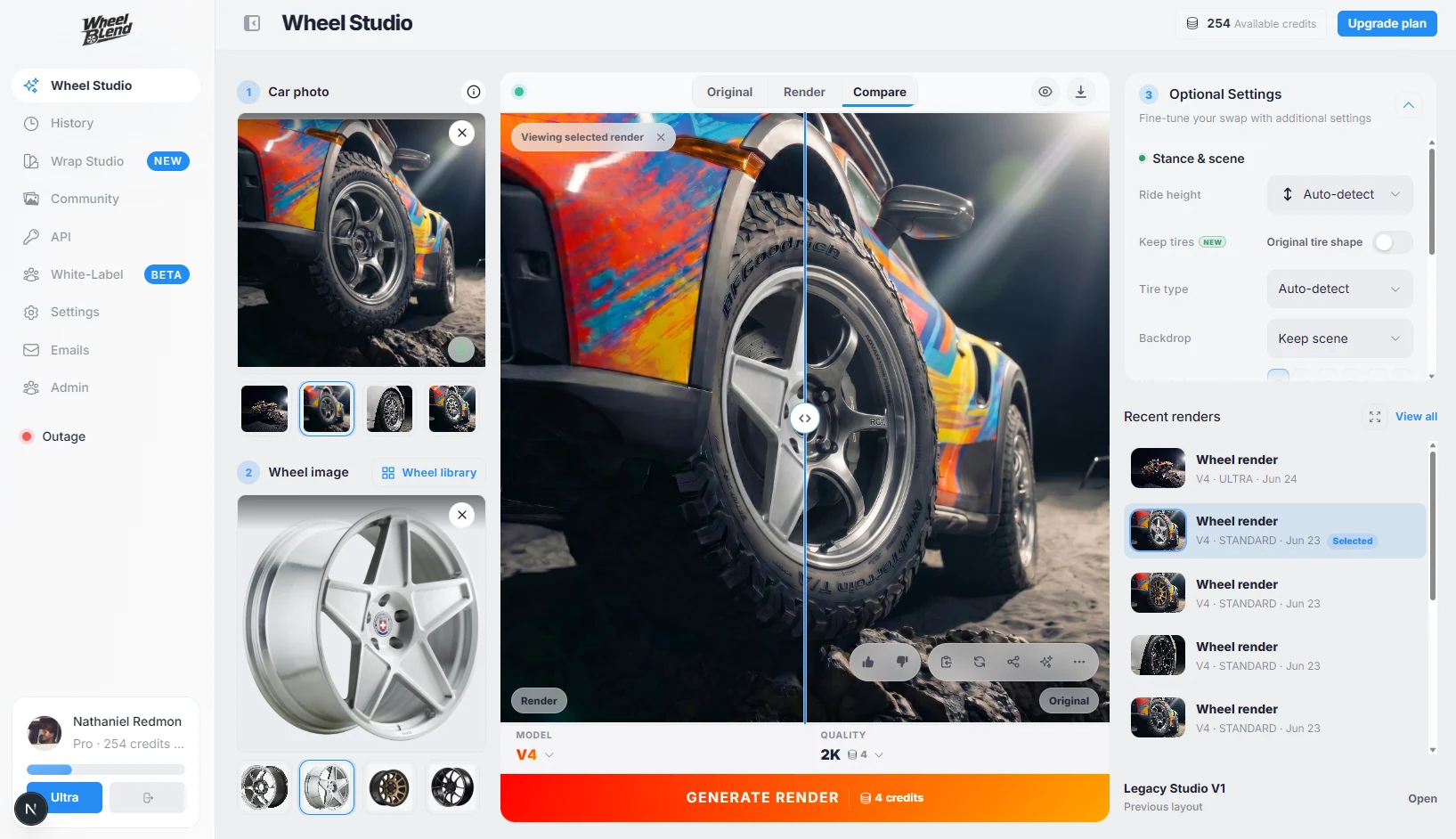
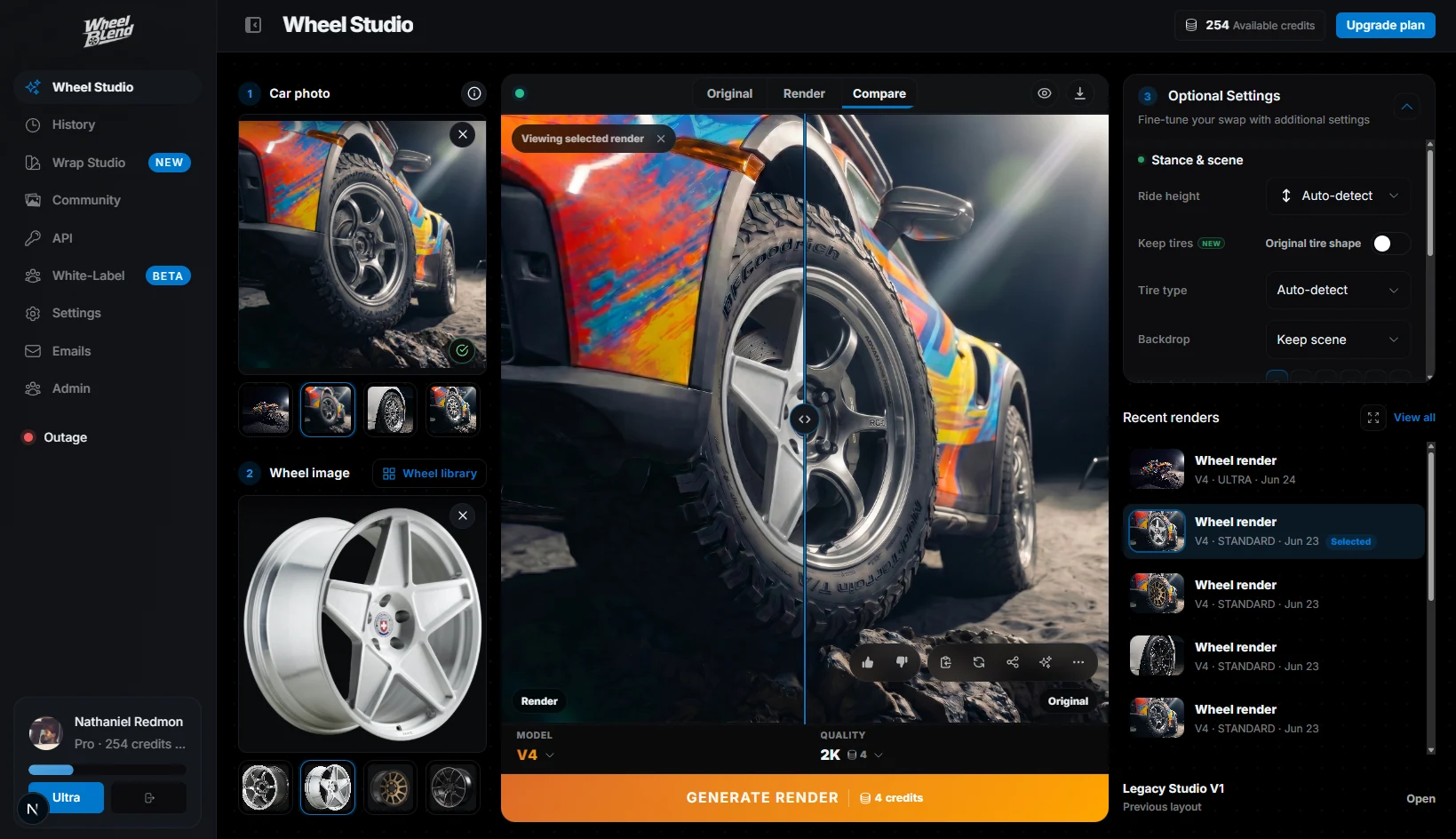
Customers want to know what a wheel will look like on their car before they spend the money. WheelBlend gives them a clear before-and-after preview, using their real car photo and the wheels your shop sells.
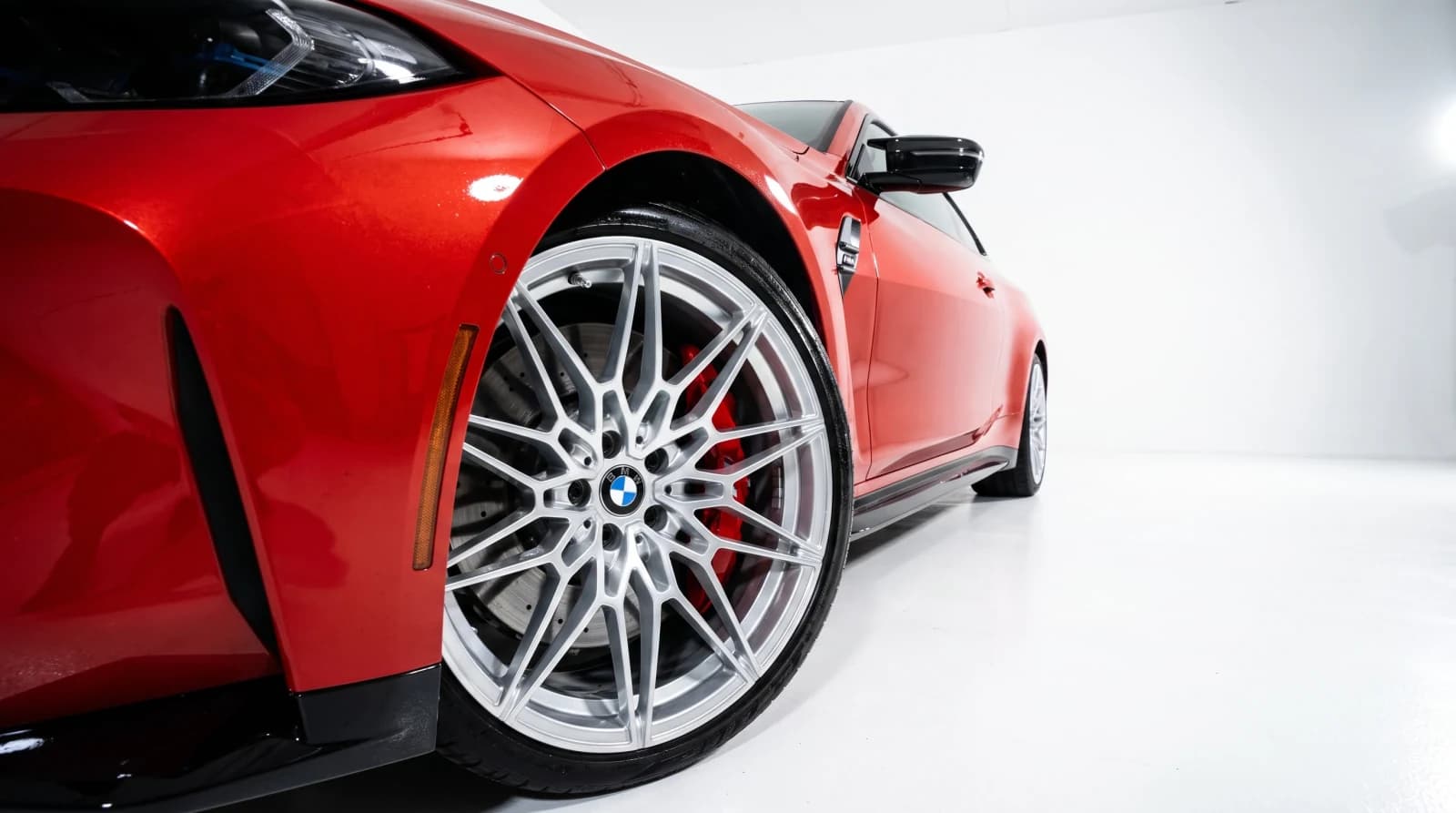
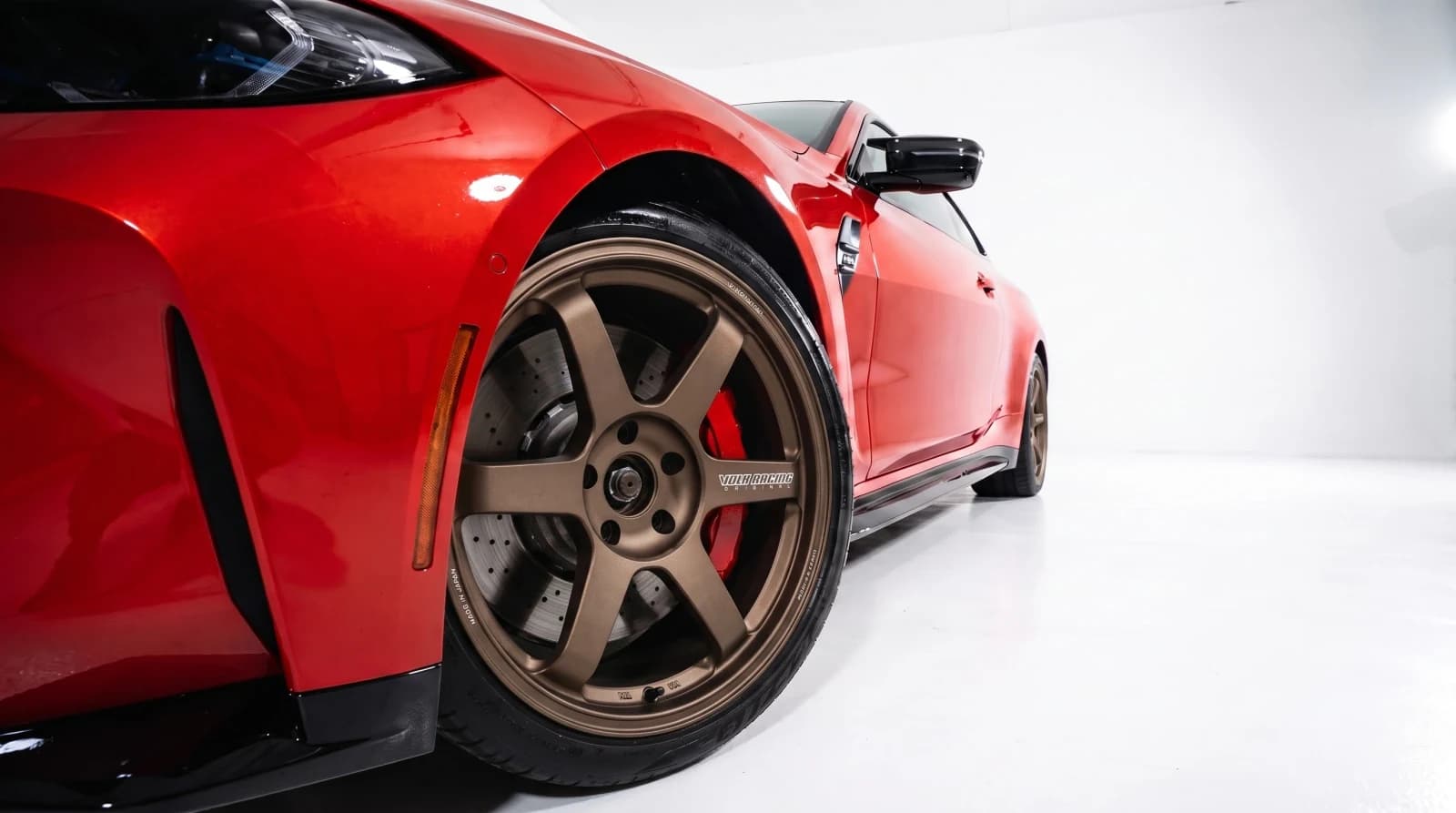
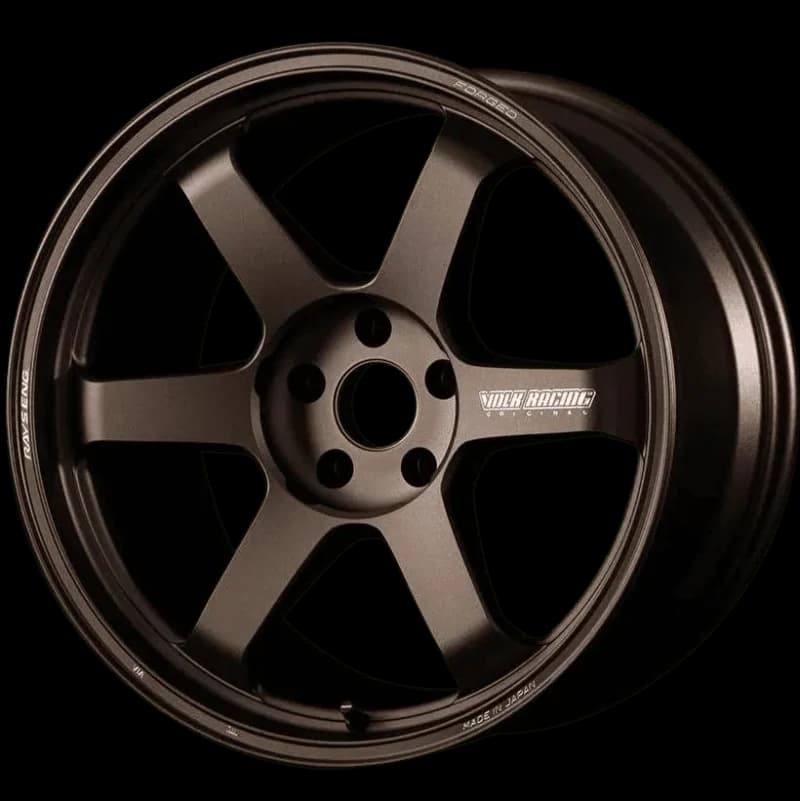
Show your customer their exact vehicle with their chosen wheels directly at the counter. Turn abstract ideas into instant 'yes' moments.
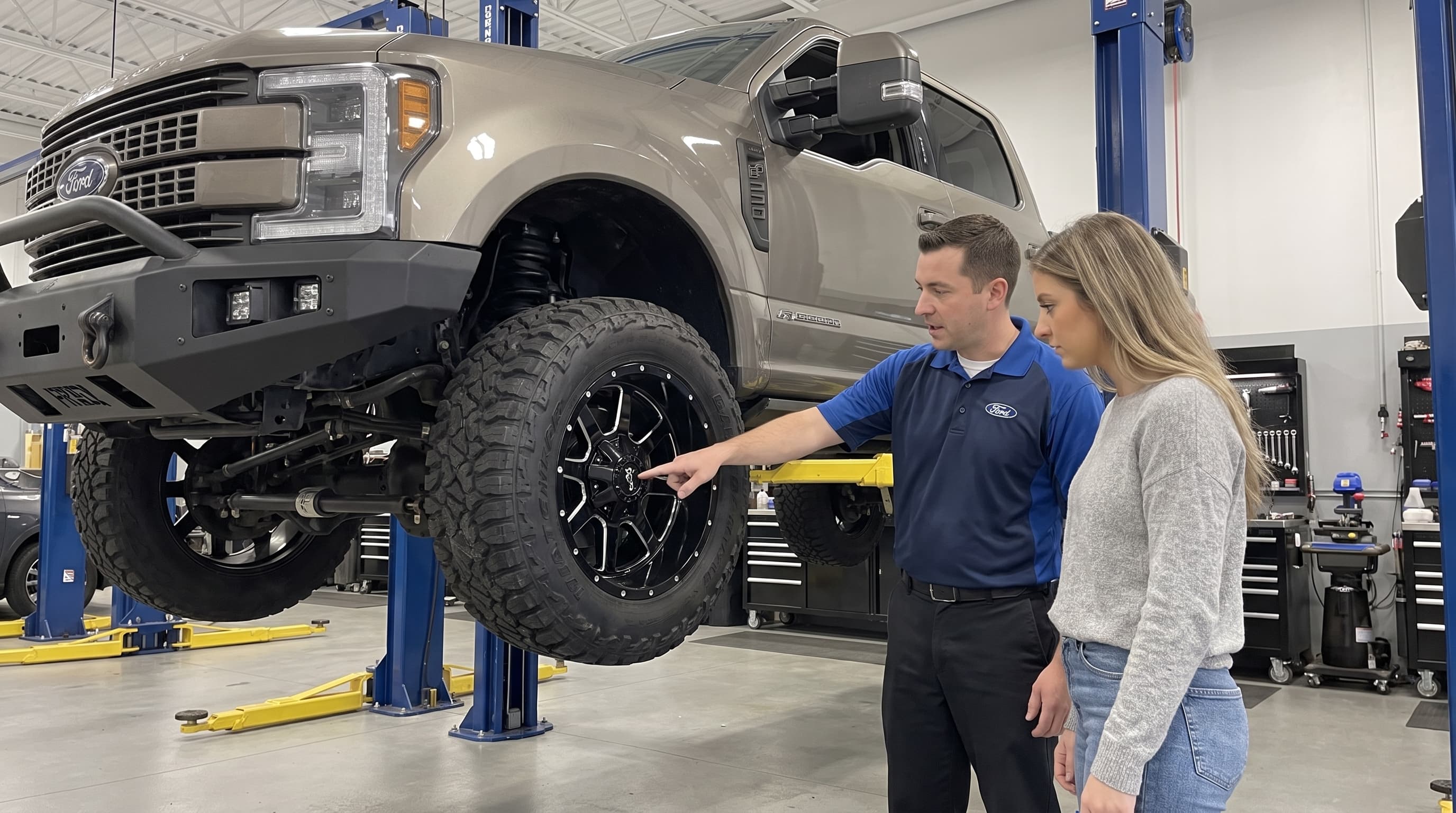
Preview wheel offset, suspension adjustments, and tire profiles visually. Eliminate costly returns and build trust before anyone turns a wrench.
When buyers see the finished product upfront, price objections disappear. Accelerate decision-making and lock in premium packages effortlessly.
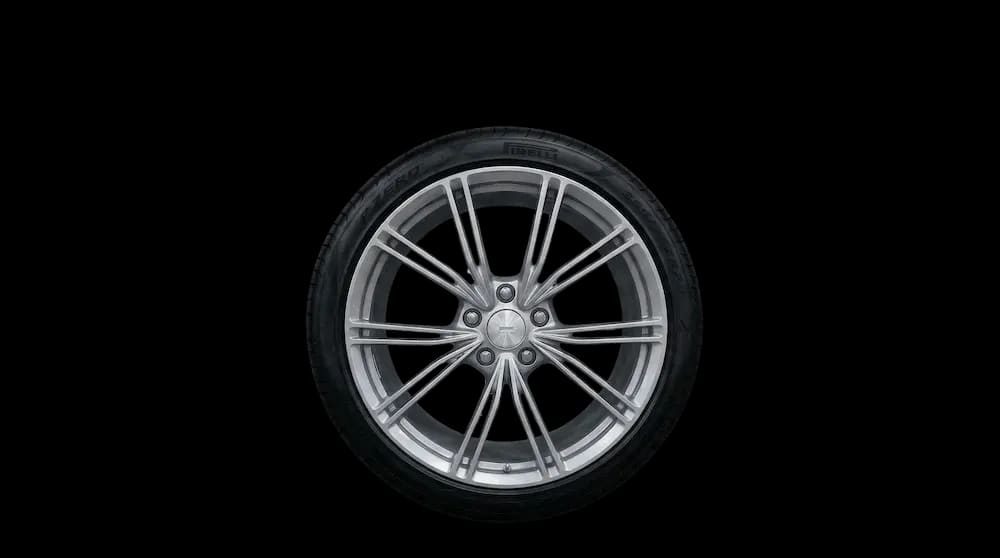
Use clean product photos, transparent PNGs, or the catalog images you already have.
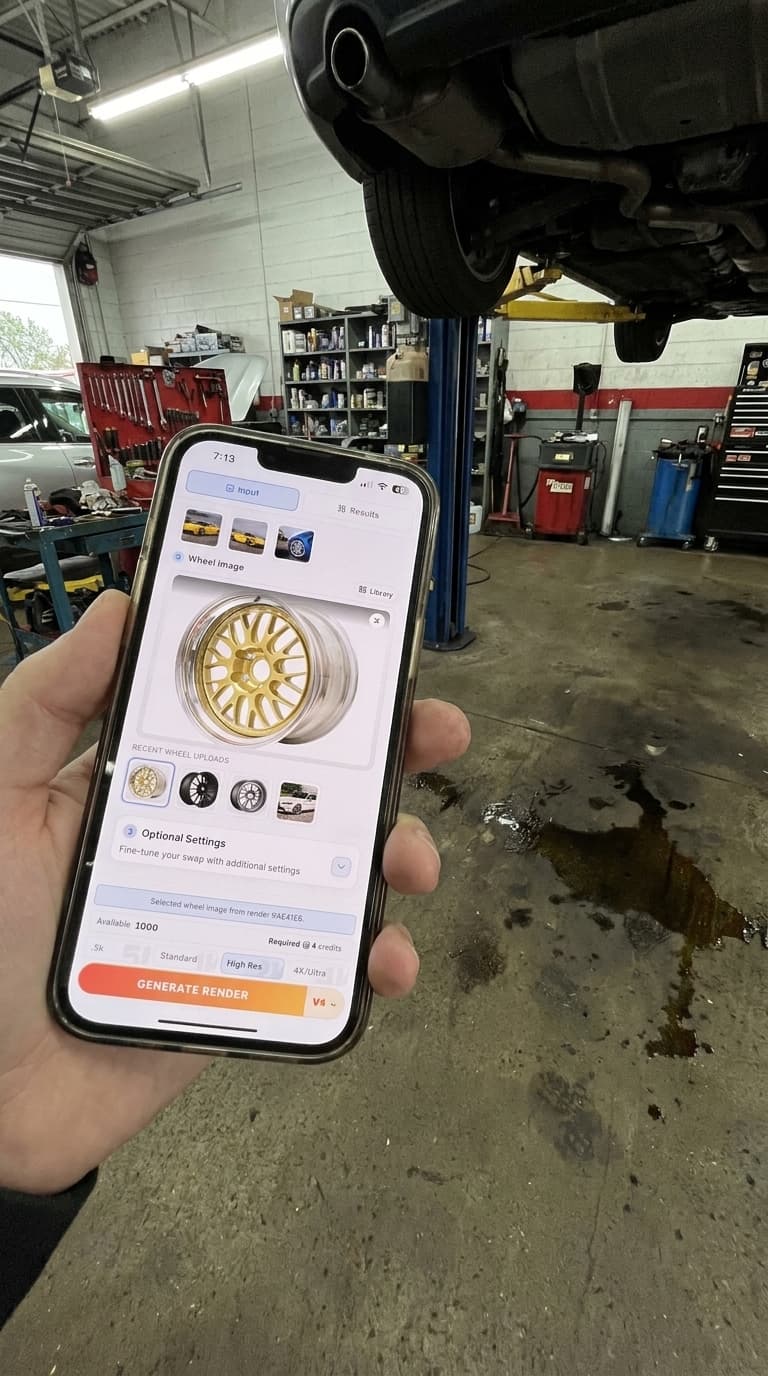
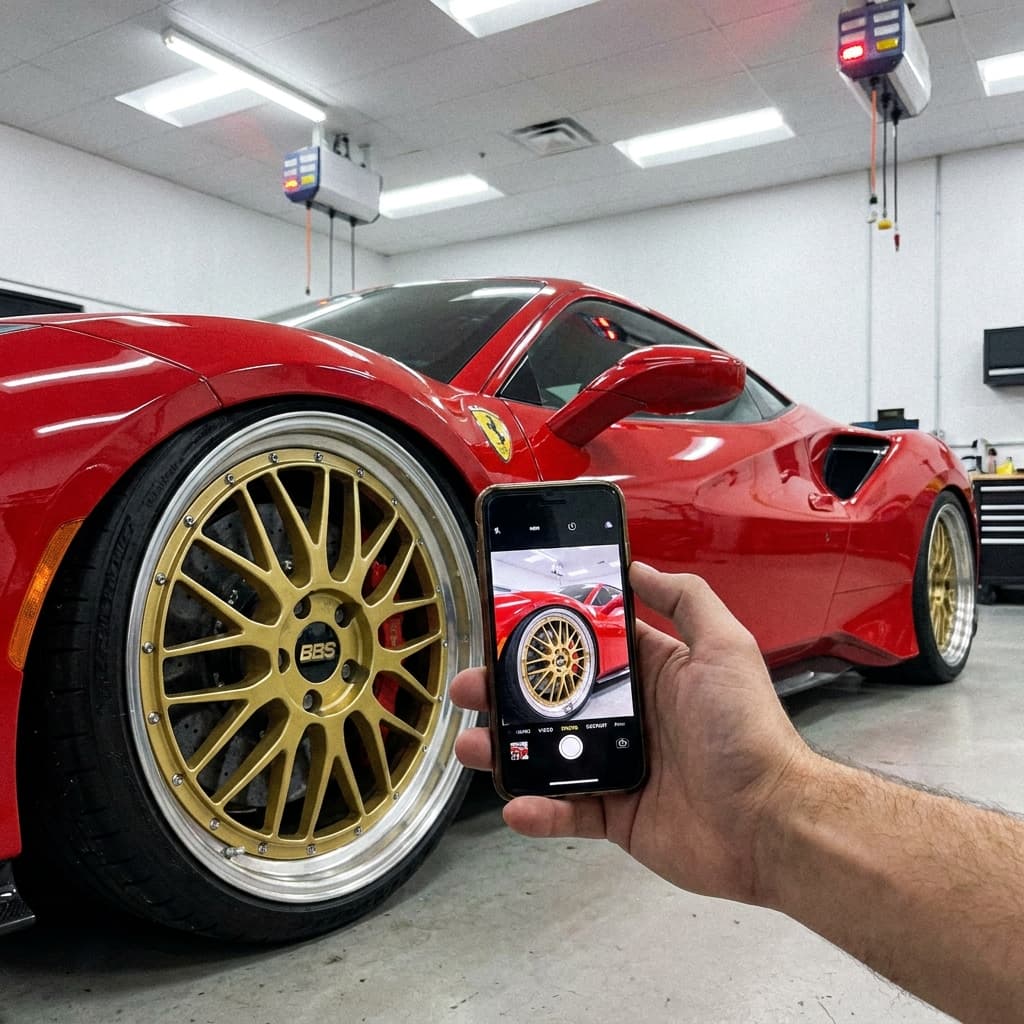
The customer or your sales team uploads a clear photo from a phone.
Compare the result, then ask for a quote, book an install, or contact your shop.
Use WheelBlend at the counter, in follow-up messages, on social media, or on your website.
Forget manual Photoshop cutouts or guessing games. Our Vision Engine perfectly aligns aftermarket wheels onto your customer's exact vehicle instantly, removing purchase hesitation.
Generate photorealistic test-fits in 15s flat. Swap between wheel brands and finishes instantly to keep the sales momentum alive.
Embed the visualizer on your own website or use it on an iPad in the showroom. Give your sales team the ultimate tool to dial in ride height and fitment for every customer.
You do not need to rebuild your website. We can set up a branded page for your shop, add the visualizer to your site, or connect it to a custom system through the API.
Short takes on helping customers choose wheels and move toward a sale.
Show the customer a clear wheel preview, then move straight into a quote.
Help customers compare the look before they commit to a wheel and tire package.
Share options, get a decision, and keep the next step clear for the customer.
Business gives your shop a branded Studio for one storefront. Choose Business Plus for full white-label delivery, more monthly usage, and priority support.
API access and a branded WheelBlend studio for one storefront.
Full white-label delivery and higher included usage.
For larger catalogs, multiple storefronts, and custom terms.
WheelBlend shows how a setup may look. Your shop should still check physical fitment before the sale or install.
No. You can use normal wheel photos and transparent PNGs. Clean, well-lit images usually give the best result.
Yes. You can share a branded WheelBlend page or add the visualizer to your website. We will help you choose the best option for your site.
Yes. You can turn ride height, tire style, and visual wheel size choices on or off.
Each completed render uses credits based on its output size. A fast preview uses 1 credit and a standard preview uses 2. Failed renders do not use credits.
Yes. Staff can open your branded page on a phone, tablet, or computer, upload the customer's car photo, and create a preview during the conversation.
Yes. Share your shop link by text, email, social media, or QR code. Customers can upload their car photo, preview a wheel, and follow your quote or booking link.
Yes. WheelBlend can use the wheel photos, transparent PNGs, product names, prices, and sales links your shop already has.
You choose the next step. The preview can lead to a quote request, install booking, product page, cart, phone call, or email.
We will show you a customer preview using the wheels your shop sells.