Wheel Swaps
Test-fit wheels on your car.
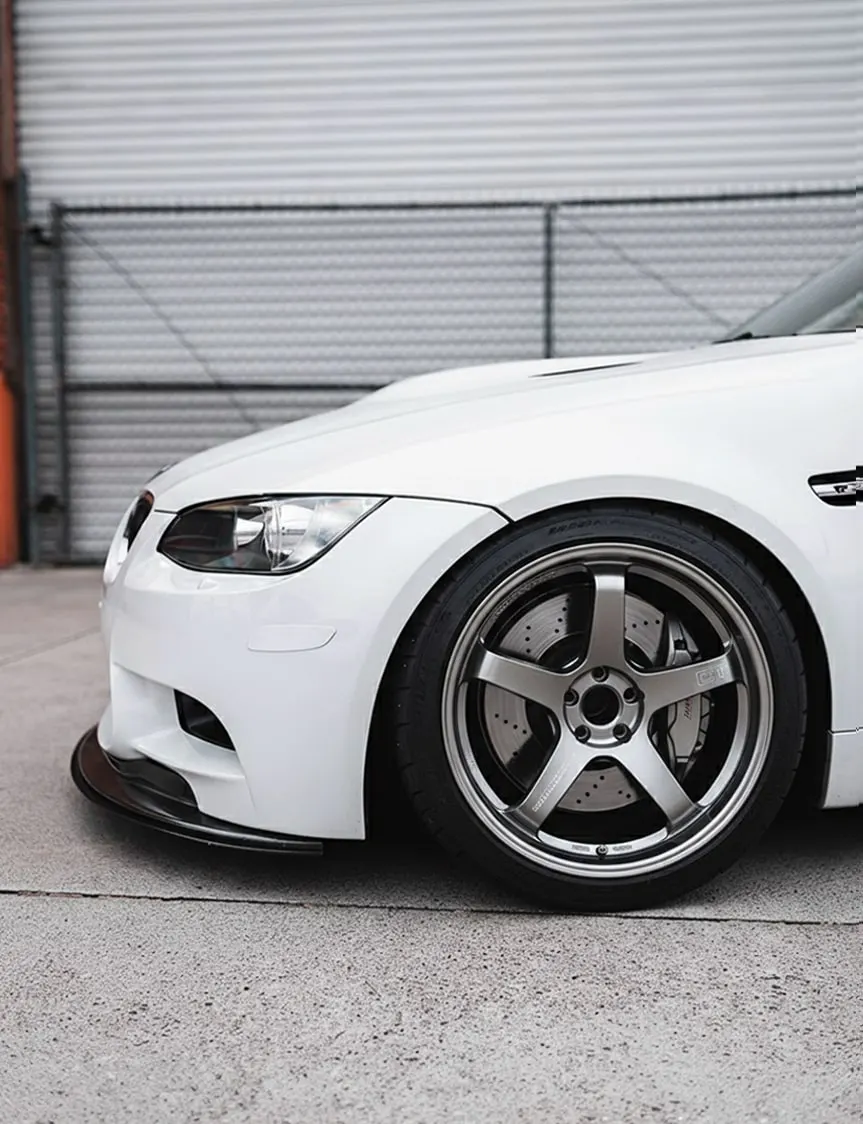
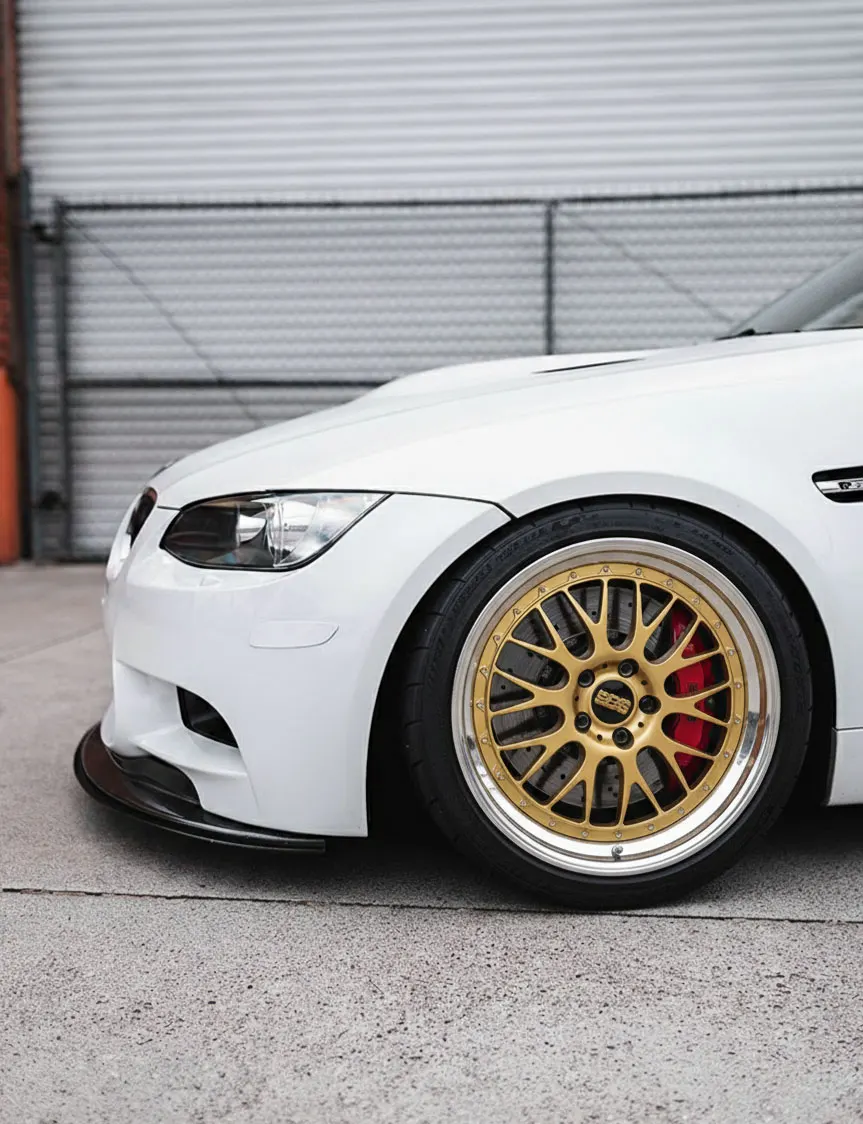
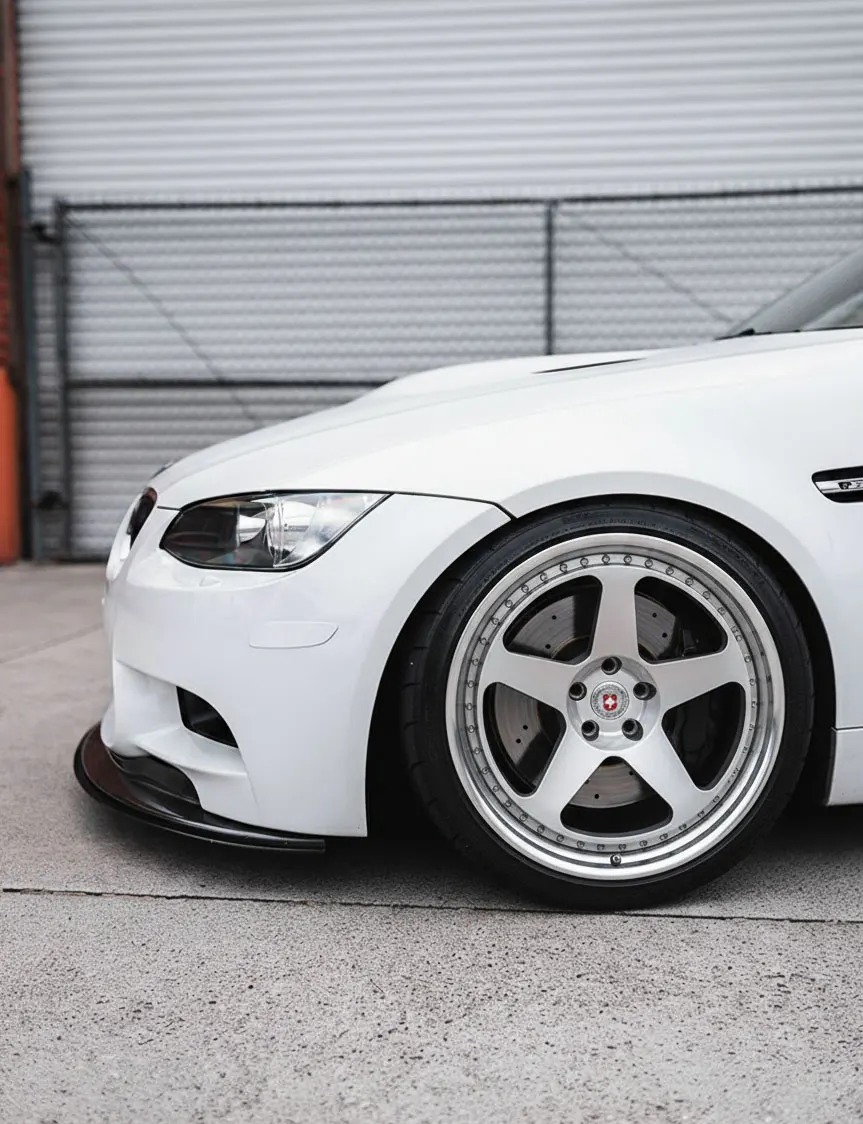
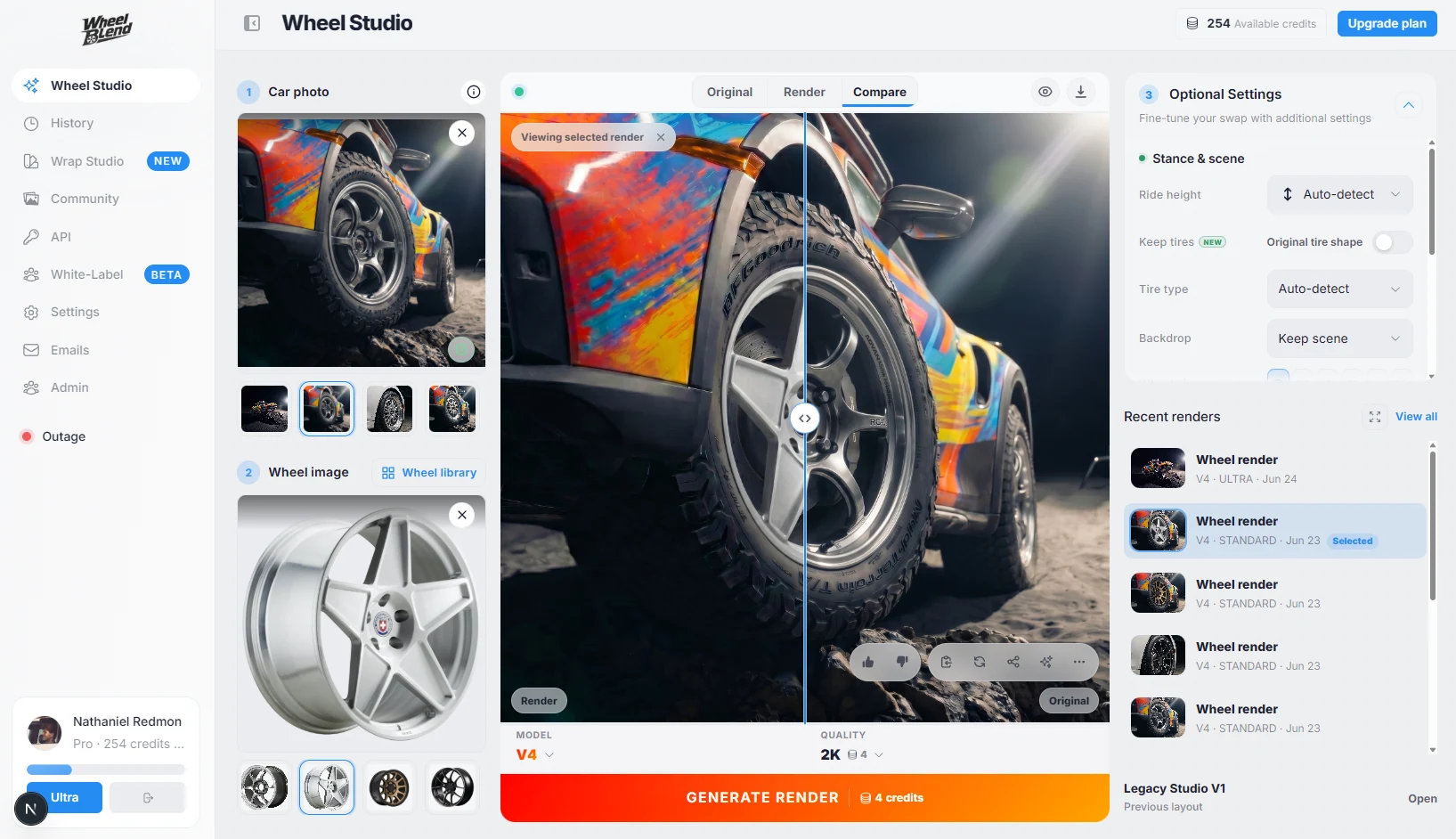
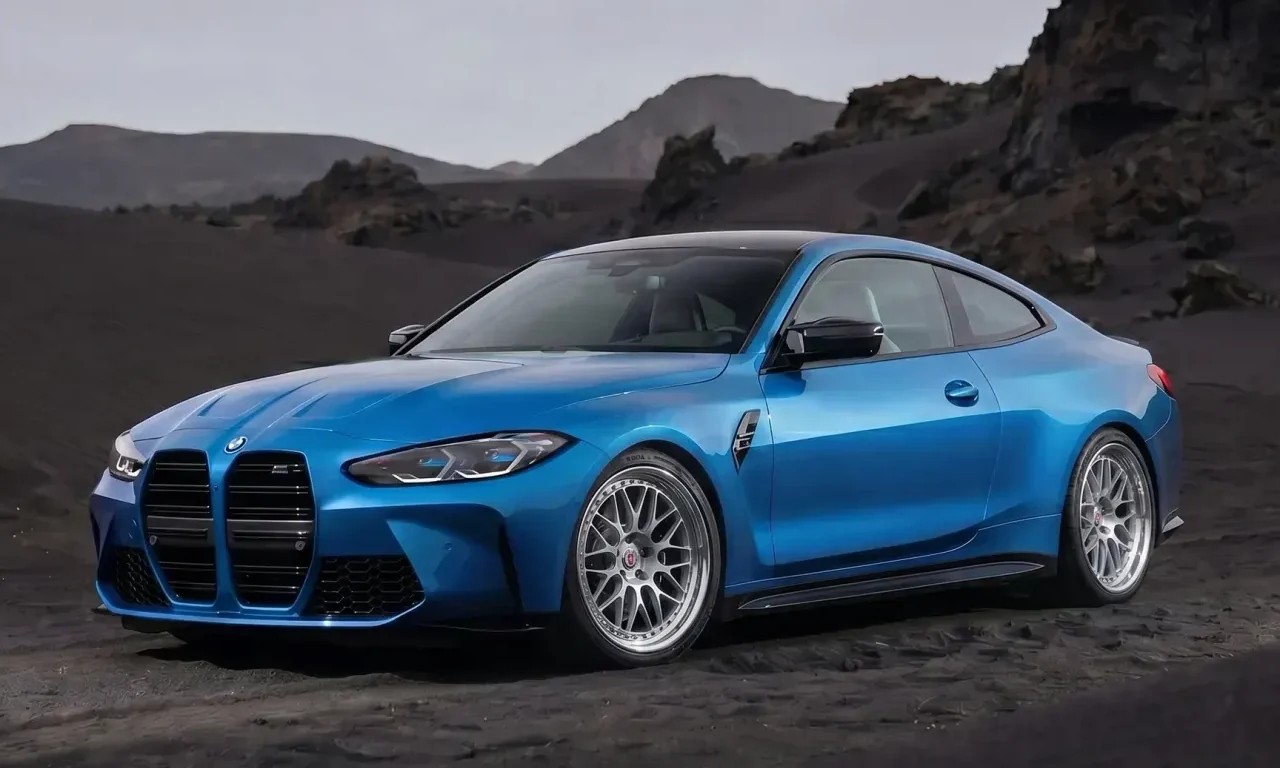
Upload a wheel photo or cutout. Preview its design and finish with perspective and lighting that suit your car photo.

Try new rims on your own car photo with our AI-powered wheel visualizer and configurator. Explore wheel finishes, tire styles, and ride height before you buy.
No credit card required
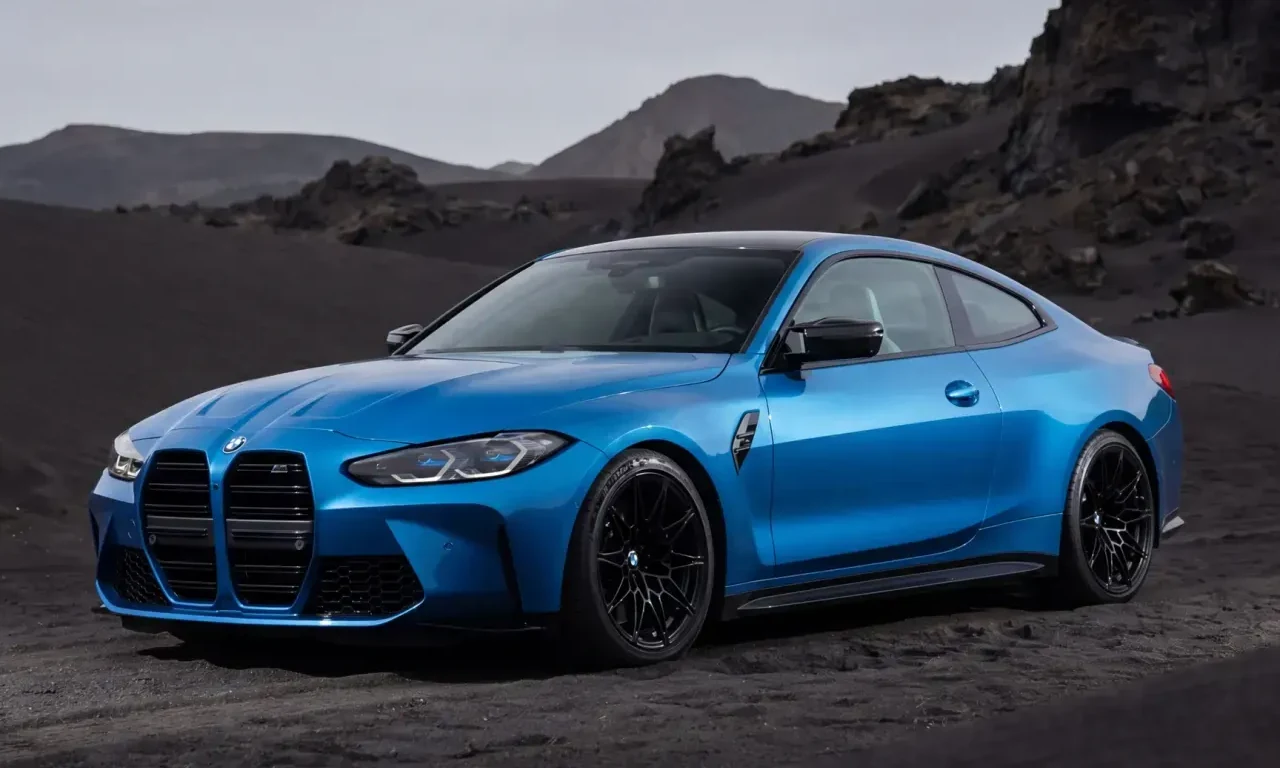
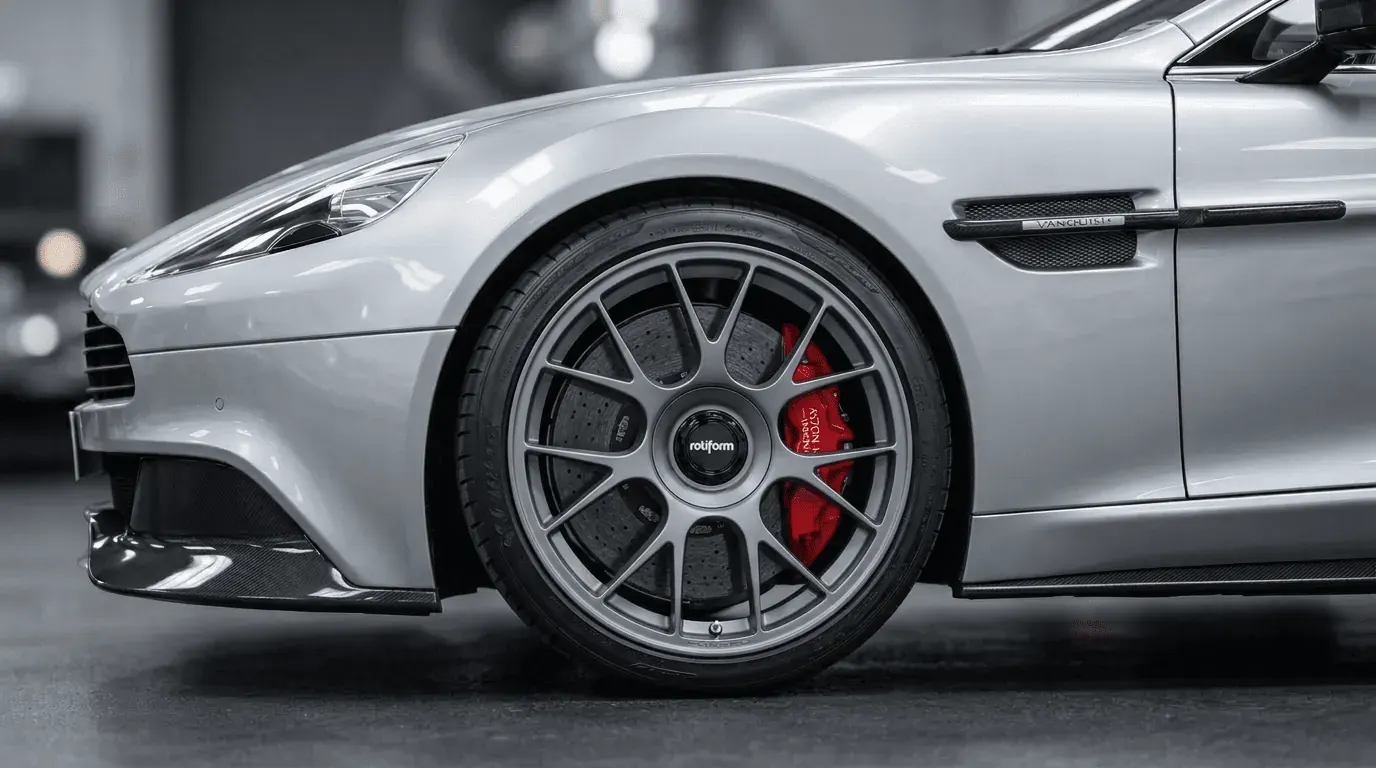
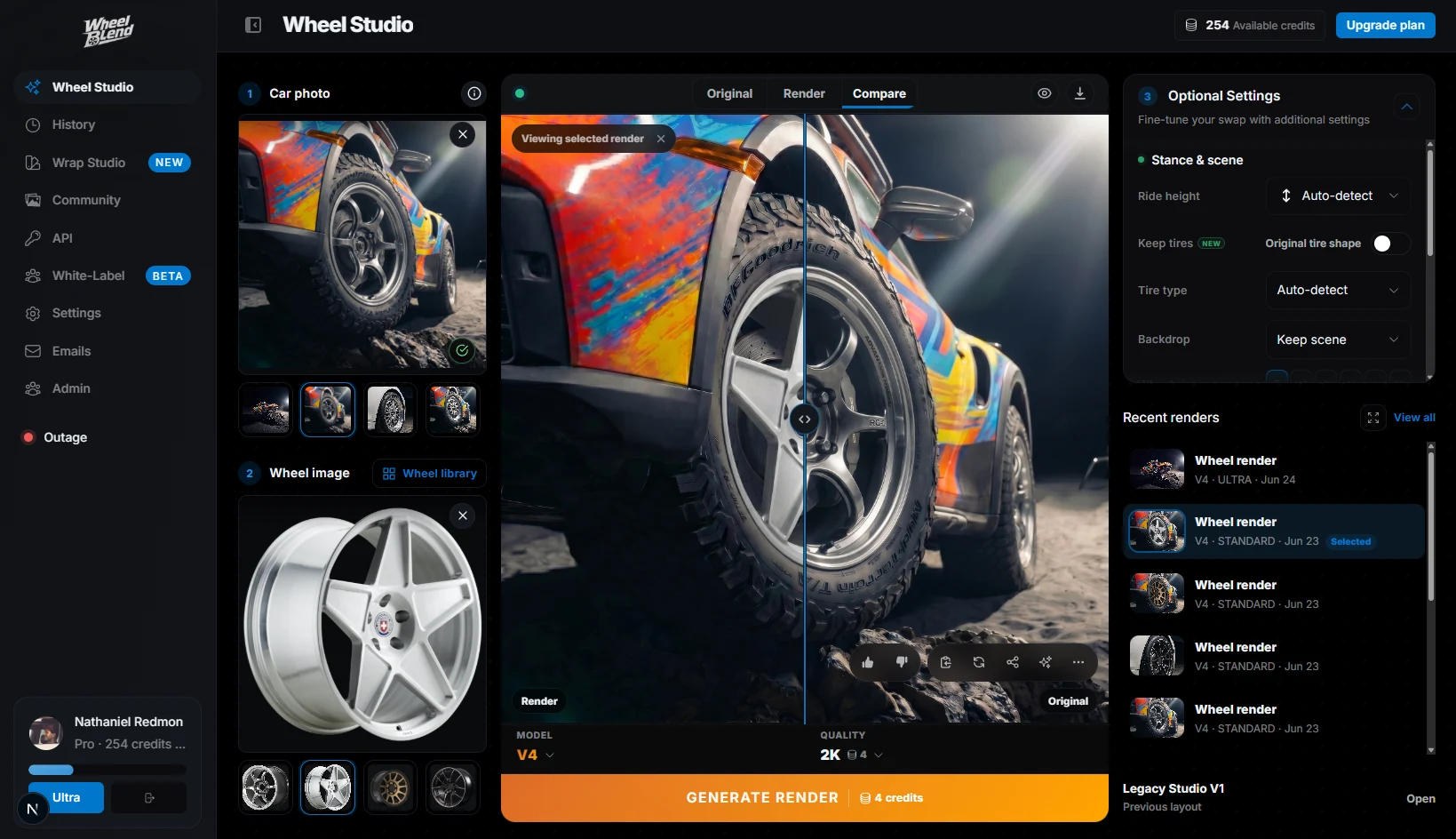
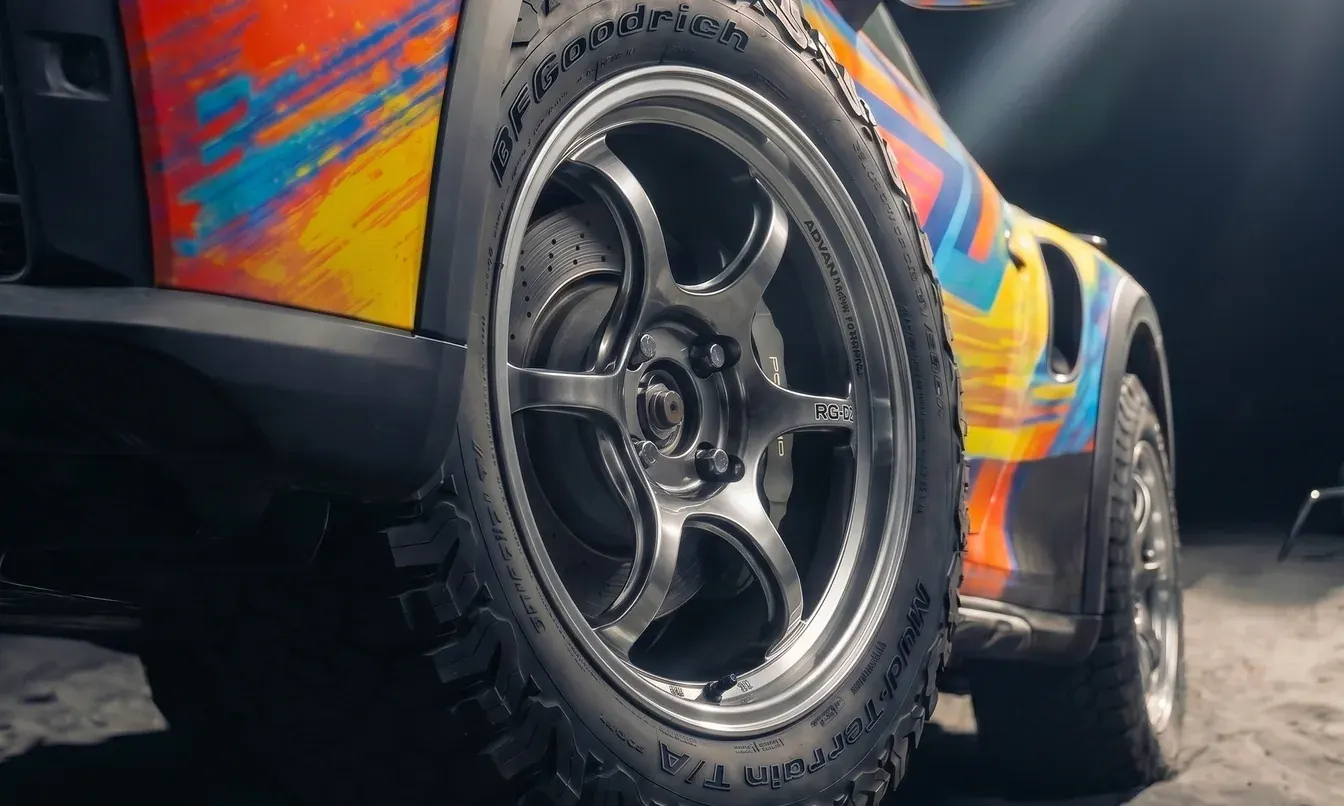
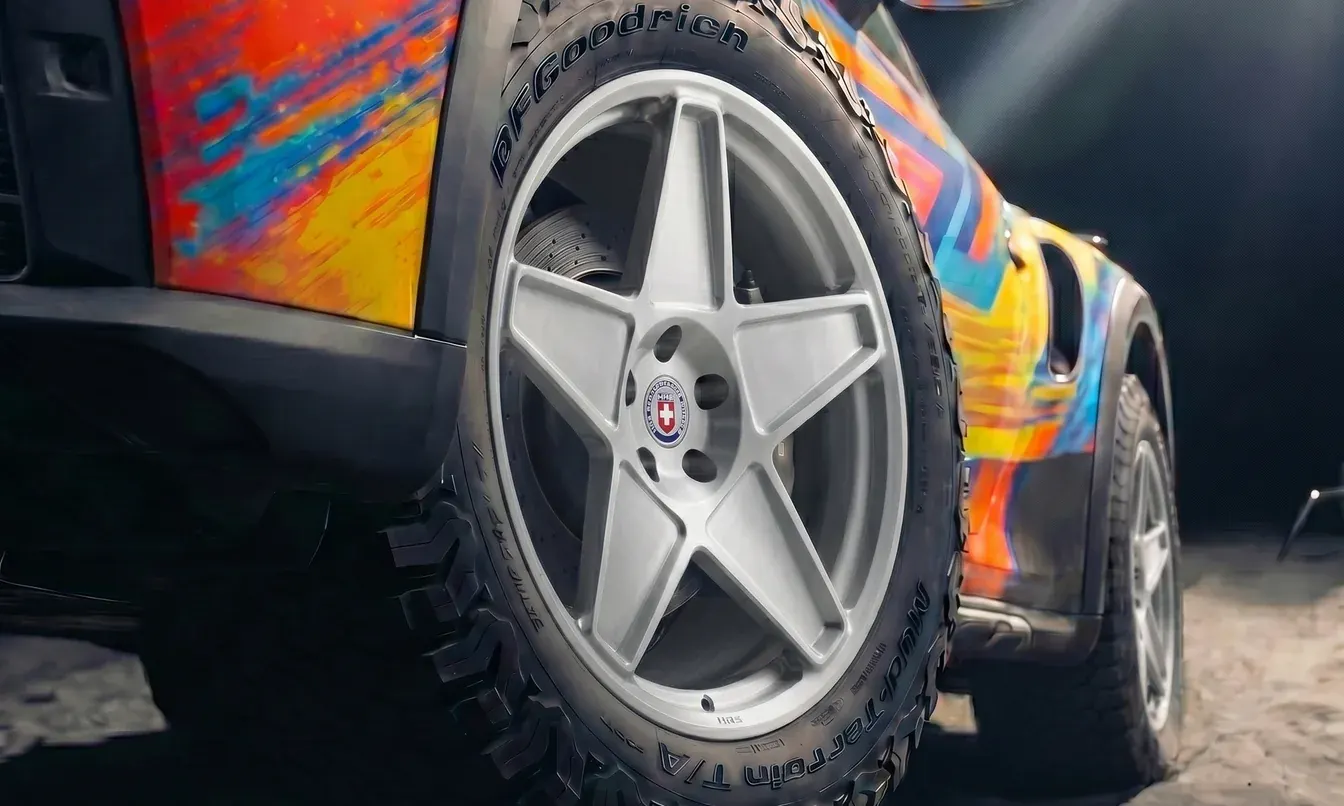
Compare wheel designs, finishes, and backdrops on real car photos.
Upload a wheel photo or cutout. Preview its design and finish with perspective and lighting that suit your car photo.
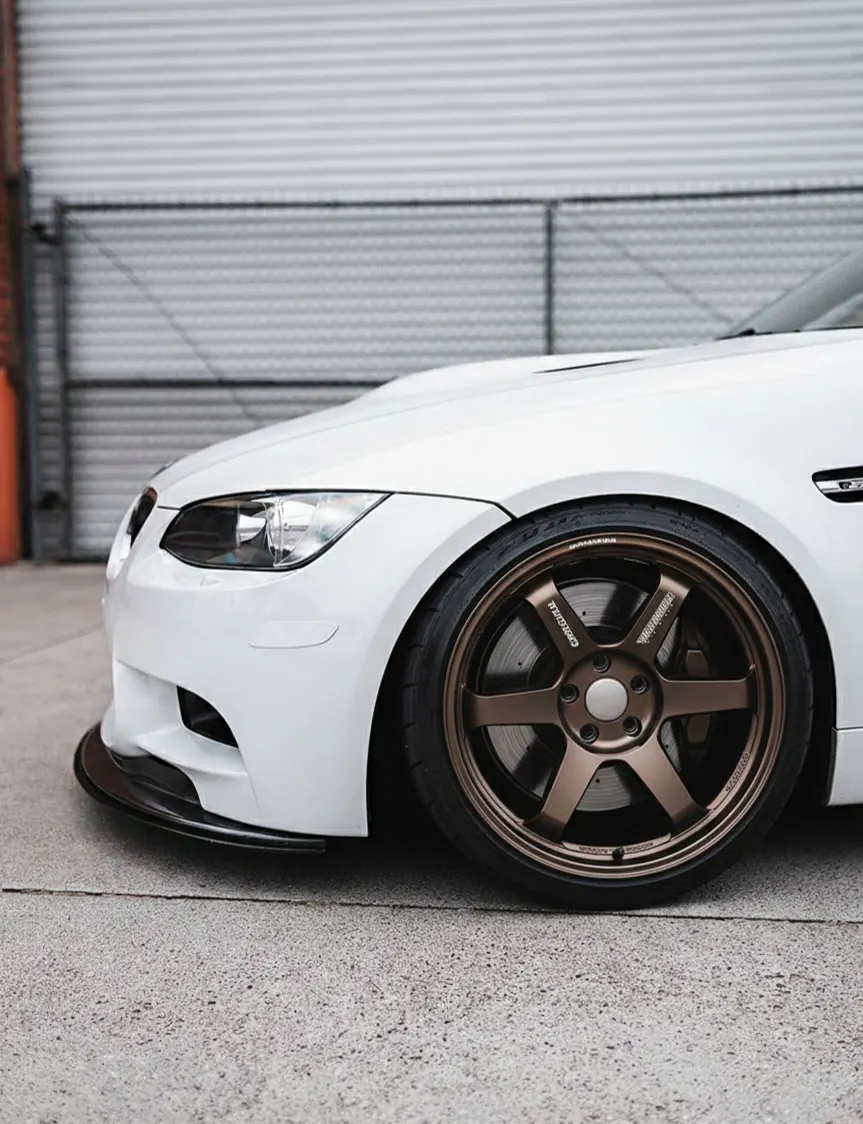
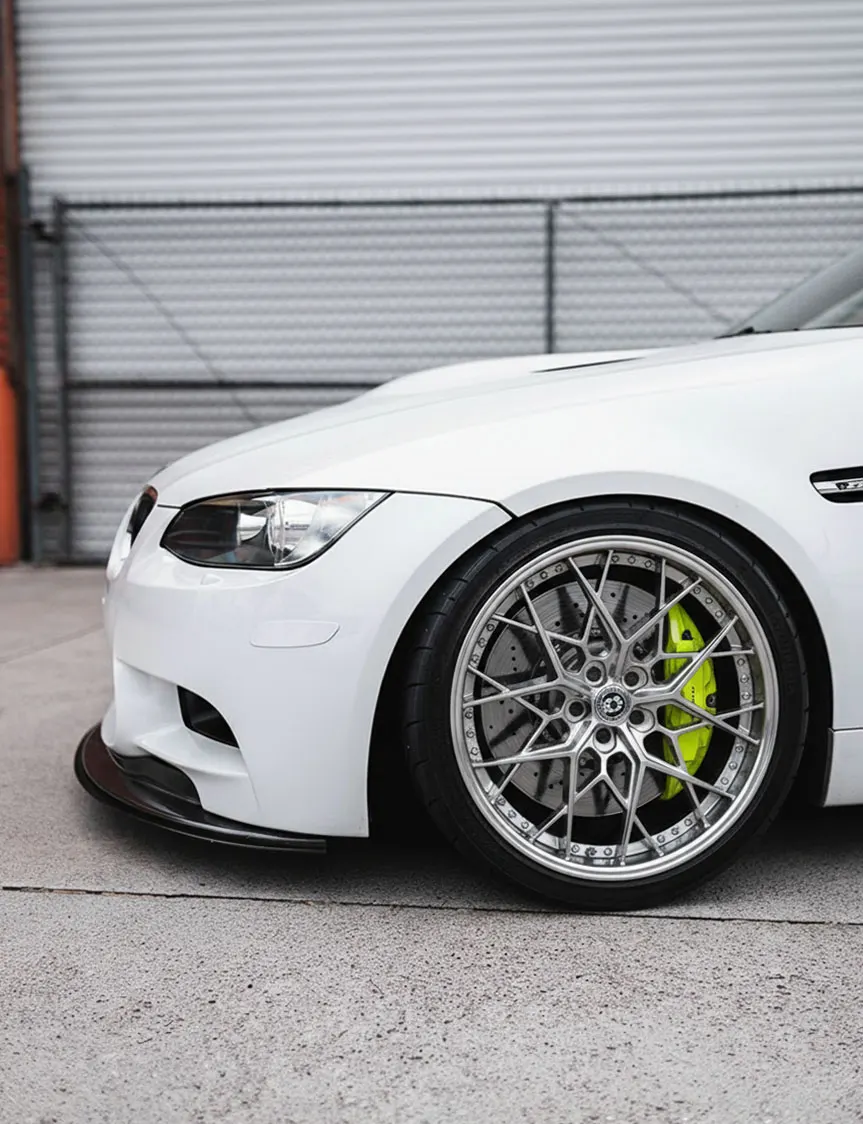
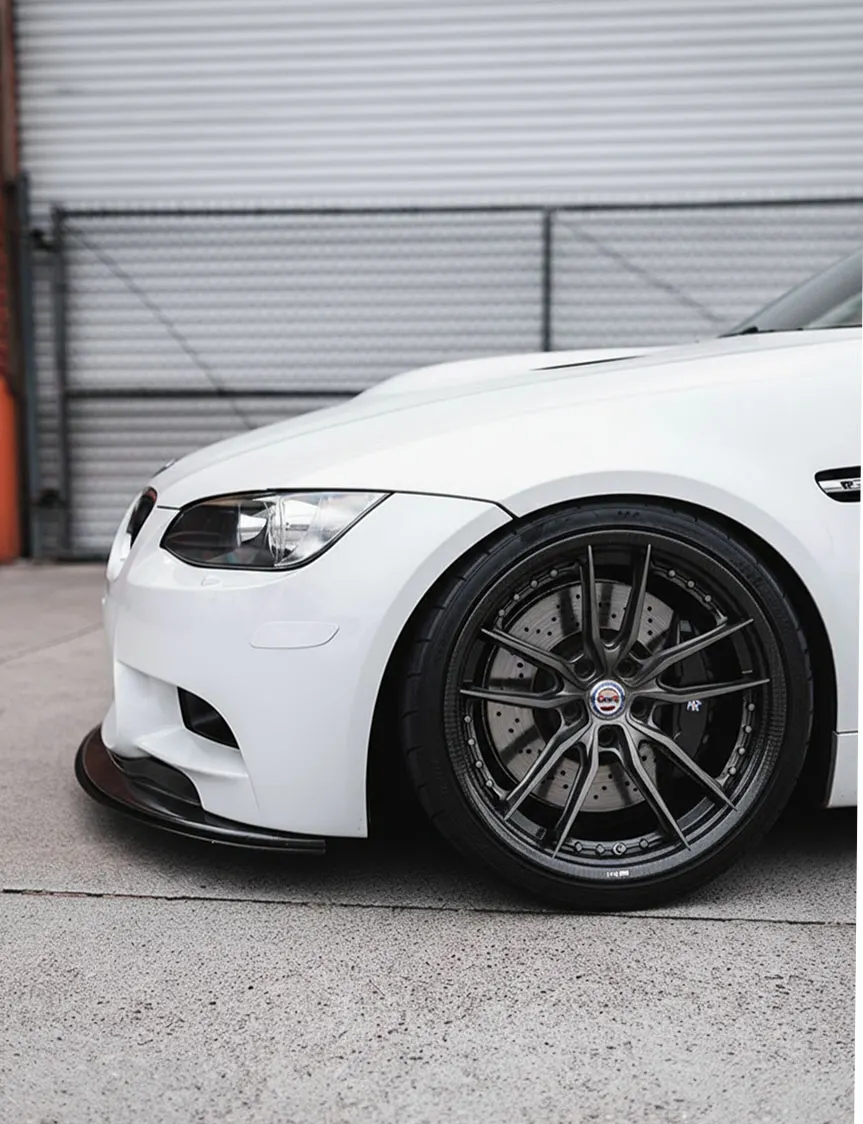
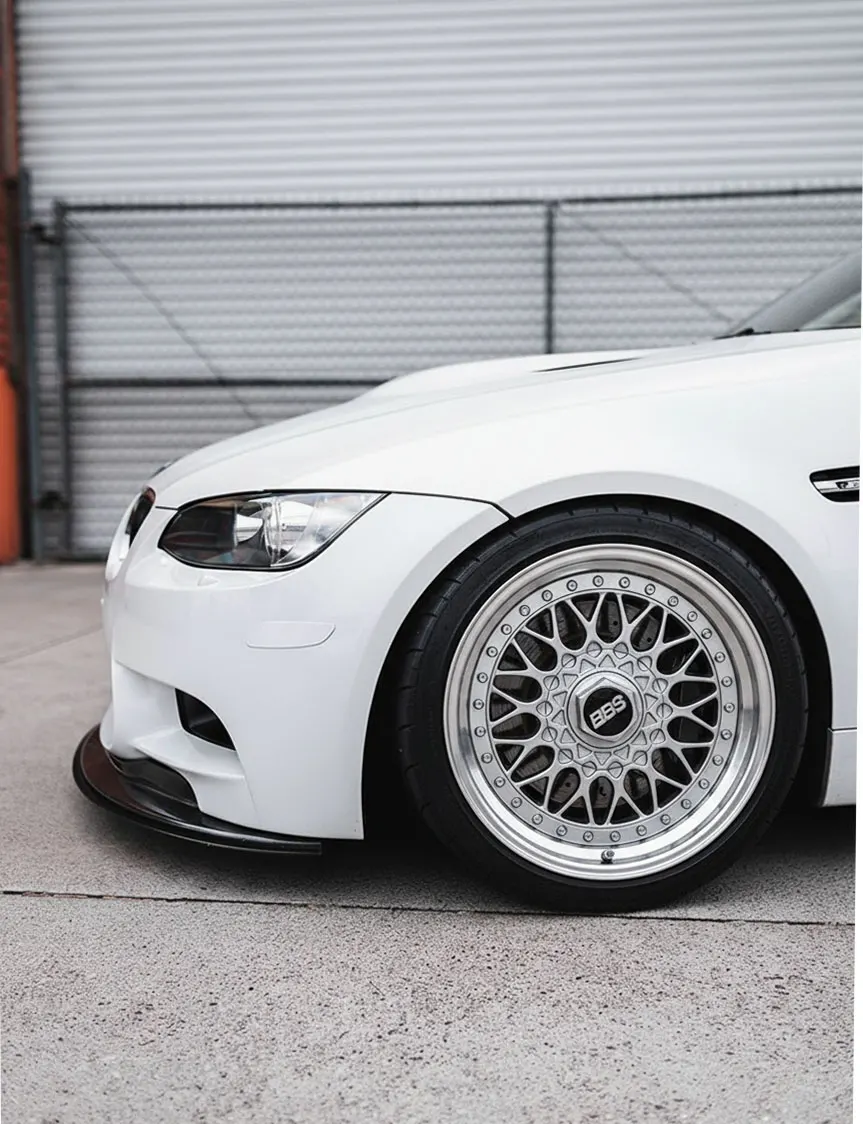
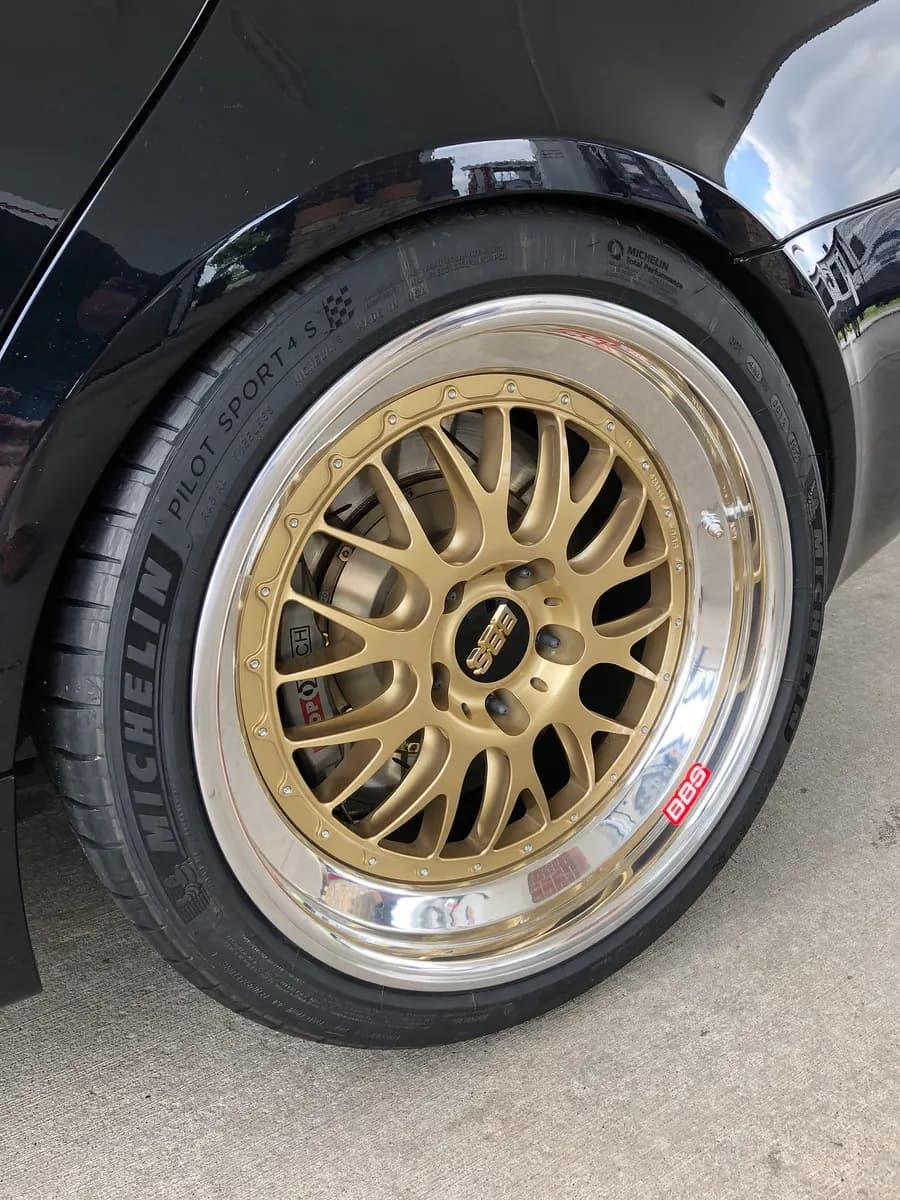
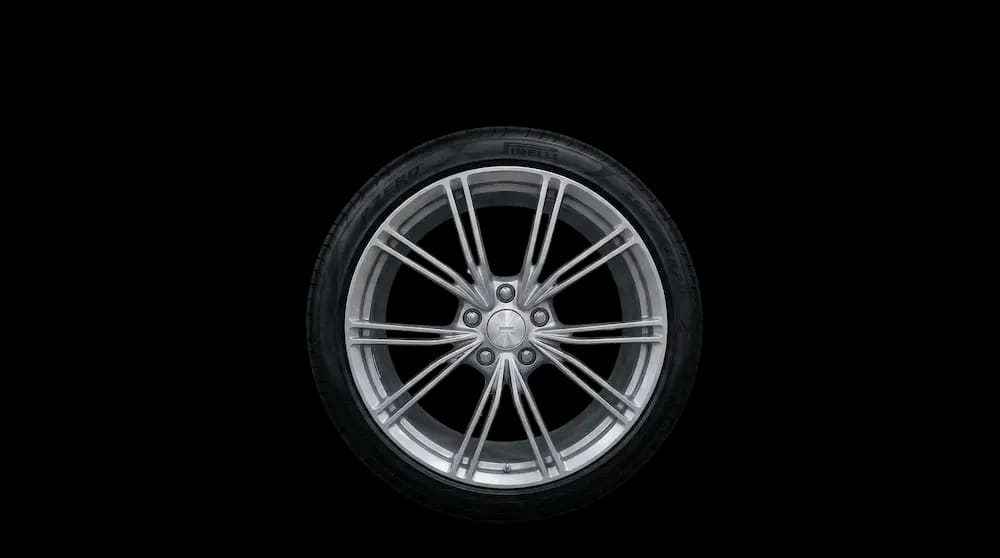
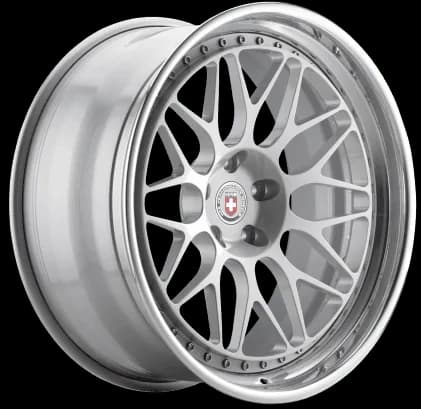
Cycle through mesh, concave, split-spoke, and track wheel designs on your vehicle photo to quickly find the look that fits your build.
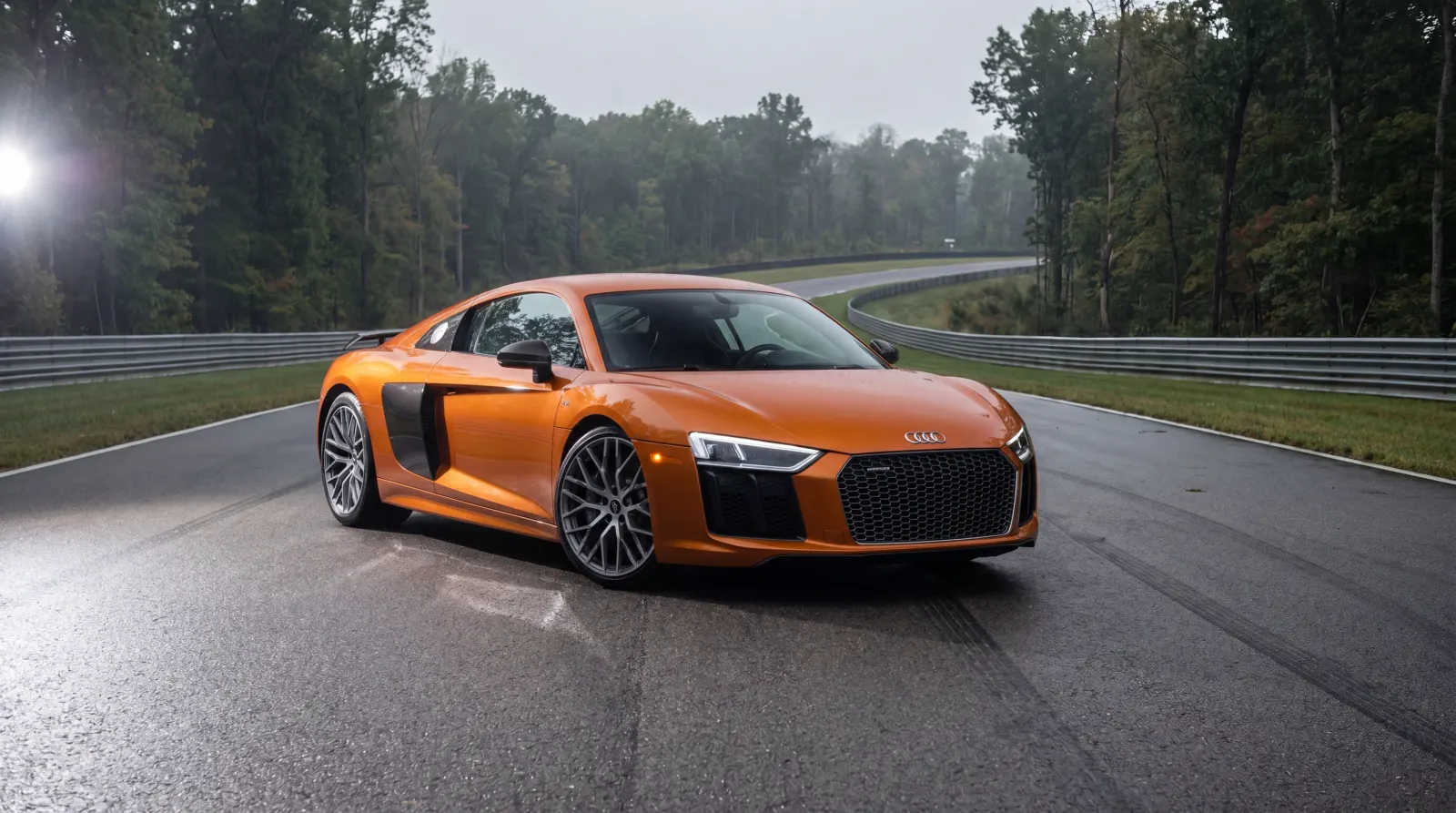
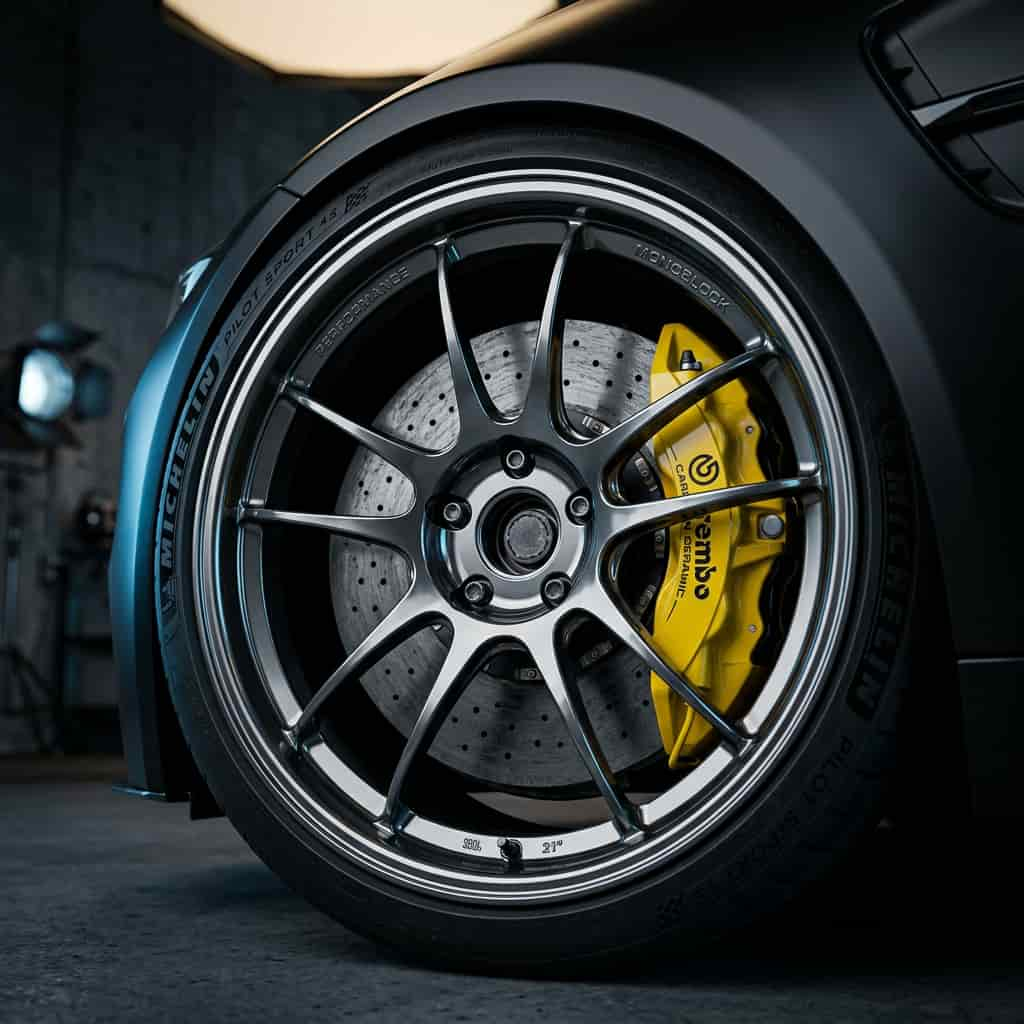
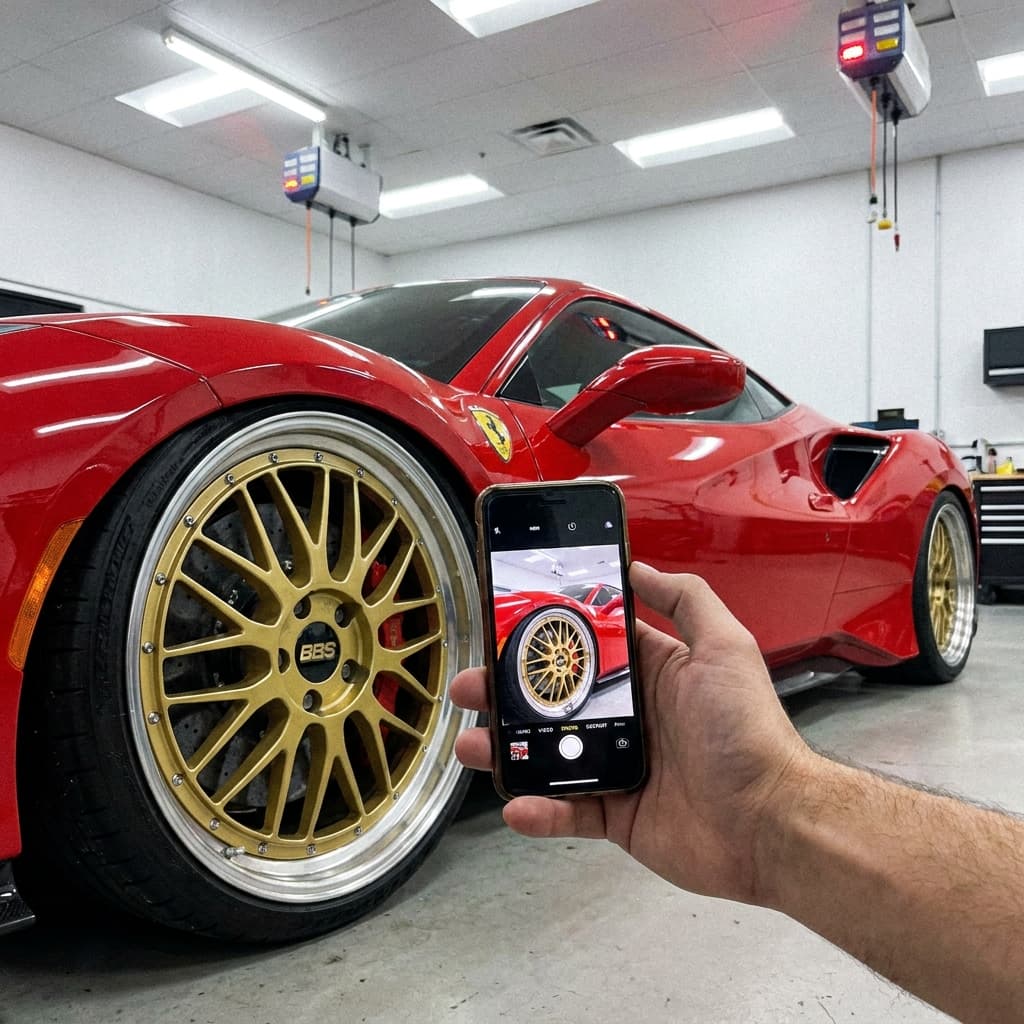
Transform phone pictures or garage shots into clean studio presentations while keeping your car and new wheels photoreal.
Three steps, about 15 seconds for your first preview.
Start with a clear side or three-quarter photo. Keep the wheels visible and use good lighting.
Read the walkthrough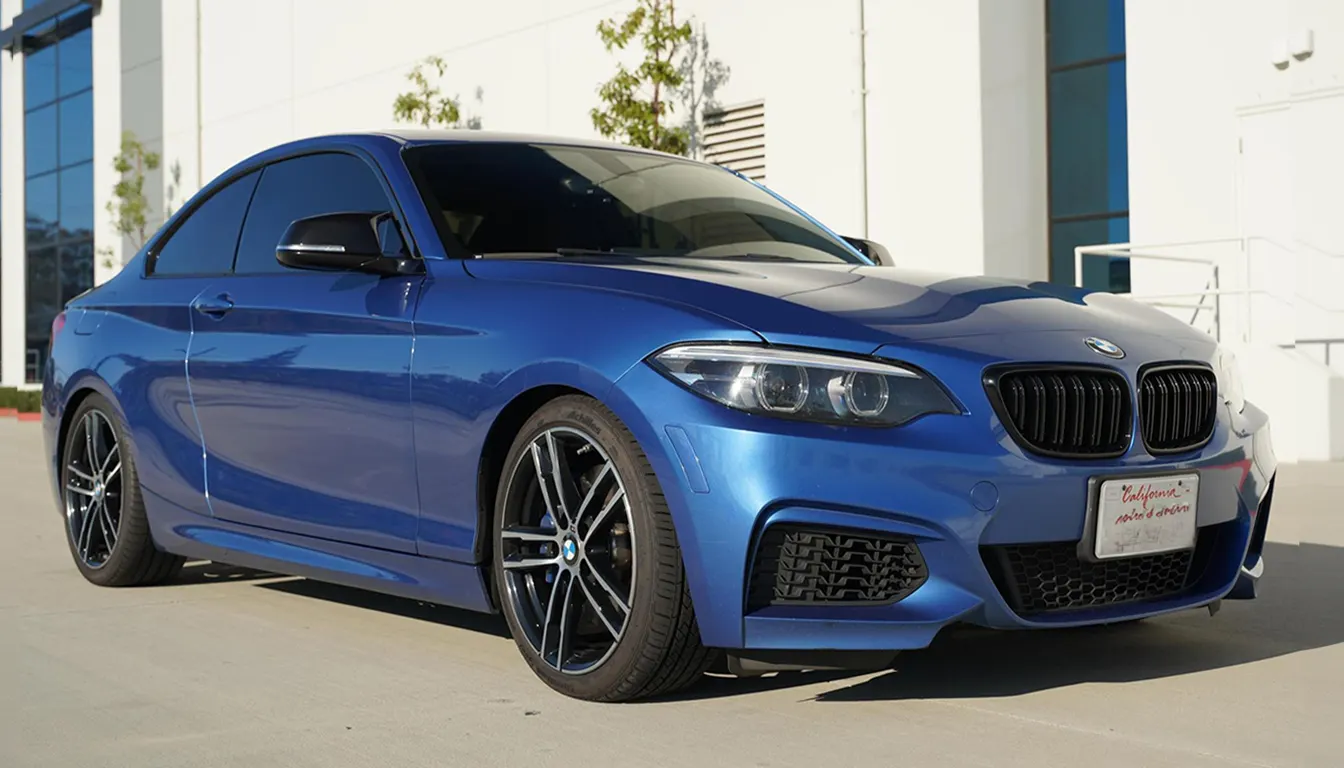
Pick from the wheel library or upload your own wheel photo, marketplace screenshot, or PNG cutout.
Explore the wheel library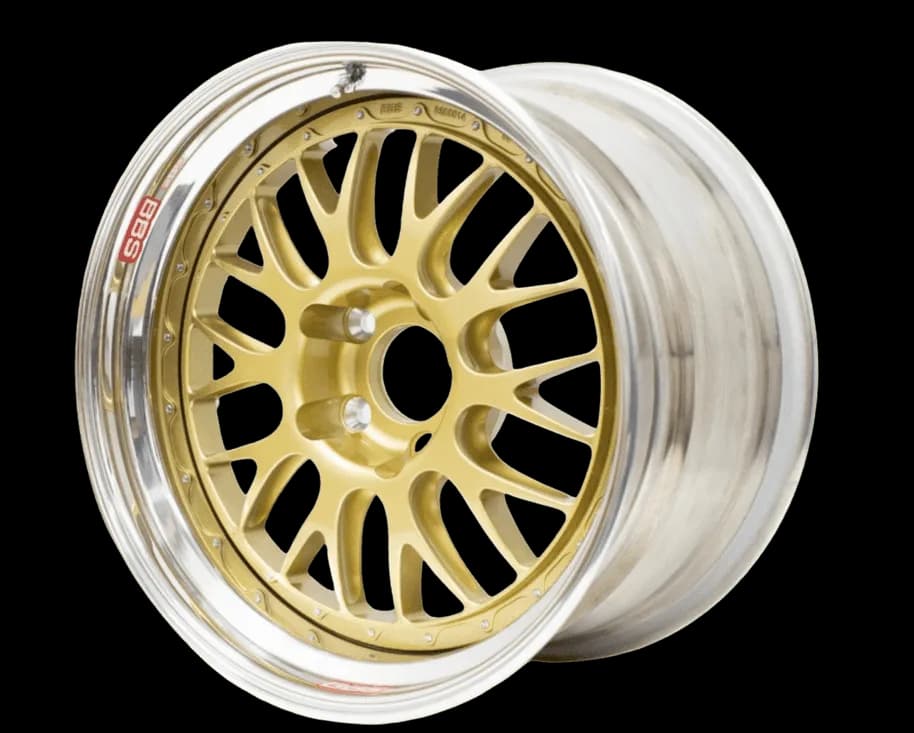
Generate your preview, compare it with the original photo, and download your favorite result to share.
See before and after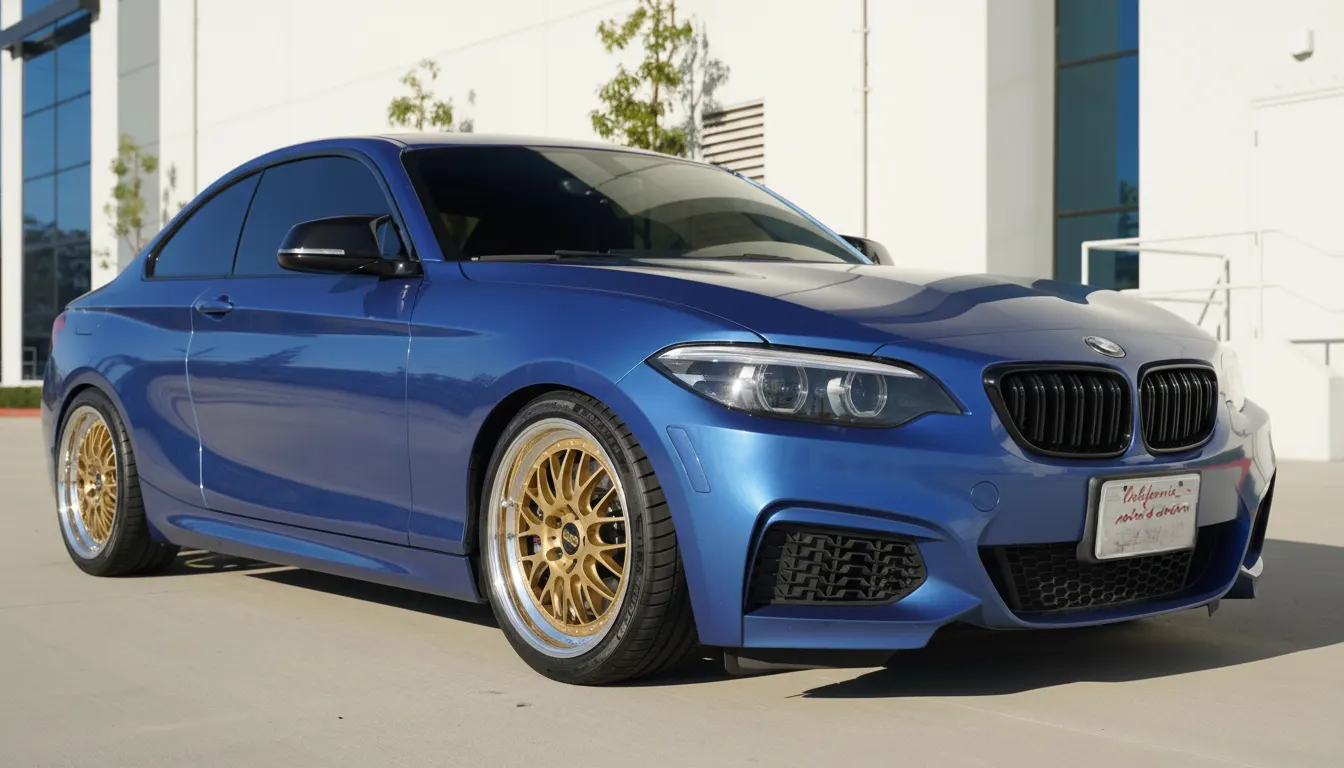
Upload a photo, marketplace screenshot, or wheel cutout. WheelBlend removes the background and fits the wheels to your car.
Tips for wheel photos and screenshots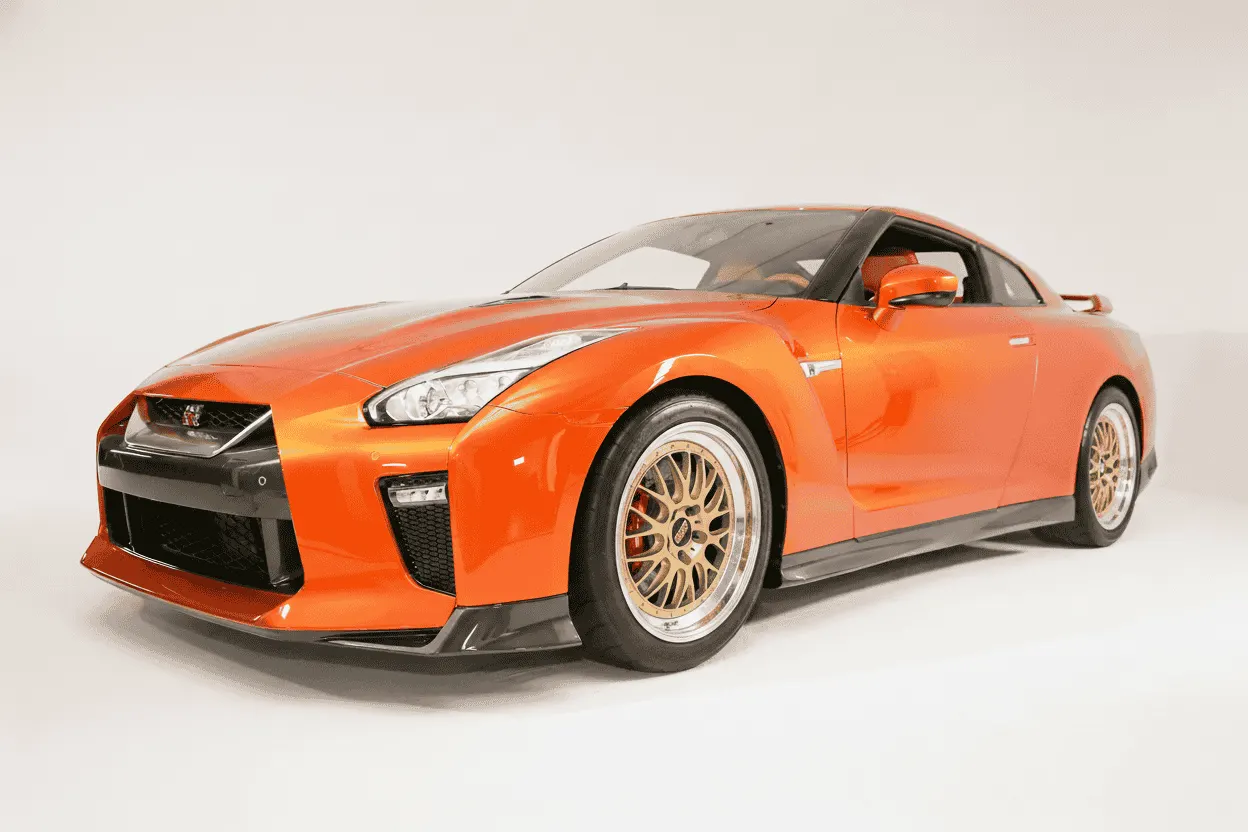
Preview new wheels with perspective and lighting that suit your car photo. Try different designs without making cutouts by hand.
Check offset and clearance before buyingCreate a fresh preview in about 15 seconds. Reusing a previous setup can take about 10 seconds.
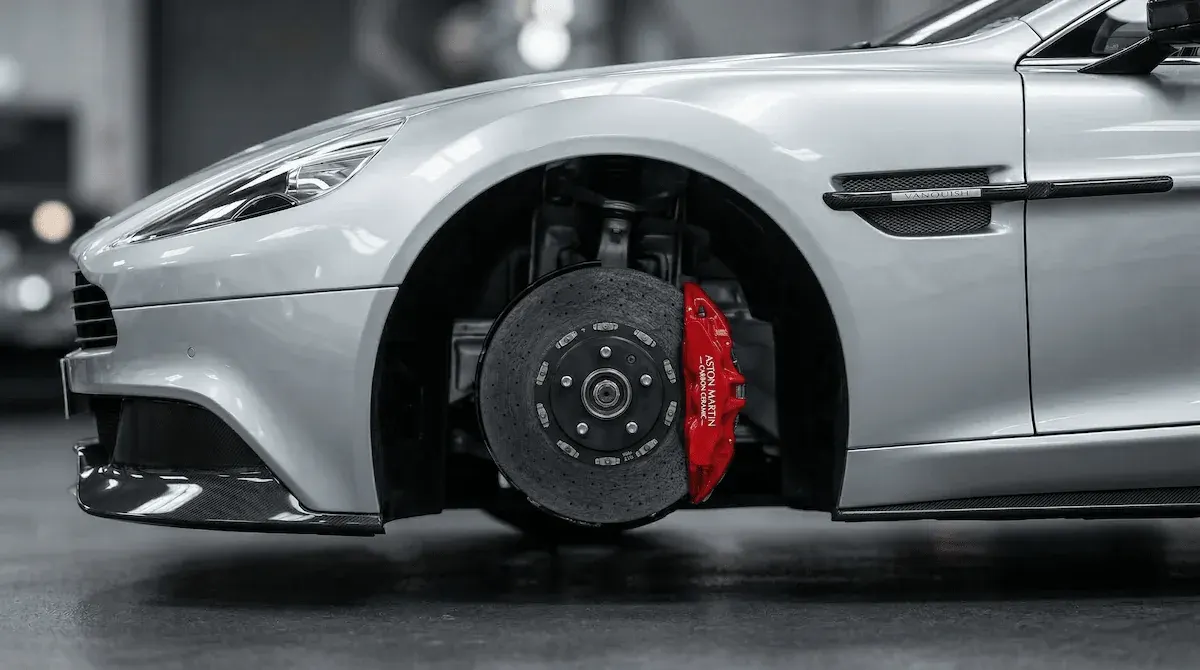
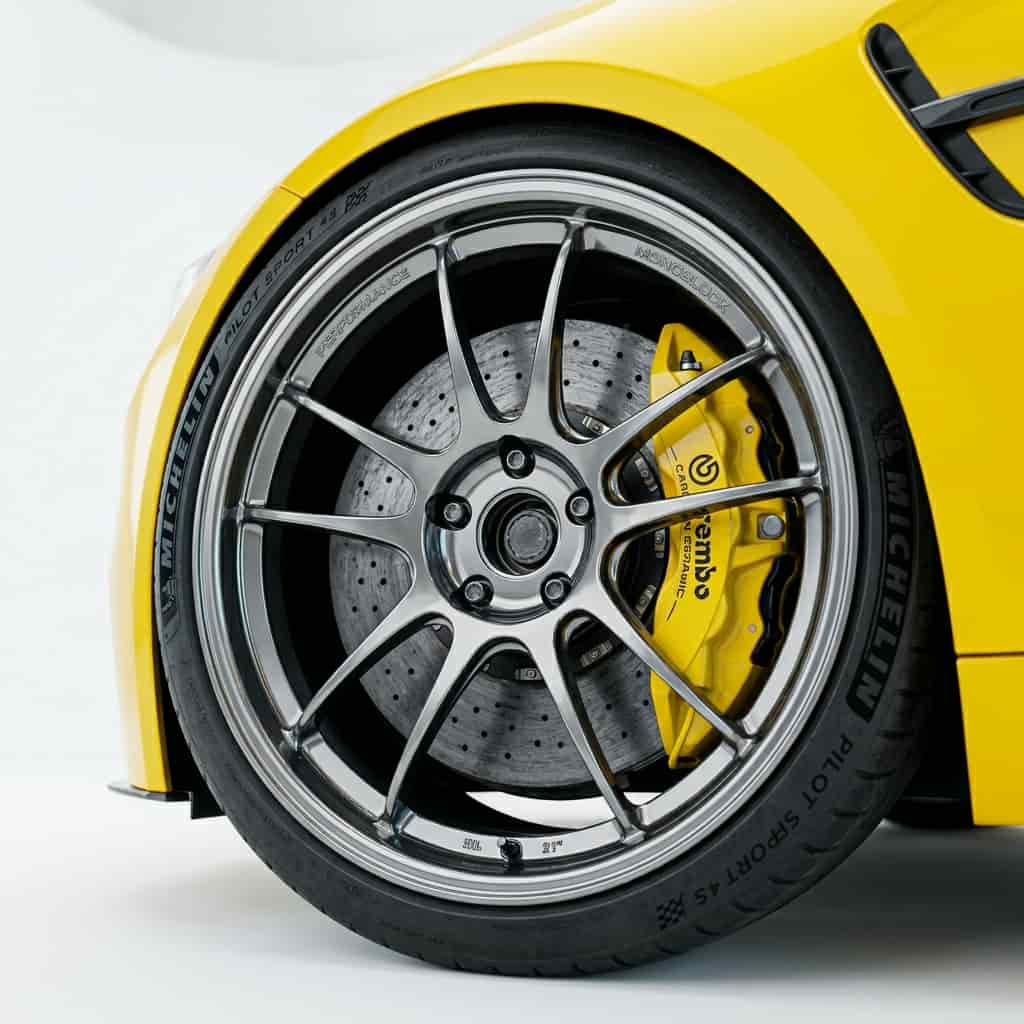
Adjust ride height, brake caliper color, tire profile, and wheel finish. Compare each change on your car before choosing a look.
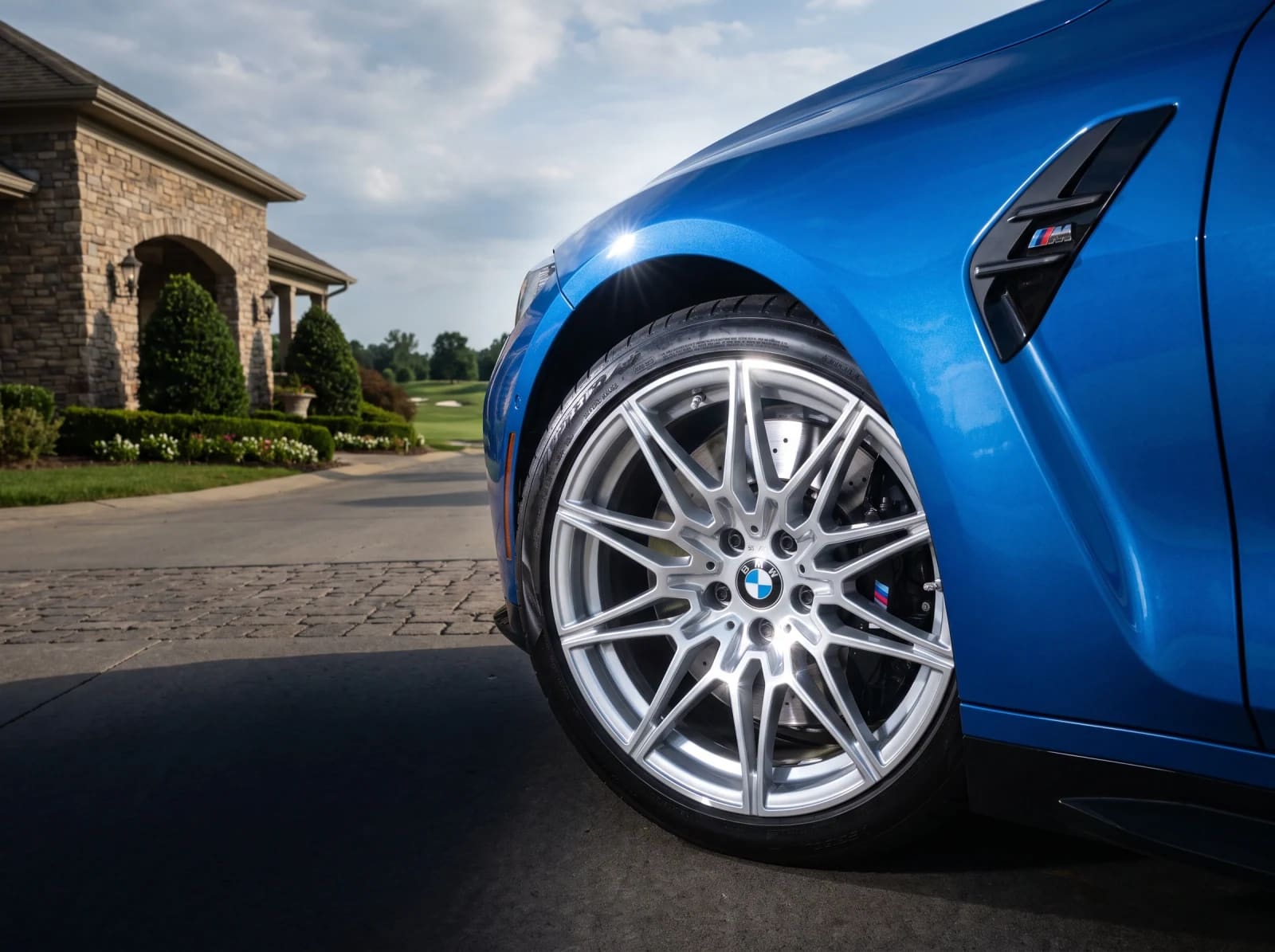
From solo enthusiasts to industry-leading design houses, see the fits, styles, and results our users create with WheelBlend.
“The AI is shockingly accurate. I can test fit a dozen wheel ideas in the time it used to take me to poorly Photoshop just one. An absolute game-changer for my creative process. Will never go back. And I won't even mention the optional settings for tires and ride height. Mind blown.”

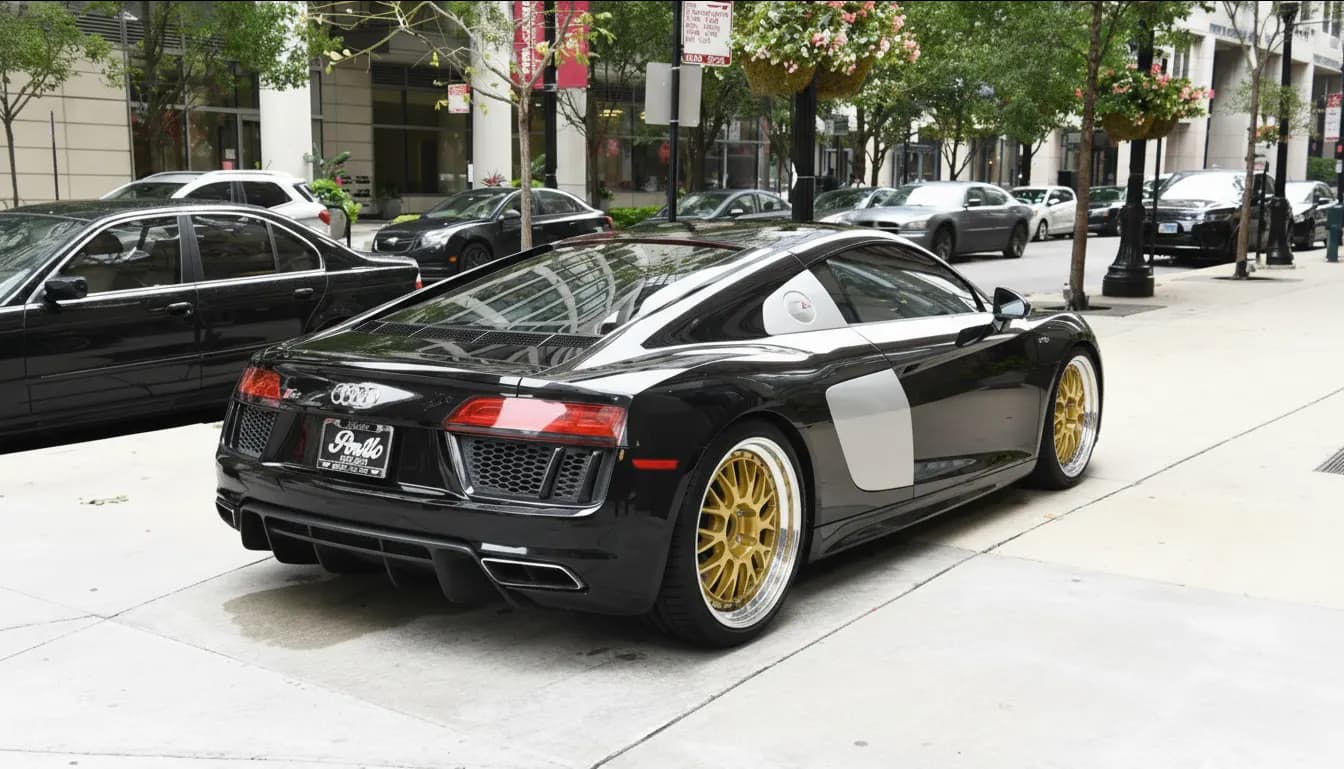
“Finally, a tool built by people who actually get car culture. The lighting presets are incredible and the results look stunningly realistic.”
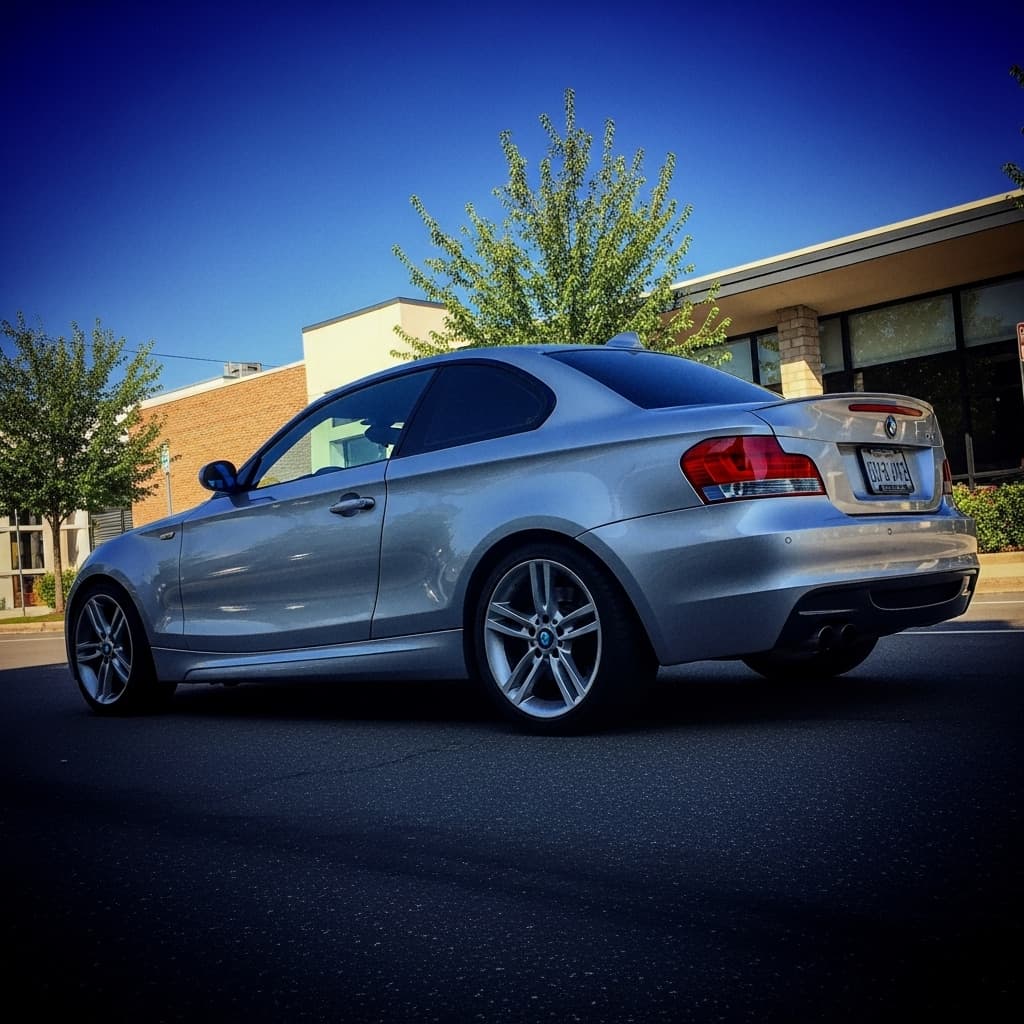
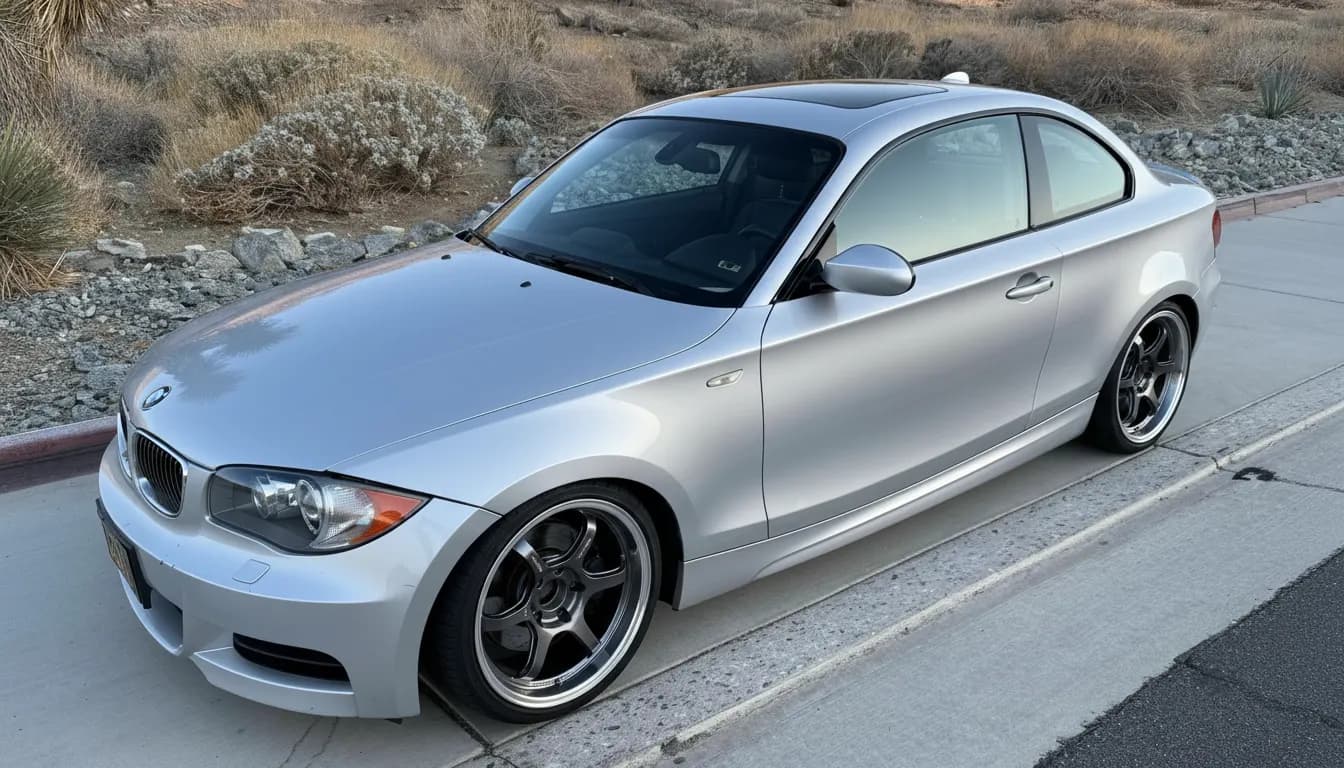
“It looks completely photo realistic... I showed it to my friends and they were convinced I had actually swapped the rims on my car.”

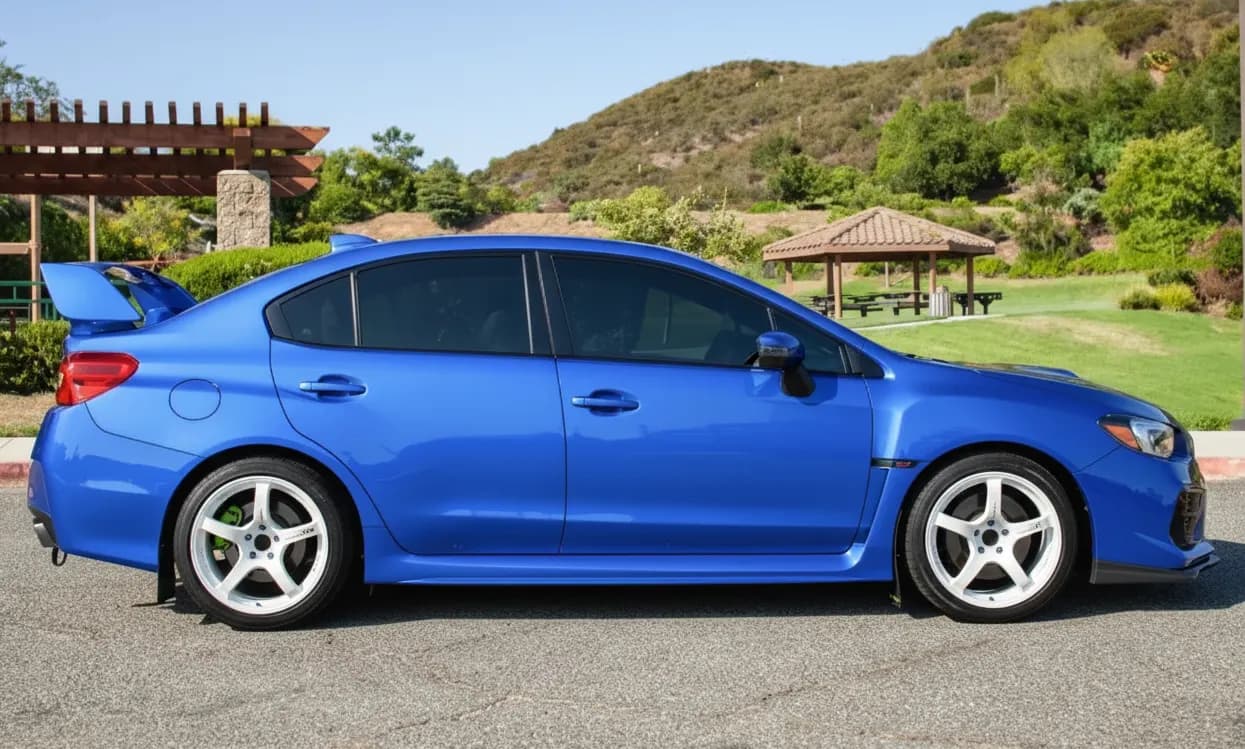
“As a wheel manufacturer, this is the ultimate sales tool. We can show customers exactly how our wheels will look on their specific car before they buy.”

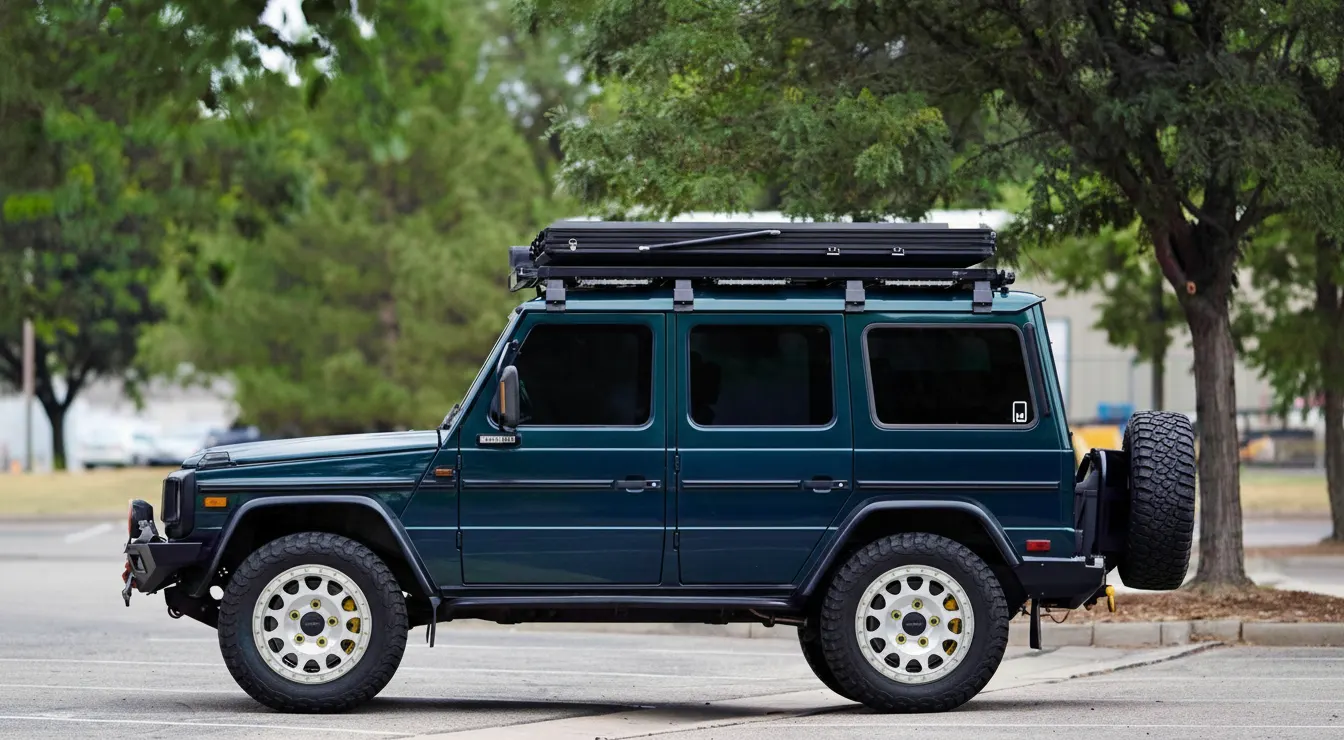
“I just use it for fun on my own project car. It's super easy to use and I've saved my favorite combinations to a mood board. 10/10.”

WheelBlend is free to start. Upgrade only when you need more renders or collaboration.
Perfect for trying out WheelBlend. No credit card required.
Free
Clean exports and monthly credits.
$4.99/ month
Lowest cost per credit.
$19.99/ month
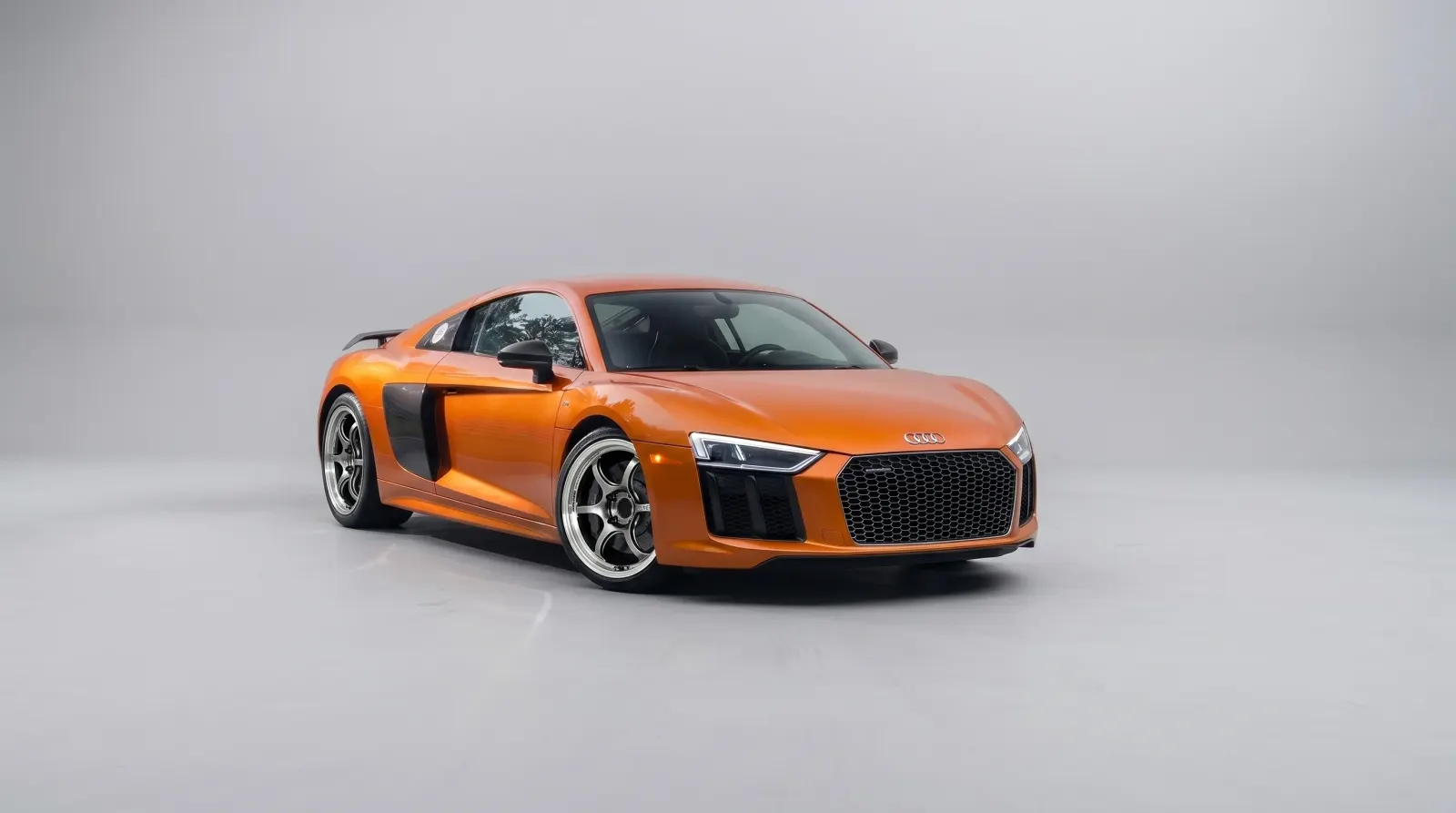
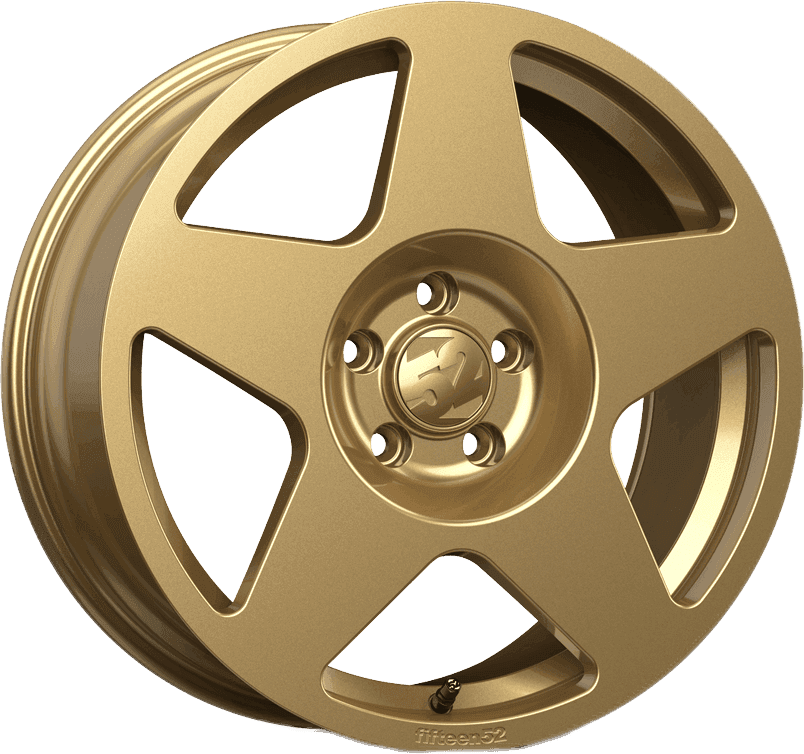
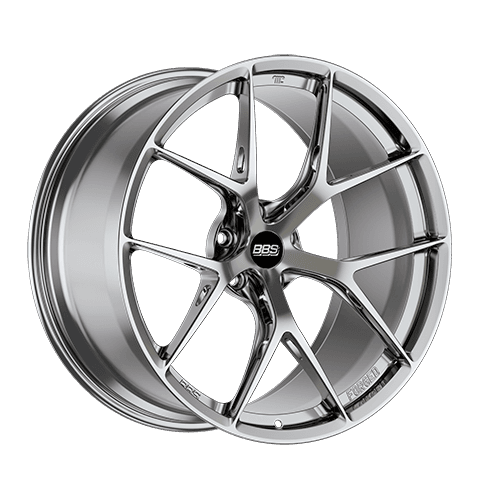
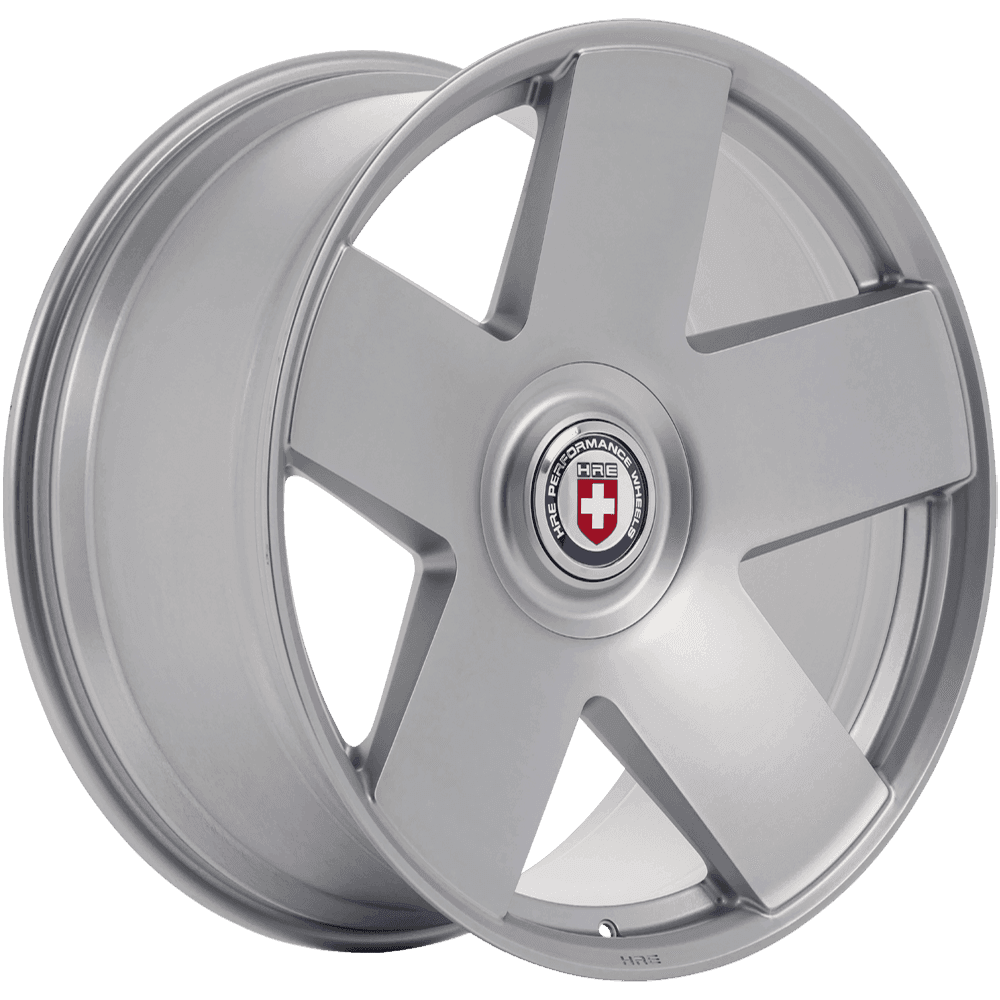
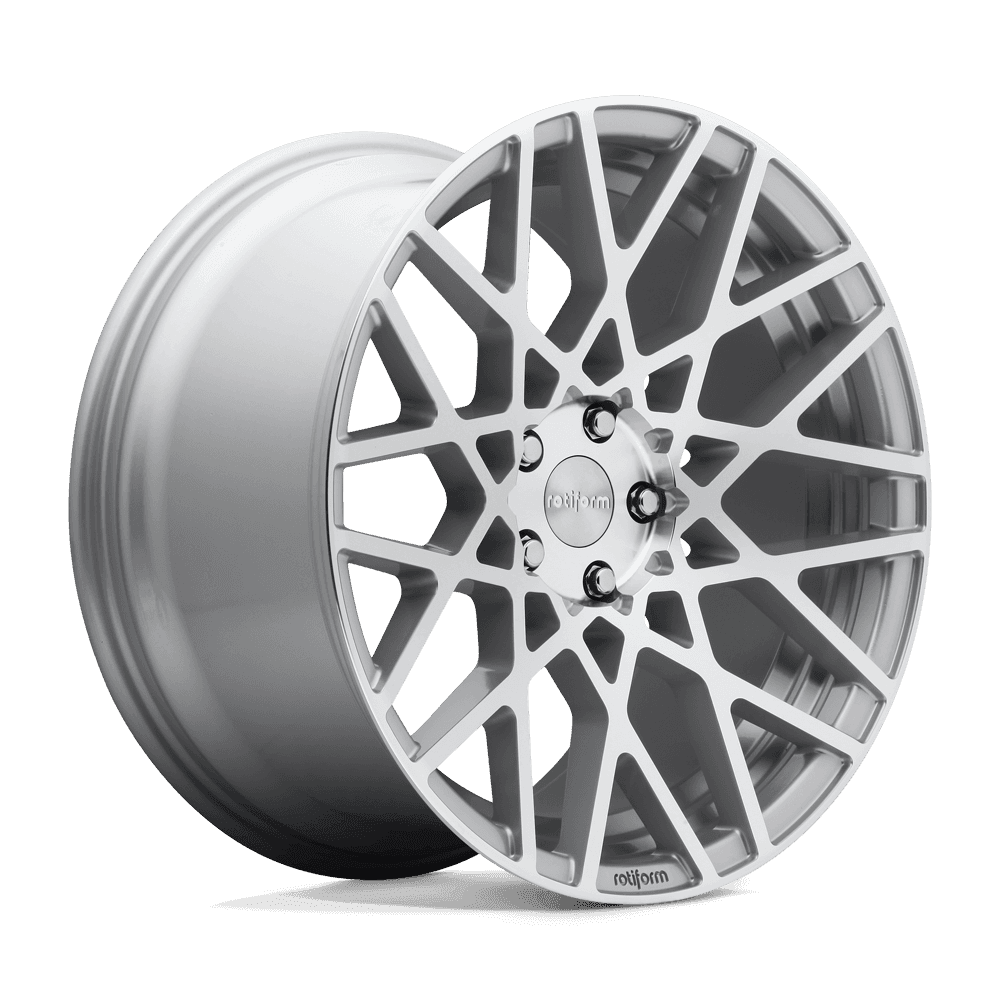
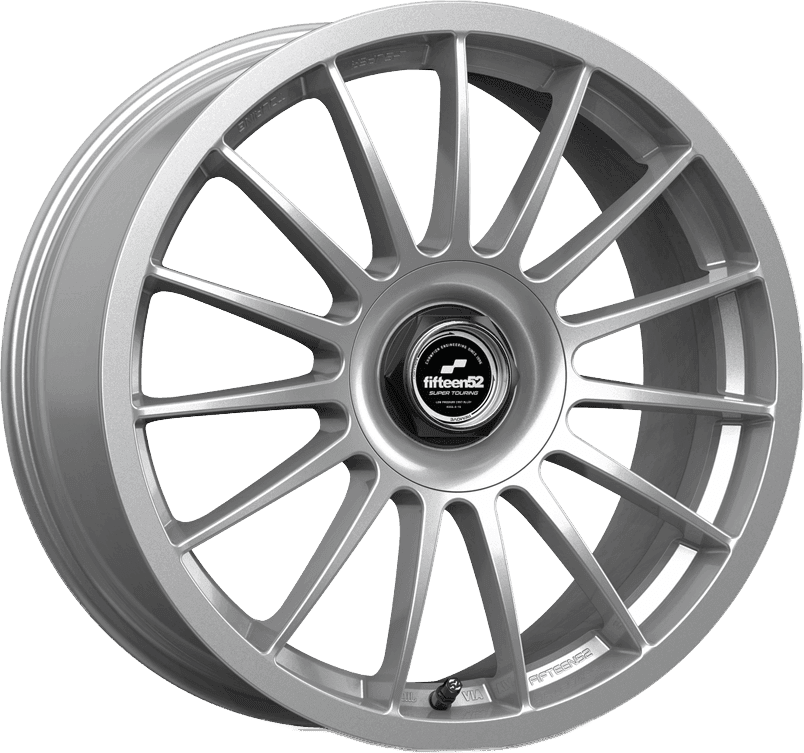
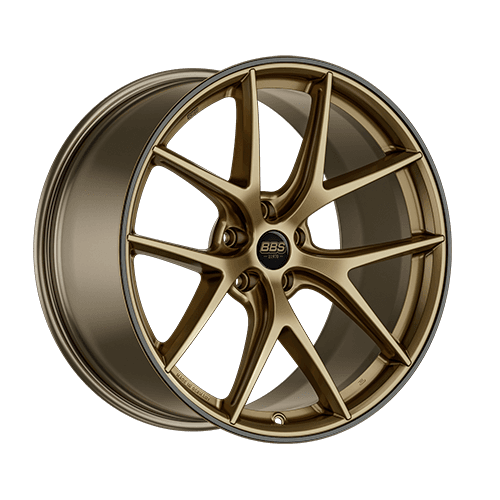
From iconic brands to a photo from your phone, our AI seamlessly test fits any wheel. Explore a few of our favorites below.

















Not affiliated with or endorsed by any wheel manufacturer. All trademarks and images are the property of their respective owners.
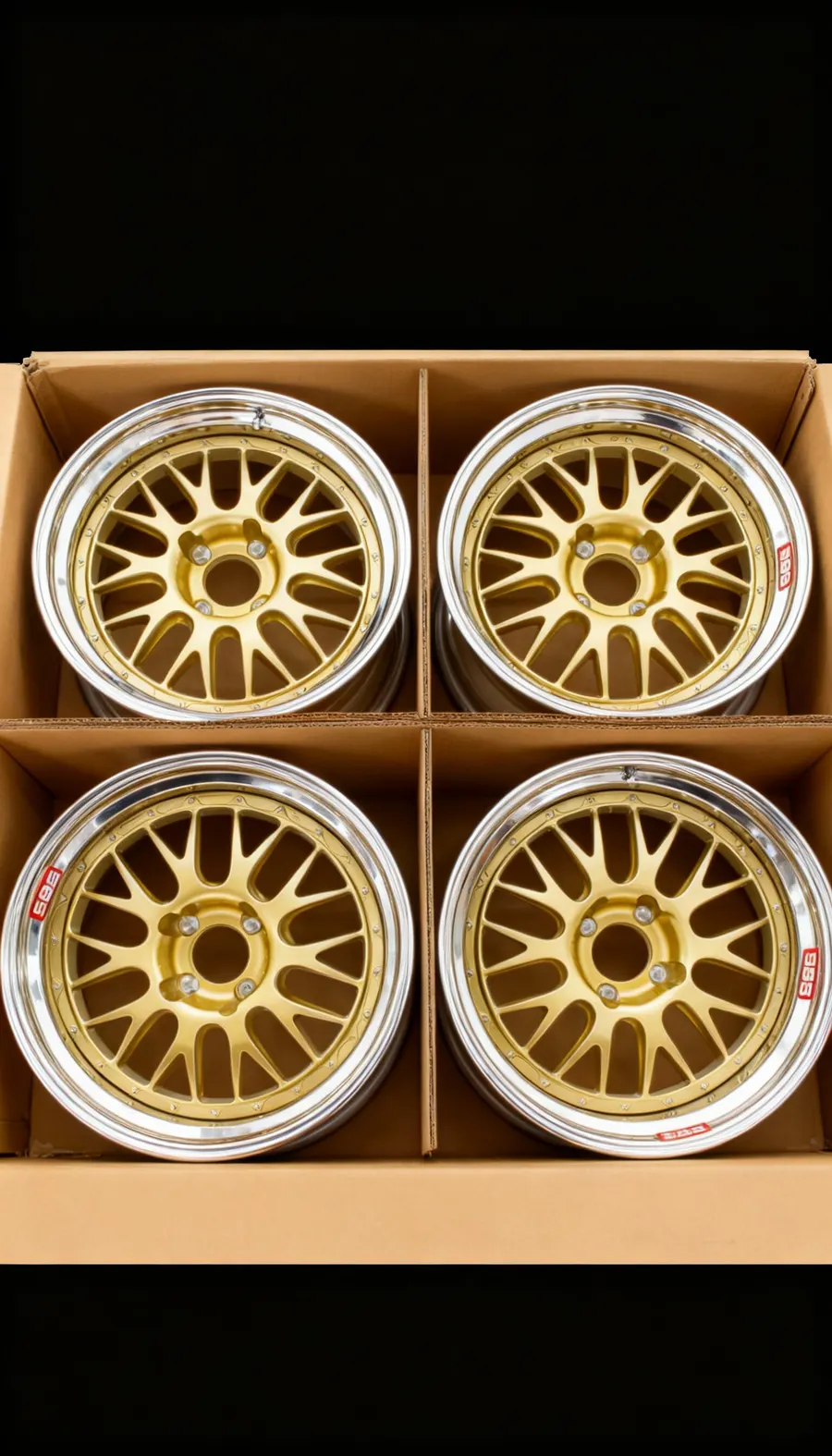
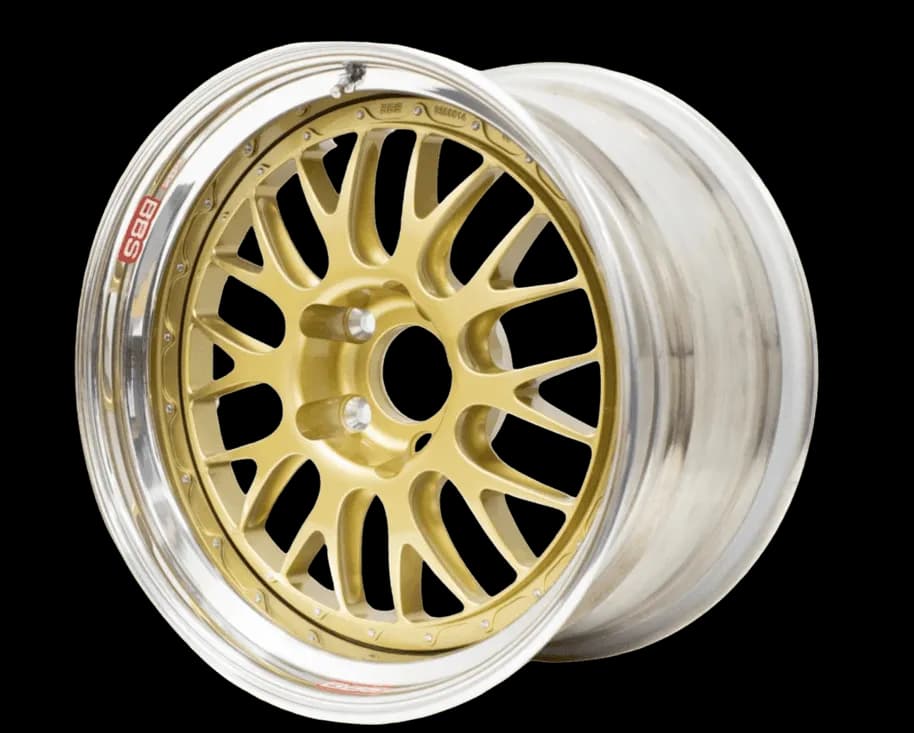
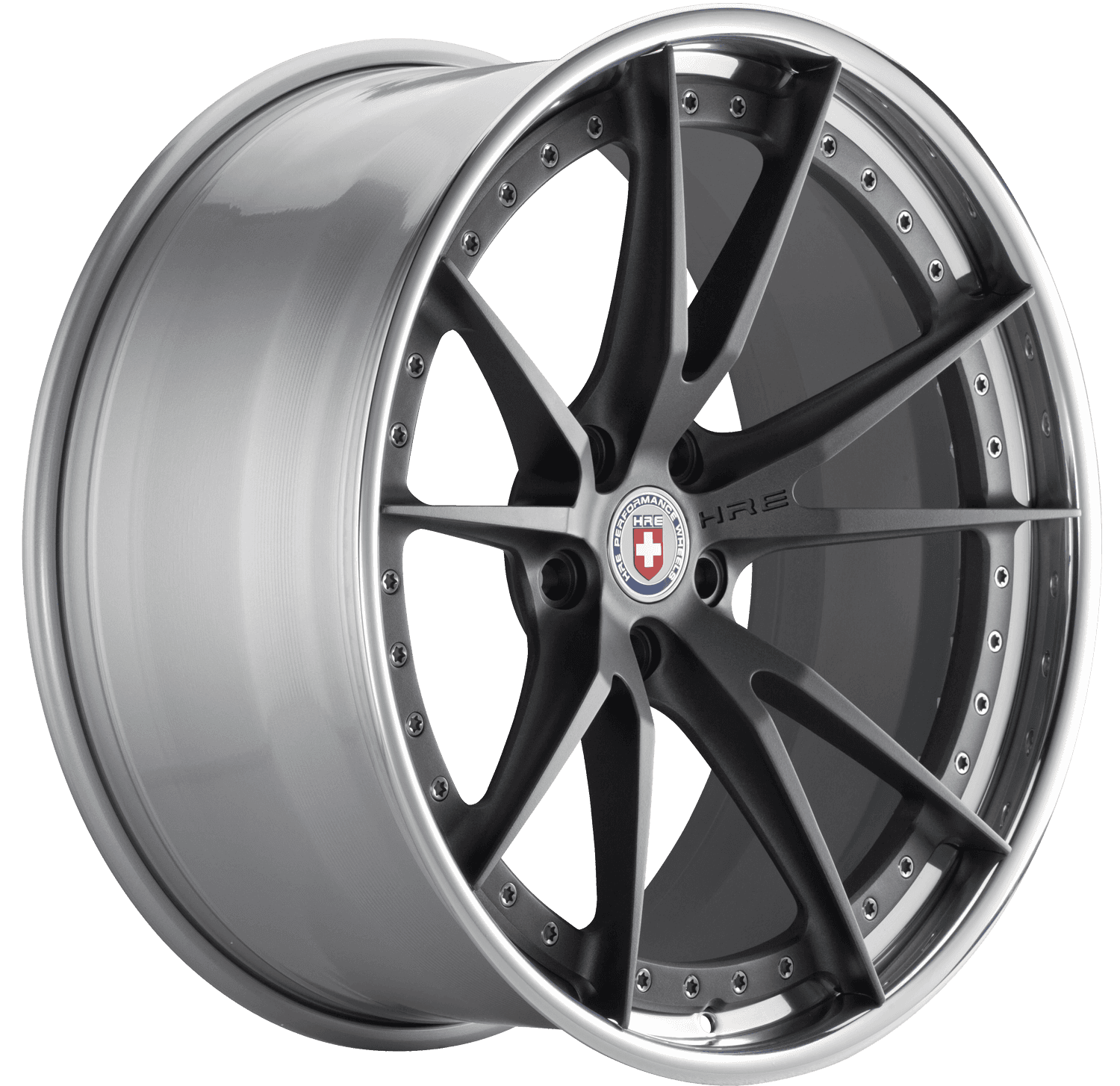
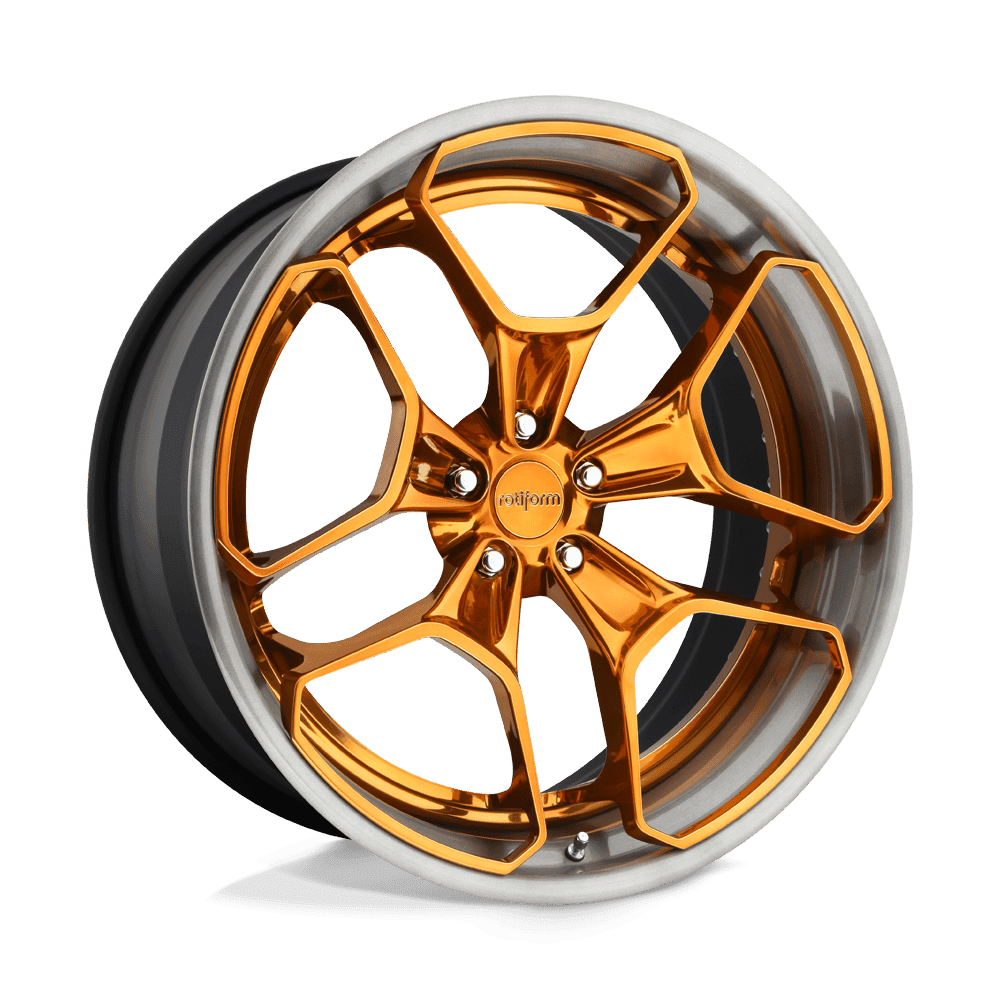
From forged multi-piece rims to off-road beadlocks, our wheel visualizer library has the right fitment for any build. Every wheel is a high-fidelity PNG ready to test on your vehicle.
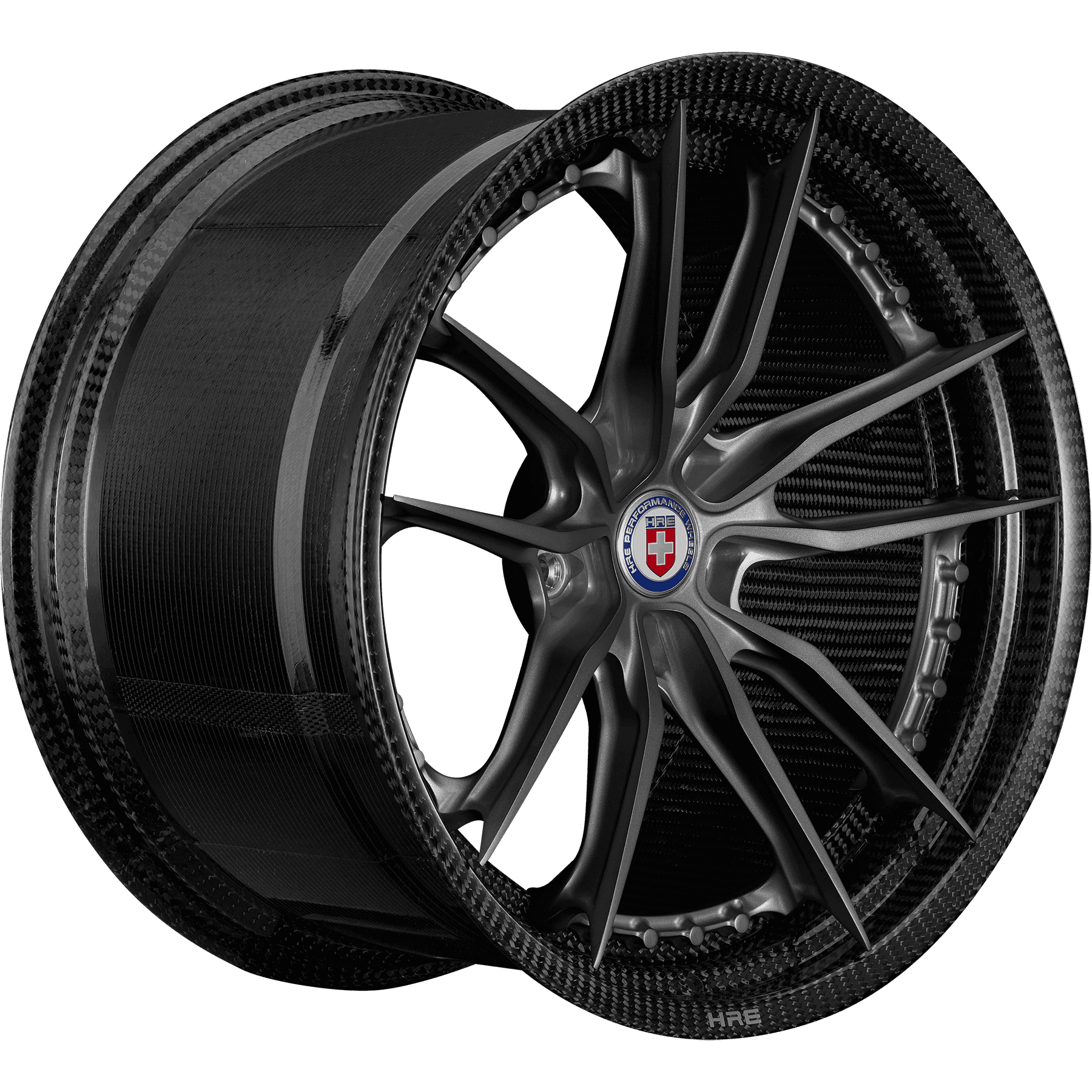
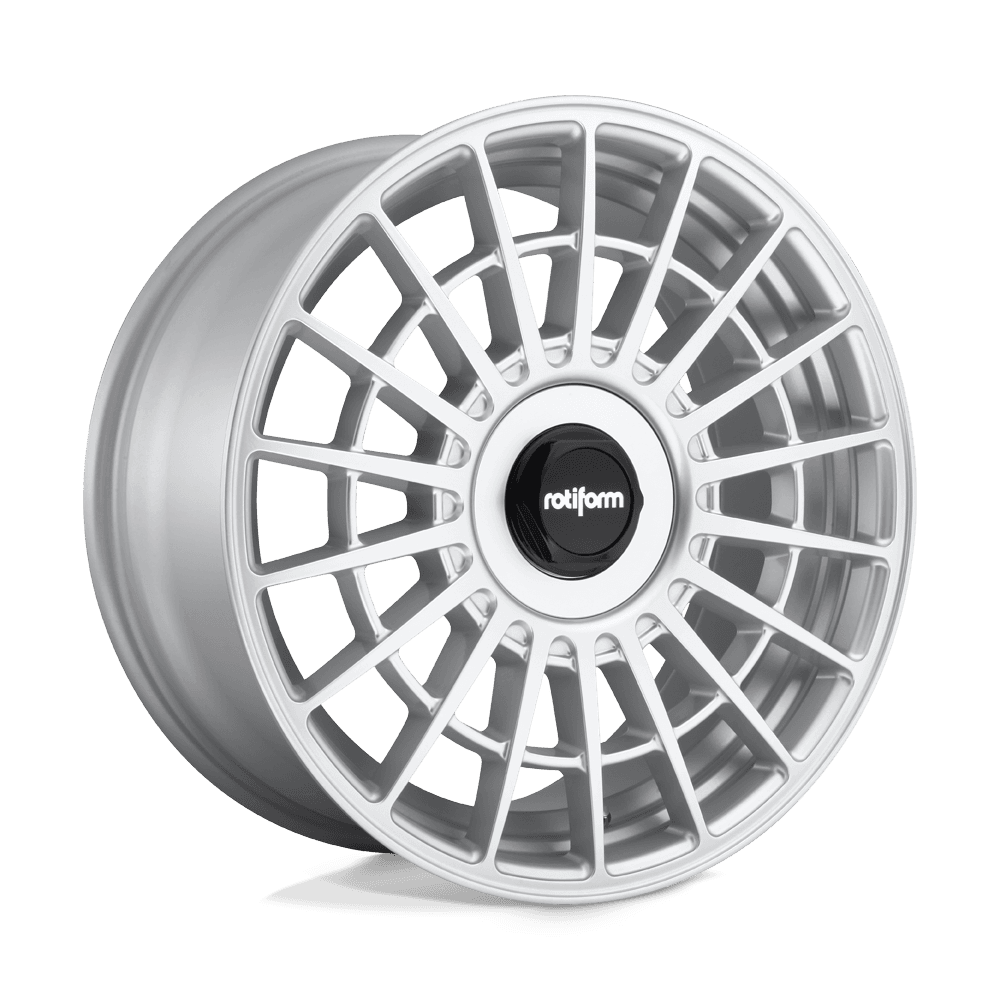
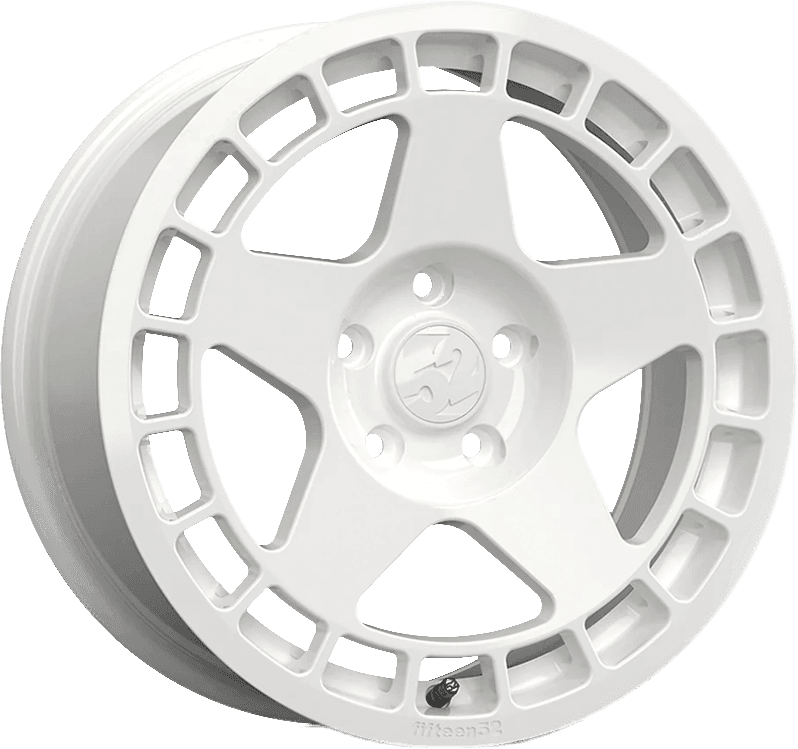
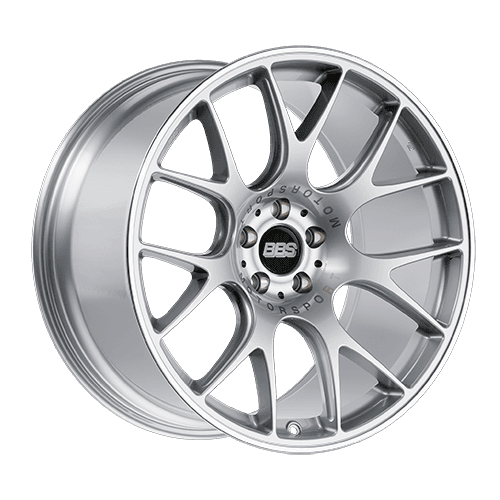
Give customers a branded visualizer with a hosted page, a website embed, or our rendering API.
An AI wheel visualizer shows new wheels on a photo of your own car. You upload a car photo, pick or upload a wheel, and WheelBlend renders a realistic preview that keeps your paint, angle, and lighting.
Yes, WheelBlend is free to start. The Free plan includes 4 credits and needs no credit card. Paid plans add more renders each month and remove the watermark.
Compare plansYes. A phone photo works. Side and three-quarter shots with the wheels fully visible and even lighting give the best results.
How to try wheels on your carYes. Upload any wheel photo, marketplace screenshot, or PNG cutout. WheelBlend removes the background and fits the wheel to your car photo.
Yes. You can preview off-road wheels, all-terrain and mud-terrain tires, and a lifted ride height on a photo of your truck or SUV.
Truck wheel visualizerYes. Choose a finish such as gloss, matte, satin, chrome, or brushed metal, set a wheel color, and pick a brake caliper color.
Wheel color visualizerYes. Set ride height to slammed, lowered, lifted, or extreme lifted. You can also change wheel offset from tucked to aggressive poke.
Lowered car visualizerA new preview takes about 15 seconds. Reusing the same car or wheel photo can take about 10 seconds.
No. WheelBlend shows how wheels look. Before you buy, confirm diameter, width, offset, bolt pattern, center bore, tire size, and brake clearance.
Wheel offset vs backspacingUpload your car. Pick your wheels. See how they look.
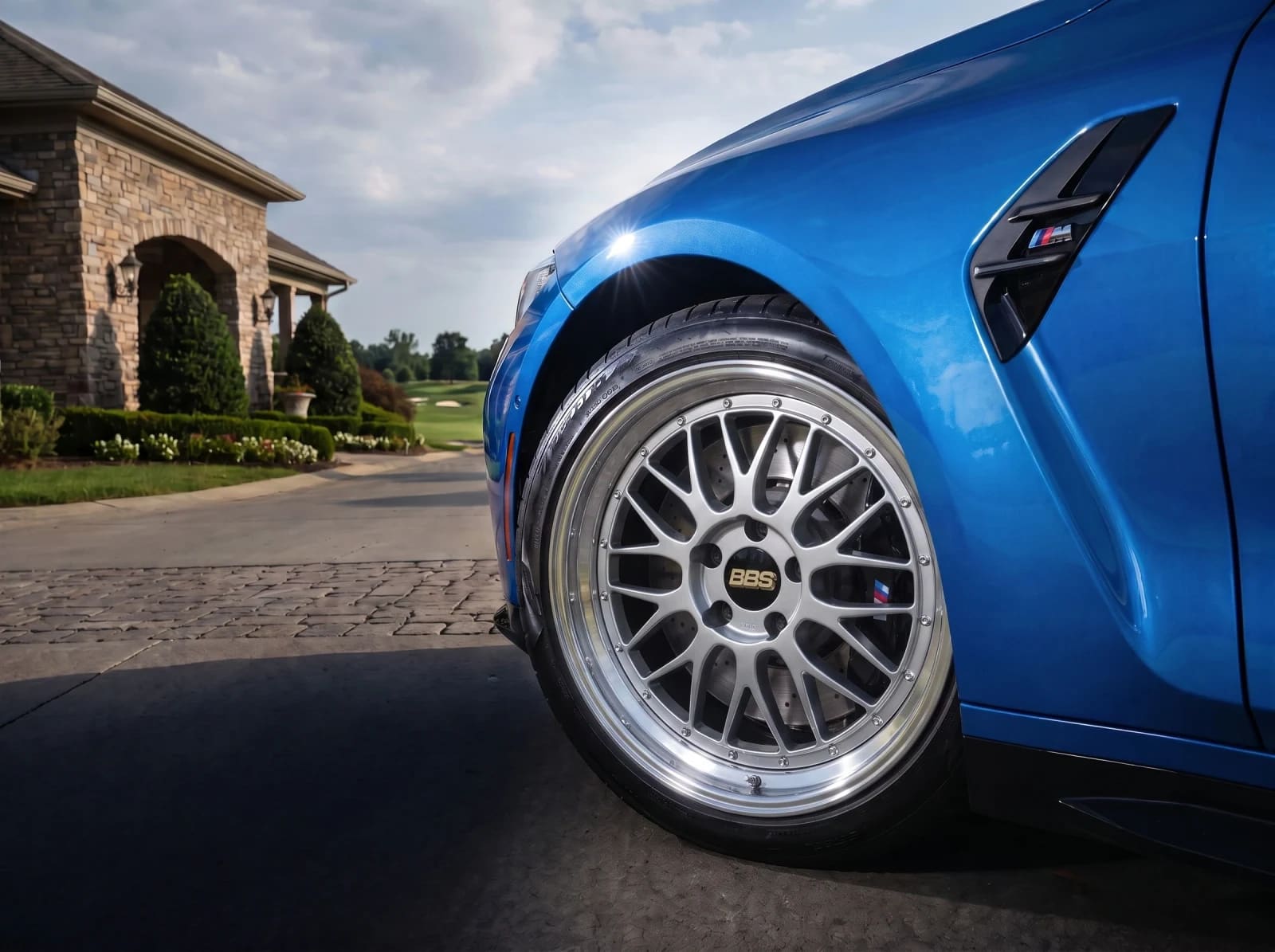
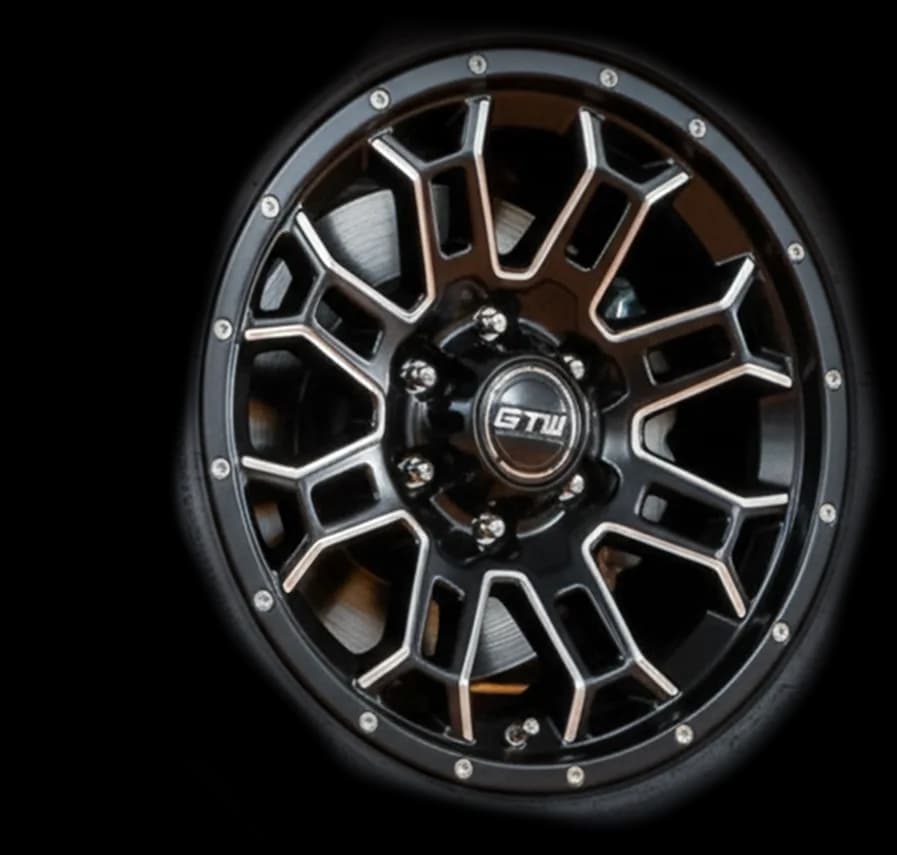 Multi-Spoke Diamond Cut
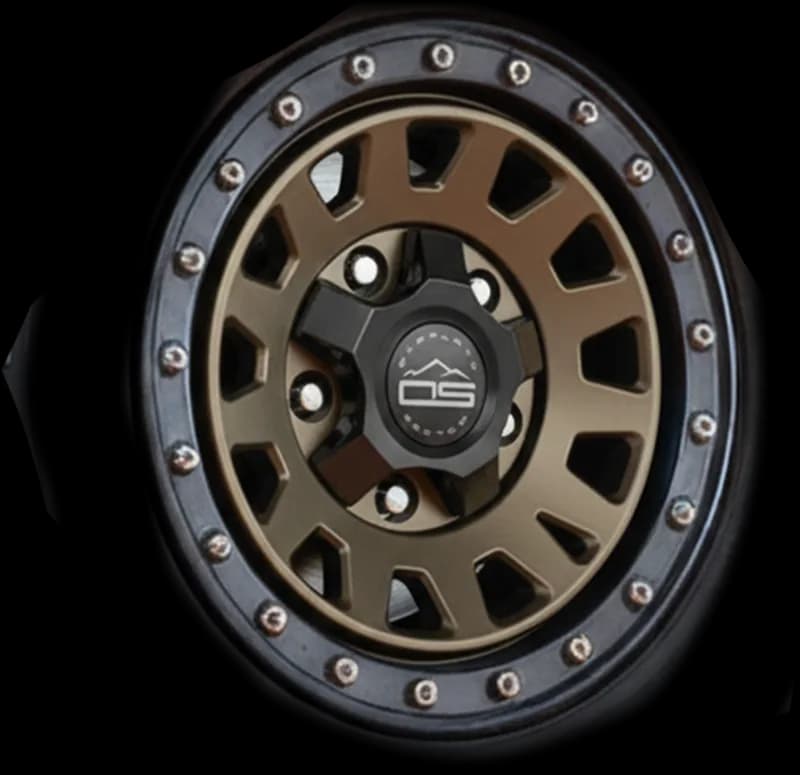 Riveted Multi-Color
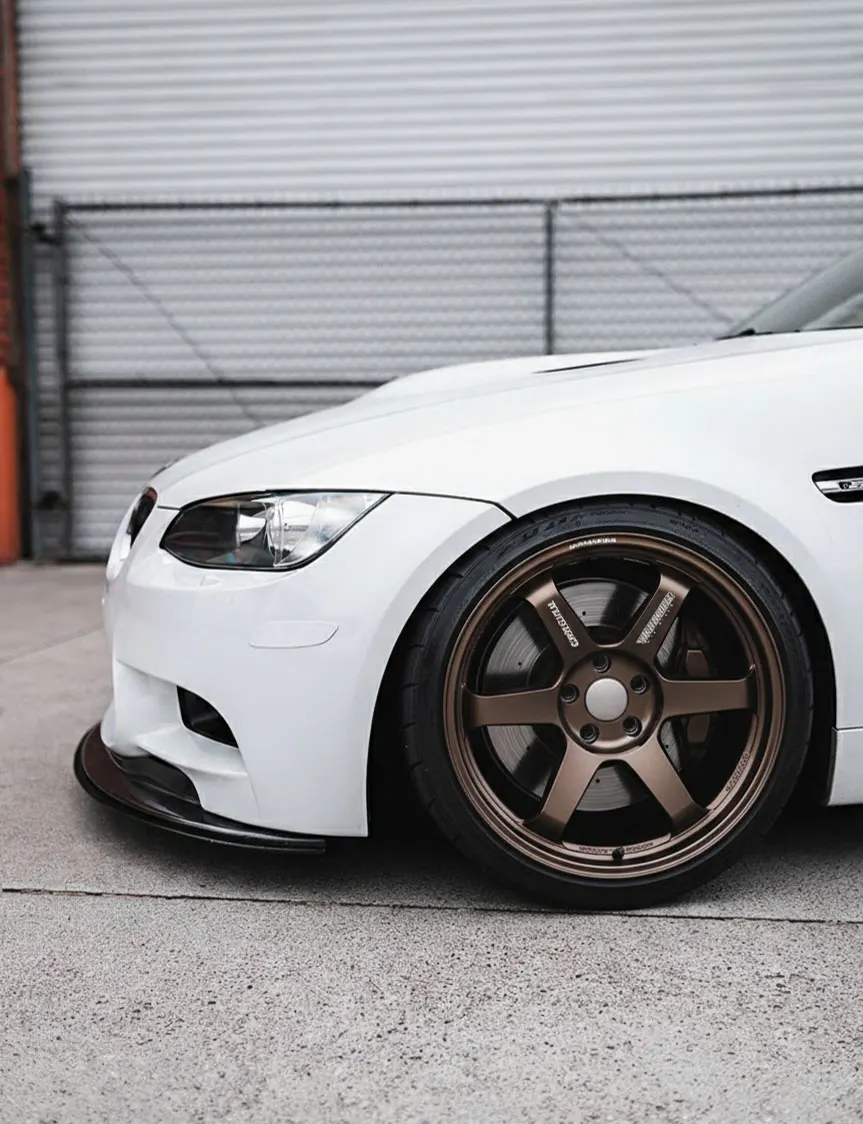
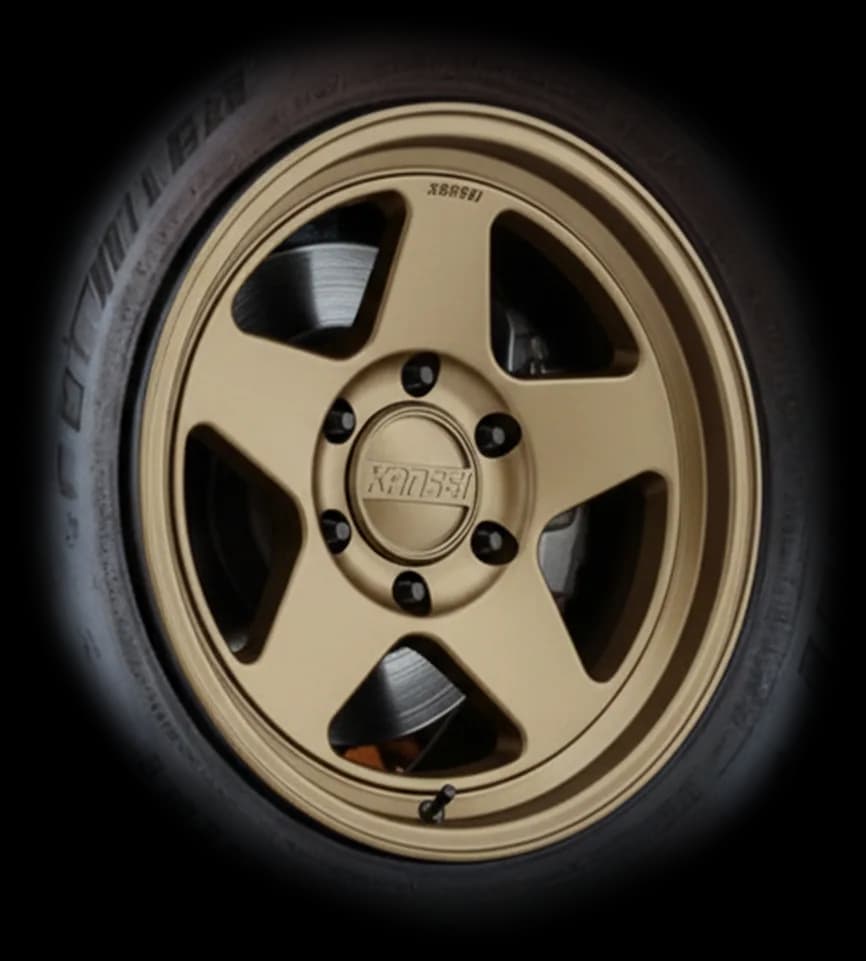 Minimalistic Style Bronze