Try Wheels on Your Car Online with an AI Wheel Visualizer
Upload your car photo and instantly preview any wheel with an AI wheel visualizer built for realistic fitment. Get photorealistic renders in 15 seconds. No downloads, no software. Just upload, preview, and export.
Shopping for new wheels is exciting, but it can also be risky. How do you know if those wheels you found online will actually look good on your car? Traditional methods meant either buying blindly or spending hours in Photoshop trying to mock up the look. WheelBlend offers a better way.
AI wheel visualizers have revolutionized how enthusiasts shop for wheels. Instead of guessing or relying solely on static product photos, you can now see exactly how any wheel will look on your specific car before spending a dime. This guide will show you how to visualize wheels on your car using WheelBlend, from gathering your photos to exporting professional-quality renders.
Whether you're building a show car, restoring a classic, or just want to refresh your daily driver's look, using an AI rim visualizer saves time, money, and buyer's remorse. Let's dive in.
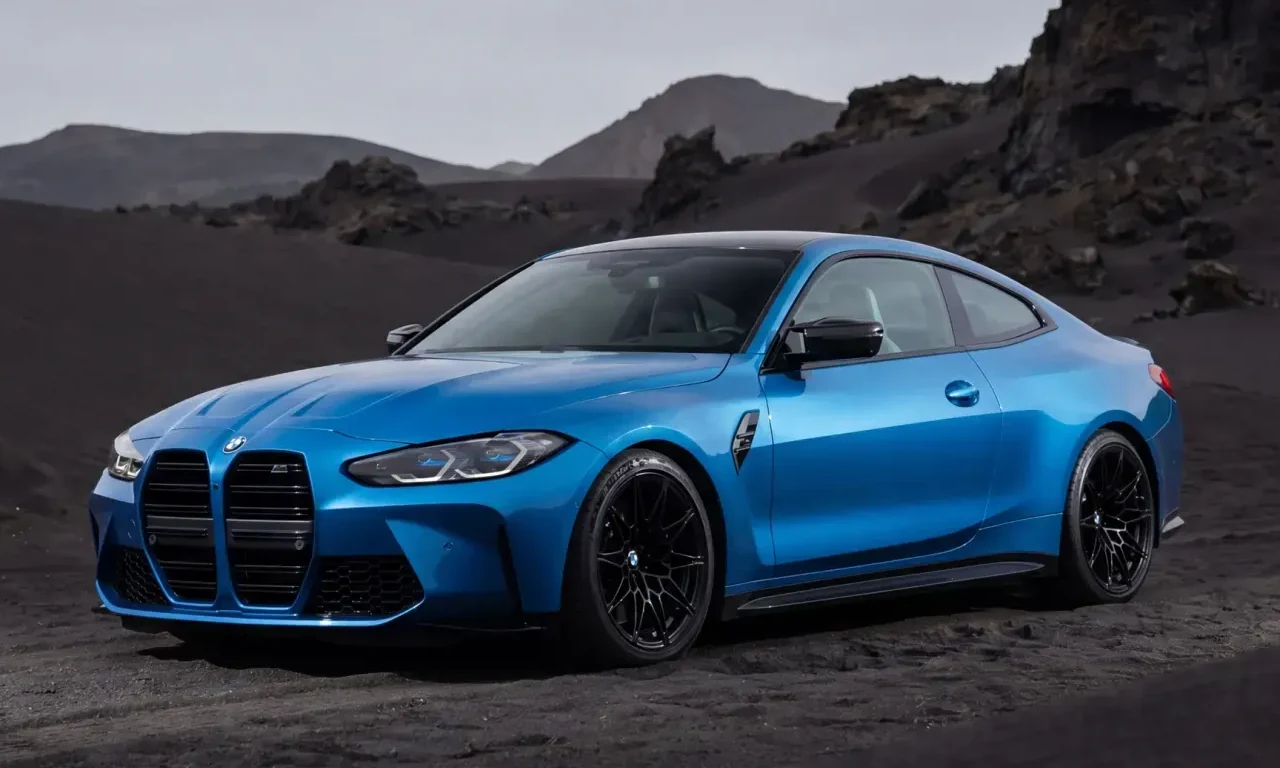
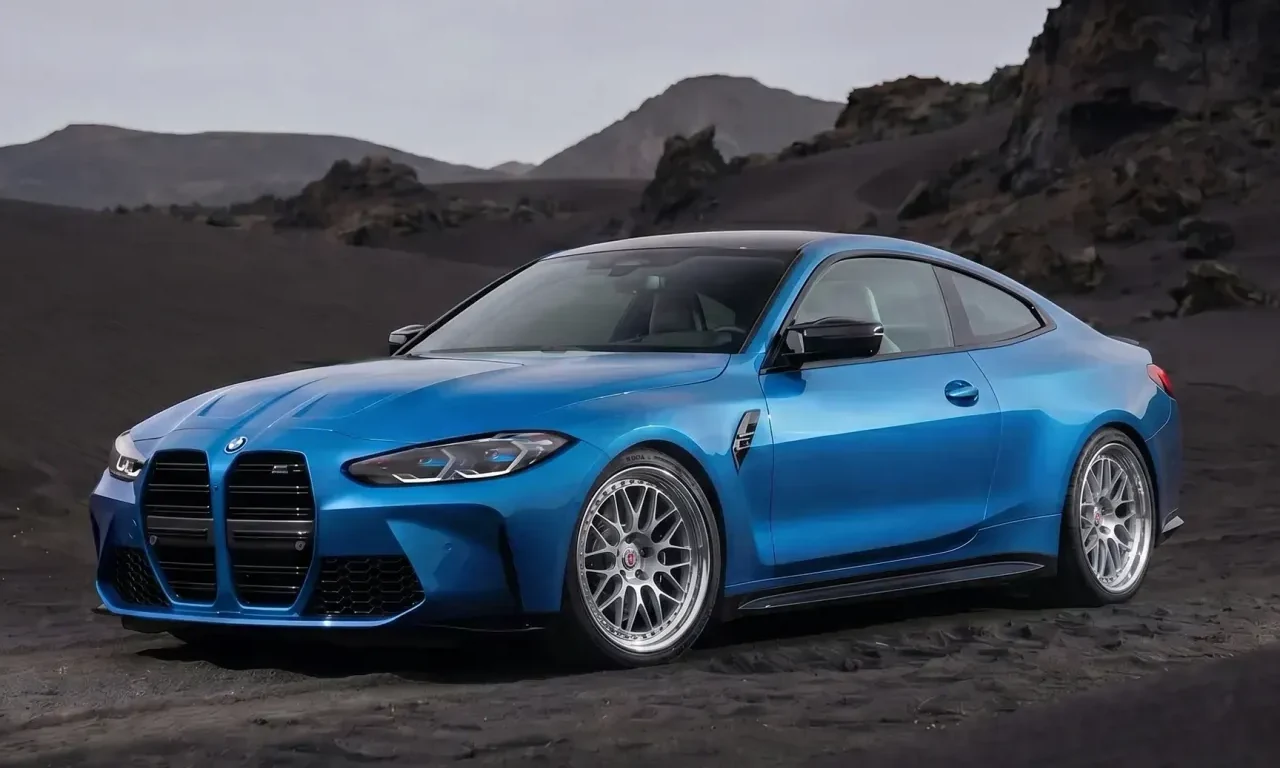
Why Try Wheels on Your Car with AI?
Buying wheels is a significant investment. A quality set can easily run into thousands of dollars, and that's before considering tires, installation, and potential modifications. Making the wrong choice means you're stuck with wheels that don't match your vision, or worse, you have to sell them at a loss and start over.
WheelBlend eliminates this guesswork. By uploading a photo of your car and the wheels you're considering, you get a photorealistic preview in seconds. You can test multiple styles, finishes, and sizes before committing to a purchase. This AI wheel visualizer approach has become essential for:
- Online wheel shopping: See how marketplace listings look on your actual car, not just generic product shots.
- Custom builds: Experiment with different finishes (chrome, matte black, bronze) without ordering samples.
- Stance planning: Preview how aggressive wheel setups or lowered suspension will affect the overall look.
- Group buys and forums: Share realistic mockups with communities to get feedback before ordering.
What Makes WheelBlend Different
Modern AI-powered wheel visualizers go far beyond simple overlay filters. Here's what sets WheelBlend apart from older methods.
Instant Results
AI-powered rendering delivers your preview in ~15 seconds. No waiting, no manual work.
Any Image Source
Screenshots, marketplace photos, transparent PNGs all work perfectly with our smart AI.
Your Photos Stay Private
Uploads are private to your account. Reuse them across multiple sessions anytime.
How Virtual Wheel Fitment Works
From upload to export in three simple steps. No design skills or photo editing required.
Upload Your Photos
Start with a clear photo of your car (any angle works) and any wheel image like a screenshot, PNG, or marketplace photo.
AI Does the Work
Our AI automatically masks your car's wheel, matches perspective, and blends the new wheel seamlessly onto your photo.
Customize & Export
Try different finishes (chrome, matte, bronze), adjust fitment (lowered, lifted), or swap to other wheels from our library.
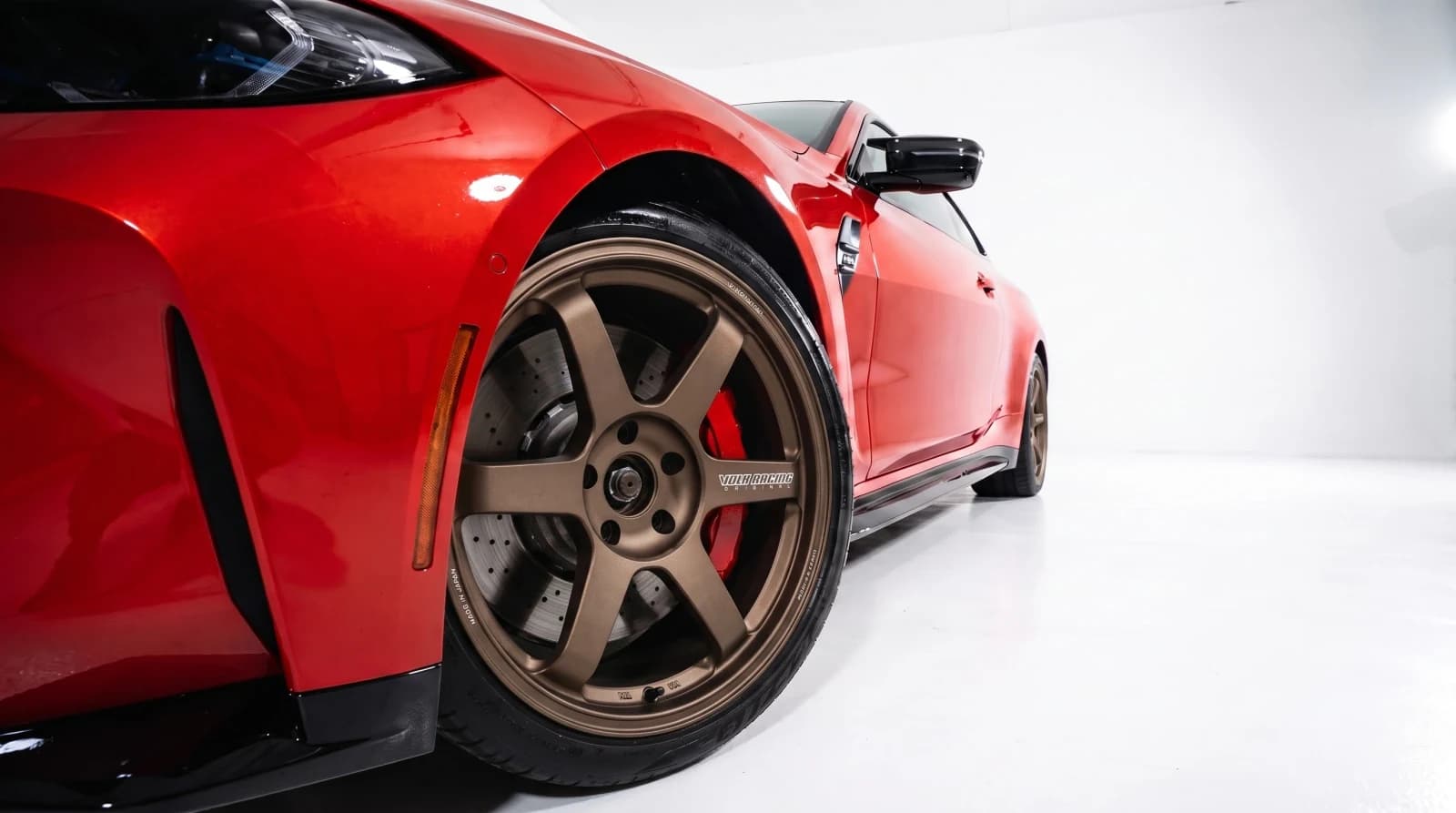
A real preview before the sale.
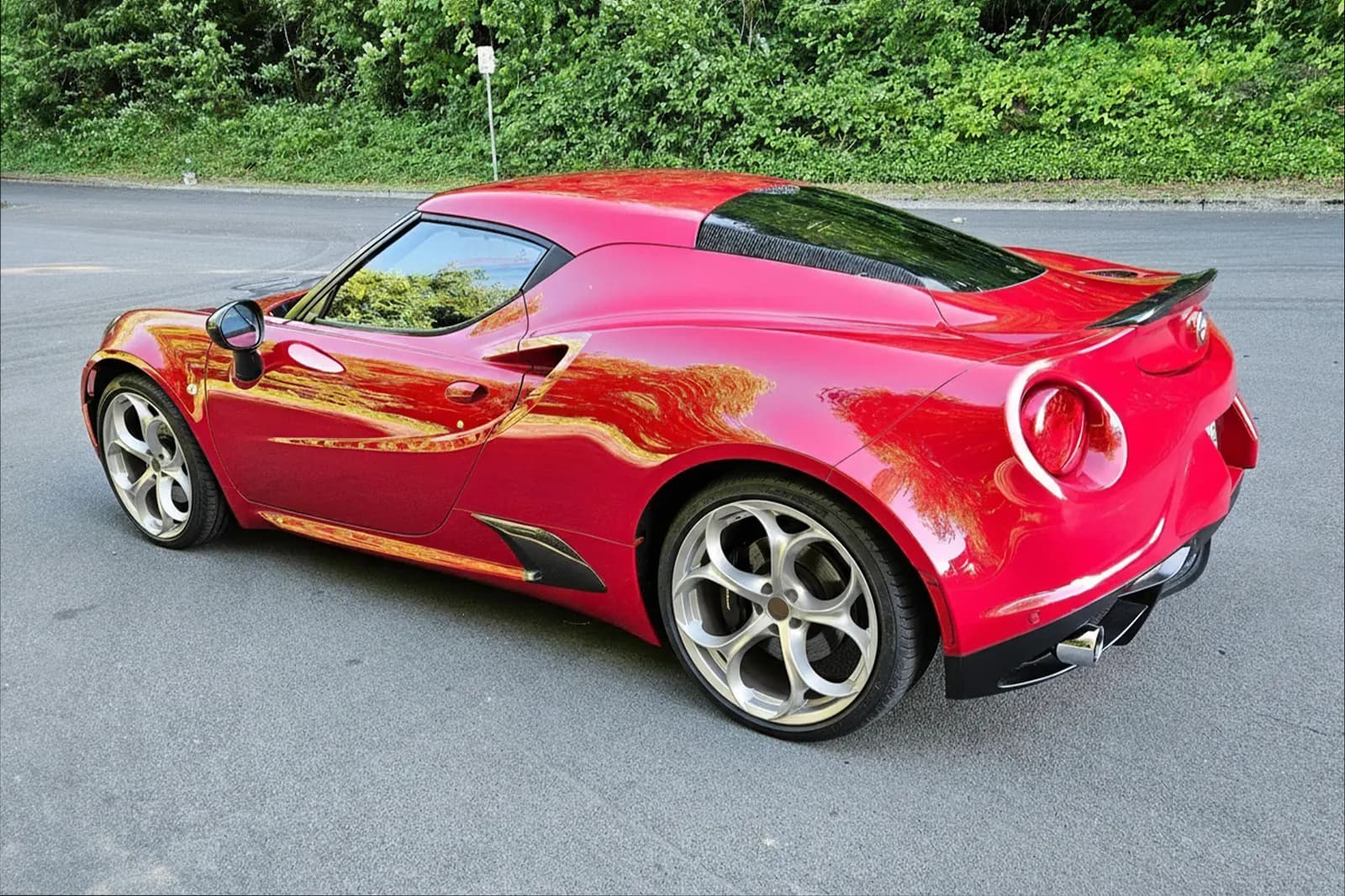
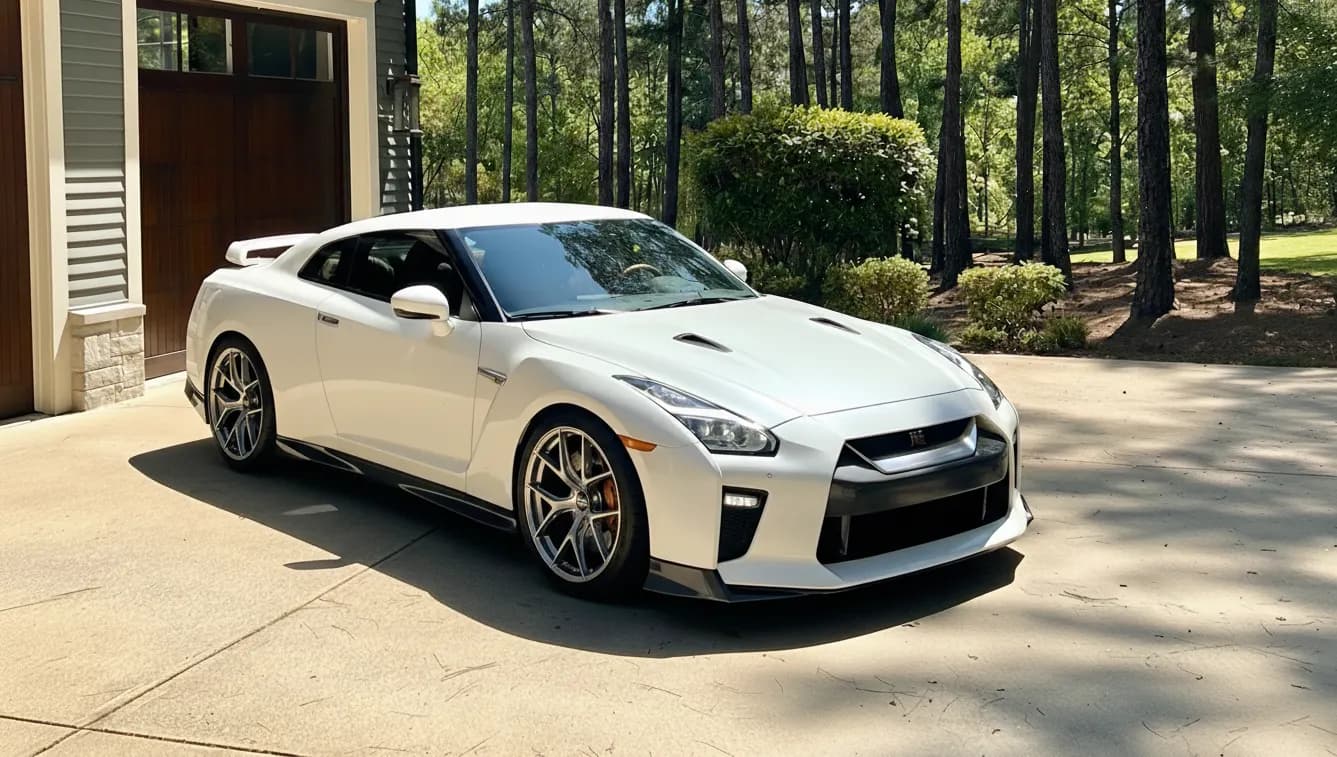
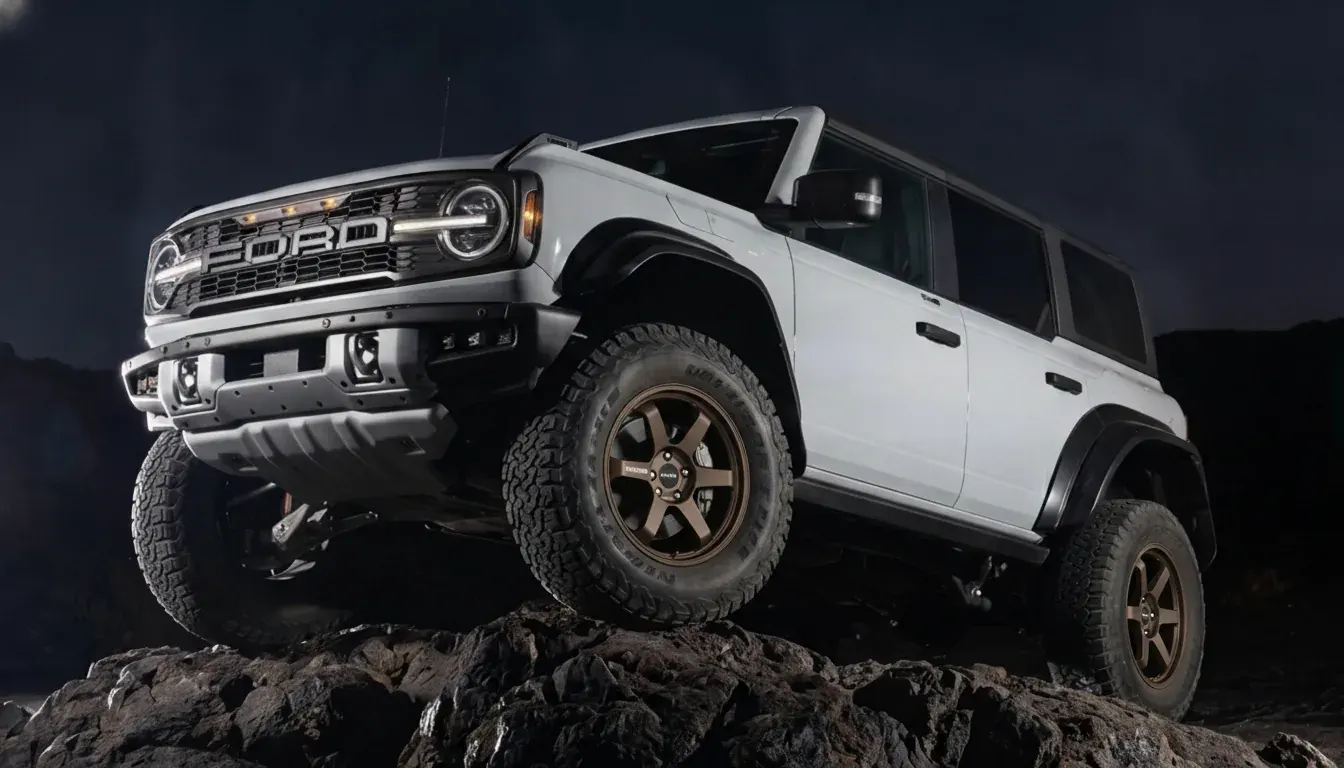
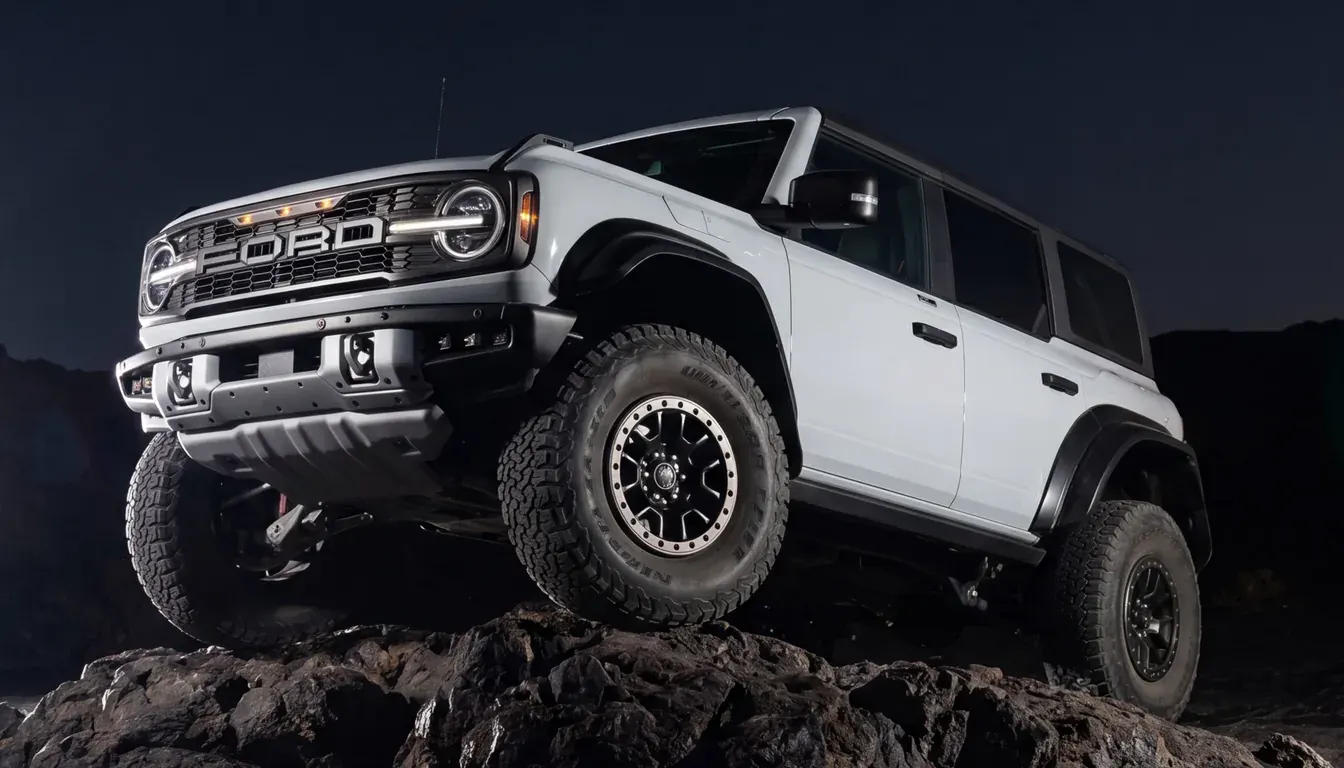
See exactly what any wheel looks like on your own car before spending the money. We give you a clear before-and-after preview using real photos.
Preparing Your Photos for Best Results
The quality of your virtual fitment preview depends heavily on the photos you start with. While modern AI can work with almost any image, following a few guidelines will give you the most realistic results.
For Your Car Photo
The ideal car photo shows the vehicle from a slight angle (3/4 view) with good lighting and a clear view of at least one wheel. You don't need professional photography equipment. A modern smartphone camera is more than sufficient. Here's what matters most:
- Lighting: Natural daylight works best. Avoid harsh shadows or dark garage lighting that obscures wheel details.
- Angle: Side profile or 3/4 front/rear angles show fitment clearly. Straight-on shots can work but show less depth.
- Distance: Frame the entire car with some breathing room. Too tight crops limit the AI's ability to understand context.
- Resolution: Any photo from a phone made in the last 5 years has enough resolution. Don't worry about megapixels.
For Wheel Images
You have several options when it comes to wheel images, each with its own advantages:
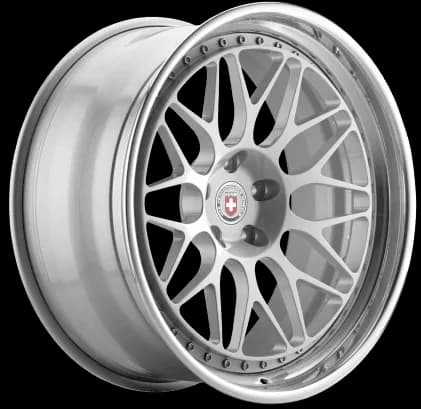
Transparent PNGs are the gold standard. Many wheel manufacturers and custom shops provide these on their websites. The transparent background means the AI doesn't need to separate the wheel from its background, resulting in cleaner edges and more realistic compositing.
Marketplace screenshots from sites like eBay, Fitment Industries, or Facebook Marketplace work surprisingly well. Modern AI can intelligently detect the wheel and remove the background automatically. Just try to grab screenshots where the wheel is clearly visible against a contrasting background.
On-car photos can work if you want to replicate a specific setup you've seen on another build. The AI will extract the wheel and apply it to your car. This is particularly useful for replicating builds from forums or Instagram. You can also browse our curated wheel library for inspiration.
What Images Work Best?
WheelBlend is designed to handle real-world photos from any source. Here's what to expect:
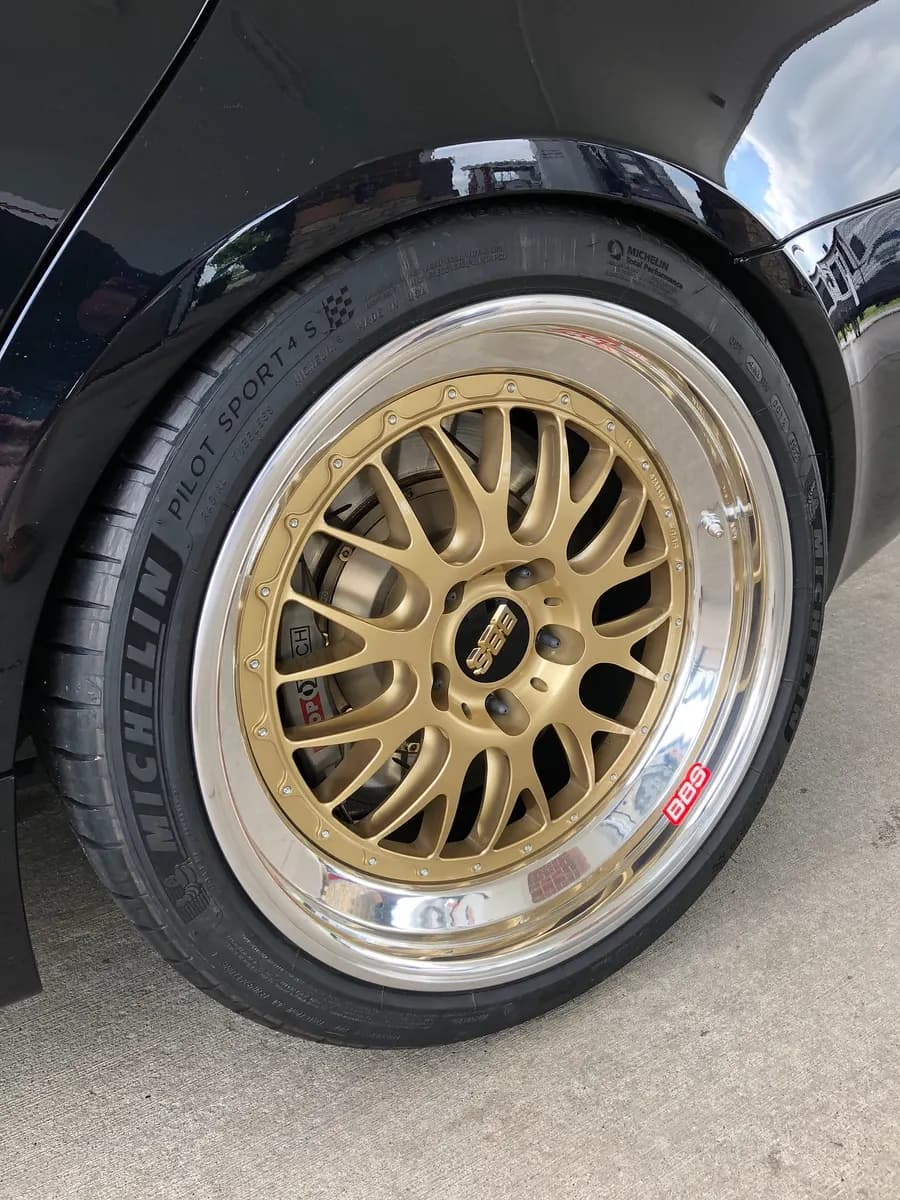
On-car
Photo of a wheel already on a car. Works well but may need background cleanup.
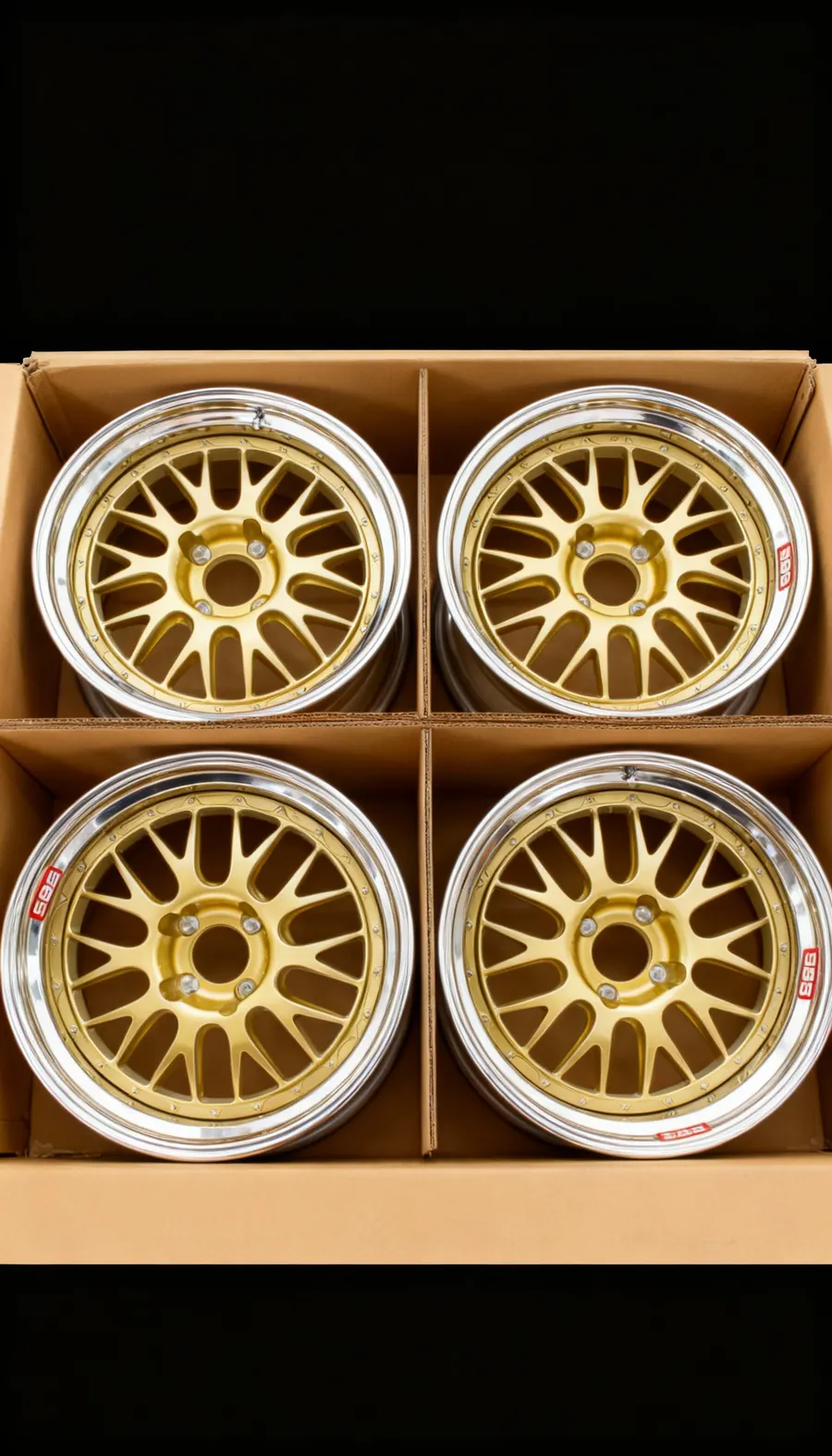
Marketplace
Screenshots from eBay or Fitment Industries. AI handles backgrounds automatically.
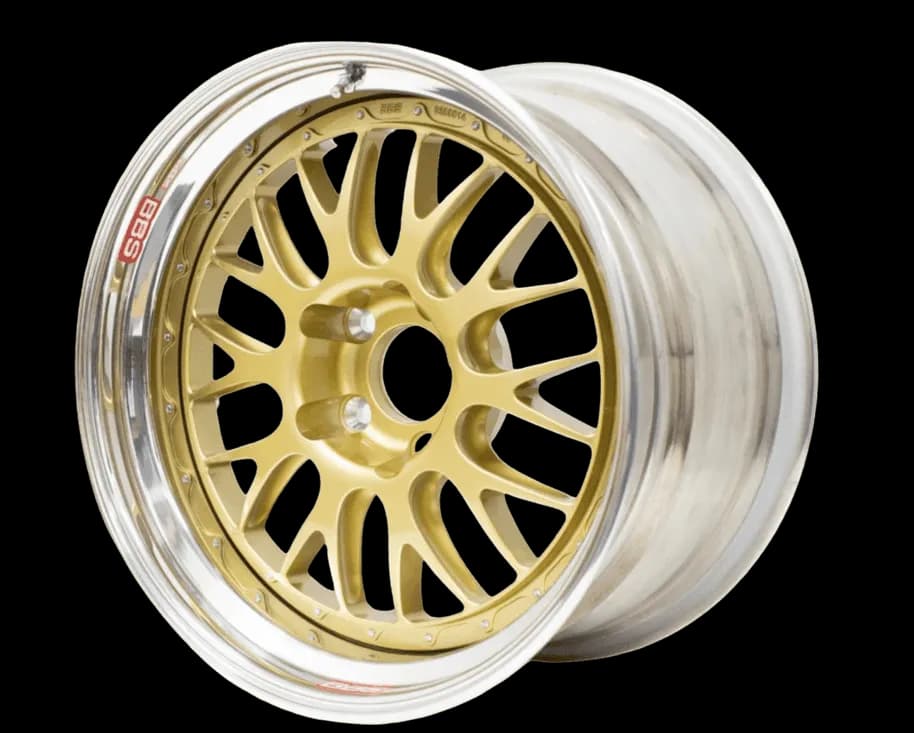
Transparent PNG
Clean edges, perfect masking, professional results. Download from manufacturer sites.
How WheelBlend Creates Realistic Renders
When you upload your photos to WheelBlend, a sophisticated AI pipeline goes to work behind the scenes. Understanding this process helps you appreciate why the results look so realistic compared to simple photo editing.
First, the AI analyzes your car photo to identify and mask the existing wheels. This involves understanding the 3D geometry of your car, detecting edges, and separating the wheel from the tire, fender, and background. This happens automatically in seconds, something that would take even an experienced Photoshop user 10-15 minutes per wheel.
Next, WheelBlend processes your wheel image. If it's not already a transparent PNG, the system removes the background and isolates the wheel design. It then analyzes the wheel's geometry to understand its depth, spoke pattern, and overall structure.
The magic happens in the blending phase. The AI doesn't just paste the wheel onto your car. It matches the perspective, adjusts lighting to match your photo's environment, applies realistic shadows, and even simulates reflections based on the wheel's finish. This is why AI-generated previews look dramatically better than manual Photoshop overlays.
The entire process typically completes in about 15 seconds for a fresh render. If you're reusing a car or wheel you've uploaded before, cached renders can finish in as little as 15 seconds since WheelBlend has already processed those assets.
Advanced Customization (Optional)
Want more control? Use our creative settings to fine-tune your preview without touching Photoshop.
Fitment Adjustment
Lower the stance, lift for off-road, or tuck the wheels for an aggressive look.
Finish & Color Control
Try gloss, matte, satin, brushed metal, chrome, or candy finishes. Use hex codes for exact colors.
Tire Type Selection
Choose off-road treads, winter tires, racing slicks, or let AI auto-detect the right style.
Creative Direction
Add optional text prompts to guide lighting, mood, or color grading for your render.
Real-World Use Cases for AI Wheel Visualization
Trying wheels on your car with AI isn't just a novelty. It's become an essential tool for various automotive communities and use cases.
Car Shows and Competitions
Show car builders use WheelBlend to plan their builds months in advance. By creating multiple renders with different wheel options, they can get feedback from judges and fellow enthusiasts before committing to expensive purchases. This is especially valuable for cars competing in categories where aesthetics and stance are judged heavily.
Online Wheel Shopping
When browsing online marketplaces, you often find great deals on wheels that might look perfect—but will they work on your specific car? WheelBlend lets you test before you buy. Screenshot the listing, upload it along with your car photo, and you'll know within 15 seconds whether it's worth pursuing.
Restoration Projects
Classic car owners often struggle to find period-correct wheels or decide whether to go modern. Using an AI rim visualizer helps bridge the gap, letting you see how original-style wheels compare to contemporary options before making an irreversible decision.
Social Media Content
Car influencers and content creators use WheelBlend renders to engage their audience with "which wheels should I buy?" polls. The realistic previews generate significantly more engagement than text polls or generic product photos.
Common Mistakes to Avoid
Even with AI handling the heavy lifting, there are a few pitfalls that can lead to disappointing results. Here's what to watch out for:
Using Low-Quality Source Images
Blurry, pixelated, or heavily compressed images will produce blurry renders. While the AI can't add detail that isn't there, it works remarkably well with any standard smartphone photo. Just avoid screenshots of screenshots or images that have been heavily filtered.
Ignoring Perspective
If your car photo is shot from a low angle but your wheel image is straight-on, the AI will do its best but the result may look slightly off. Try to match perspectives when possible, or at least use the preview to verify the angle works.
Forgetting About Wheel Size
Virtual fitment shows you how wheels look, but it can't tell you if they'll physically fit your car's bolt pattern or clear your brakes. Always verify specifications before purchasing. The render is for aesthetics, not mechanical compatibility.
Getting Started: Try Wheels on Your Car with AI
The days of buying wheels blindly or spending hours in Photoshop are over. AI rim visualizers like WheelBlend have made it easier than ever to visualize your dream build before spending a single dollar on parts.
Whether you're planning a complete overhaul or just curious how a marketplace find would look, WheelBlend delivers photorealistic results in seconds. The process is straightforward: upload your car, add a wheel image, and let the AI handle the complex work of masking, positioning, and blending.
Ready to visualize wheels on your car? The tool is free to start, with no downloads or complex software required. Just grab a photo of your car and start experimenting.
Try any wheel on your car, instantly.
Upload a photo of your car and see a photorealistic preview with new wheels before you buy.