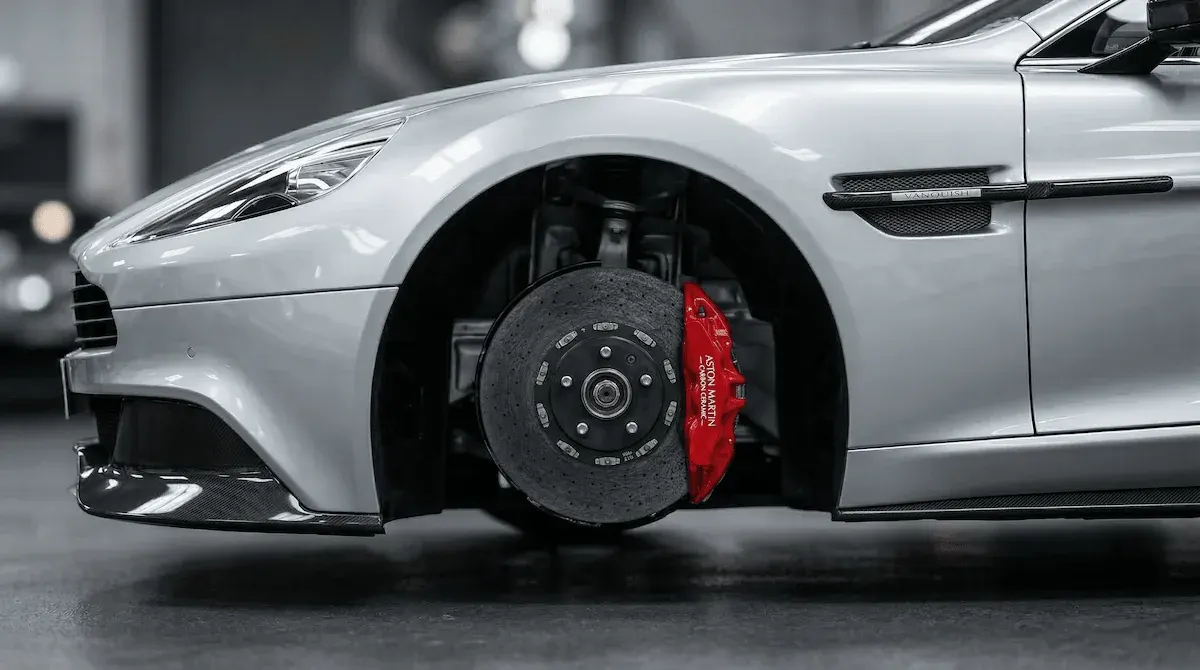
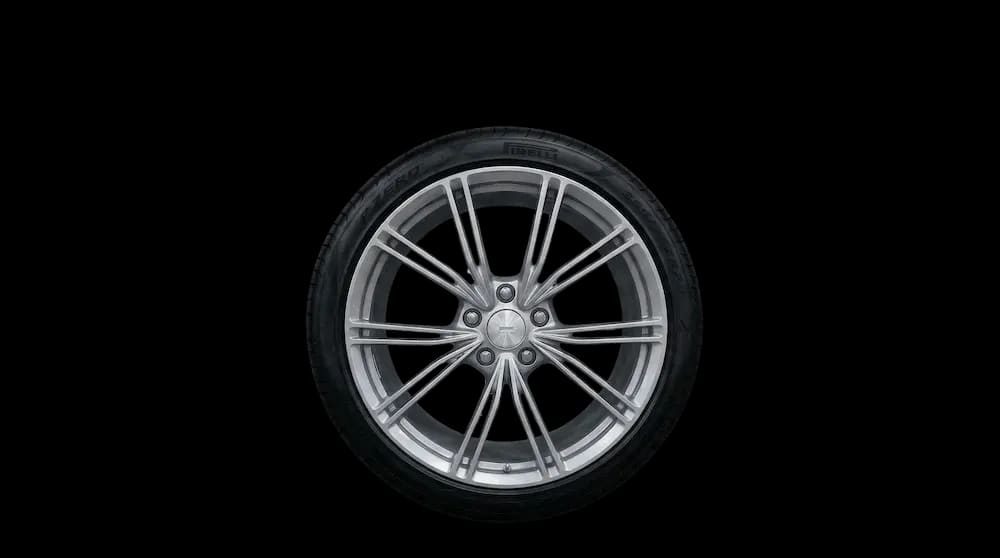
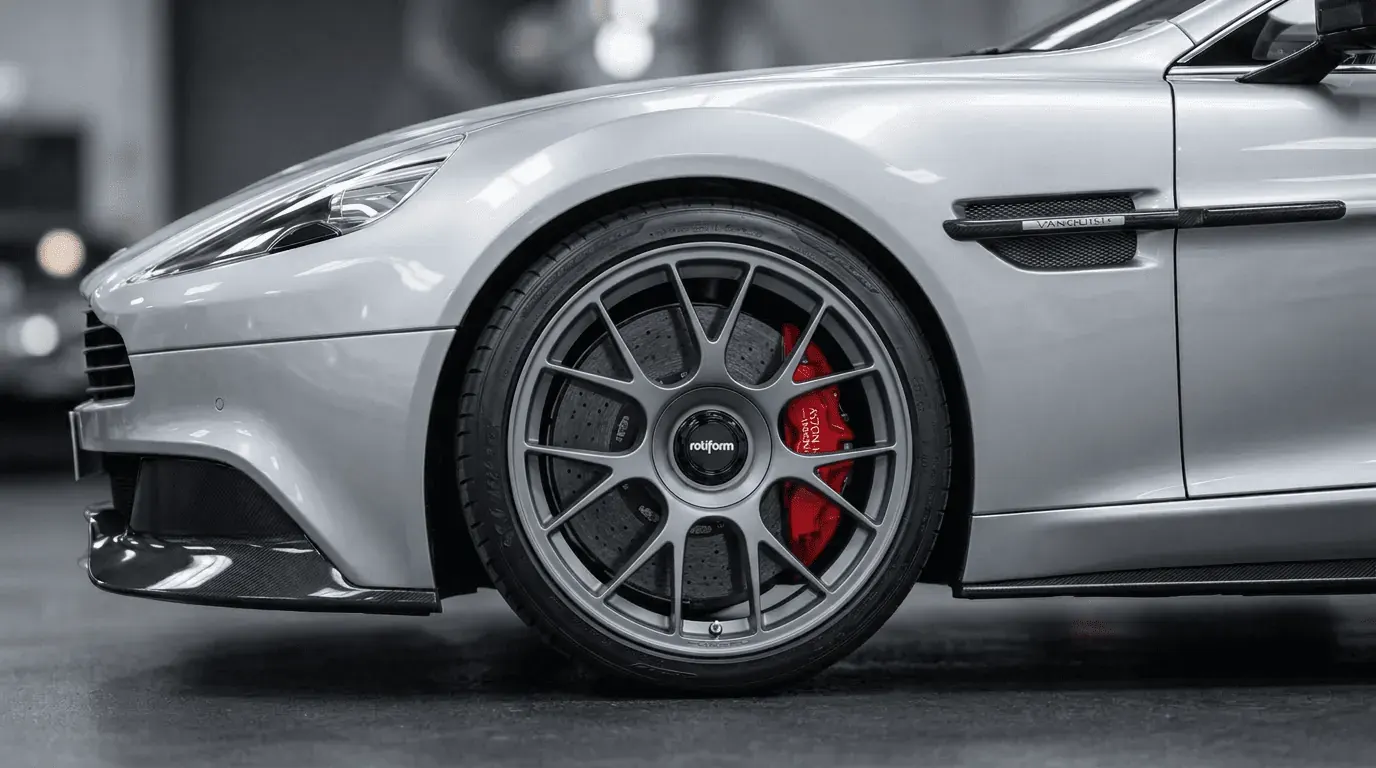
Turn Browsers into Buyers.
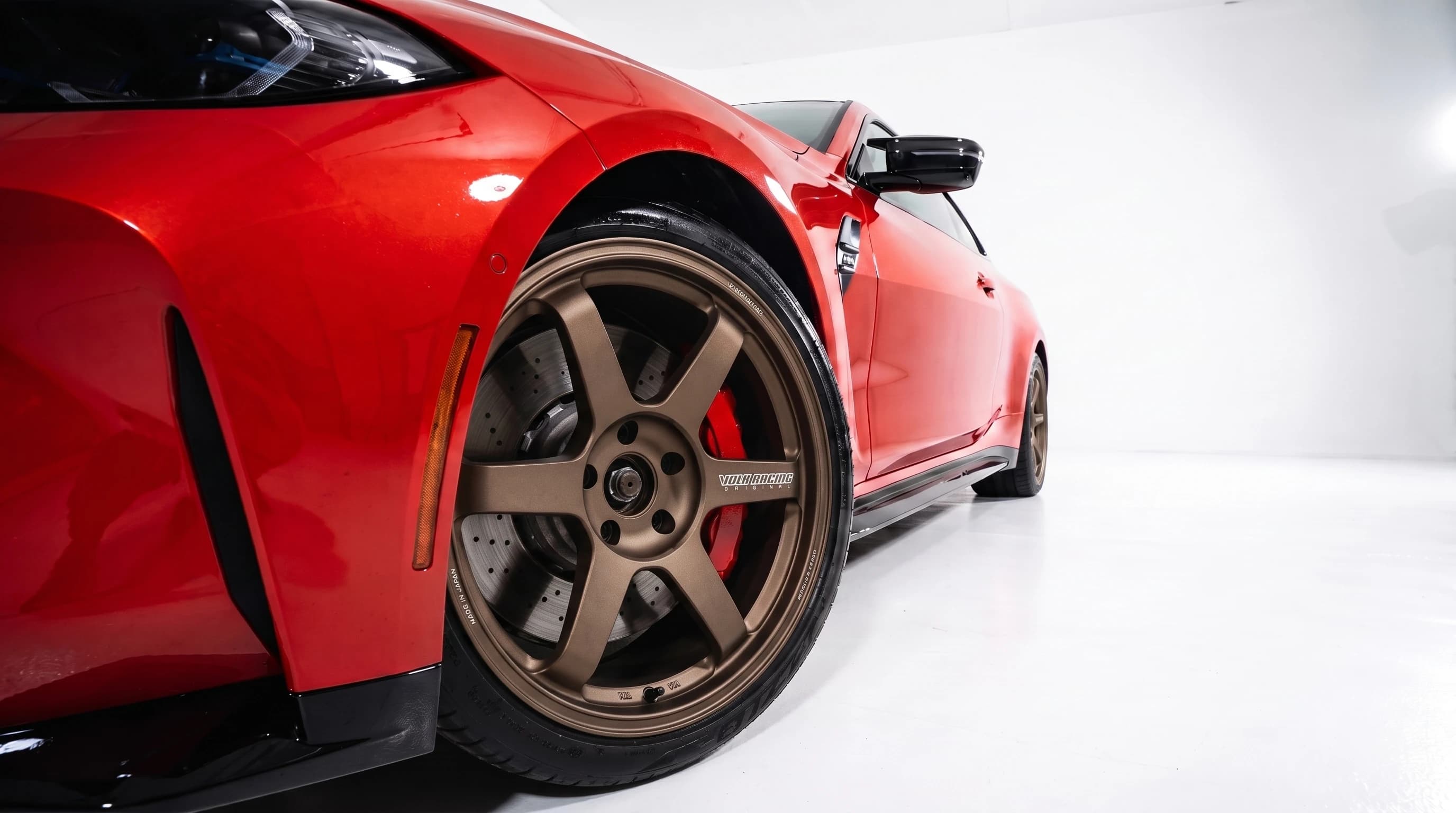
Stop losing sales to fitment uncertainty. By allowing customers to see the exact wheel on their specific car model and paint color, you remove the biggest barrier to purchase.

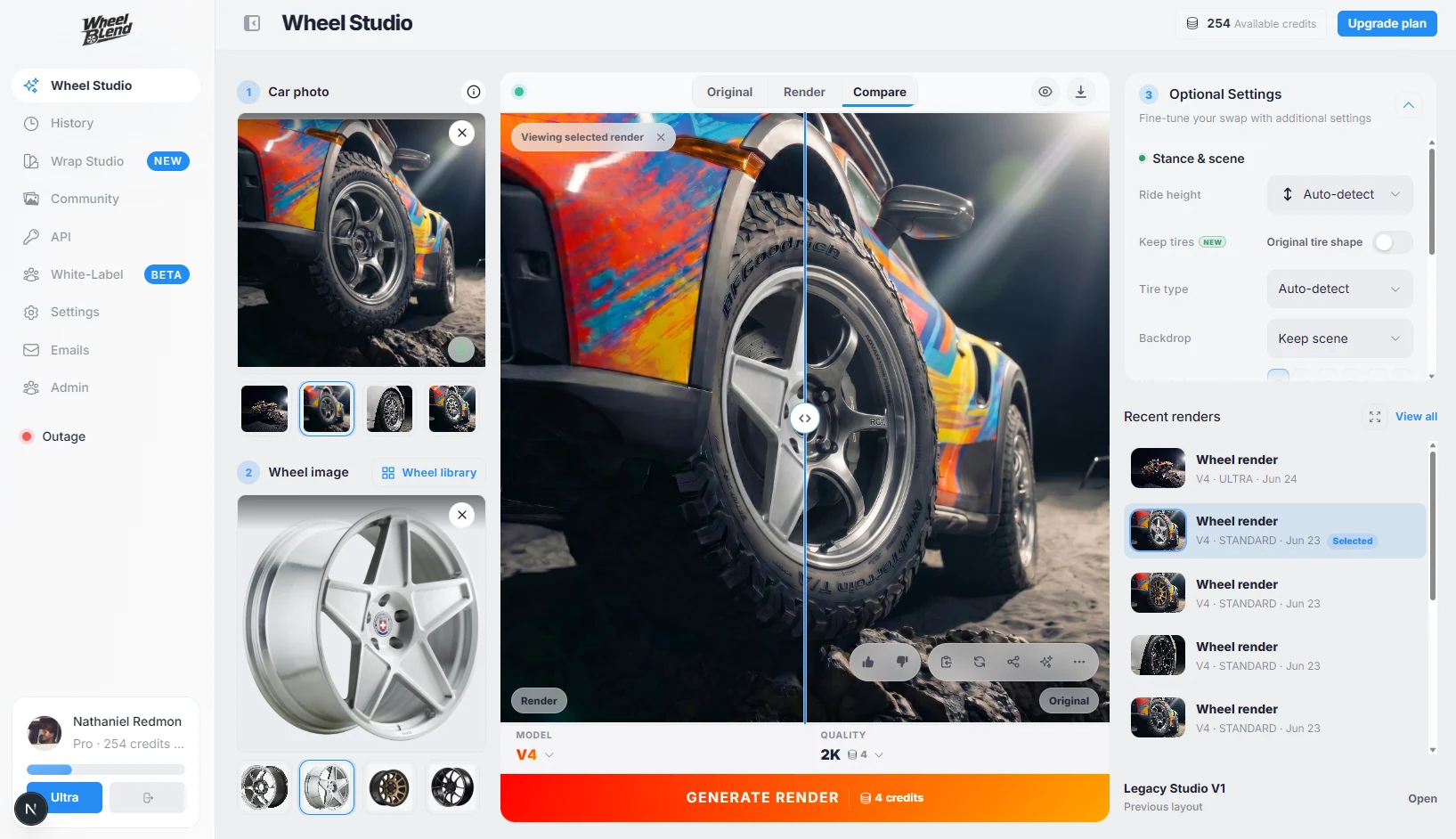
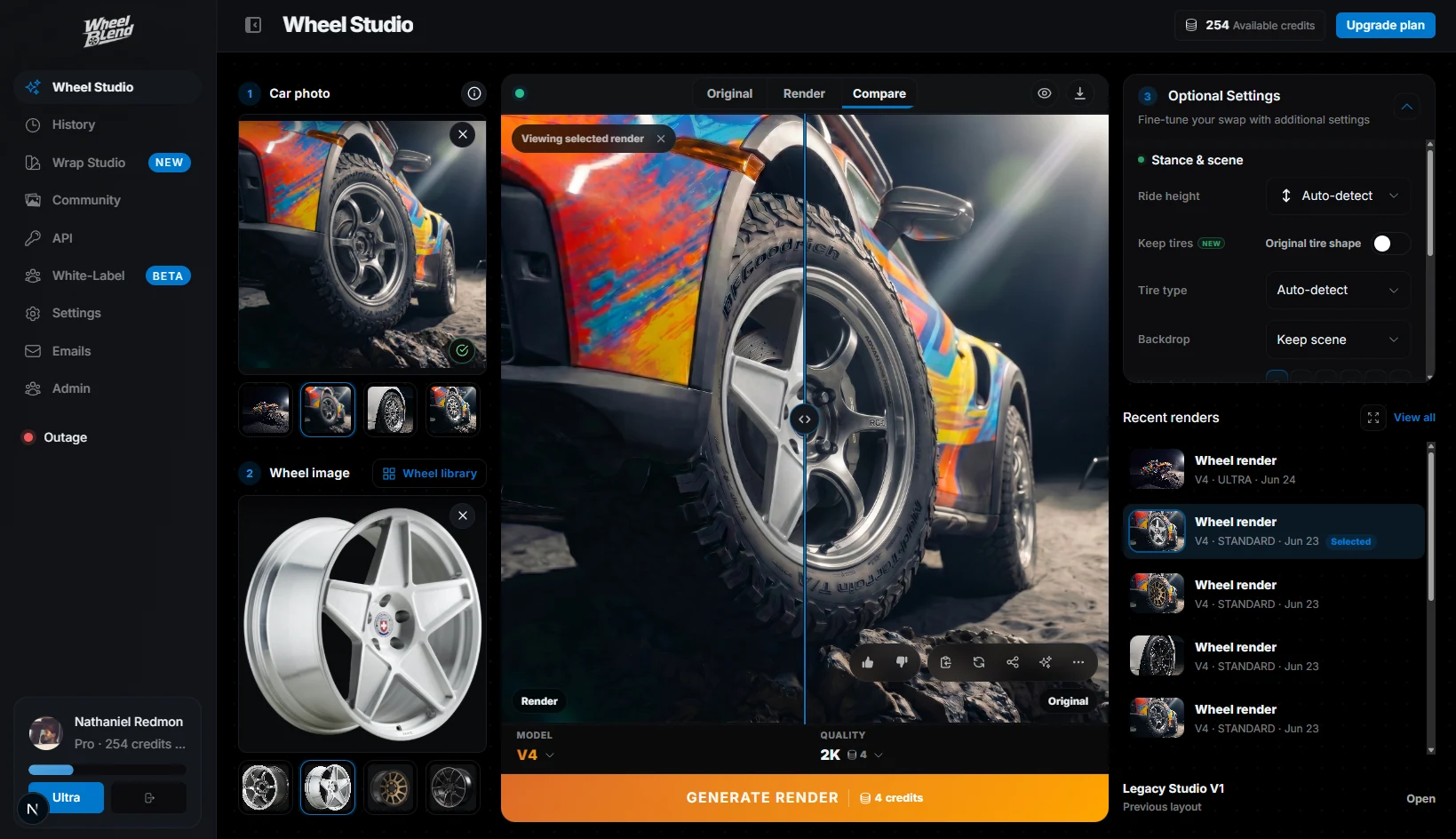
Let shoppers upload their car, preview wheels from your catalog, compare options, and return to the product page, cart, quote, or your sales team.












Shoppers can already compare styles, sizes, and prices. WheelBlend answers the harder question: how will this wheel look on my car? That makes the product choice easier to picture and easier to share.


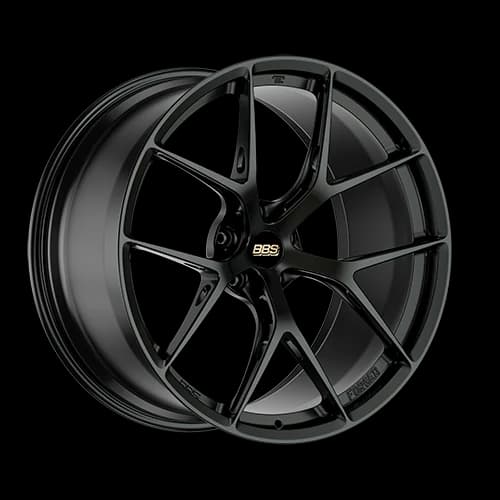
Start with a brand, collection, or group of products you want to promote.
The preview uses the shopper's real paint, body style, camera angle, and build.
Link the result to the product page, cart, quote, dealer, or sales team.
Your store keeps control of products, prices, stock, fitment, and checkout. WheelBlend adds the visual preview.
Stop losing sales to fitment uncertainty. By allowing customers to see the exact wheel on their specific car model and paint color, you remove the biggest barrier to purchase.
Retailers using WheelBlend see an average of 45% increase in conversion rates for aftermarket wheels by providing a frictionless, interactive visual experience.
When the customer finds their perfect setup, they are one click away from adding the wheels directly to their cart. Fully integrated with your existing e-commerce platform.
Share a branded page for a campaign, add the visualizer to your website, or use the API to build it into your own shopping experience.
Business gives you a branded Studio for one storefront. Choose Business Plus for full white-label delivery, more monthly usage, and priority support.
API access and a branded WheelBlend studio for one storefront.
Full white-label delivery and higher included usage.
For larger catalogs, multiple storefronts, and custom terms.
Short takes on helping customers choose wheels and move toward a sale.
Show the customer a clear wheel preview, then move straight into a quote.
Help customers compare the look before they commit to a wheel and tire package.
Share options, get a decision, and keep the next step clear for the customer.
WheelBlend helps shoppers compare the look. Your store should still check physical fitment before purchase.
No. Keep using your current fitment data. WheelBlend adds a visual preview on the shopper's real car.
You can link previews to product and cart pages, and many stores can add the WheelBlend embed. If you want a custom store experience, you can use the API.
No. You can start with a collection, campaign, or best-selling group of wheels.
Yes. Each wheel can include a product link, cart link, price, or contact action.
Yes. WheelBlend works with normal wheel photos and transparent PNGs, so most retailers can start with the product images they already have.
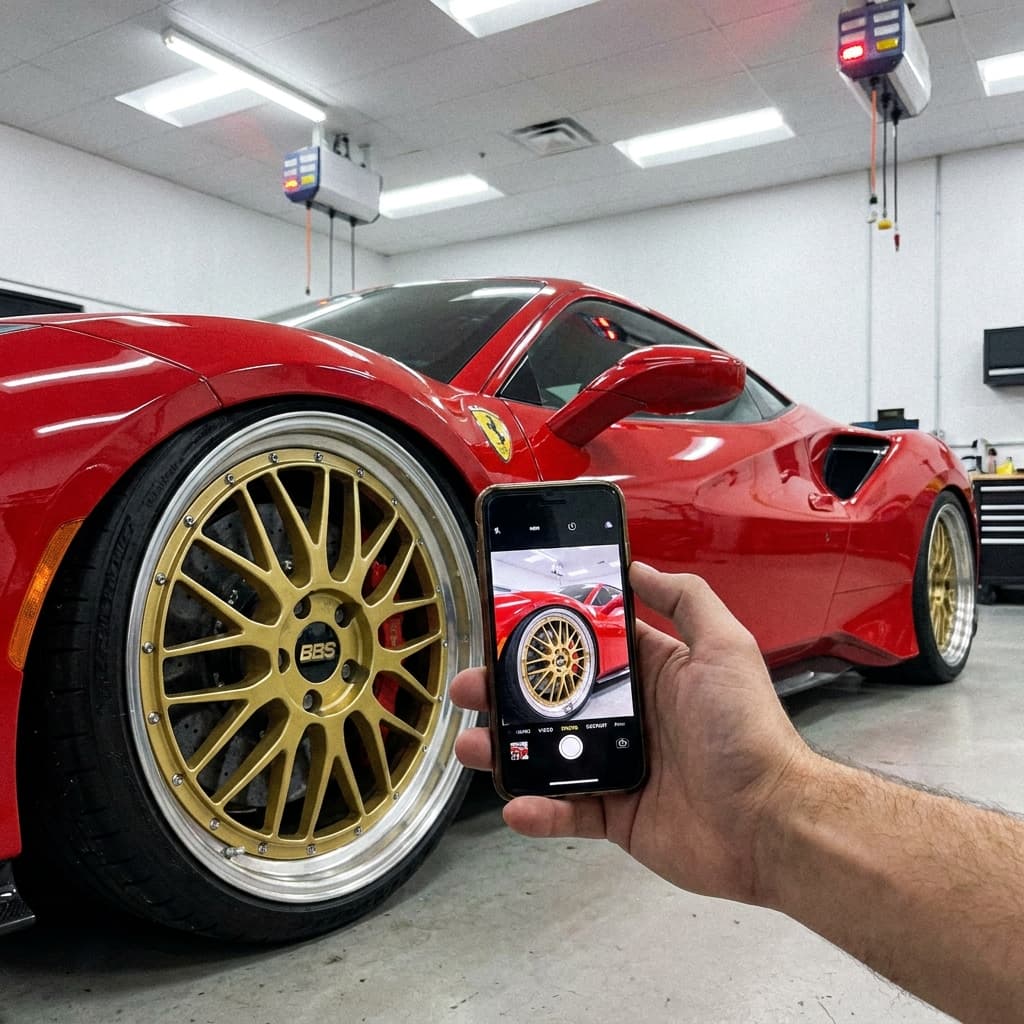
Yes. Shoppers can upload a car photo and create a wheel preview from a phone, tablet, or desktop browser.
Yes. A shopper can create previews with different wheels on the same car photo, compare the results, and return to the product they prefer.
It can help shoppers make a more informed style choice, but it does not guarantee fewer returns. Keep your fitment checks, product details, and return policy in the buying flow.
We will show you a store demo using the products you want to sell.