
01
Ride height
Choose lowered or slammed to close the wheel gap. Lifted and extreme lifted are there for trucks.

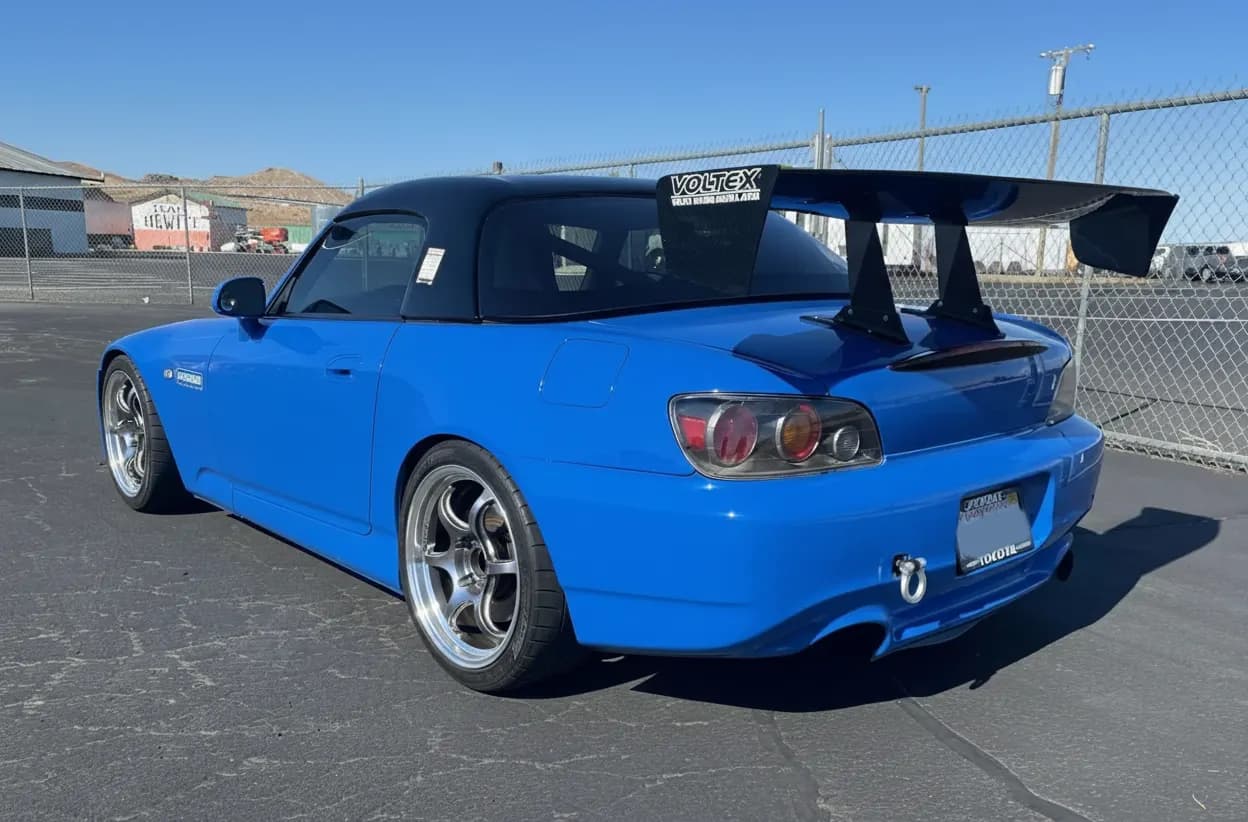
See your car lowered before you buy springs, coilovers, or air suspension. Upload a photo, pick a ride height from lowered to slammed, and try new wheels at the same time.
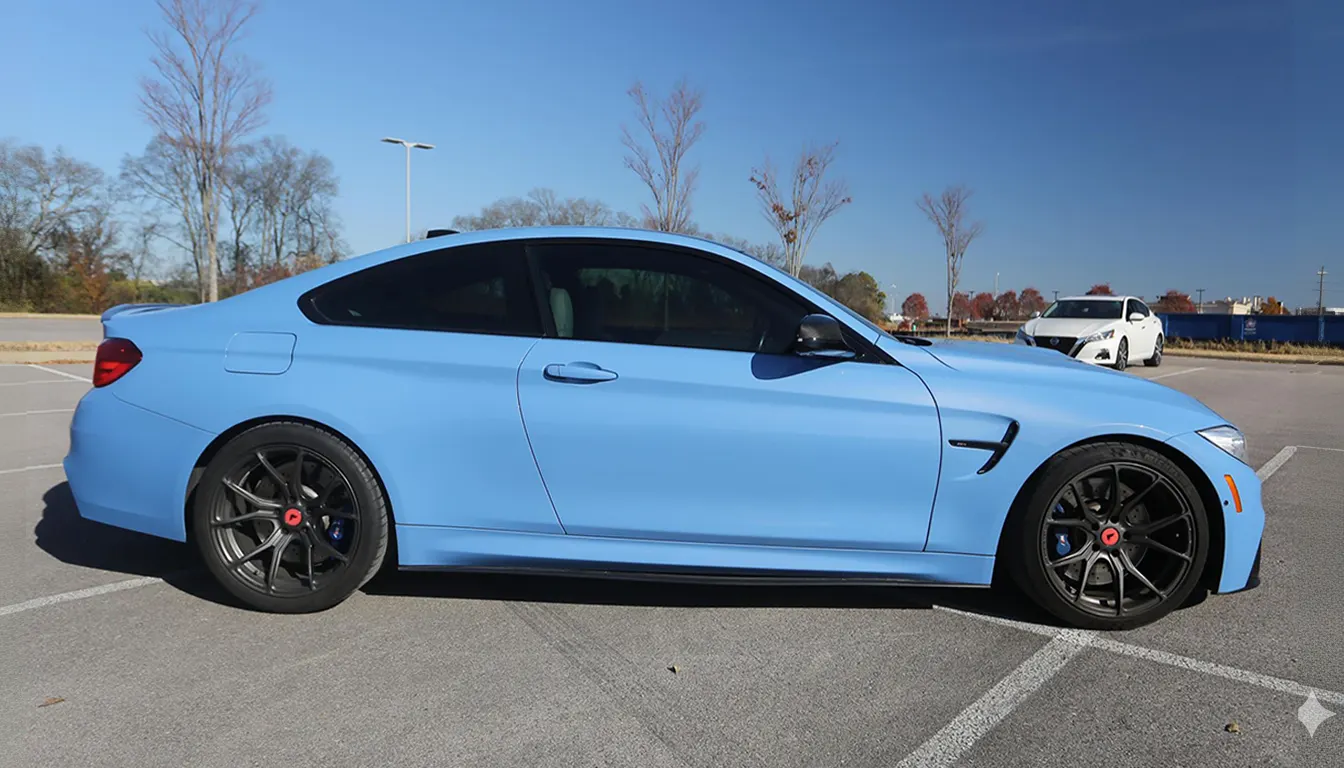
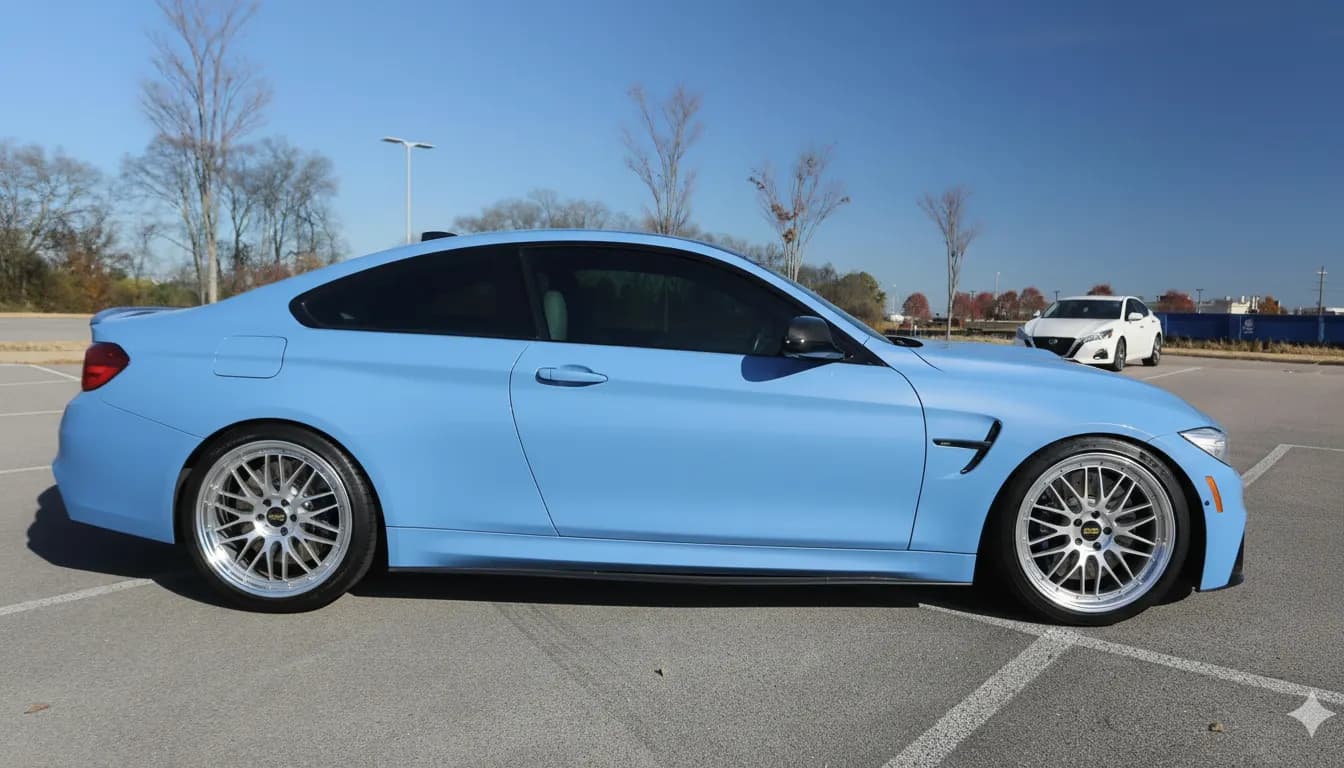
A wheel that looks right at stock height can look lost or cramped once the car is lowered. WheelBlend lets you set the ride height and the wheels in the same preview, on your own photo, so you can judge the whole stance before you spend money on suspension.
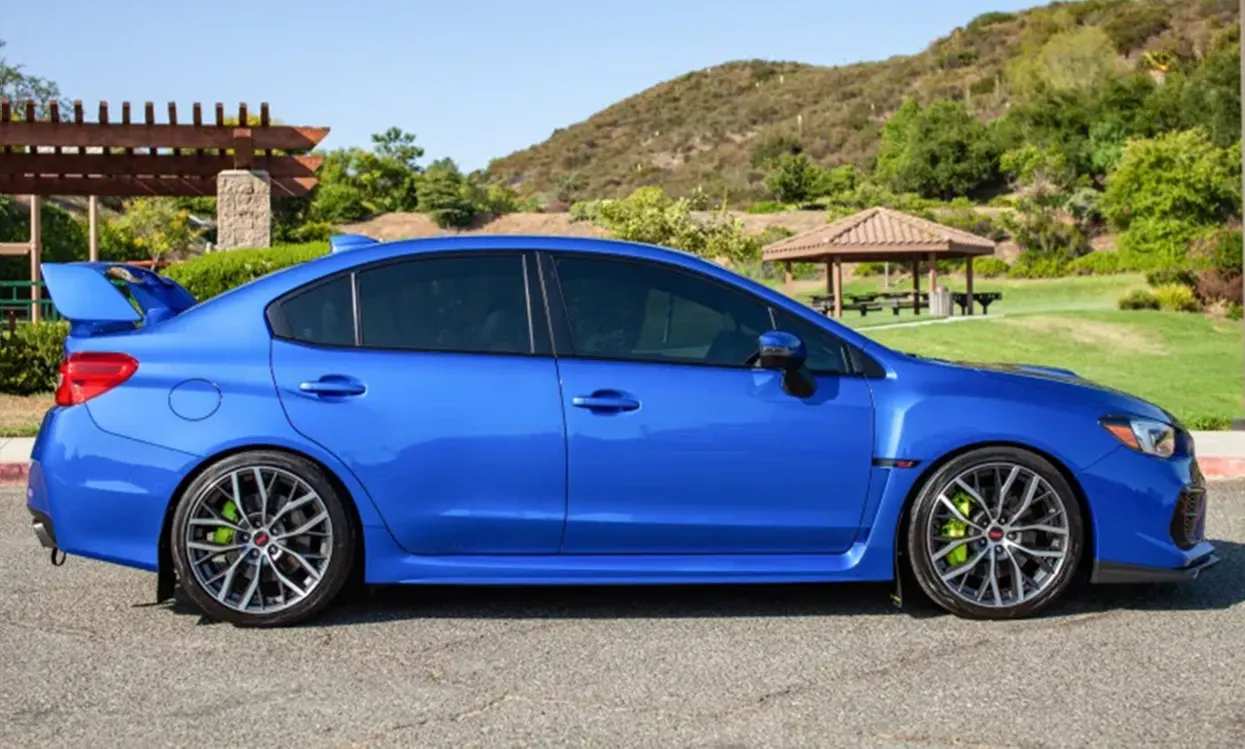
A full side profile works best for ride height. Keep both wheels and the gap above them in the shot.
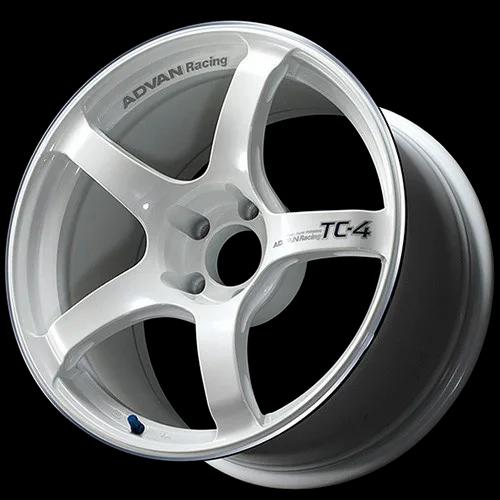
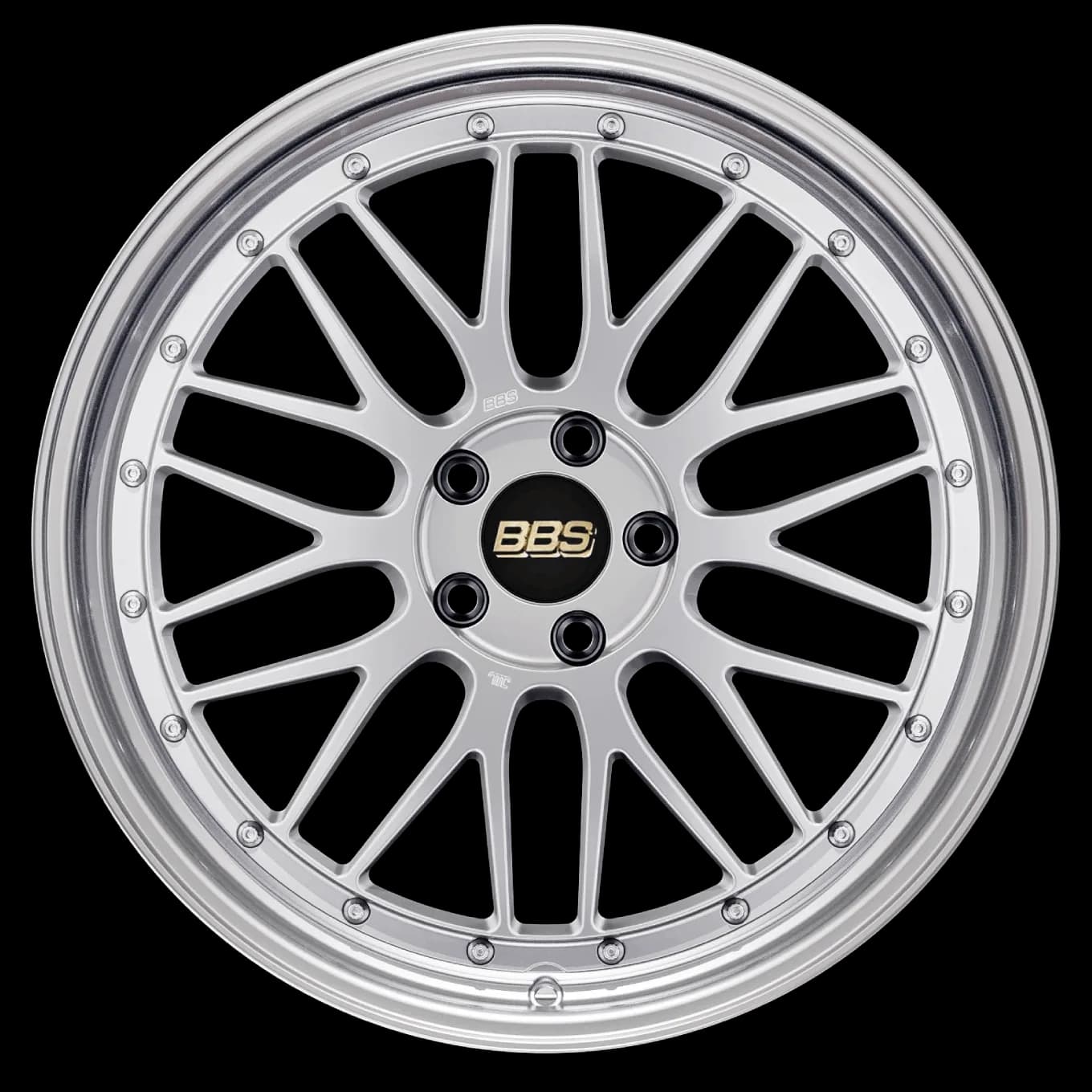
Choose a wheel from the library or upload your own. Then set ride height to lowered or slammed.
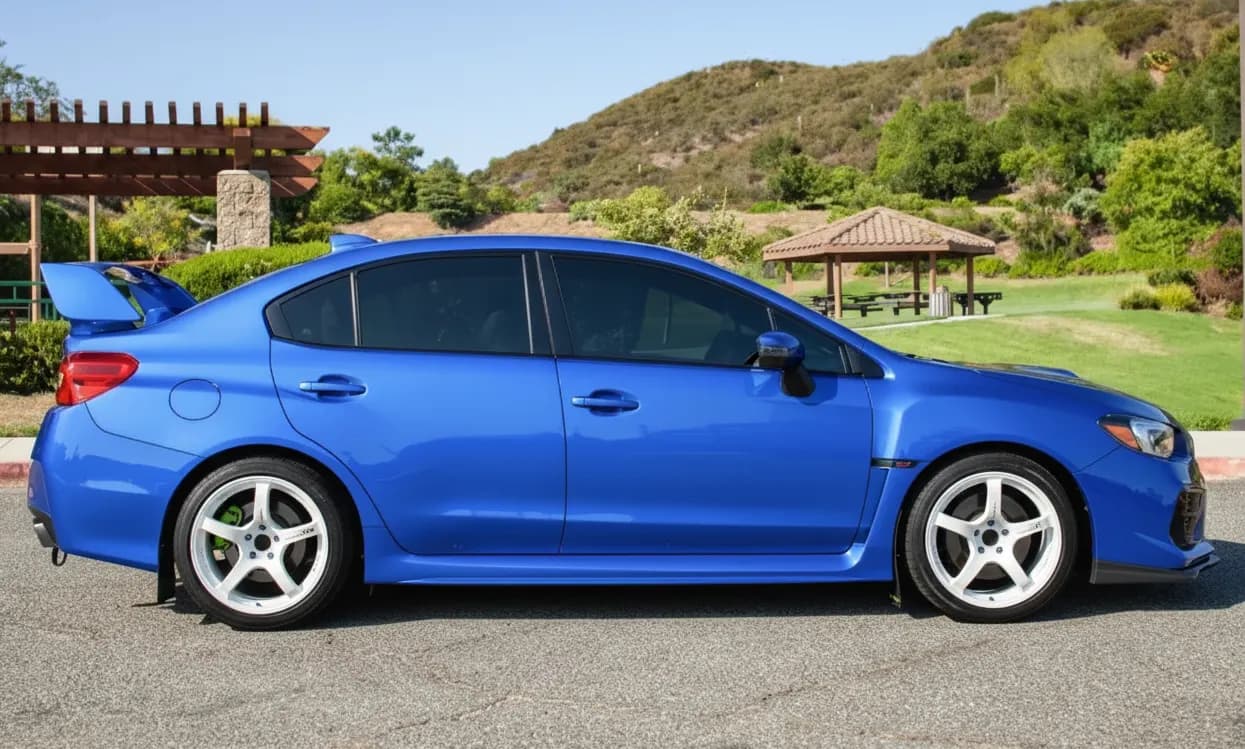
Render the preview and compare it with your original photo. Try another height or offset on the same photo.
Set how the car sits, then see it with the wheels you want.
Choose lowered or slammed to close the wheel gap. Lifted and extreme lifted are there for trucks.
Set how far the wheels sit in the arches: tucked, inset, flush, mild poke, or aggressive poke.
Go up a wheel size and pick a tire type such as low-profile or stretched to finish the look.
Suspension is hard to return once it is installed. A preview on your own car helps you choose how low to go and which wheels suit it.
Three choices shape the stance. It helps to see them together.
Ride height is easiest to judge from the side.
Use WheelBlend to settle the look. Then confirm the real drop, clearance, and alignment with your shop.
WheelBlend shows how a stance looks. Confirm the real drop, clearance, tire size, and alignment before you buy or install.
Upload a side photo of your car to WheelBlend, pick a wheel, and set ride height to lowered or slammed. The preview shows your own car at the new height.
Yes. Upload a photo of your current wheels as the wheel image, or pick the closest match in the library, then set the ride height.
No. Ride height is a visual setting with two lowered levels, lowered and slammed. It shows the look, not a measured drop.
Yes. Set wheel offset to tucked, inset, flush, mild poke, or aggressive poke and see how the wheels sit in the arches.
No. WheelBlend shows how the stance looks. Check clearance, offset, tire size, and alignment with your shop before you lower the car.
Yes, it is free to start. The Free plan includes 4 credits and needs no credit card. Paid plans add more renders each month and remove the watermark.
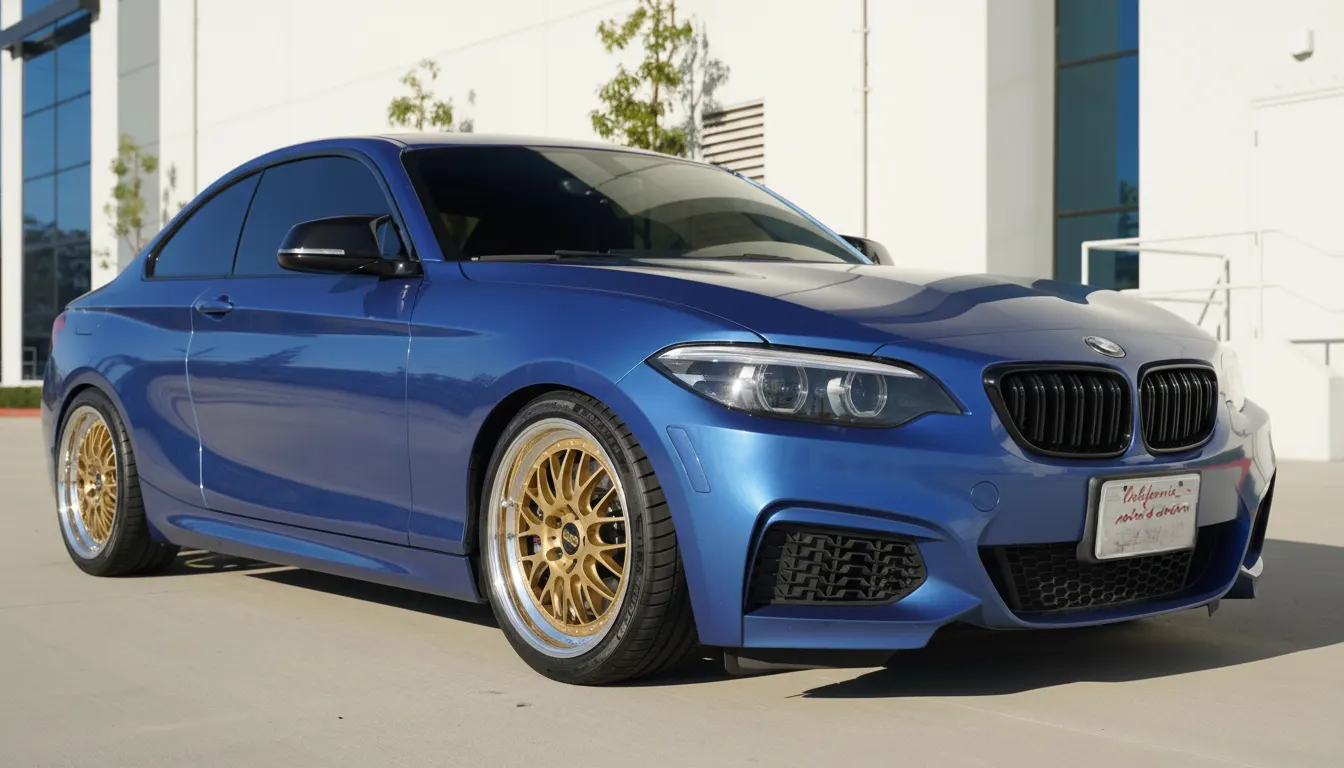 Car enthusiastsTry wheels on your car before you buy.Upload a photo of your car, add any wheel image, and compare realistic before-and-after previews. Judge the style on your actual paint, stance, and lighting before you spend money.
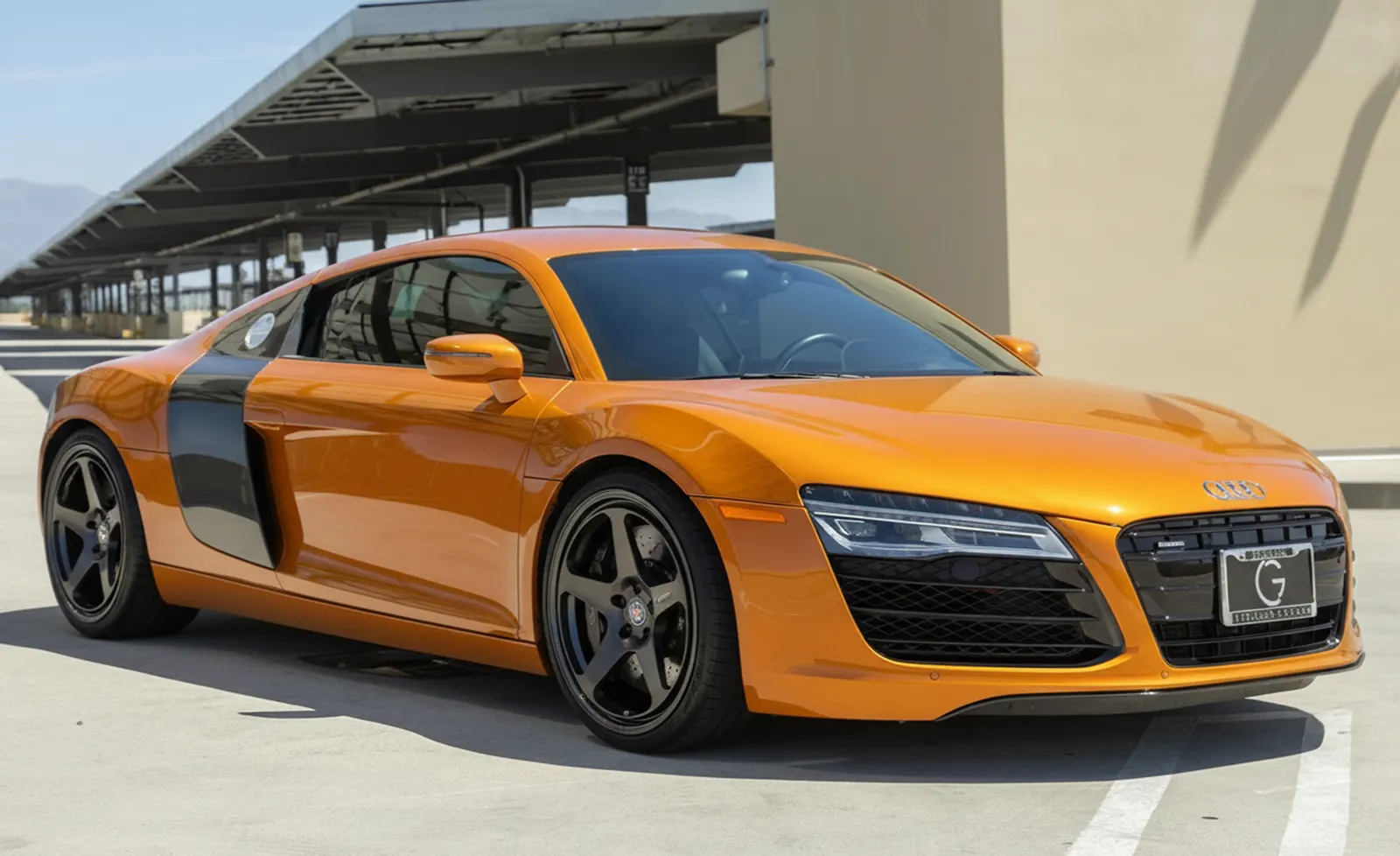 Content creatorsCreate realistic wheel swap renders for car content.Turn a car photo and a wheel idea into a before-and-after render for posts, polls, client previews, and build concepts. No manual masking or full editing session required.
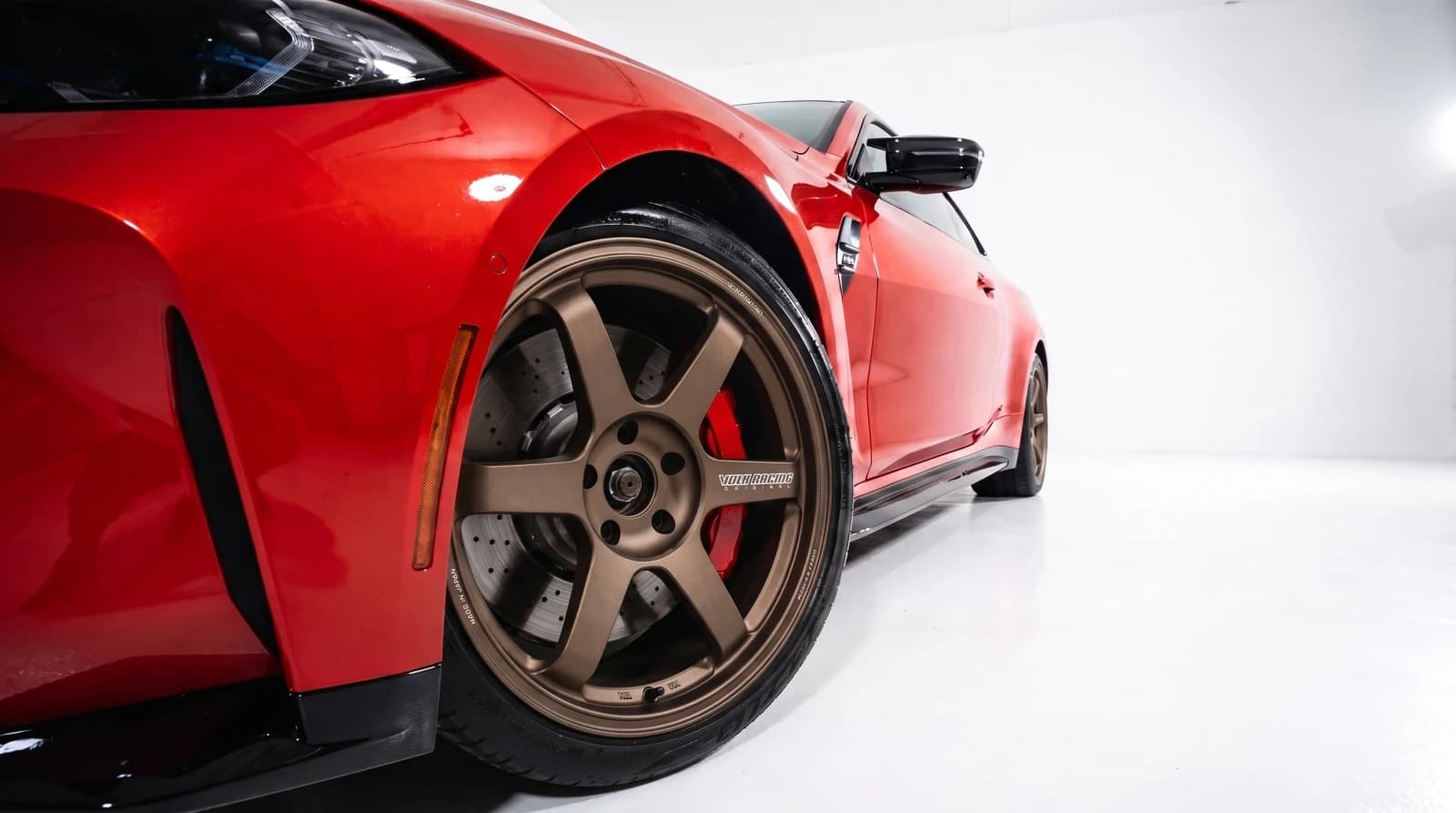 Custom shopsVirtual wheel fitment software for custom shops.Show every customer the wheel package on their own car. Create approval-ready previews at the counter, send them by link, and move the conversation toward a quote or booking.
Upload a car photo, set the ride height, and compare the before and after.