
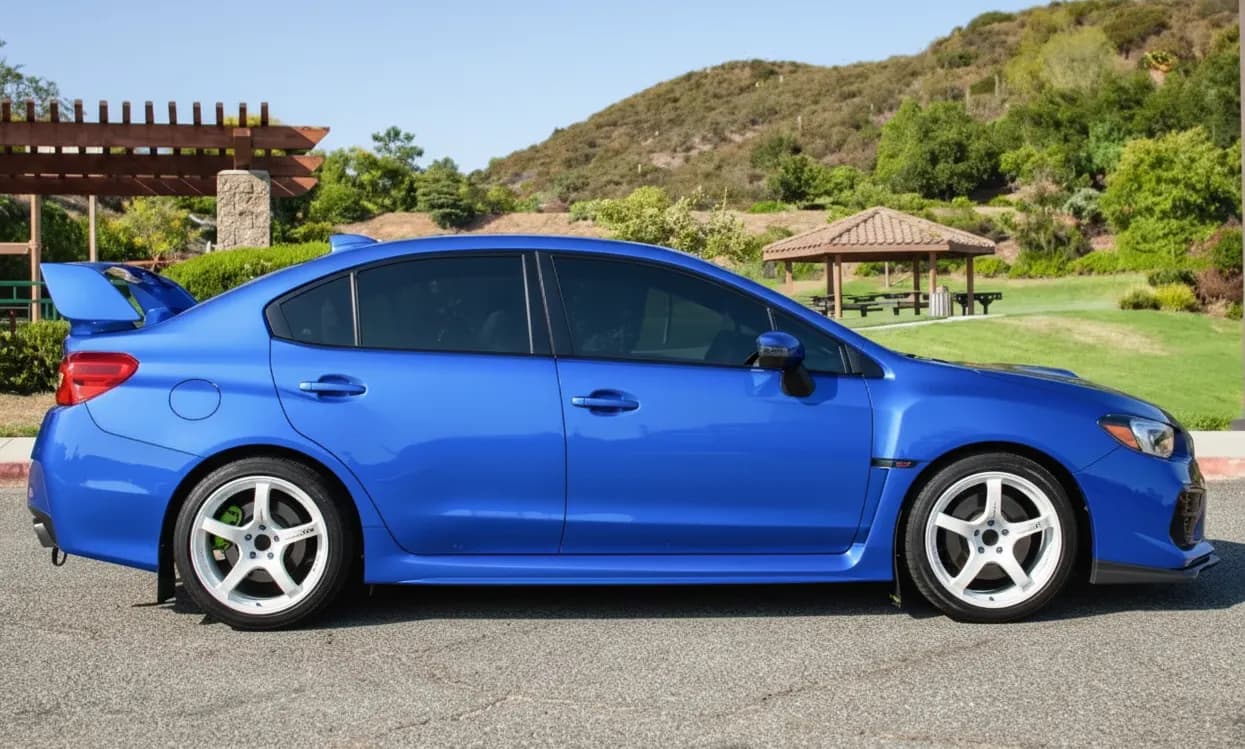
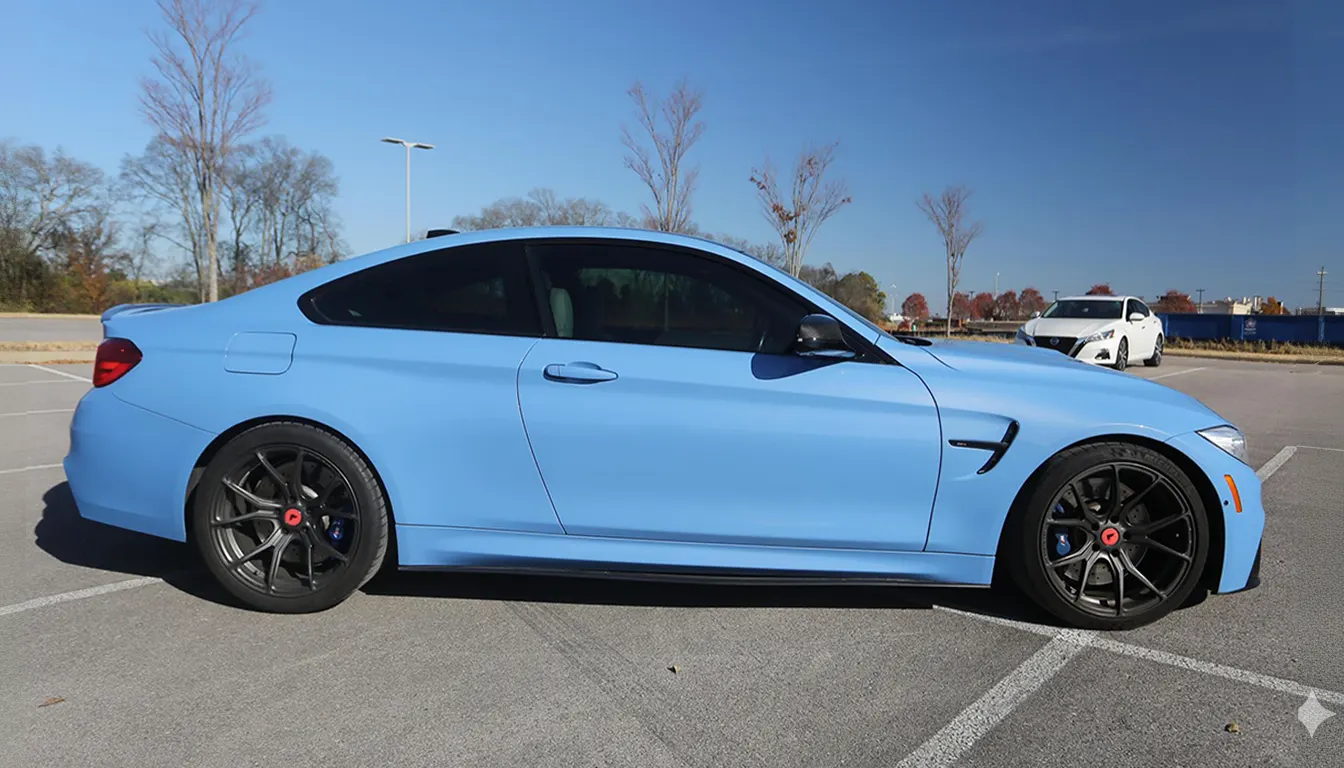
Step 01
Upload the car
Start from a phone photo, driveway shot, or clean side profile of your own car.

Upload a photo of your car, add any wheel image, and compare realistic before-and-after previews. Judge the style on your actual paint, stance, and lighting before you spend money.
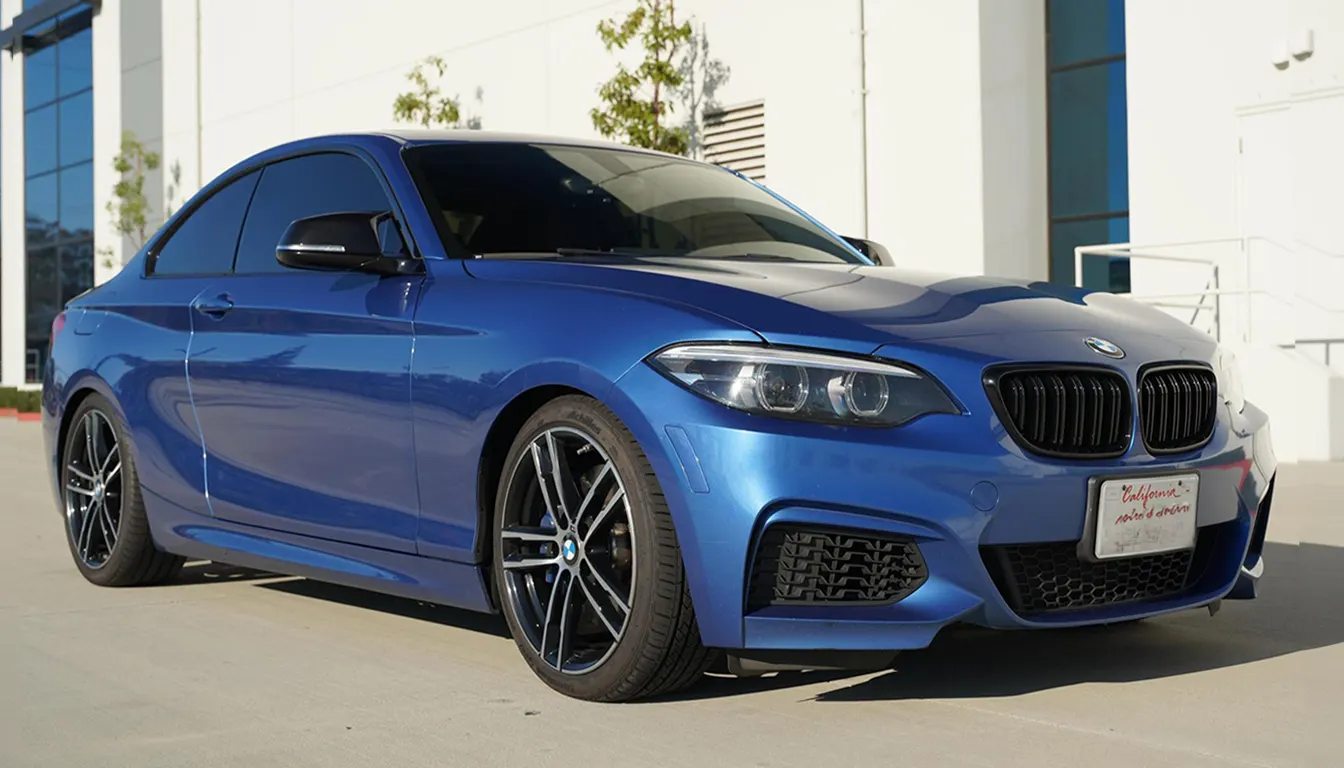
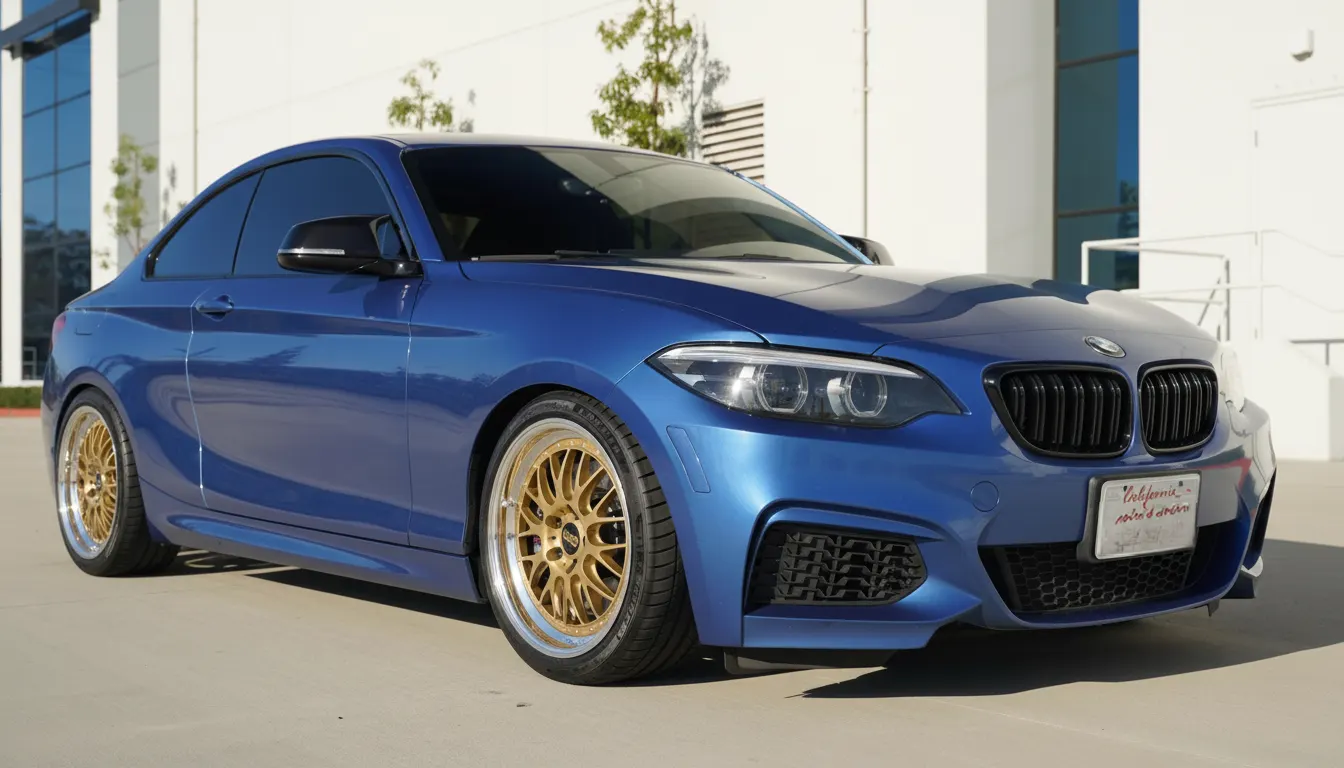
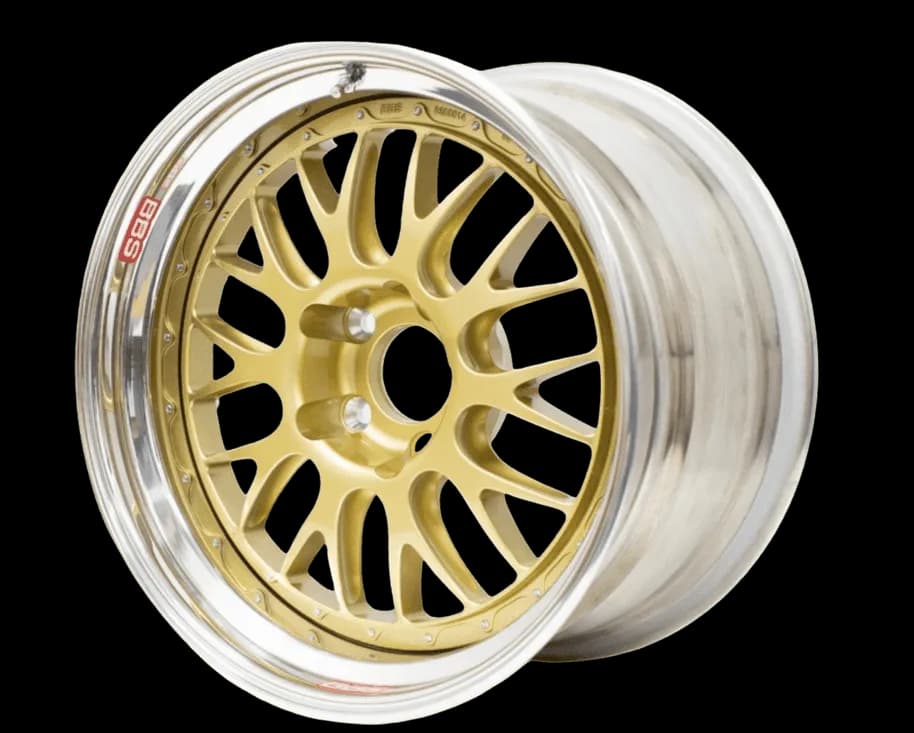
Catalog photos do not answer the real question: how will this wheel look on my car? WheelBlend shows it on your paint, ride height, and camera angle, so you can compare styles before you order, message a seller, or commit to a build.
Start from a phone photo, driveway shot, or clean side profile of your own car.
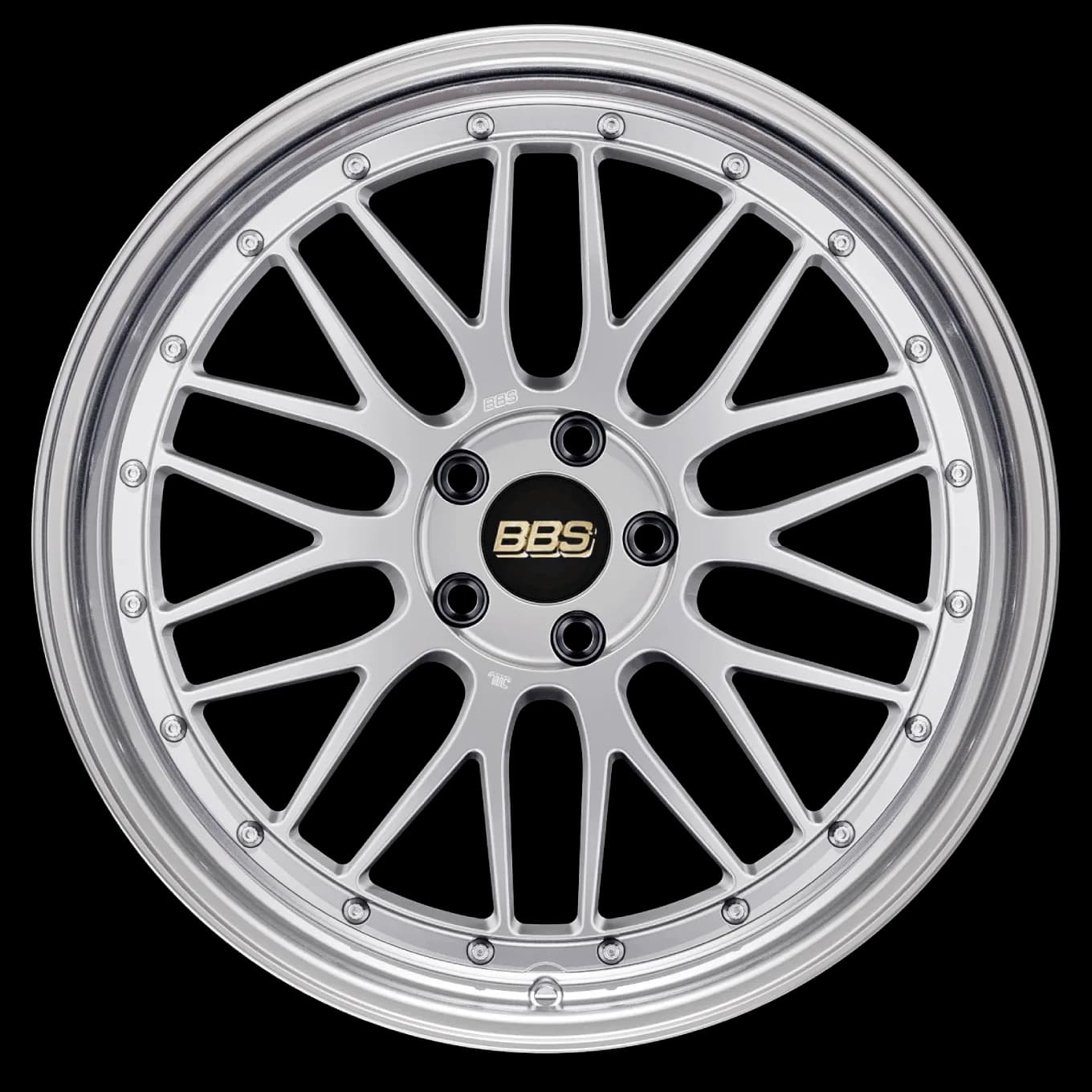
Use a product photo, listing screenshot, transparent PNG, or a wheel from the library.
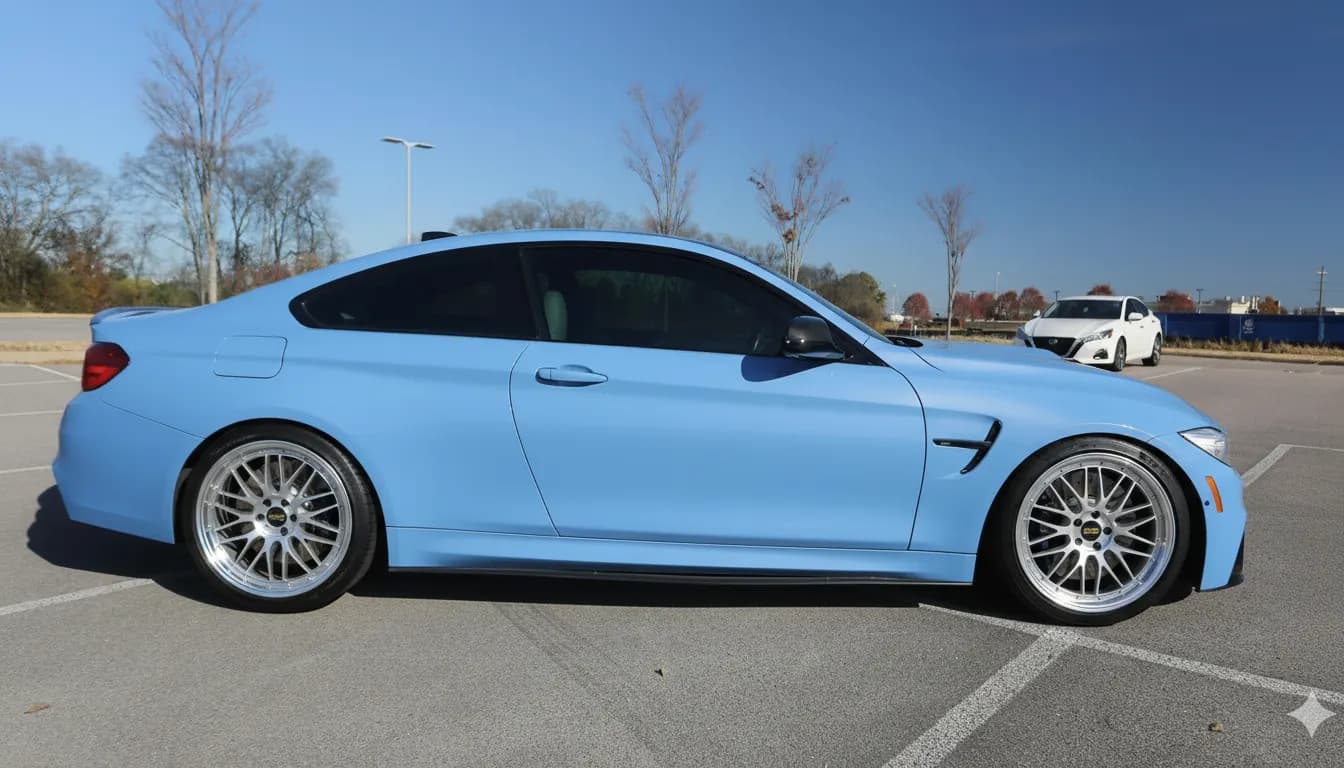
Generate the render, compare before and after, and export the result you like.
Use a phone photo, driveway shot, or clean side profile. Your real paint, stance, and lighting stay part of the decision.
Pick a wheel from the library or upload a product photo, listing screenshot, or transparent PNG.
Generate a realistic preview, compare the before and after, and save the render for your notes, forums, or build thread.
Not a stock model configurator. Your car, your wheel sources, and a comparison you can keep.
Judge the wheel against the paint, stance, lighting, and wheel-well shape you see every day.
Marketplace screenshots, cropped seller photos, product images, and transparent PNGs can all become preview inputs.
Reuse the same car photo across wheel ideas and return to earlier renders when you narrow the shortlist.
Most enthusiasts are not choosing between abstract products. They are choosing whether a specific wheel, finish, and stance will look right on a specific car. WheelBlend is built around that visual decision.
A wheel choice is part taste, part context. You need to see how the style works with the car you actually drive, not a stock rendering that ignores your setup.
WheelBlend is strongest when you are narrowing a shortlist, validating a marketplace find, or deciding whether a finish fits the personality of the build.
WheelBlend is a visual fitment tool for styling decisions. Preview the look, then confirm physical specs before you buy or install.
WheelBlend creates visual previews for styling decisions. Confirm diameter, width, offset, bolt pattern, center bore, tire size, and brake clearance before you buy or install.
Yes. You can upload wheel photos, screenshots, product images, or transparent PNGs. WheelBlend is built for the imperfect images enthusiasts actually find while shopping.
Yes. A clean side or three-quarter phone photo works well, especially when both wheel wells are visible and the car is not heavily cropped.
No. WheelBlend is a visual fitment preview. Confirm diameter, width, offset, bolt pattern, center bore, tire size, and brake clearance before buying or installing.
Yes. Reuse the same car photo with different wheel images so you can compare styles and finishes without rebuilding the setup each time.
Yes. WheelBlend is built around comparing and exporting realistic before-and-after wheel renders.
Yes. You can start free and create previews before choosing a paid plan. Paid plans remove the watermark and include more renders each month.
Clean side-on product photos and transparent PNGs usually give the most accurate result. Cropped listing photos and screenshots can still work when the wheel is clearly visible.
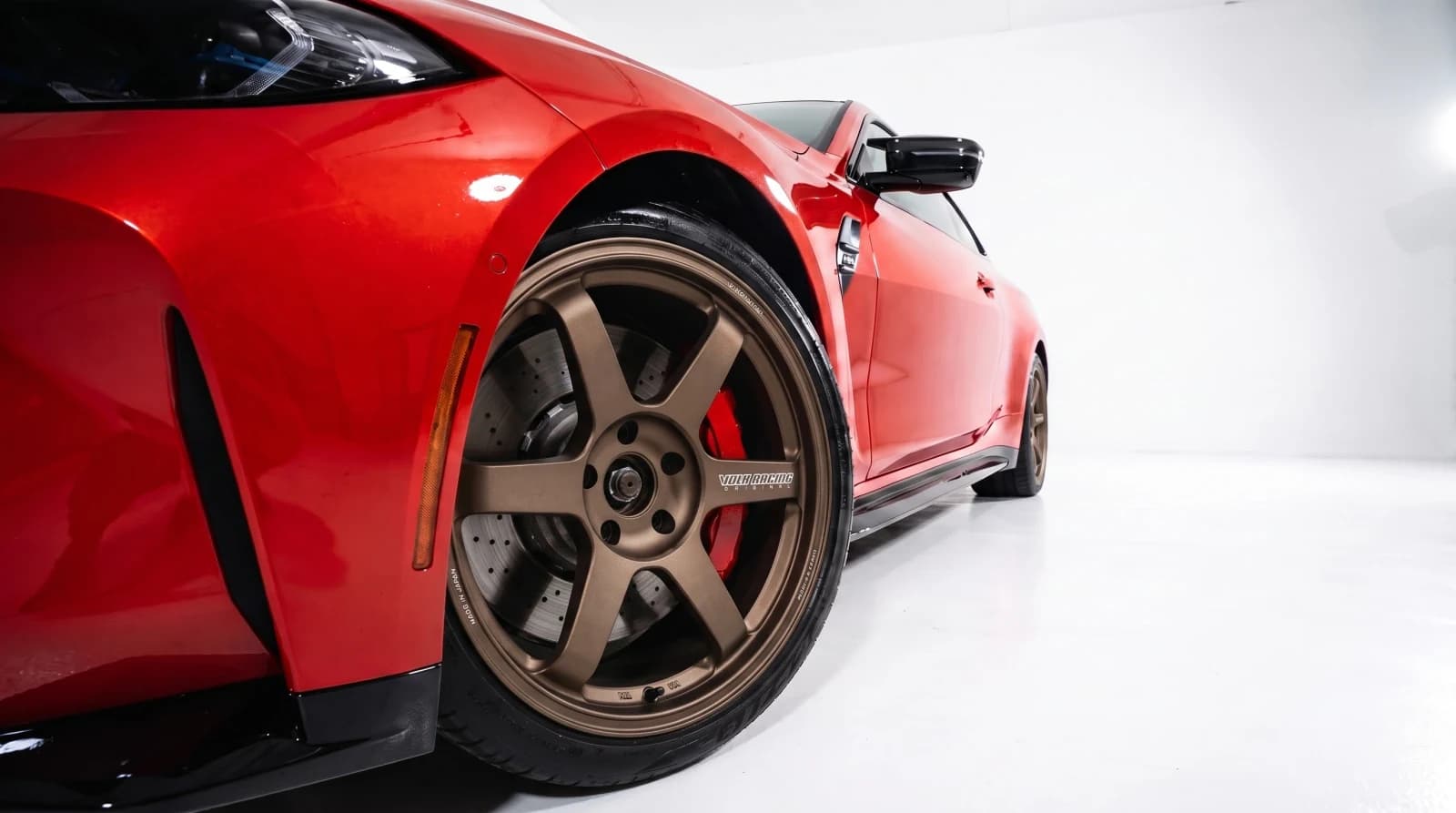 For Wheel ShopsVirtual wheel fitment software for custom shops.Show every customer the wheel package on their own car. Create approval-ready previews at the counter, send them by link, and move the conversation toward a quote or booking.
 For Marketplaces & SellersPreview marketplace wheels on your car before you buy.Upload a listing screenshot, seller photo, or cropped wheel image and see the wheels on your own car. Skip the guesswork before you message the seller or make an offer.
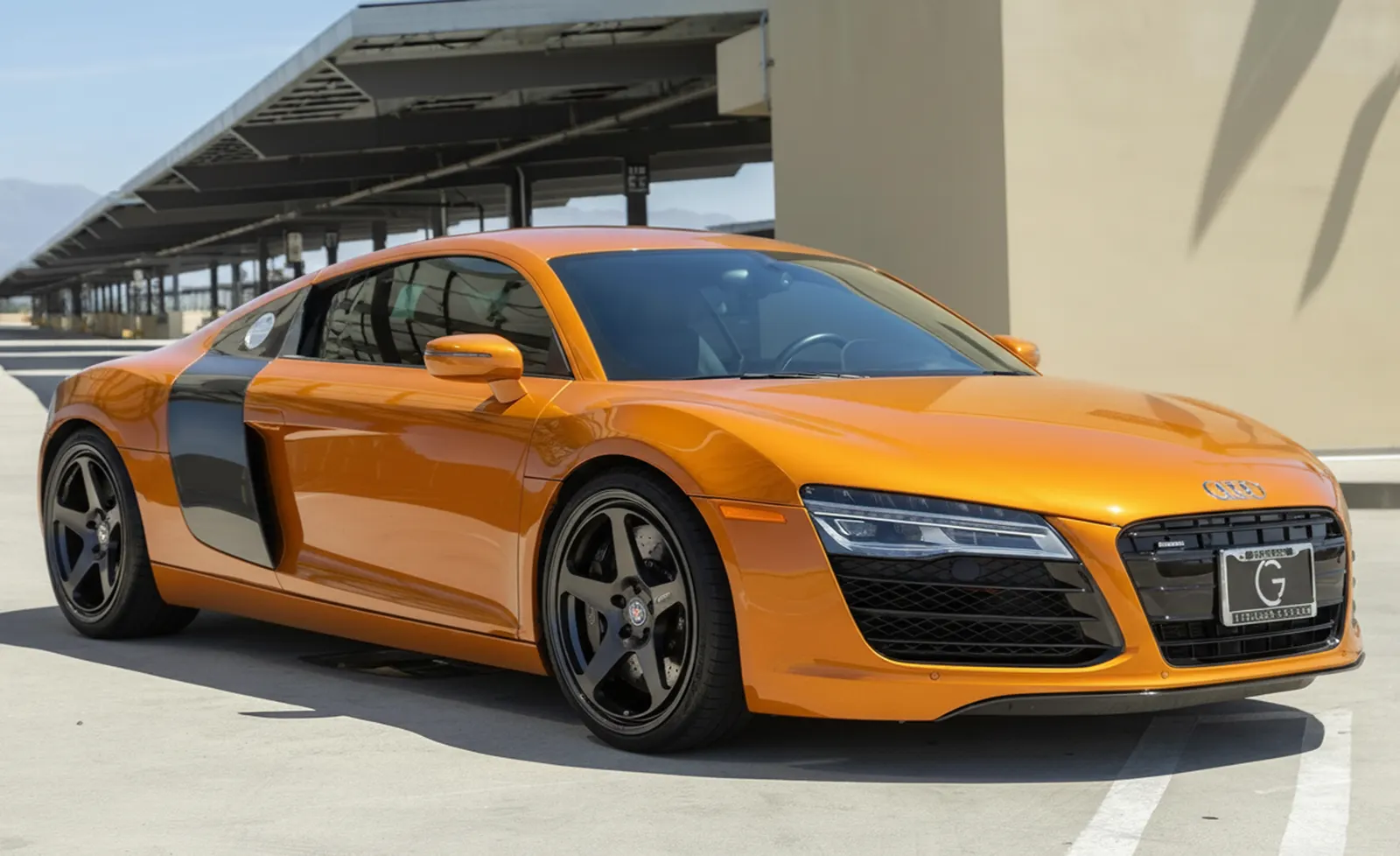 For Content CreatorsCreate realistic wheel swap renders for car content.Turn a car photo and a wheel idea into a before-and-after render for posts, polls, client previews, and build concepts. No manual masking or full editing session required.
Upload a car photo, add a wheel, and compare the before and after in one session.