Step 01
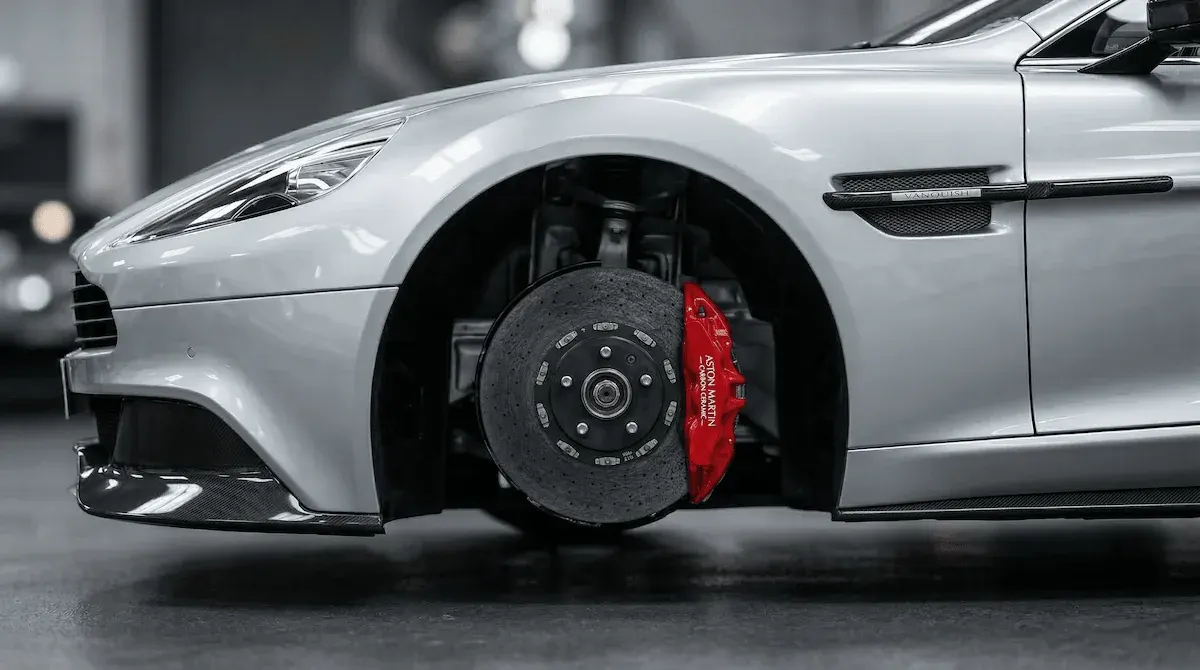
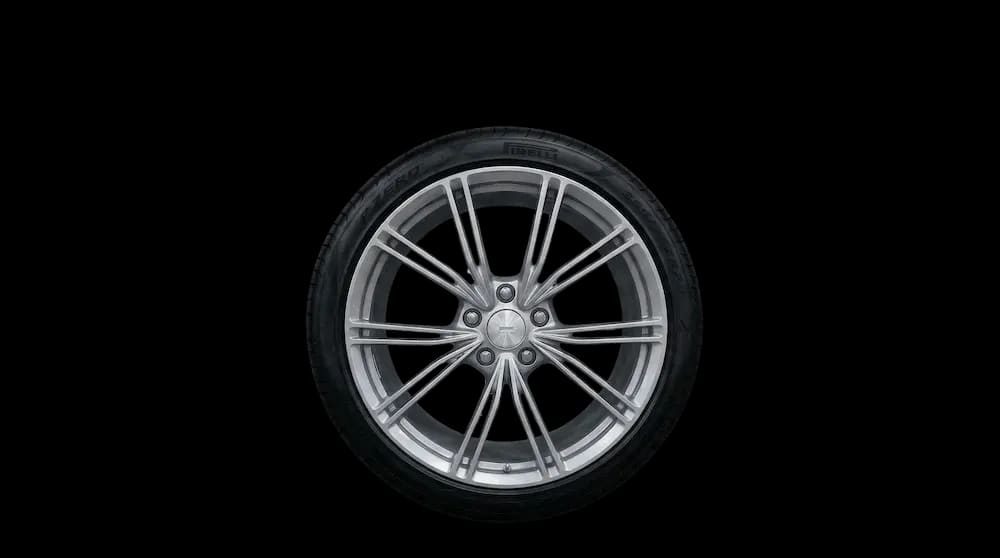
Save the listing image
Start with a screenshot, seller photo, or marketplace image.

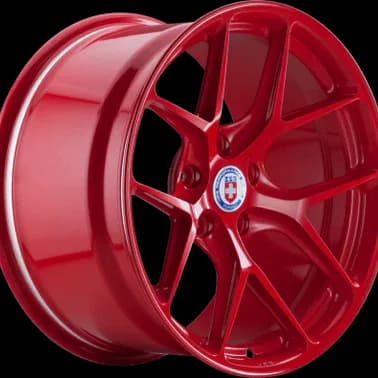
Upload a listing screenshot, seller photo, or cropped wheel image and see the wheels on your own car. Skip the guesswork before you message the seller or make an offer.
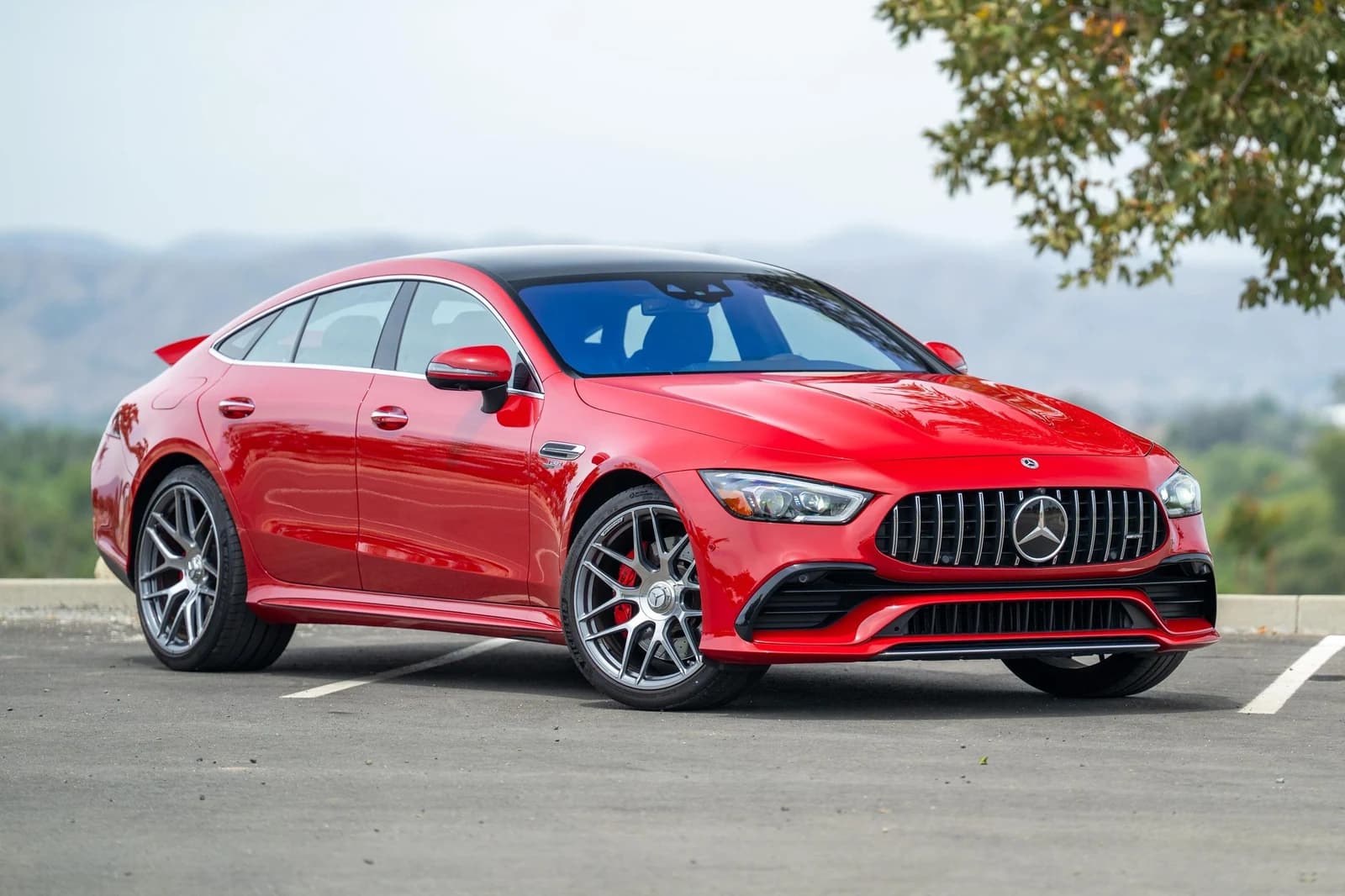
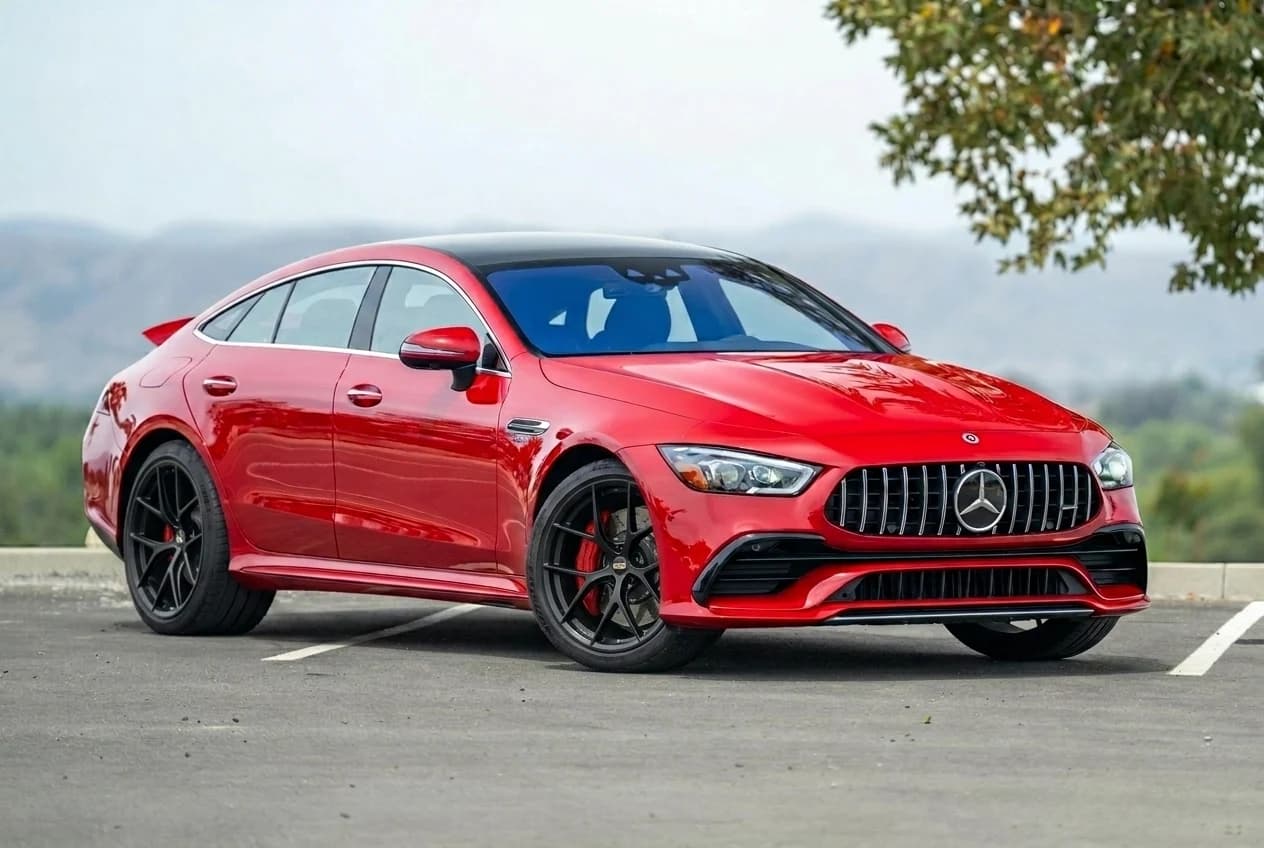
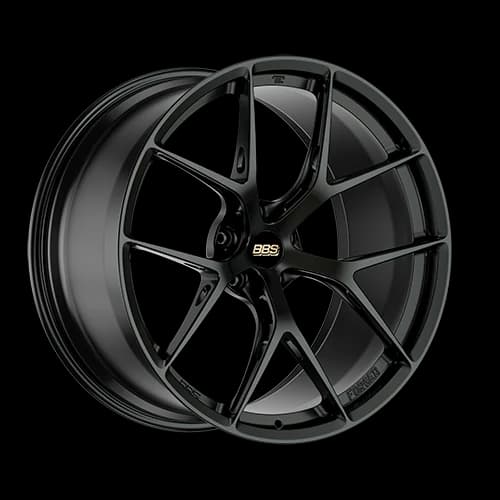
Listing photos are cropped, off-angle, and shot in garages. The buyer still has to imagine them on their own car. WheelBlend closes that gap using the images the listing already has.
Start with a screenshot, seller photo, or marketplace image.
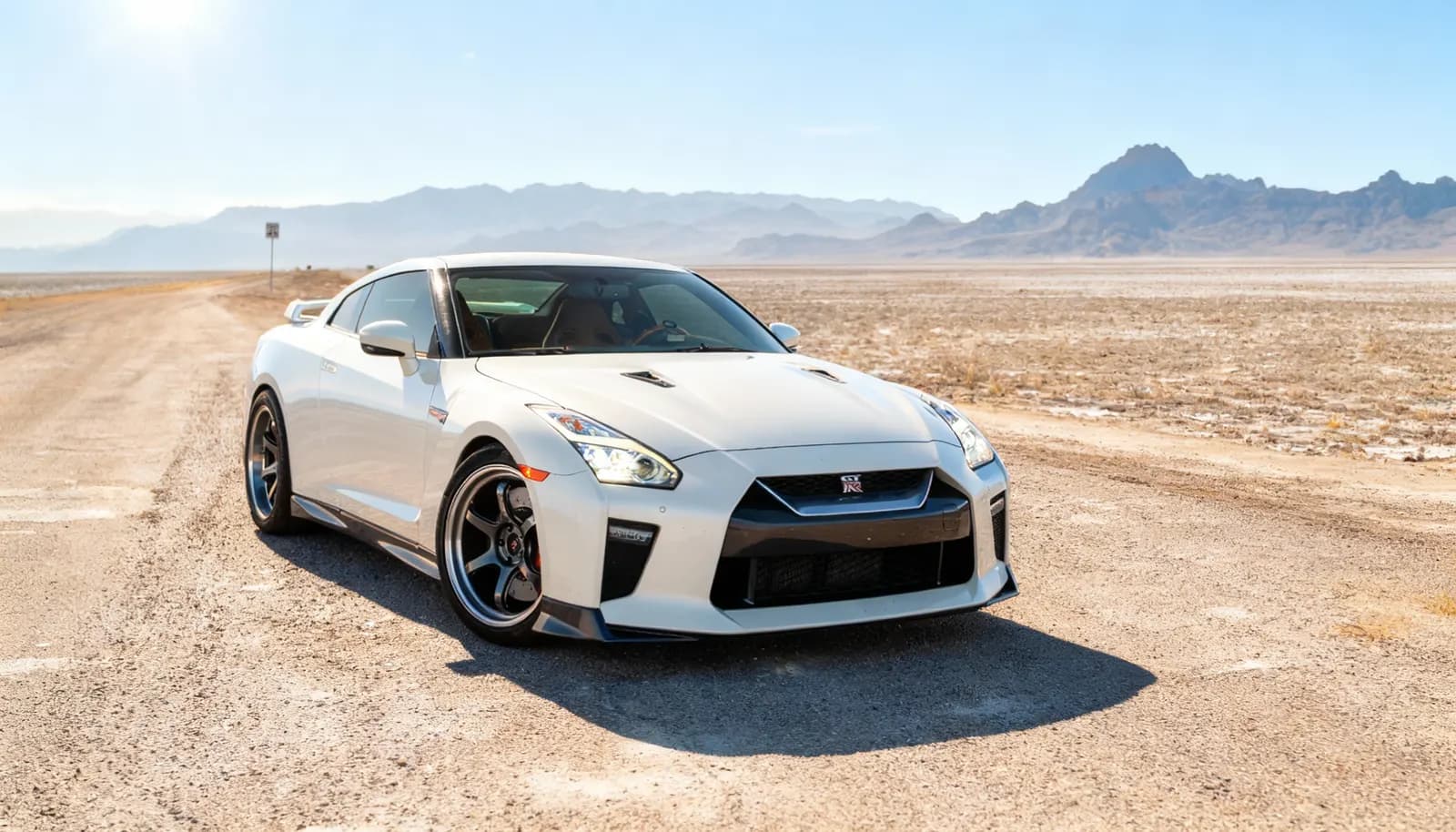
Use your own vehicle photo so the preview reflects your paint, stance, and angle.
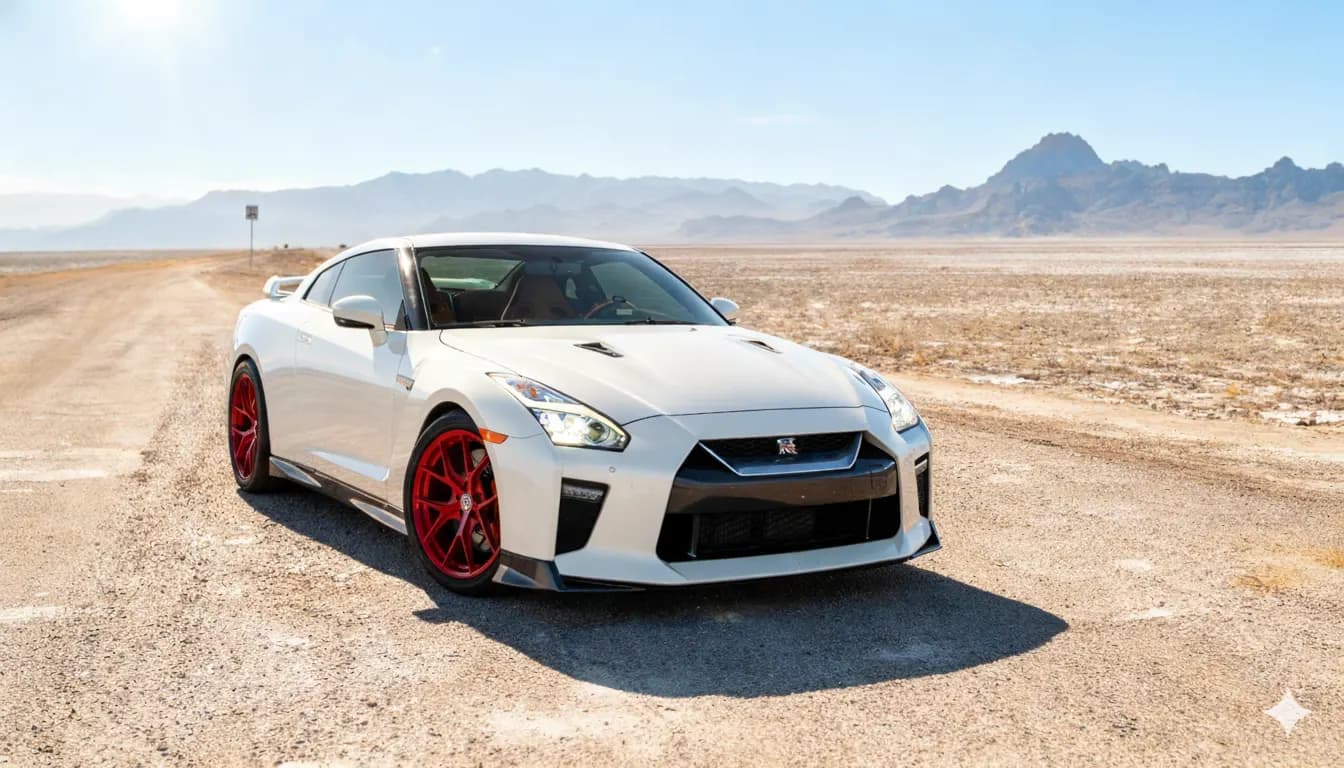
Generate a render before you contact the seller, make an offer, or list the wheels yourself.
Start with a screenshot, seller photo, or marketplace image.
Use your own vehicle photo so the preview reflects your paint, stance, and angle.
Generate a render before you contact the seller, make an offer, or list the wheels yourself.
Use the images a listing actually has, whether you are buying, selling, or running the marketplace.
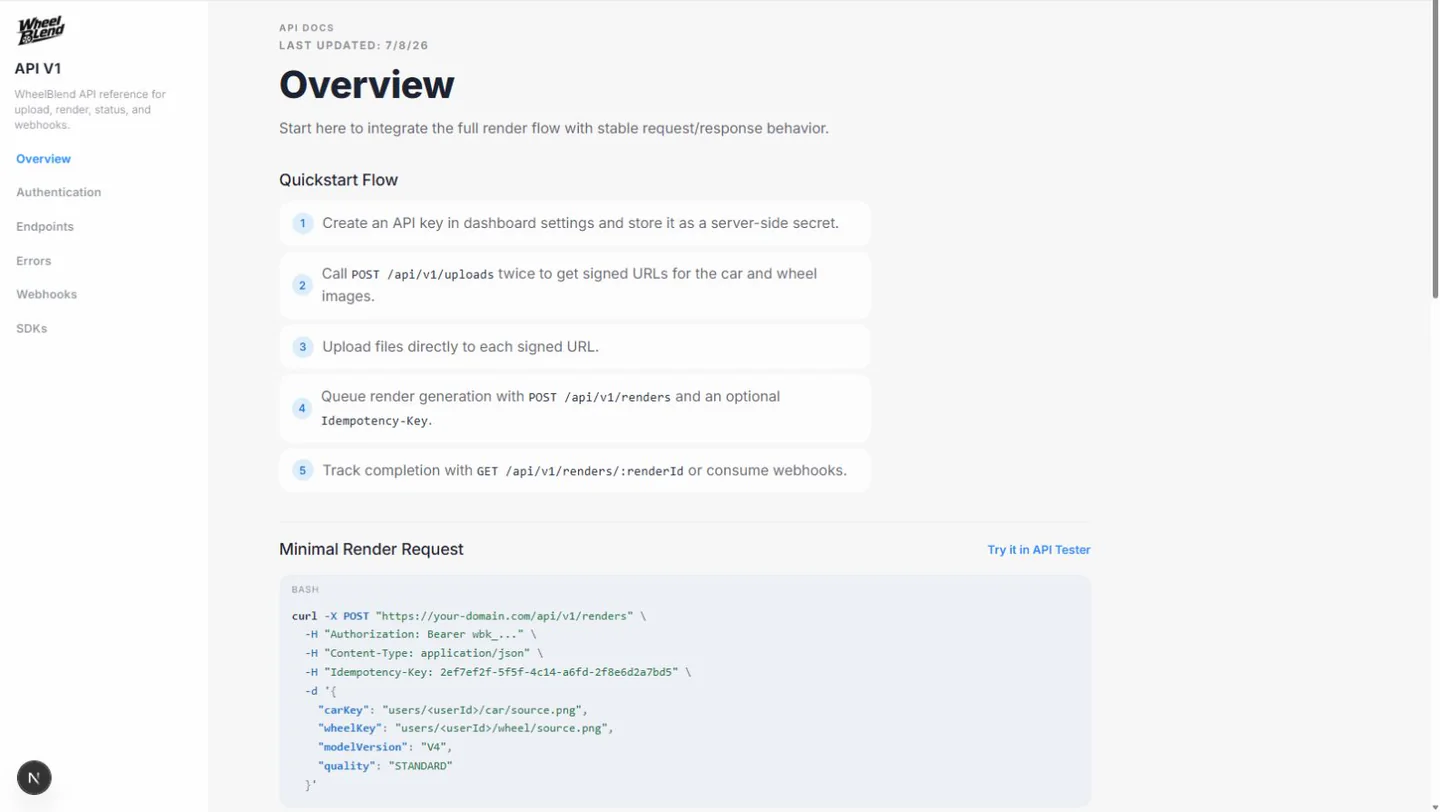
Connect directly to the raw power of our Vision Engine. Automate massive pipelines of wheel fitment renders without ever touching a user interface.
Our distributed GPU clusters process intelligent masking and 3D rendering in milliseconds. Built to handle massive marketplace scale.
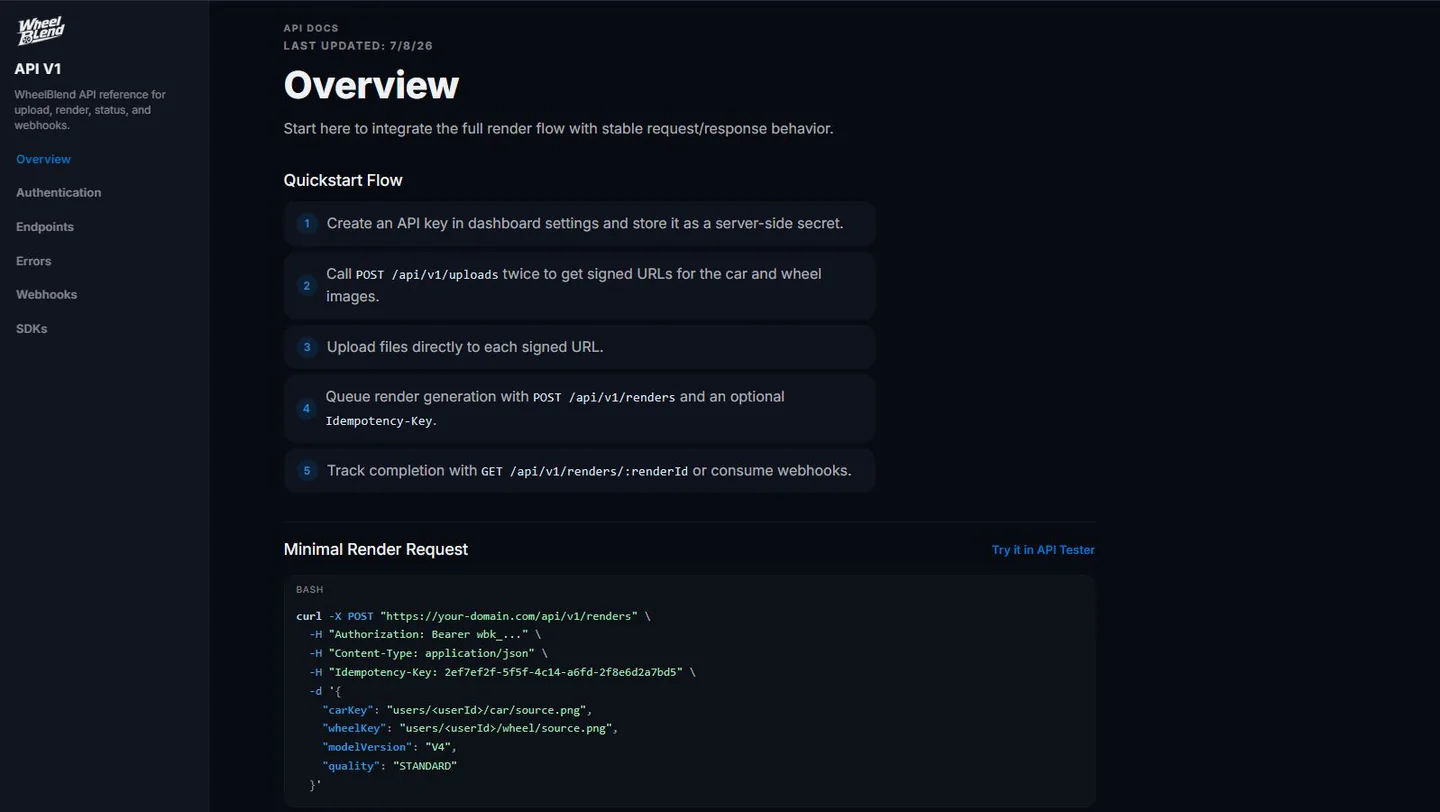
Comprehensive documentation, RESTful endpoints, and webhooks. Build your own unique front-end experiences on top of our rendering engine.
Used-wheel shopping is full of uncertainty. The buyer has to imagine size, finish, spoke shape, and stance from seller photos that were rarely shot for visualization. WheelBlend reduces that visual gap.
WheelBlend gives shoppers and sellers a fast way to turn the image they already have into a more useful decision asset.
A marketplace can use WheelBlend to make listings more interactive without forcing sellers to become photo editors.
Buyers and sellers can start in the dashboard today. Marketplaces can add previews to listings through the API or an embedded visualizer.
WheelBlend creates visual previews. Confirm condition, authenticity, and physical fitment before buying used wheels.
Yes. Listing screenshots and seller photos are exactly the kind of messy sources WheelBlend is built to handle.
Yes. Upload different wheel images and compare renders on the same car before you decide which seller to message.
Yes, when you have the rights to the input photos. Label renders clearly as visual previews so buyers understand they are concept images.
No. WheelBlend creates visual previews only. Inspect condition, authenticity, specs, and safety separately.
Yes. Marketplace teams can use API rendering for custom flows or a hosted and embedded visualizer for a faster launch.
Yes. The API supports upload creation, render requests, render status checks, idempotency, webhooks, and usage balance checks.
No. It shows the look. Confirm diameter, width, offset, bolt pattern, center bore, tire size, and brake clearance before you buy.
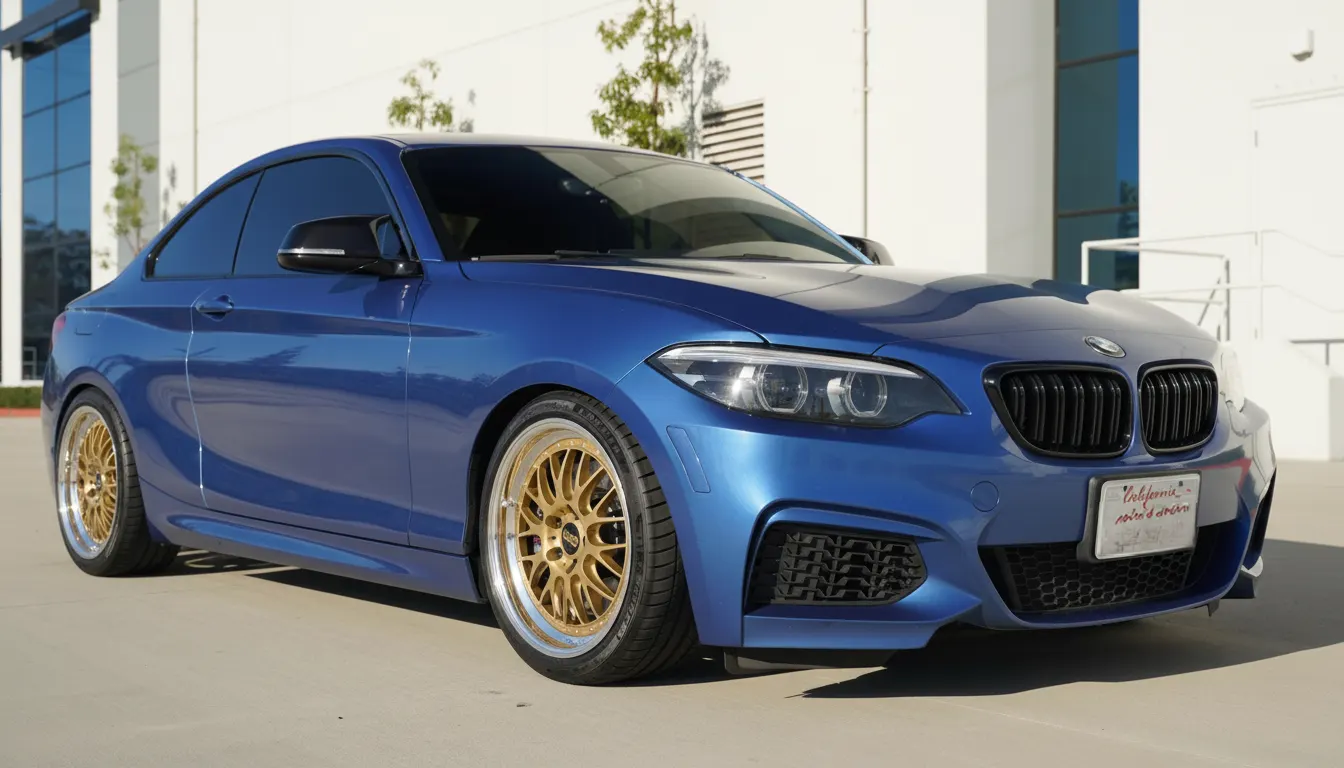 For Car EnthusiastsTry wheels on your car before you buy.Upload a photo of your car, add any wheel image, and compare realistic before-and-after previews. Judge the style on your actual paint, stance, and lighting before you spend money.
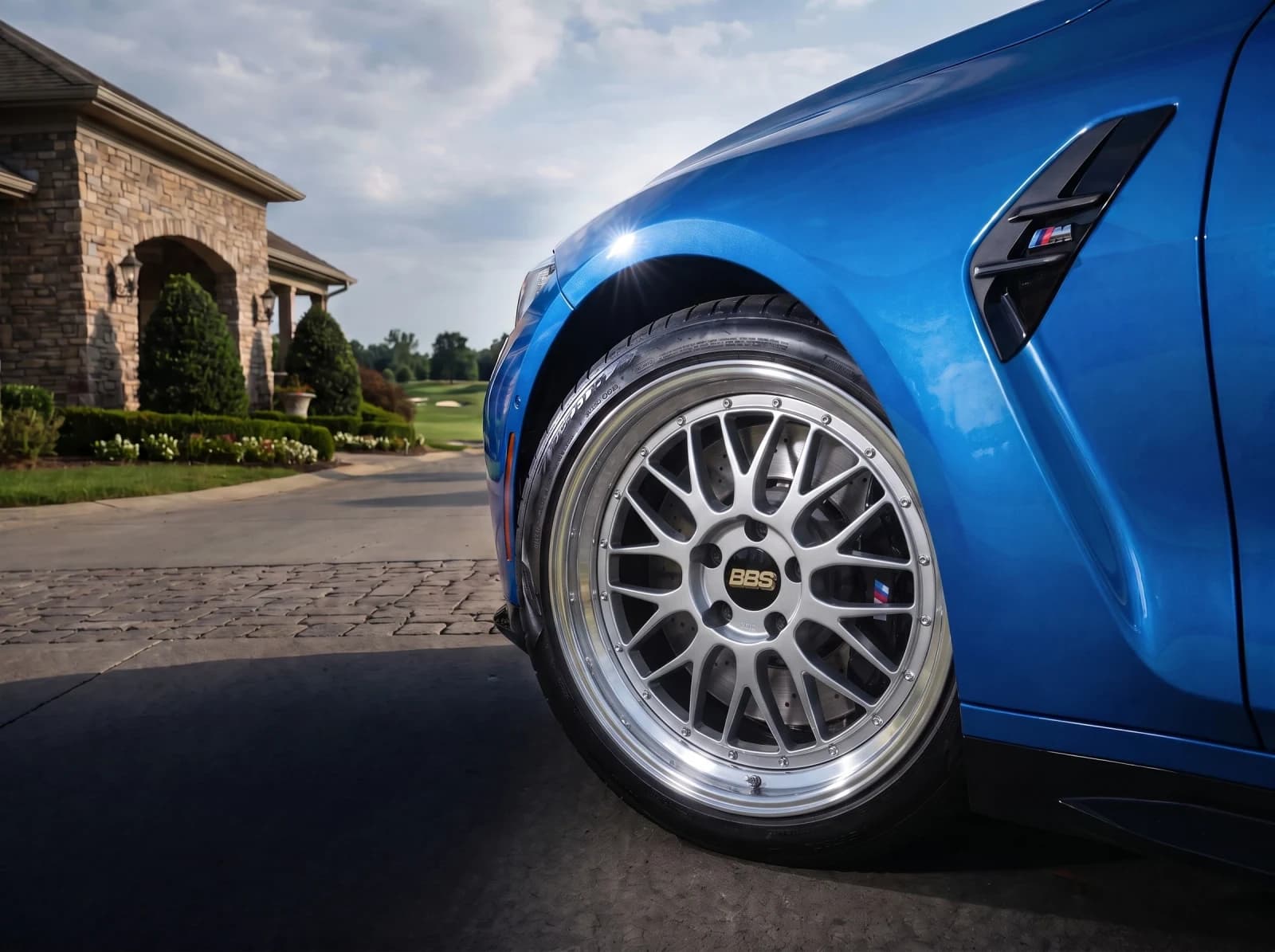 For Wheel BrandsPut your wheels on your customers' cars.Show your catalog on real customer cars. Launch a branded visualizer, embed it in your store, or connect the API to your product pages and dealer tools.
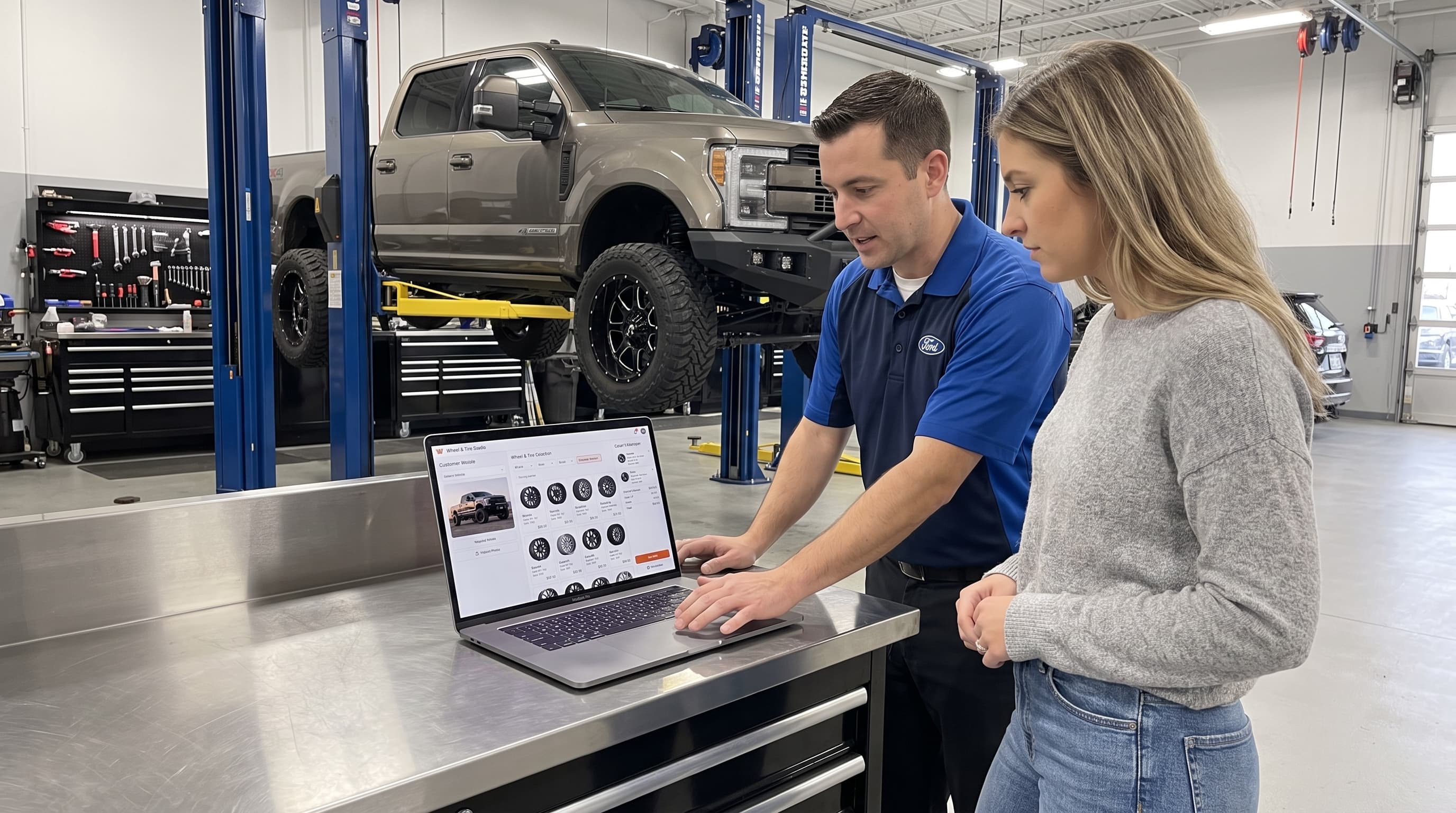
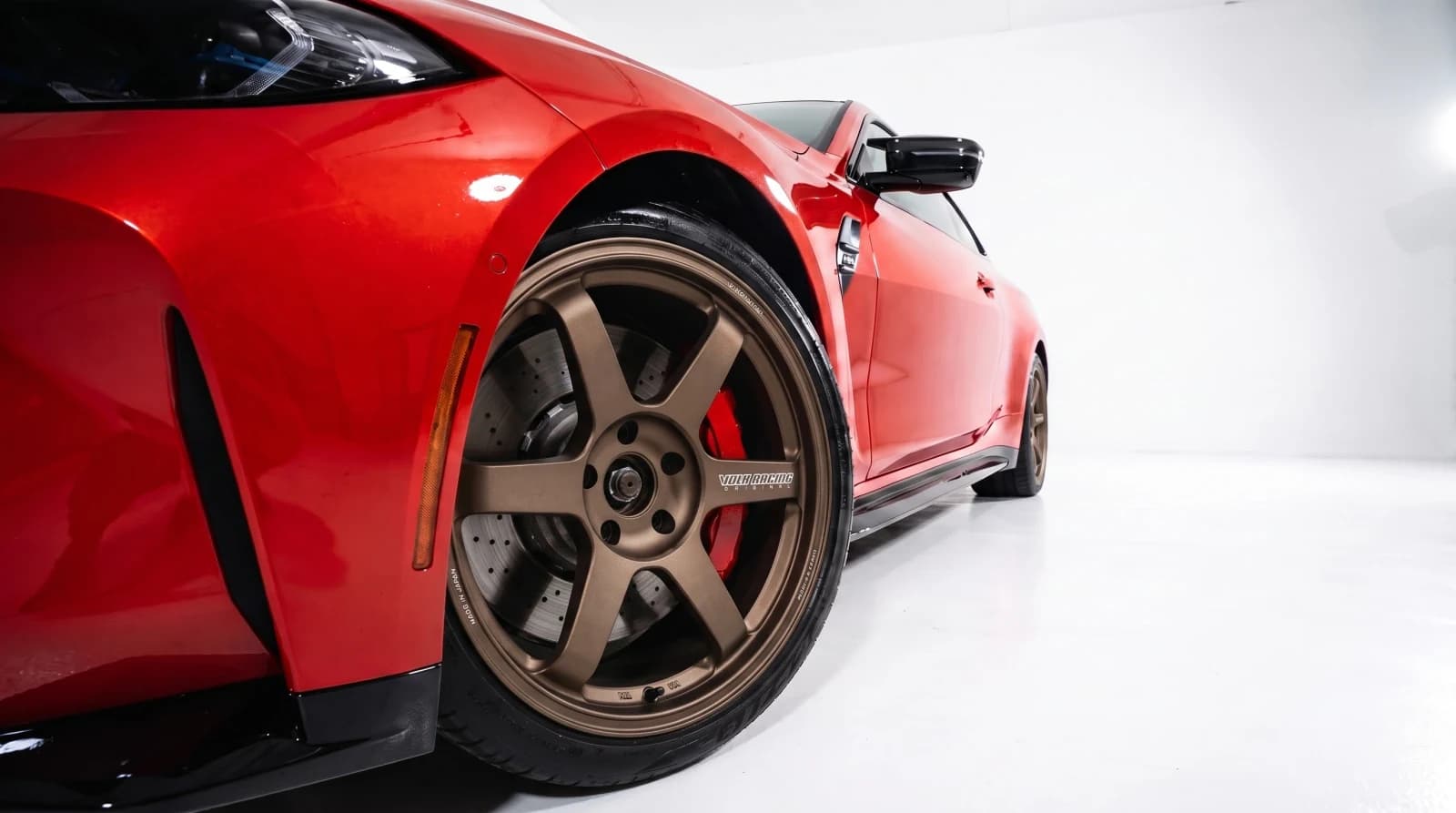 For Wheel ShopsVirtual wheel fitment software for custom shops.Show every customer the wheel package on their own car. Create approval-ready previews at the counter, send them by link, and move the conversation toward a quote or booking.
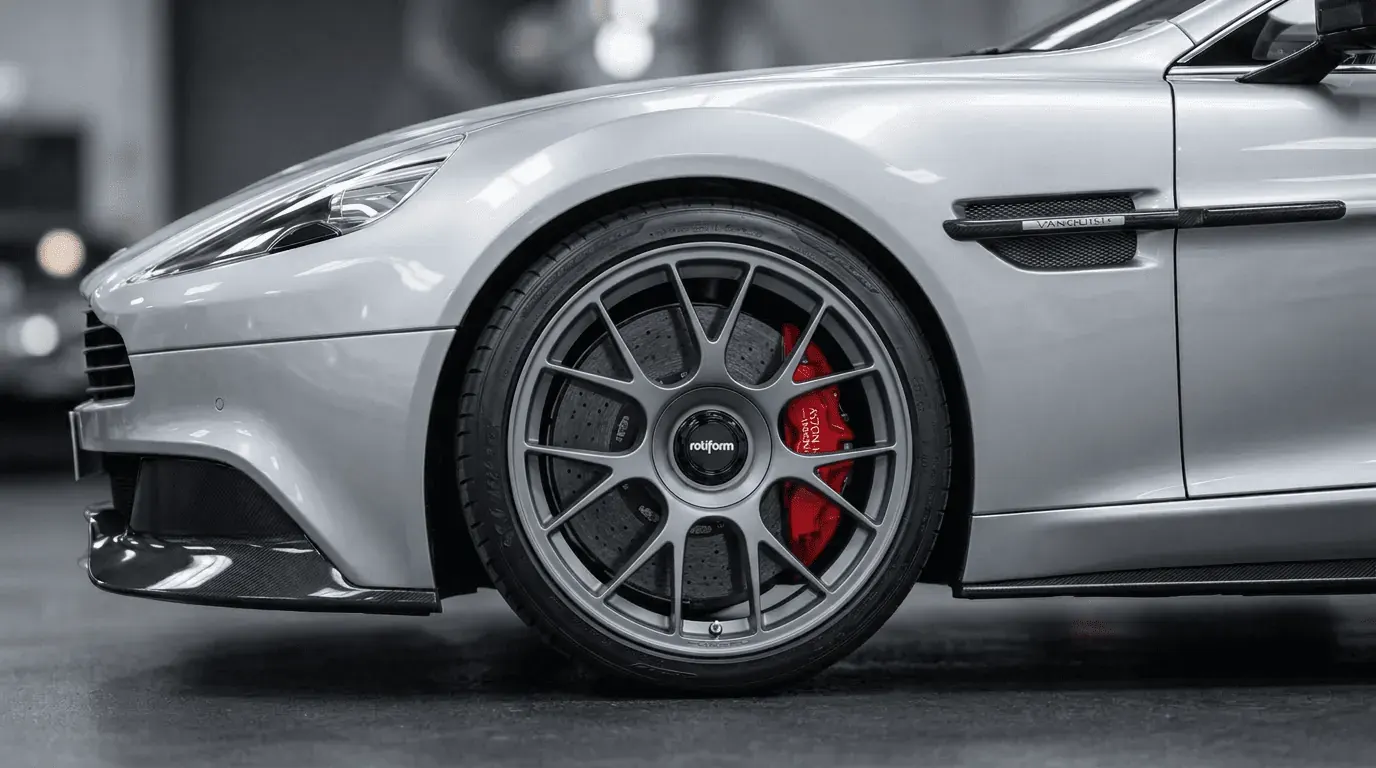
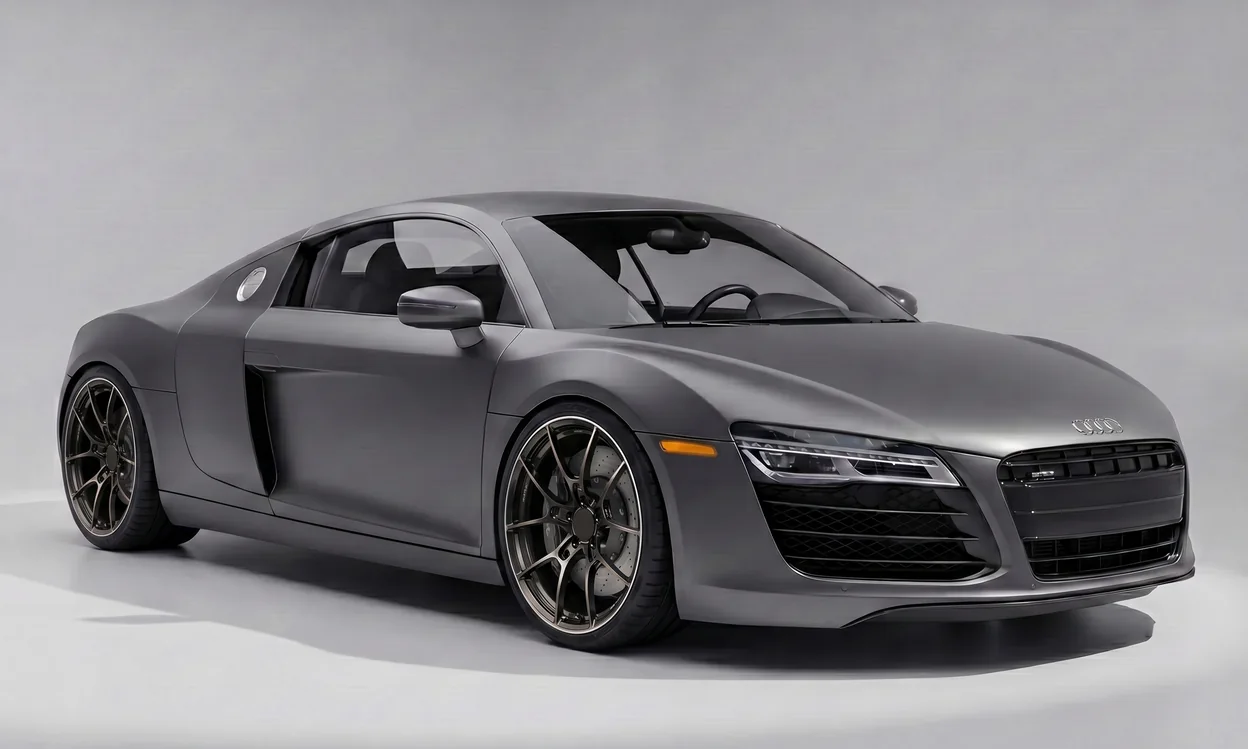
Upload the listing image and your car photo, then compare the before and after.