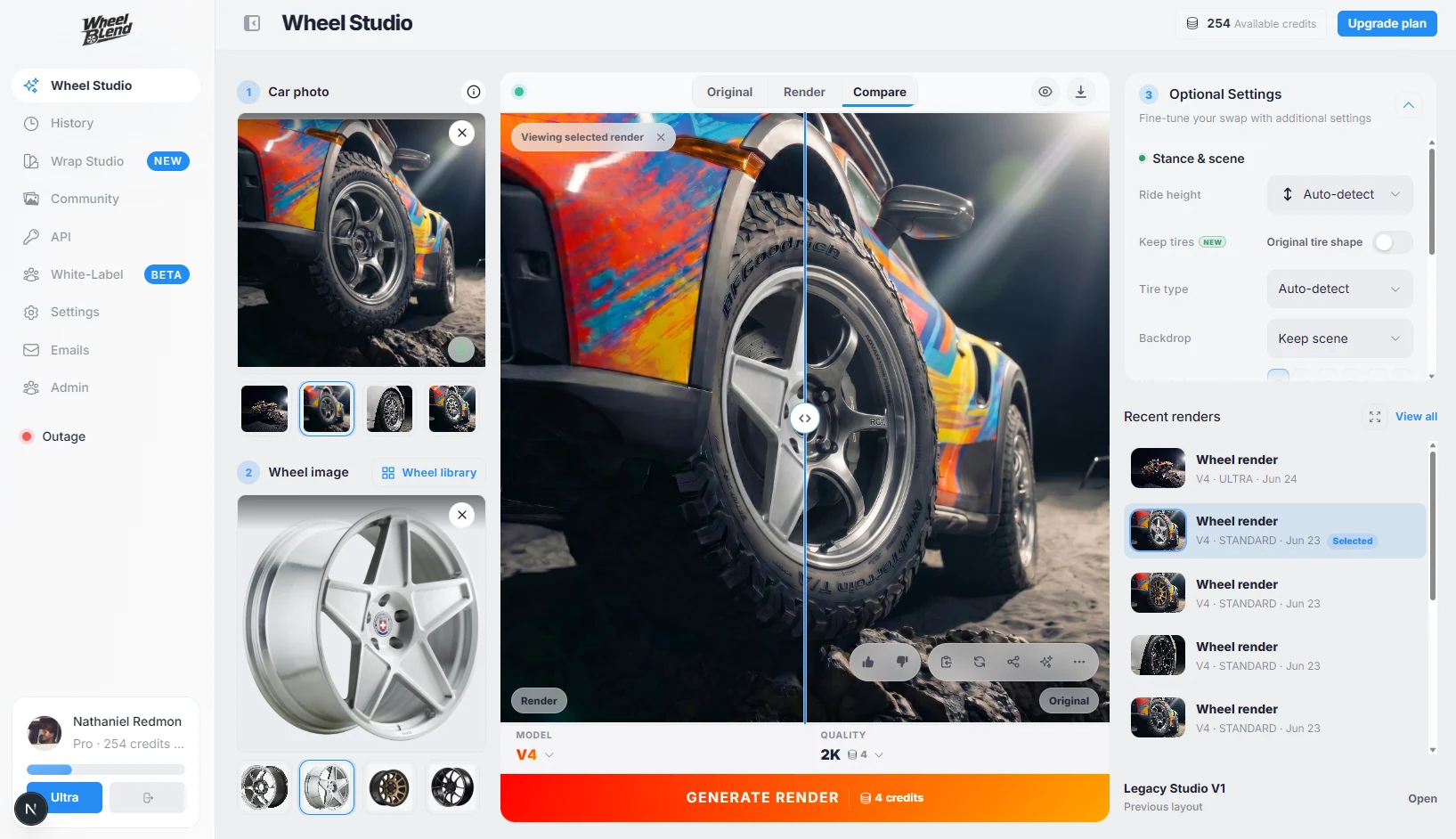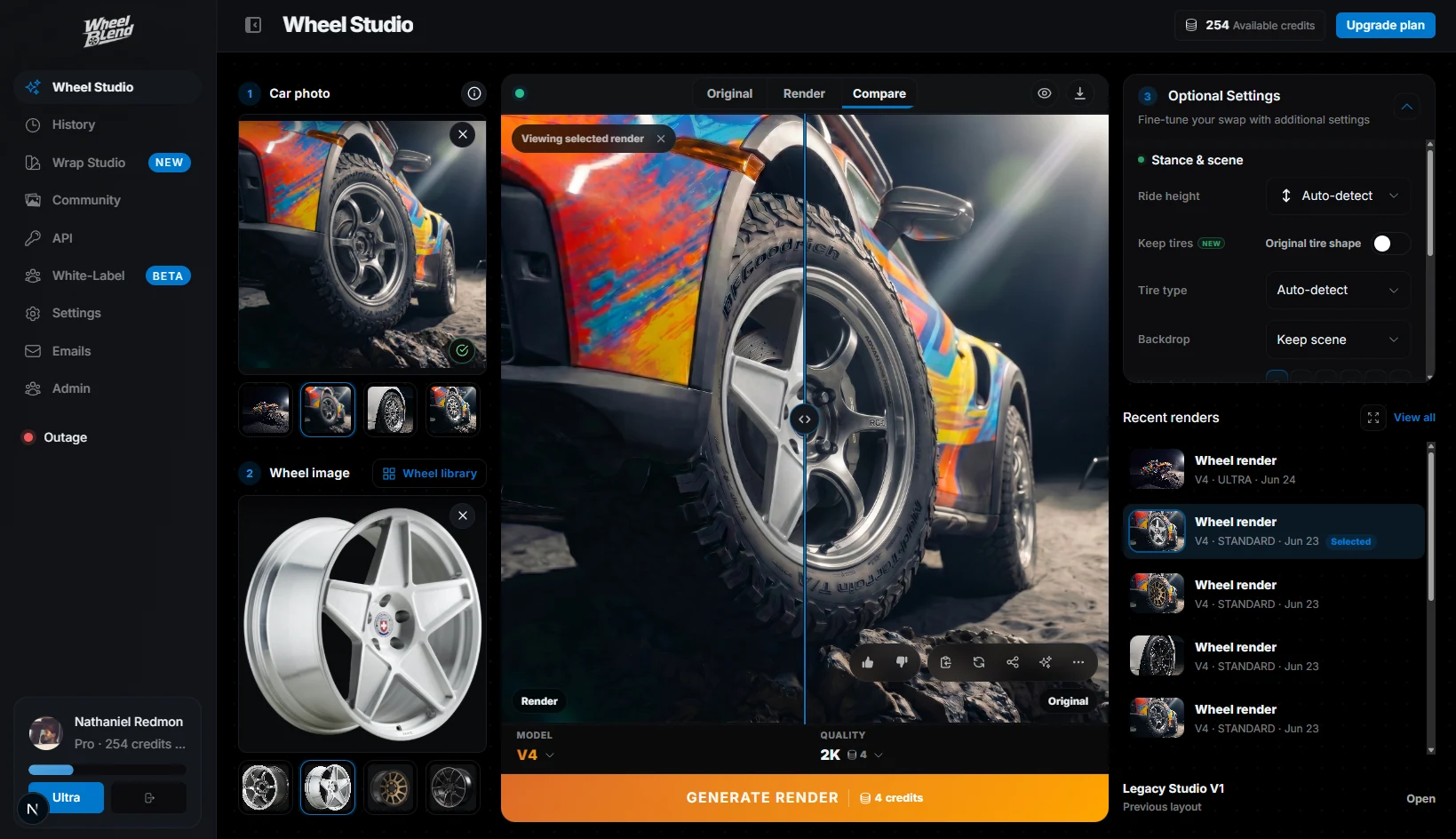
Step 01
Add your catalog
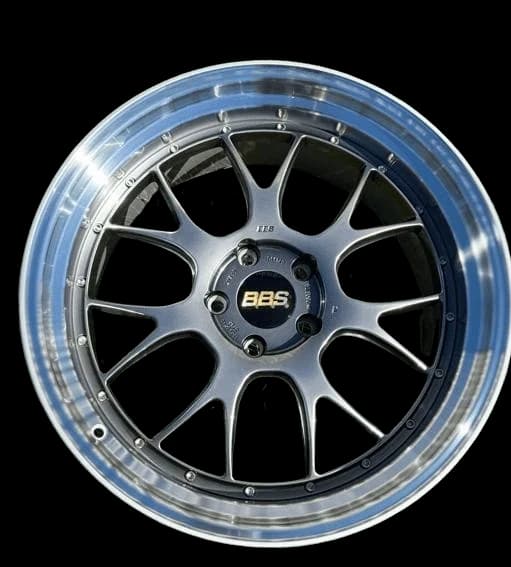
Load the wheel product images, finishes, and collections your brand sells.

Show your catalog on real customer cars. Launch a branded visualizer, embed it in your store, or connect the API to your product pages and dealer tools.
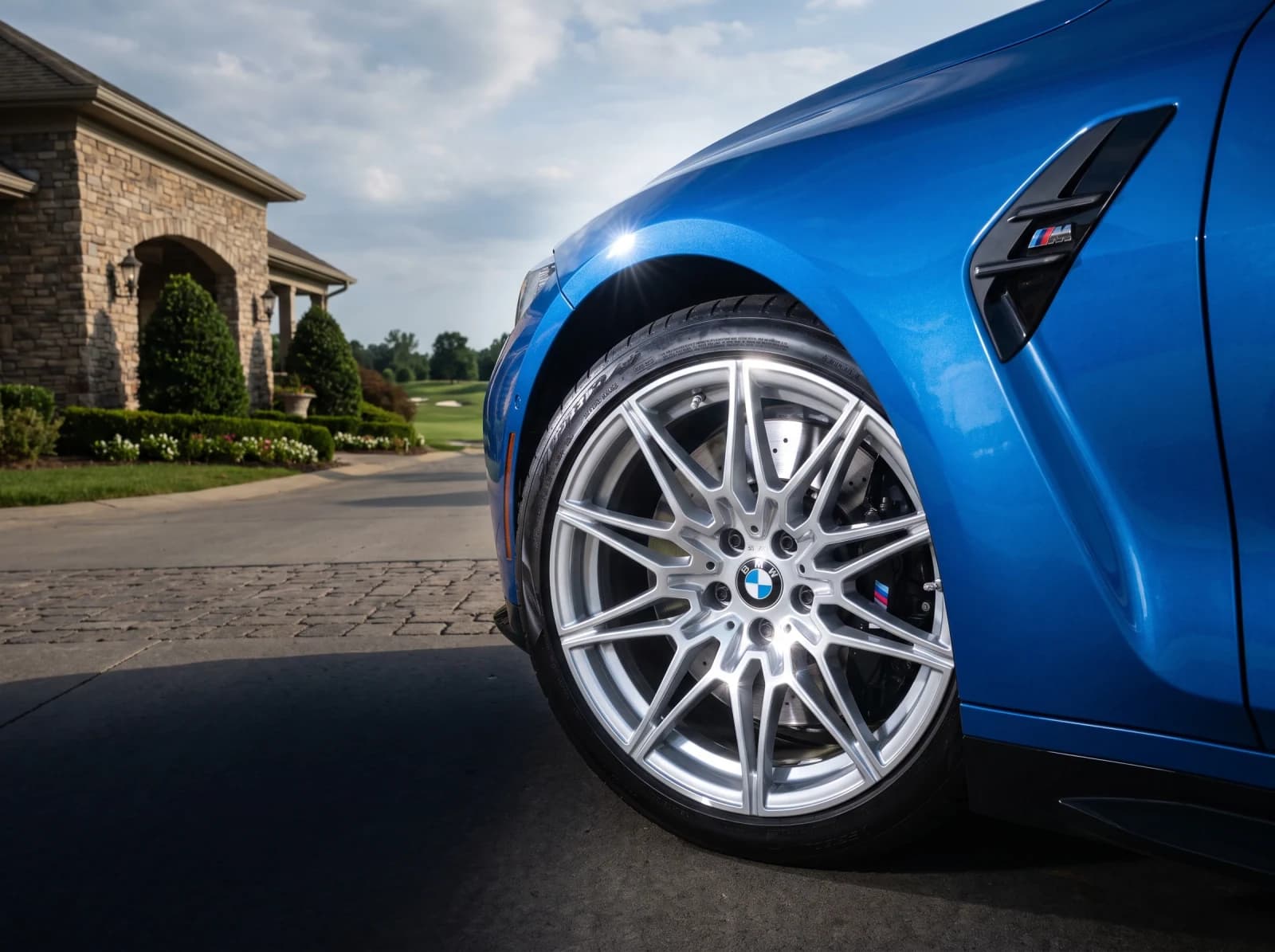
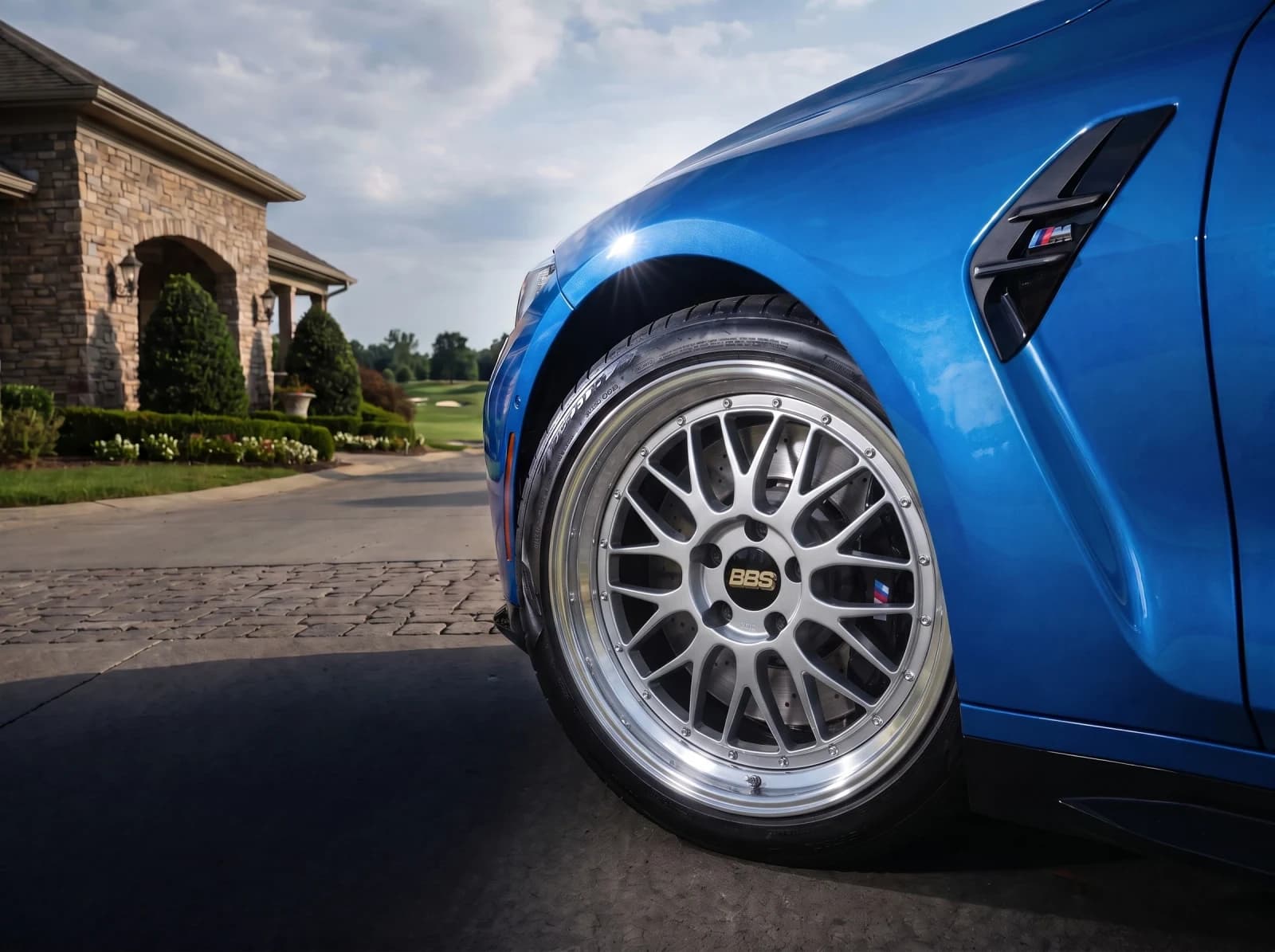
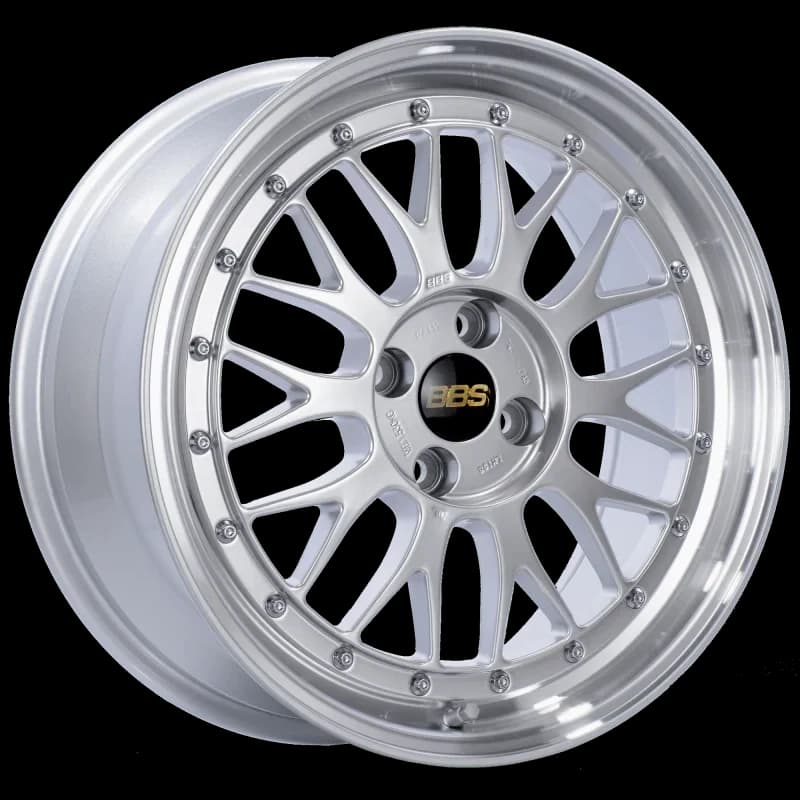
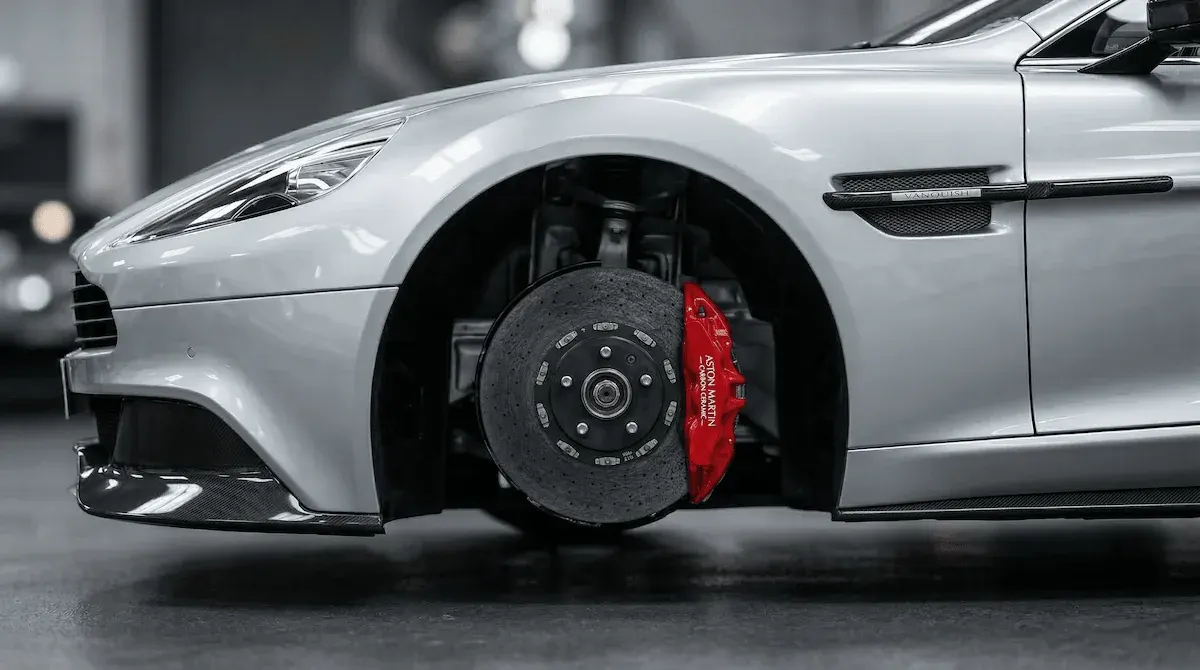
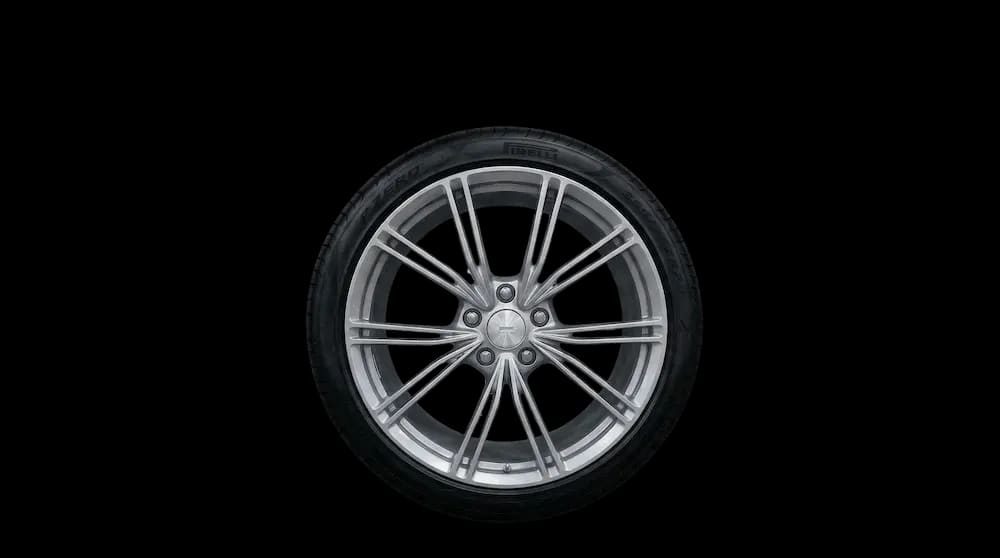
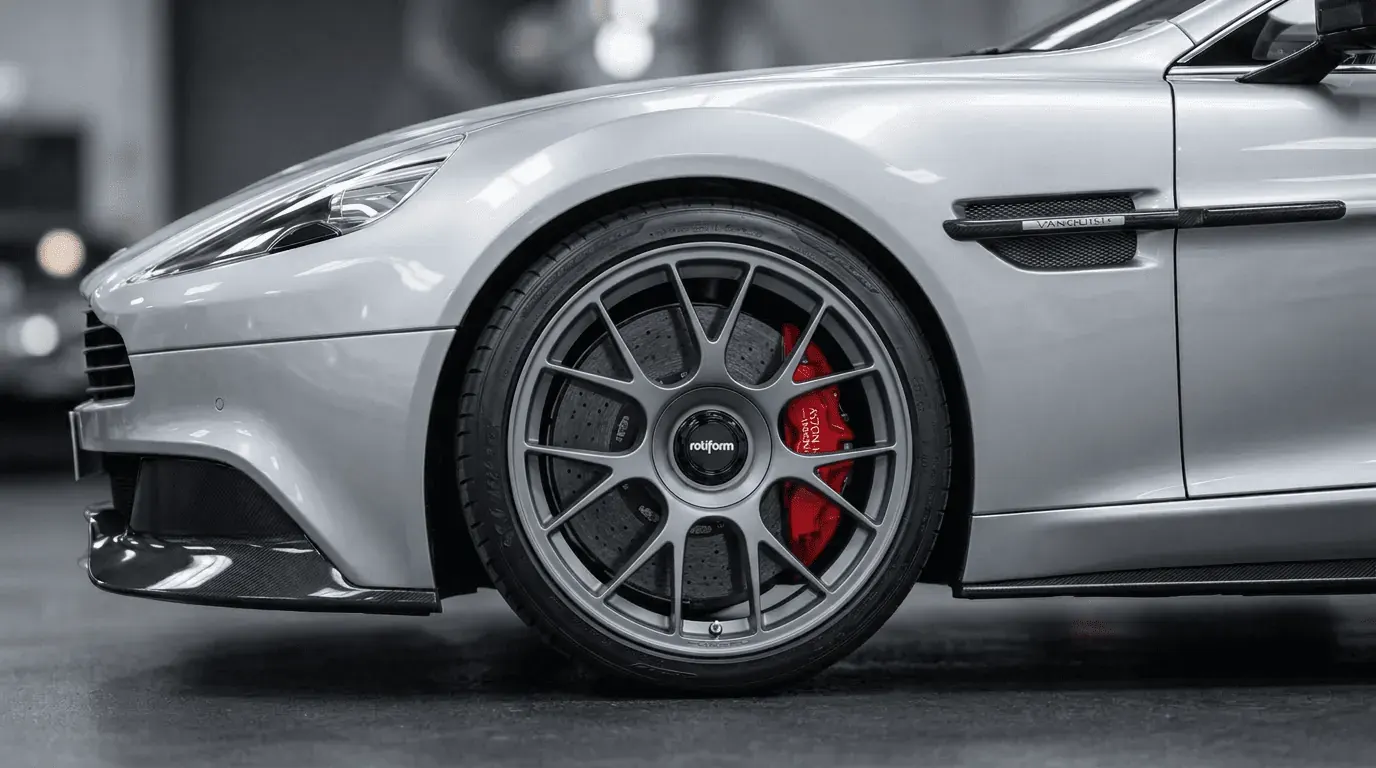
A product photo shows the wheel. It does not show what the wheel does for a car. WheelBlend turns your catalog images into real-car previews your customers, dealers, and sales team can use everywhere they talk about your brand.
Load the wheel product images, finishes, and collections your brand sells.
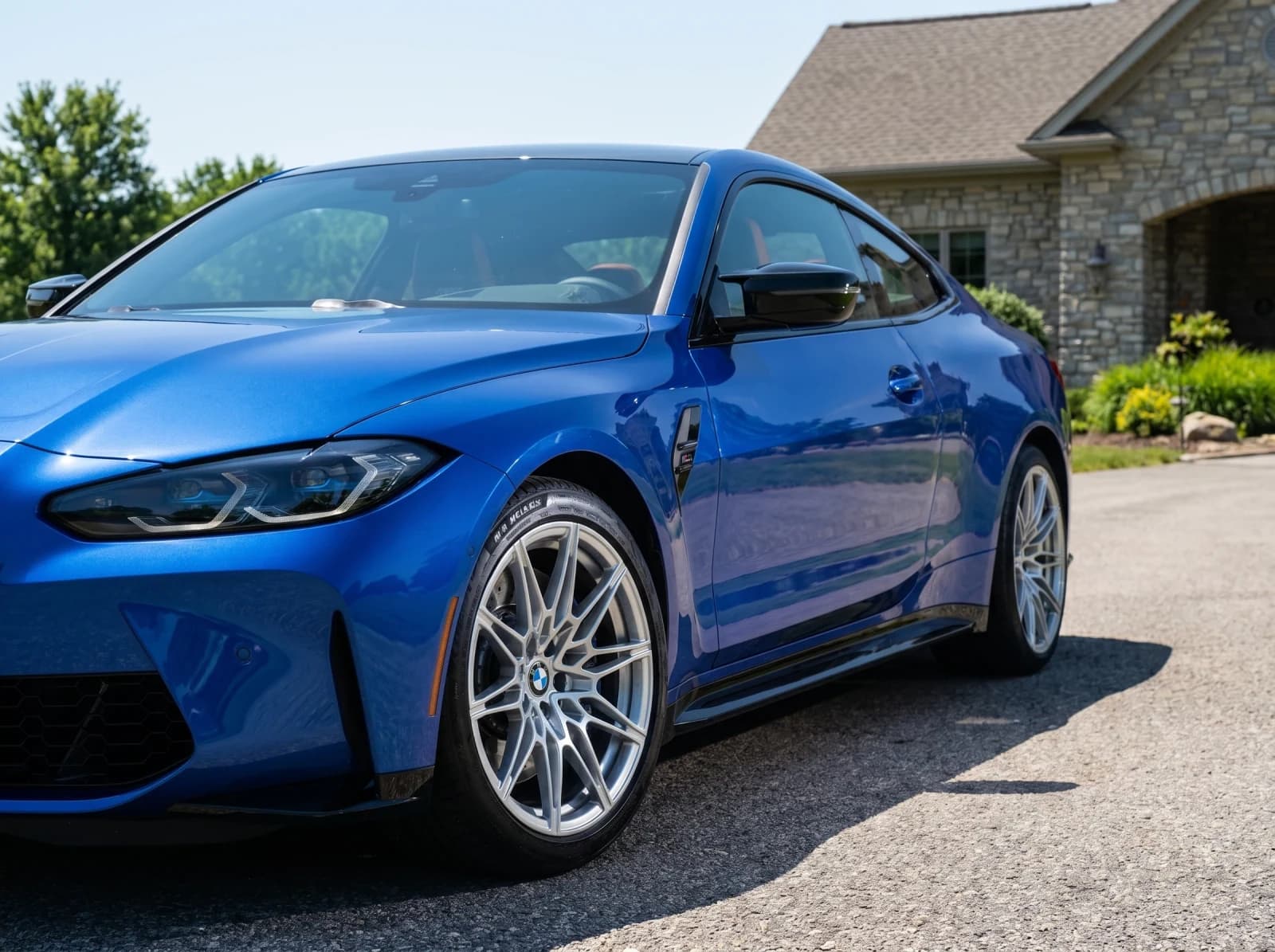
Preview each wheel on a real car photo so shoppers see the finish and stance in context.
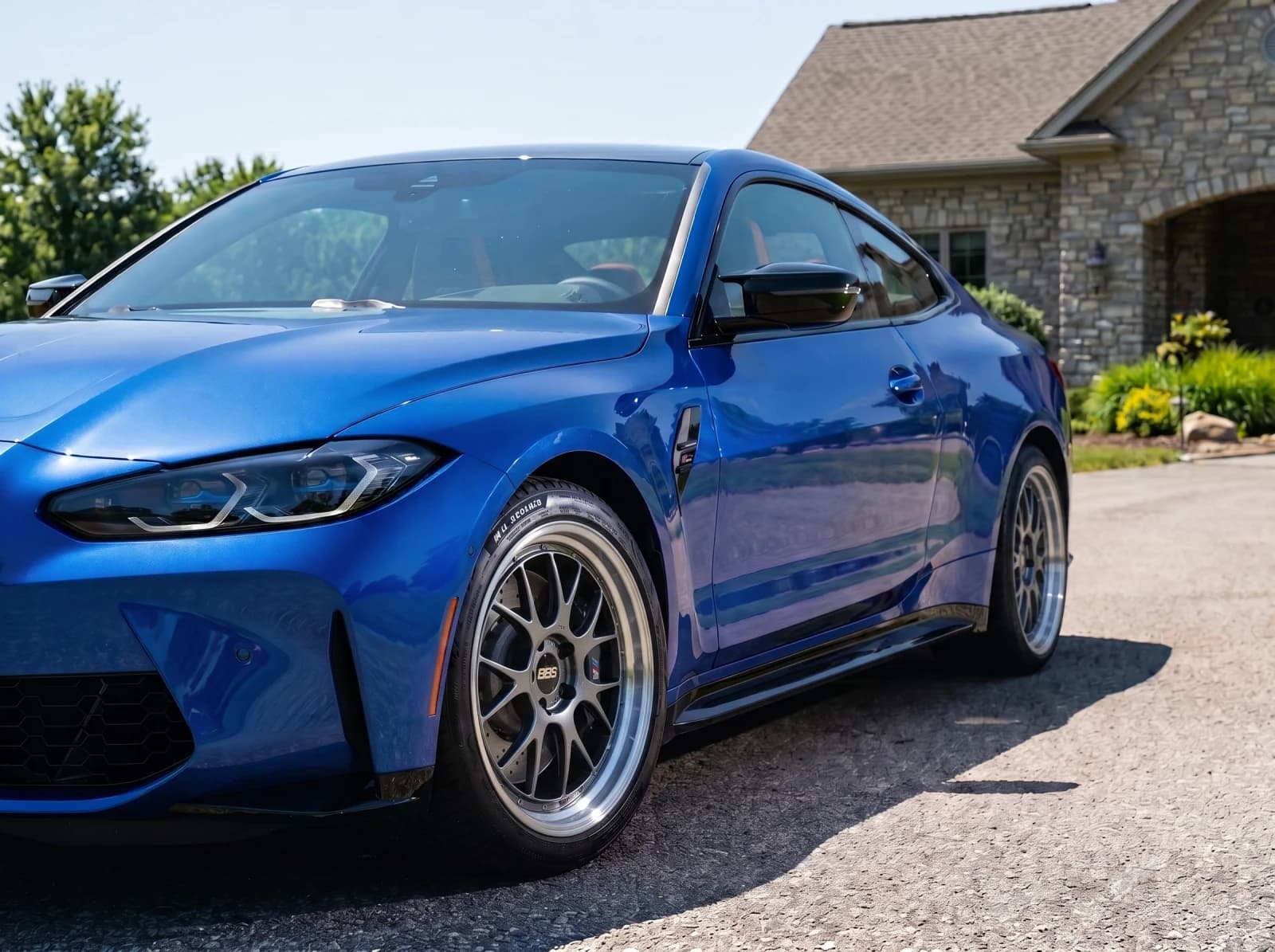
Connect every preview to the product page, dealer, cart, or quote path you use.
Start with the wheels, finishes, and collections you most want customers to see.
Customers upload their own car photo, or your team creates previews for campaigns and dealers.
Connect every preview to a product page, dealer, cart, quote, or your sales team.
Control the brand, the catalog, and where every preview leads.
Our Vision Engine silently handles the complex 3D rendering and geometry behind the scenes, allowing you to provide a seamless visualizer experience under your own trusted brand.
Your logo, your colors, your wheel catalog. Keep your customers in your ecosystem without ever sending them to a third-party tool.
Upload your exclusive wheel catalog, set precise fitment data, and control exactly what your customers can preview with our comprehensive dashboard.
Brands and retailers usually need two things at once: better product storytelling for shoppers and a practical integration path for the teams that manage catalogs, ecommerce, and sales enablement.
WheelBlend can turn existing wheel imagery into more useful selling context without requiring every product page to become a custom build project.
Teams that need WheelBlend inside their own product experience can use API access, while teams that want a faster branded launch can use hosted or embedded options.
Start with a branded page, add the visualizer to your website, or build your own experience with the API.
WheelBlend helps customers compare the look. Physical fitment should still be checked against your published specs before a sale or install.
Yes. WheelBlend can use your wheel imagery as source material for previews. Transparent PNGs usually give the cleanest result, and clean product photography works well too.
Yes. With white-label delivery, customers see your business name, logo, colors, and instructions, not ours.
Yes. Many brands start with a launch collection or best-selling group, then add more wheels once the workflow is proven.
No. WheelBlend works from normal wheel photos and transparent PNGs, so you can start with the product images you already have.
Yes. Share a branded page or embed the visualizer so dealers can preview your wheels for shoppers at their location.
Yes. Business and Business Plus plans include API access with signed uploads, render jobs, status checks, idempotency, and webhook callbacks.
No. Keep your existing fitment data and catalog checks. WheelBlend adds the visual preview on the customer's real car.
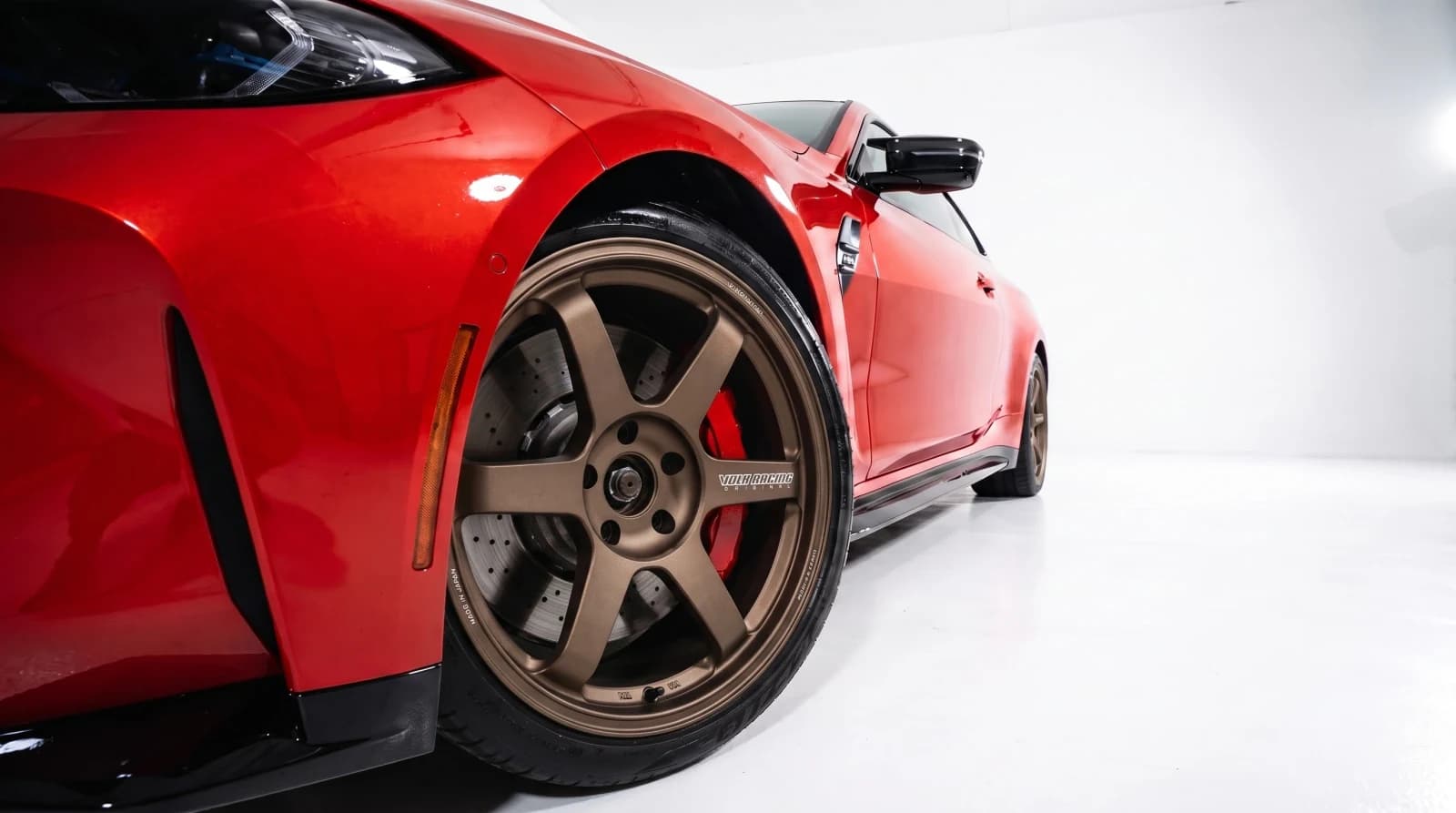 For Wheel ShopsVirtual wheel fitment software for custom shops.Show every customer the wheel package on their own car. Create approval-ready previews at the counter, send them by link, and move the conversation toward a quote or booking.
 For Marketplaces & SellersPreview marketplace wheels on your car before you buy.Upload a listing screenshot, seller photo, or cropped wheel image and see the wheels on your own car. Skip the guesswork before you message the seller or make an offer.
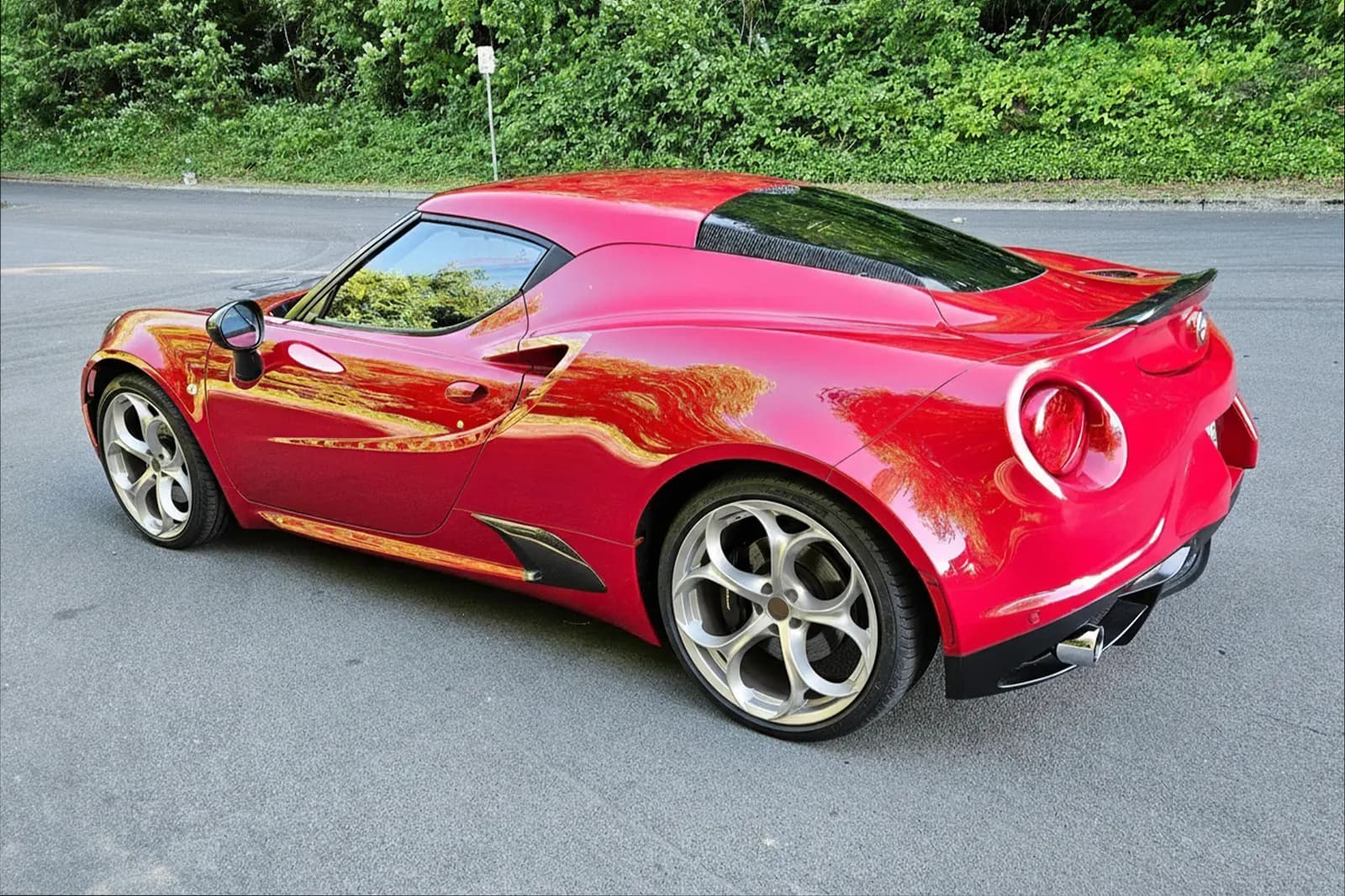
 For Car EnthusiastsTry wheels on your car before you buy.Upload a photo of your car, add any wheel image, and compare realistic before-and-after previews. Judge the style on your actual paint, stance, and lighting before you spend money.
We will build a preview using your wheels, your brand, and your sales links.