
01
Wheels and tires in one preview
Swap the wheel and the tire together, or keep your current tires and change only the wheels.

Upload a photo of your truck, Jeep, or SUV and try new wheels and tires on it. Preview off-road wheels, all-terrain or mud-terrain tires, and a lifted stance before you buy.
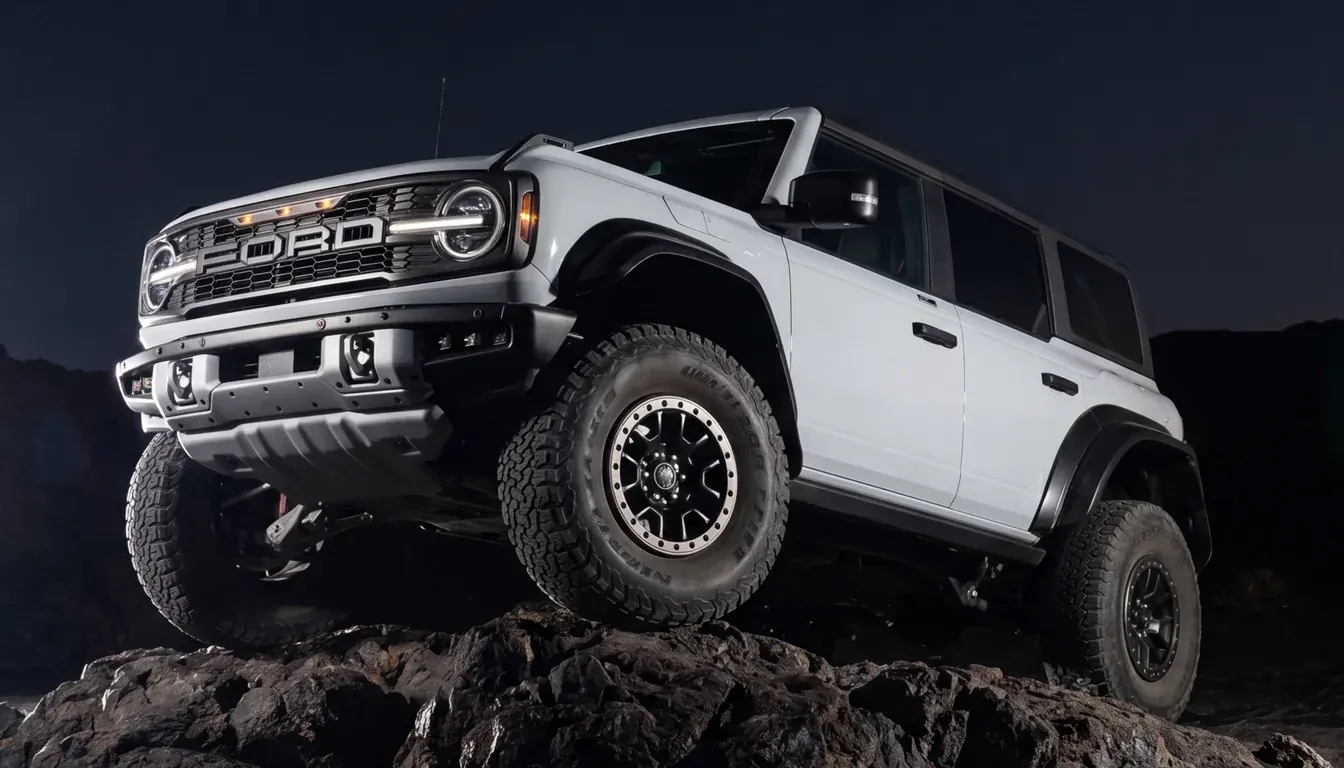
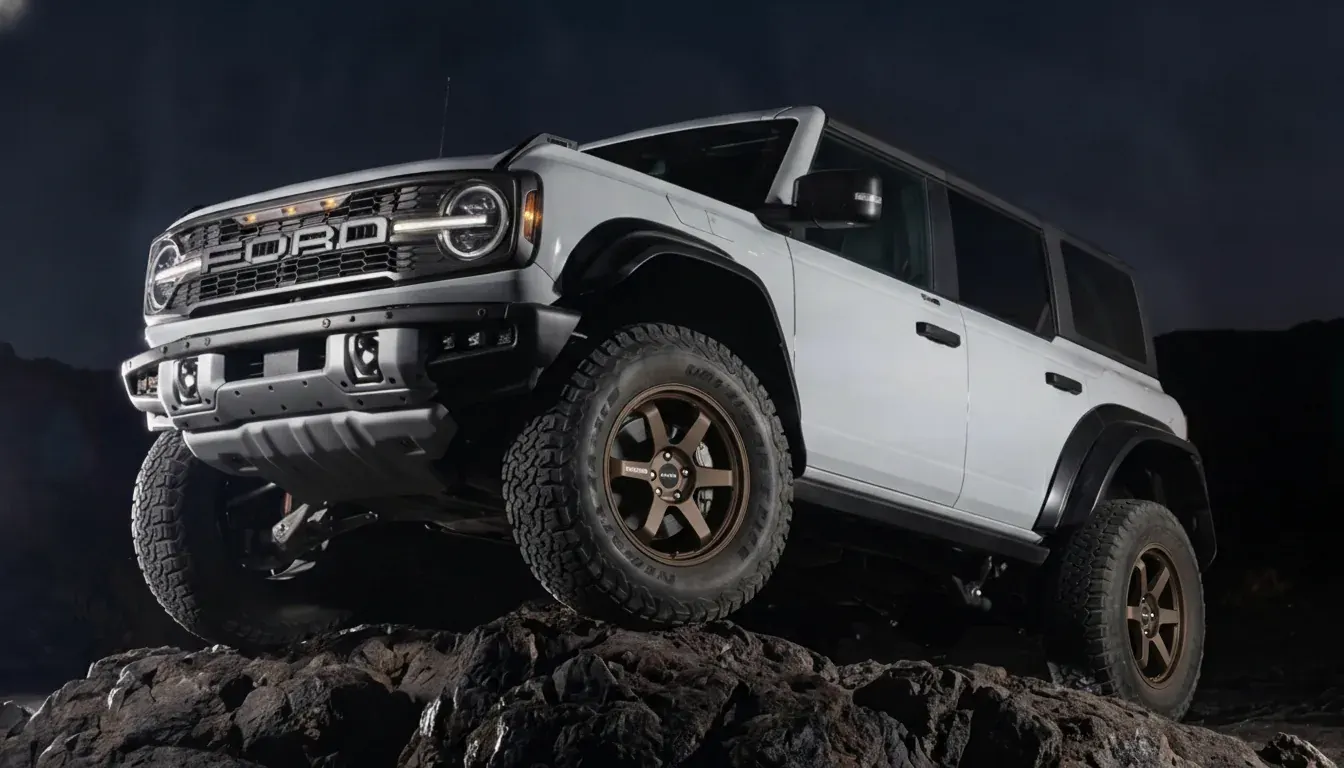
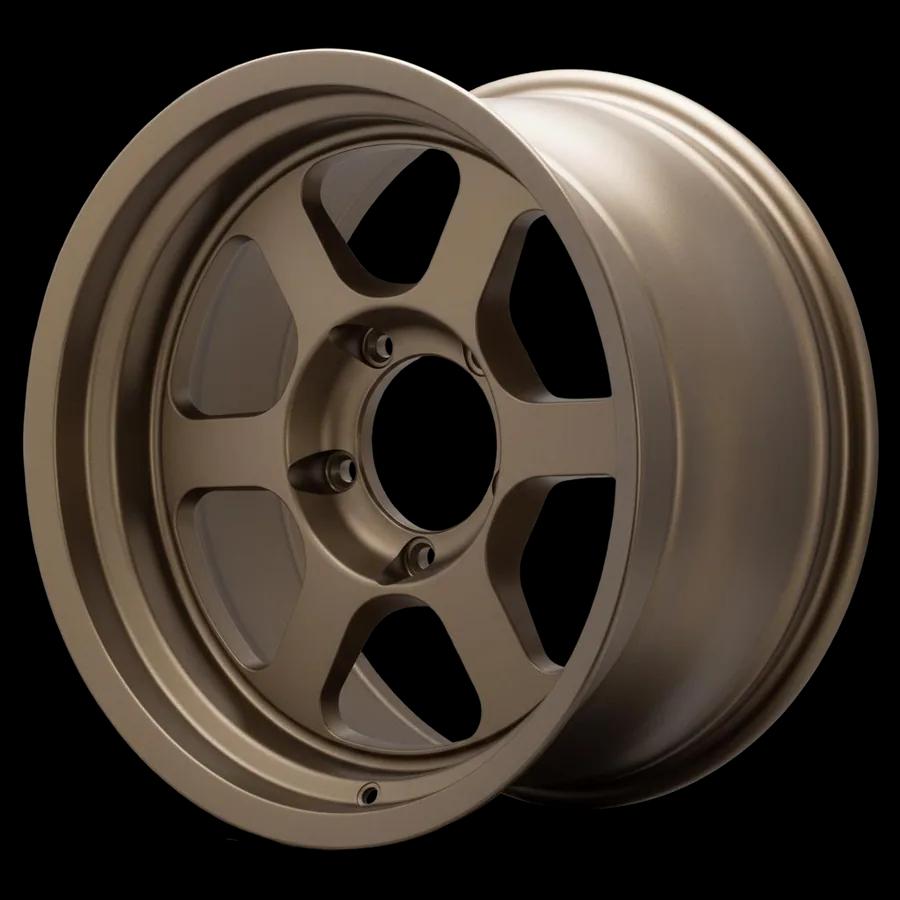
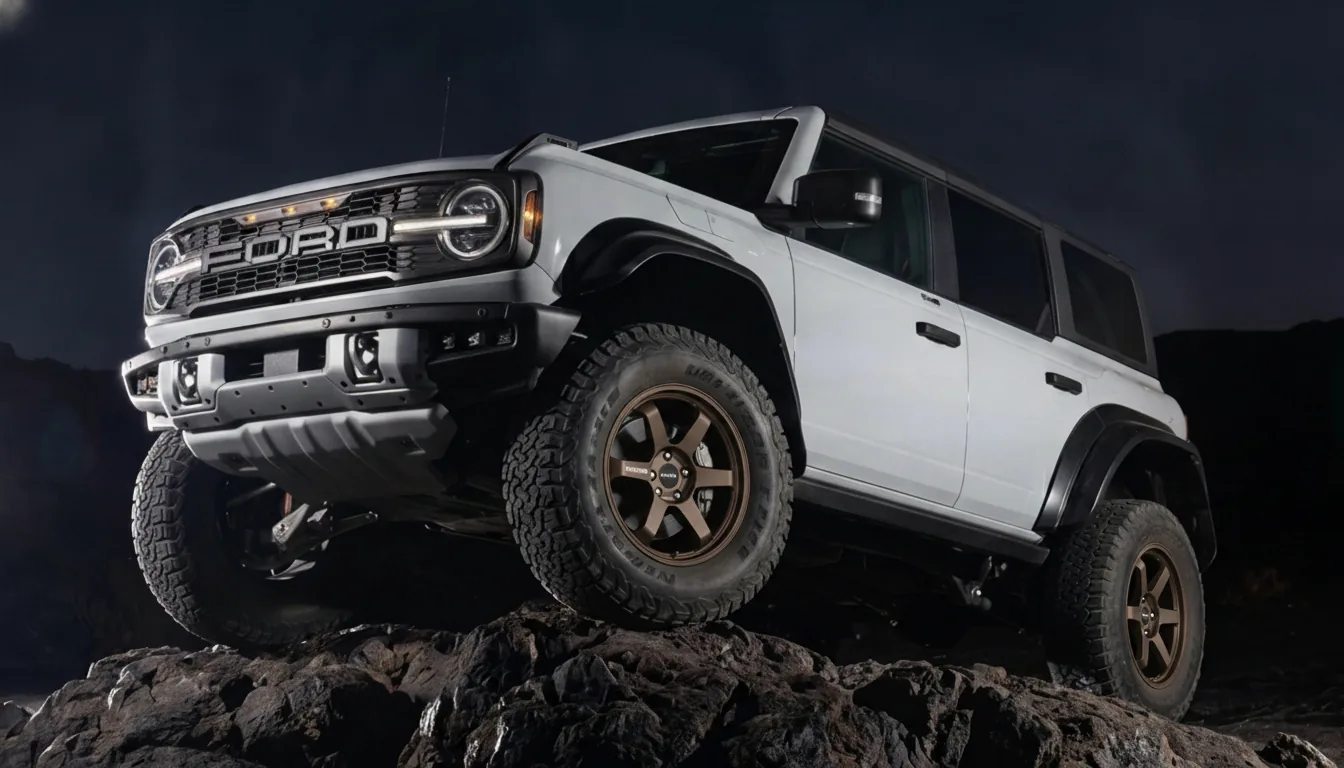
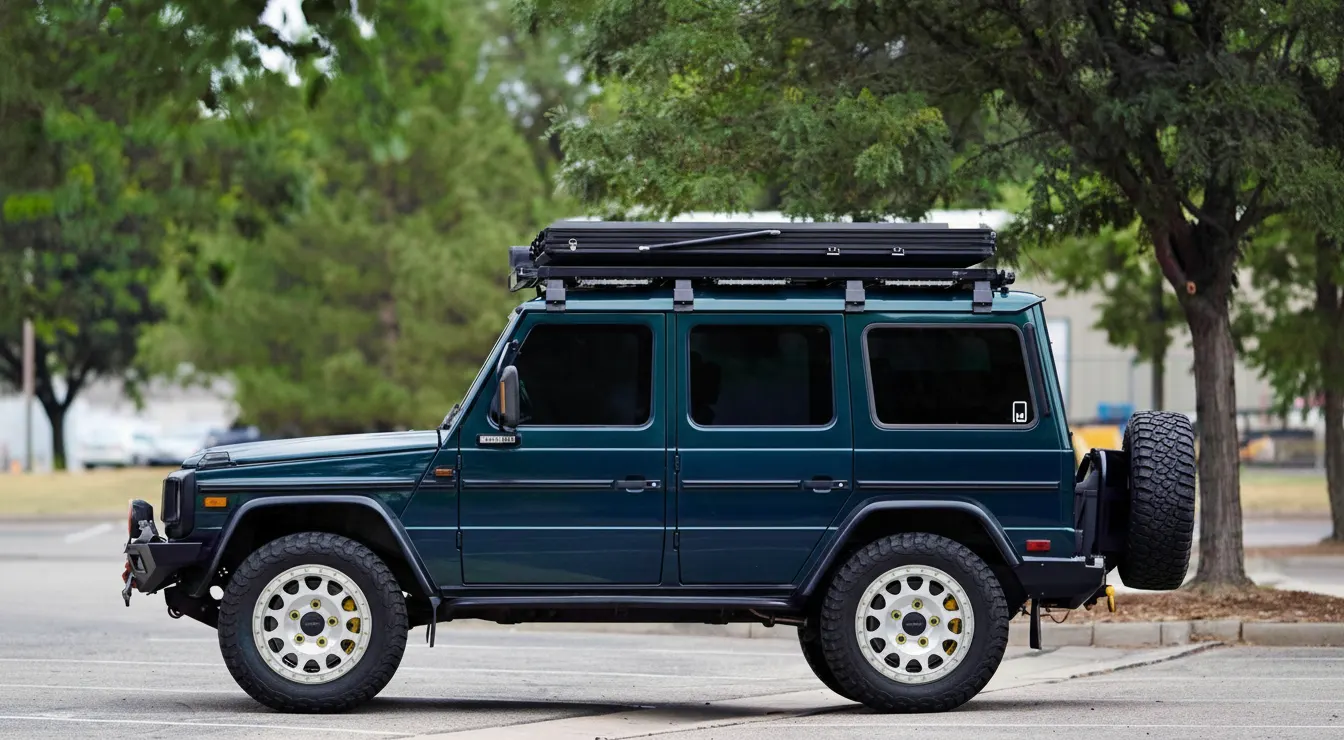
On a truck, the wheel is only part of the look. Tire size, sidewall, and ride height matter just as much. WheelBlend shows the full setup on your own truck, so you can judge the stance before you order wheels, tires, or a lift.
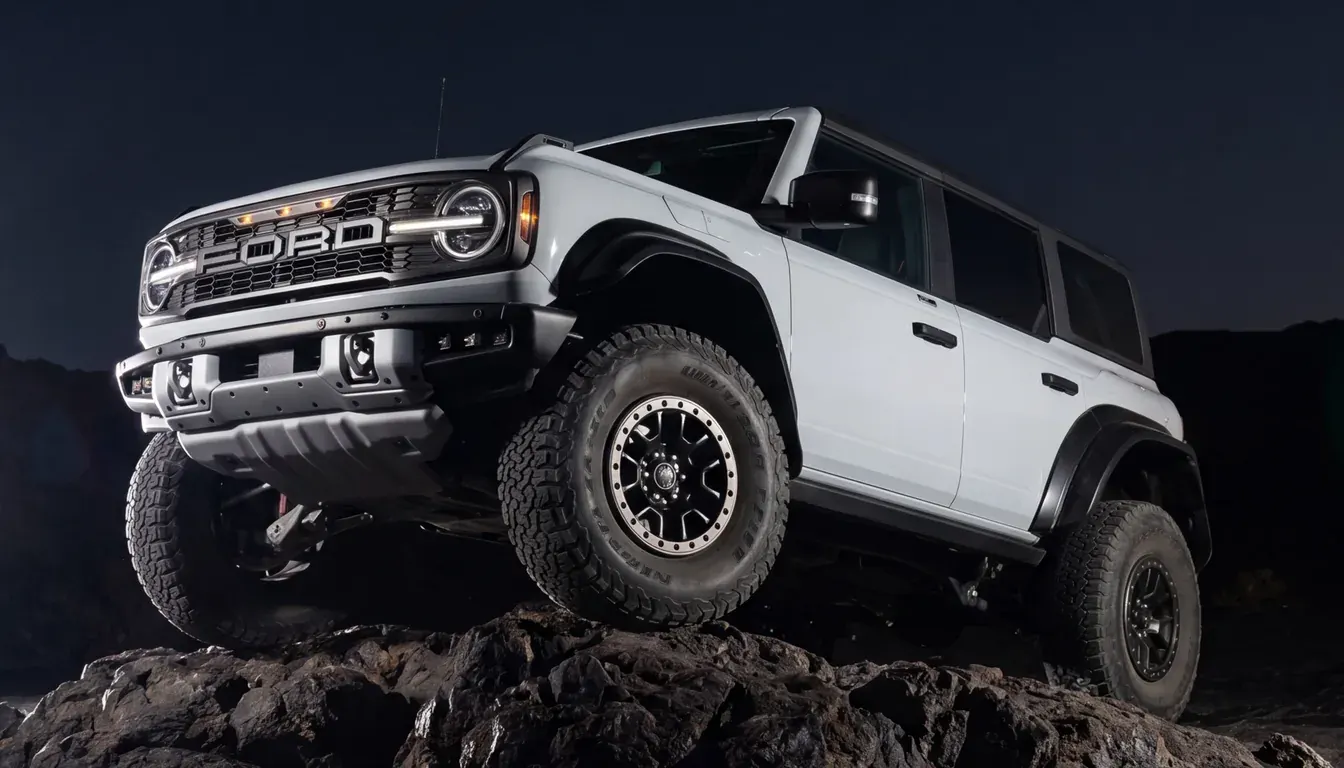
Use a side or three-quarter photo with the wheels fully visible. Trail shots and driveway photos both work.
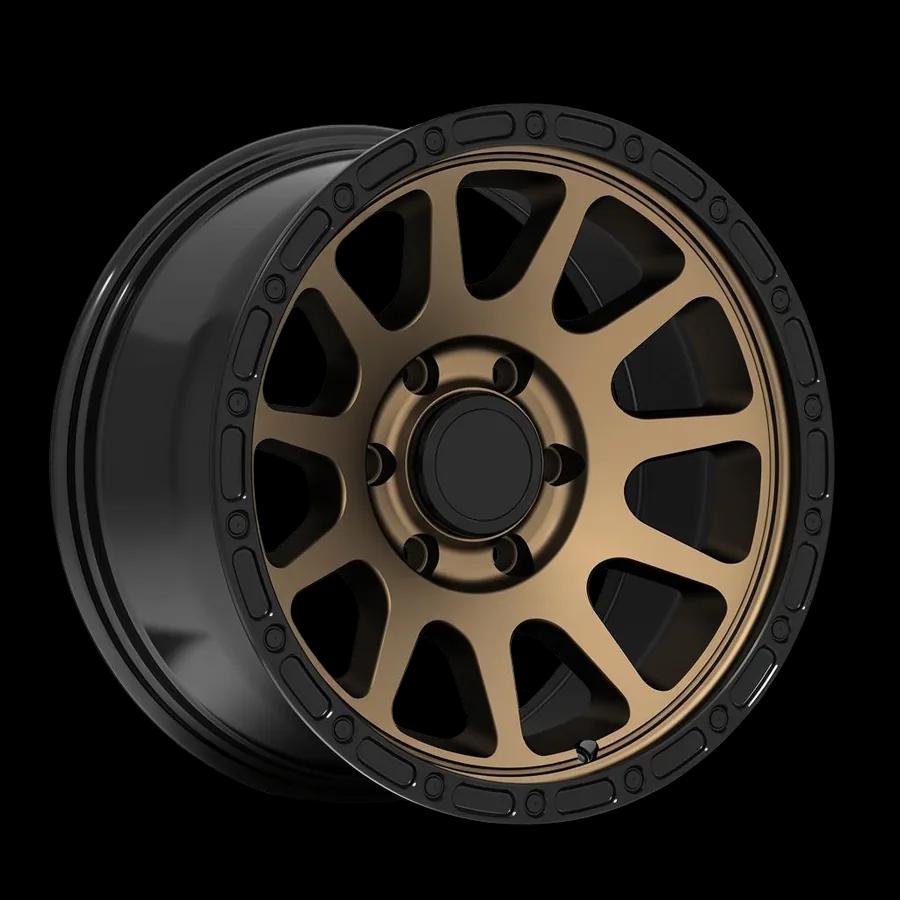
Choose an off-road wheel from the library or upload your own wheel photo. Then pick a tire type such as all-terrain or mud-terrain.

Choose a lifted ride height if you want one, render the preview, and compare it with your original photo.
Try the wheel, tire, and ride height together on the truck you drive.
Swap the wheel and the tire together, or keep your current tires and change only the wheels.
Preview all-terrain, off-road XL, and mud-terrain tires. White-letter sidewalls are an option too.
See your truck at its current height, lifted, or extreme lifted. Set the wheel offset from tucked to aggressive poke.
Most truck visualizers use a stock model of your truck. WheelBlend starts from your photo, so your lift, bumpers, paint, and trail dirt stay in the picture.
Truck setups are expensive to change after the fact. A preview helps you settle the look first.
A good truck photo gives a better preview. A few simple habits help.
Use WheelBlend to settle the look. Then confirm the specs with your wheel and tire shop.
WheelBlend shows how a setup looks. Confirm bolt pattern, offset, tire size, load rating, and clearance before you buy or install.
Yes. WheelBlend works with a photo of your own truck. Upload it, pick a wheel, and see a realistic preview with the wheel and tire setup you choose.
Yes. It works with any vehicle photo where the wheels are visible, including Jeep Wranglers and Gladiators, Broncos, 4Runners, and full-size pickups.
Yes. You can choose a tire type and a larger visual wheel size. The preview shows the look. It does not confirm that the tire clears your fenders or suspension.
Yes. Set ride height to lifted or extreme lifted and WheelBlend renders your truck at that height with the wheels you picked.
Yes, it is free to start. The Free plan includes 4 credits and needs no credit card. Paid plans add more renders each month and remove the watermark.
Yes. Upload a wheel photo, a marketplace screenshot, or a PNG cutout. WheelBlend removes the background and fits the wheel to your truck photo.
No. WheelBlend shows how the setup looks. Confirm bolt pattern, offset, backspacing, tire size, load rating, and clearance before you buy.
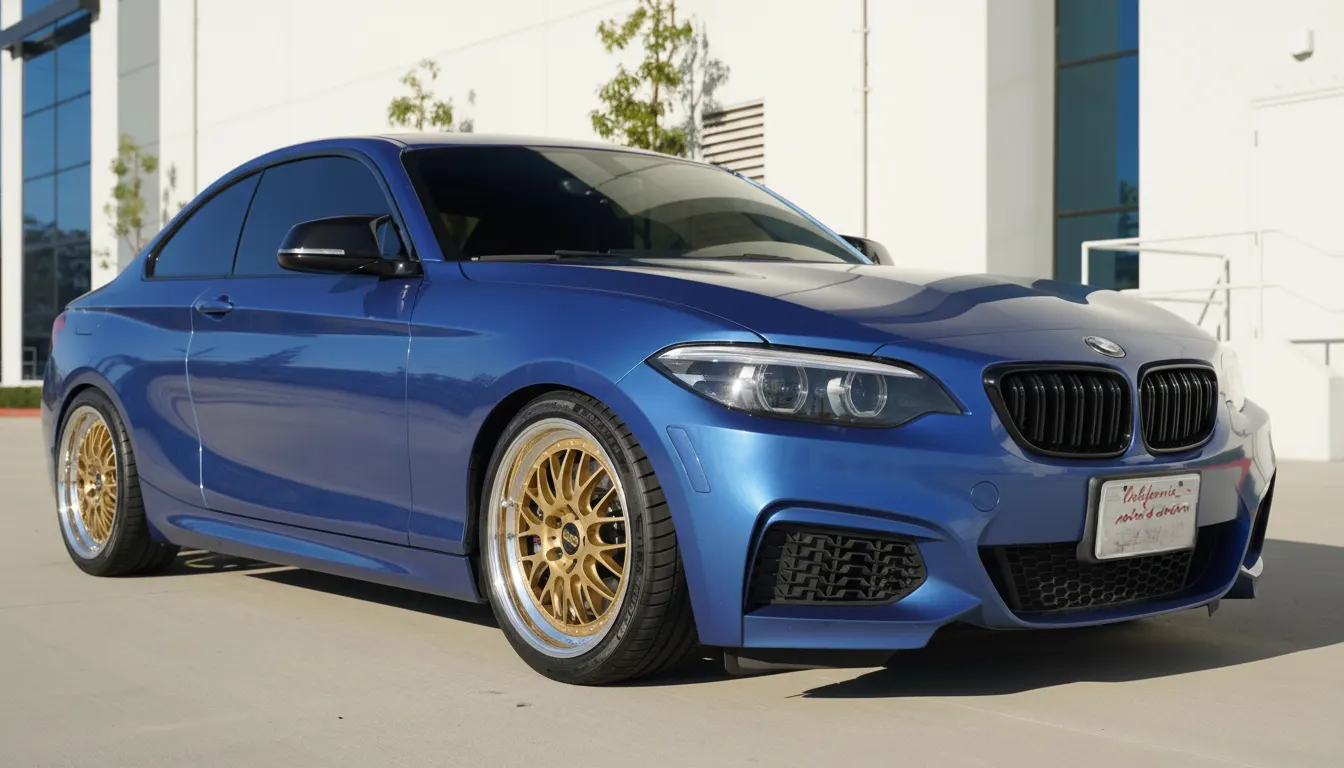 Car enthusiastsTry wheels on your car before you buy.Upload a photo of your car, add any wheel image, and compare realistic before-and-after previews. Judge the style on your actual paint, stance, and lighting before you spend money.
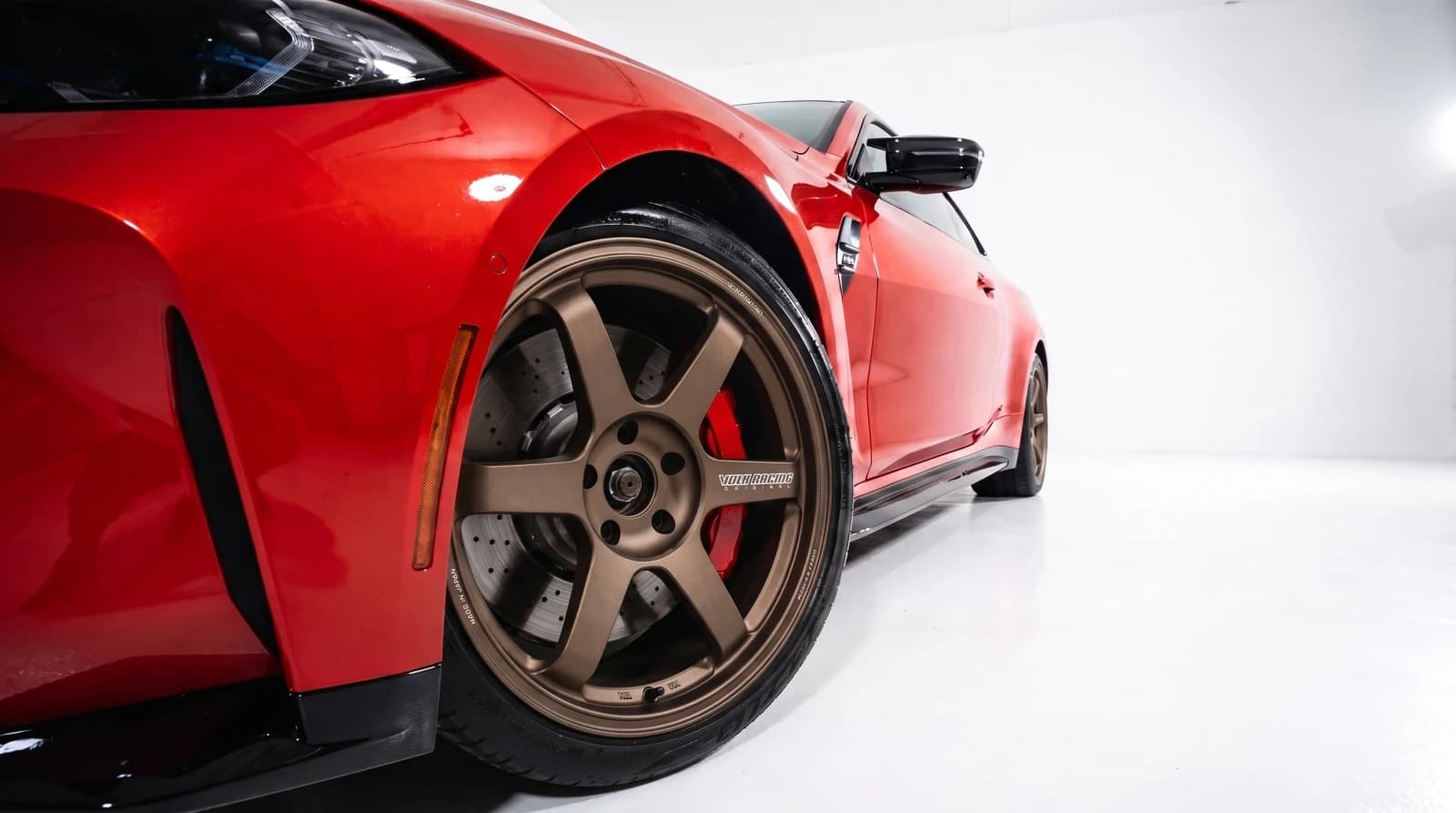 Custom shopsVirtual wheel fitment software for custom shops.Show every customer the wheel package on their own car. Create approval-ready previews at the counter, send them by link, and move the conversation toward a quote or booking.
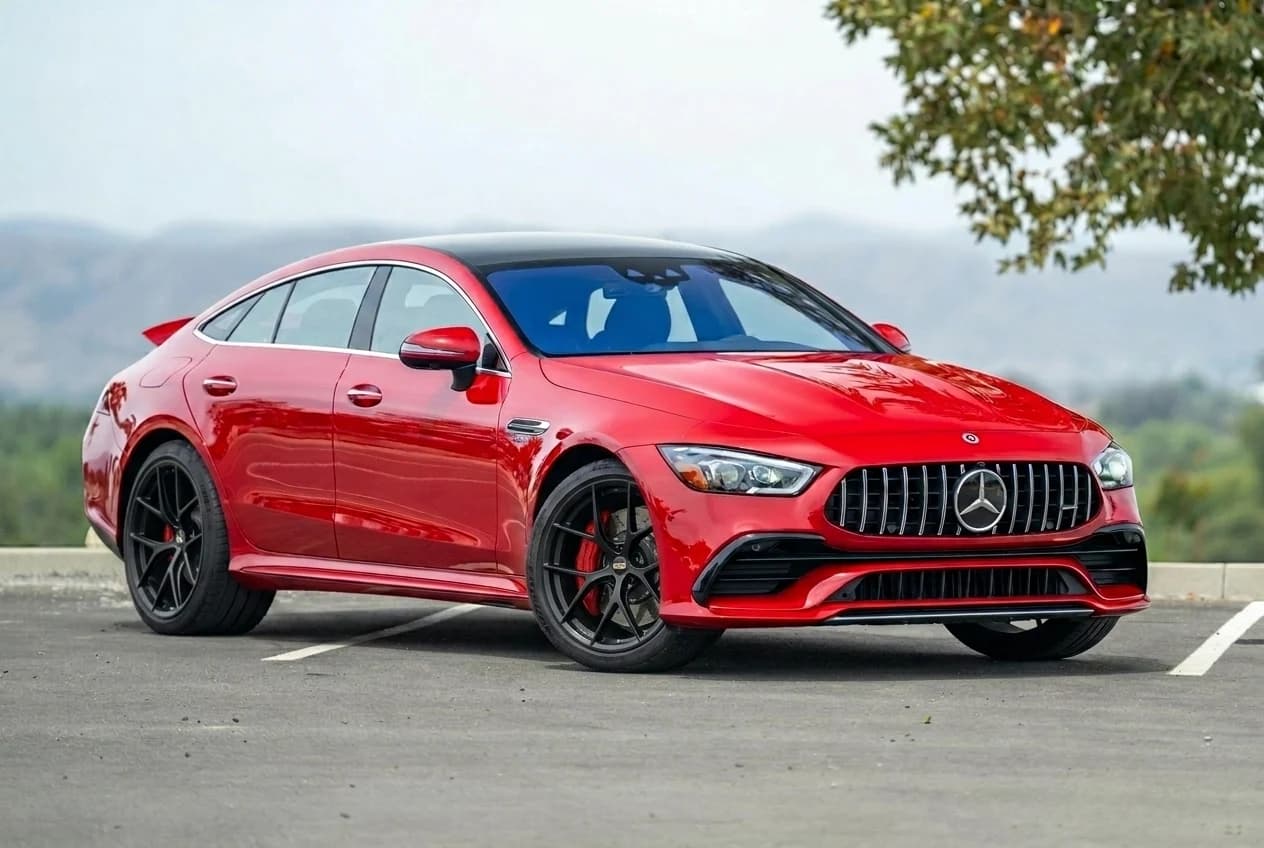 Marketplace sellersPreview marketplace wheels on your car before you buy.Upload a listing screenshot, seller photo, or cropped wheel image and see the wheels on your own car. Skip the guesswork before you message the seller or make an offer.
Upload a truck photo, pick wheels and tires, and compare the before and after.