
The WheelSnap alternative that puts you in control
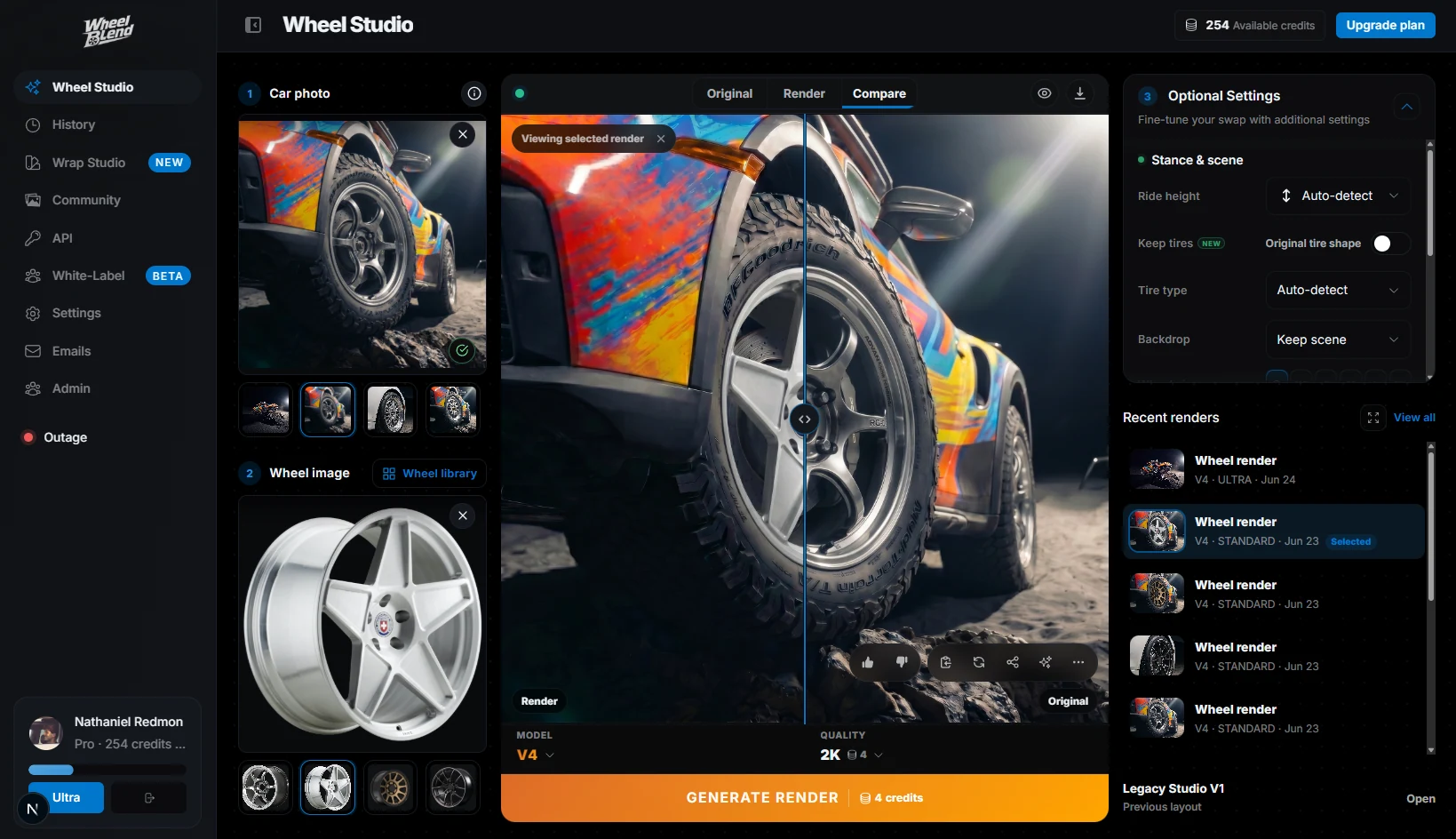
WheelSnap lets you pick a wheel and a background. WheelBlend lets you set the stance, finish, tires, brakes, and backdrop, choose from 6 AI models, and compare every result in one studio.
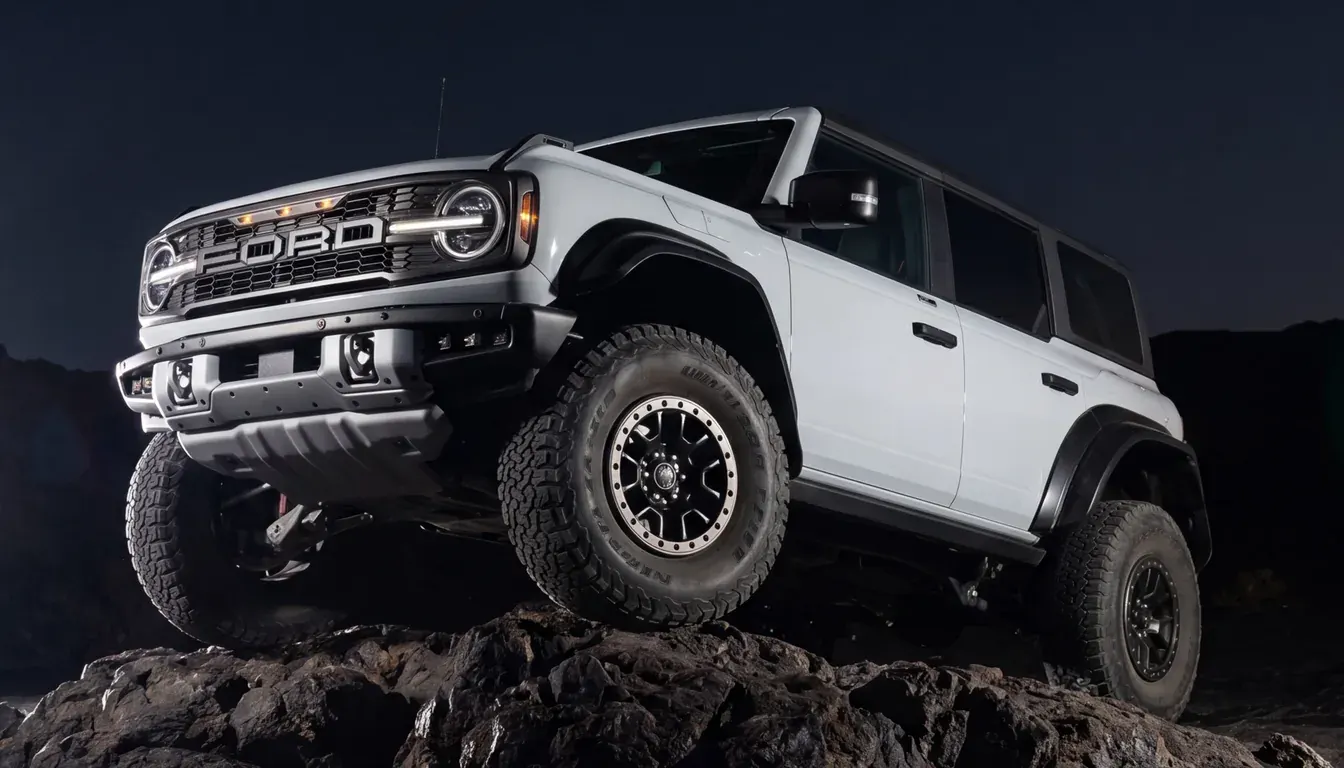
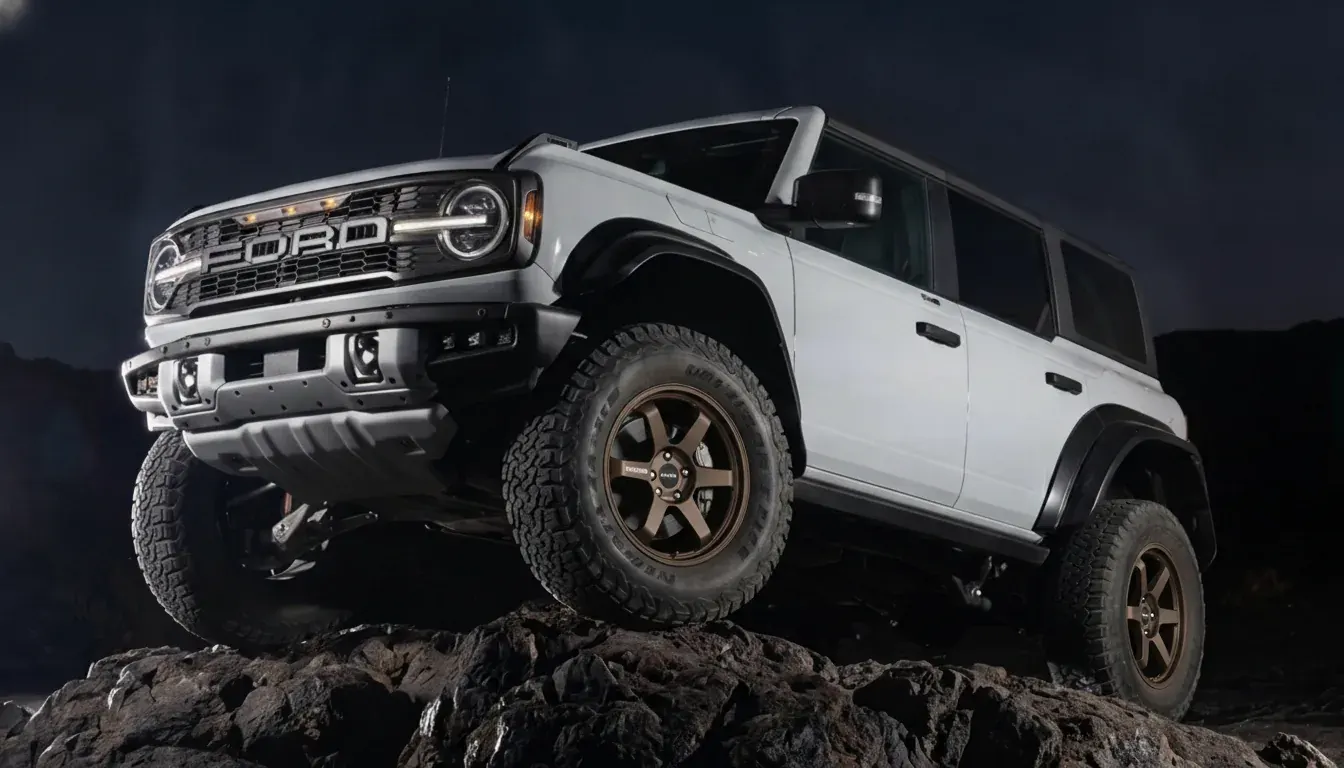
WheelBlend vs WheelSnap at a glance
10×more creative controls
- WheelBlend
- 10
- WheelSnap
- 1
6×more AI models
- WheelBlend
- 6
- WheelSnap
- 1
2.1×more wheels in the library
- WheelBlend
- 680+
- WheelSnap
- 318+
5sfaster per queued result
- WheelBlend
- 10s
- WheelSnap
- 15s
Dial in the exact build.
WheelSnap gives you one setting: the background. WheelBlend gives you 10, so the render matches the car you plan to build. Leave any of them alone and it matches your photo.
- WheelBlend
- 10 controls
- WheelSnap
- 1 control
- Stance
- Ride height (slammed, lowered, lifted, extreme lifted), 5 offset looks from tucked to aggressive poke, and 5 wheel sizes.
- Finish
- 8 finishes, like brushed metal, gloss, candy, matte, and diamond cut, in any color you pick.
- Tires
- 14 tire types from low-profile to mud-terrain. Swap rims only, or rims and tires together.
- Brakes
- 4 brake styles, from OEM to carbon ceramic, with any caliper color.
- Backdrop
- Keep your photo’s scene or move the car to one of 8 backdrops, like a studio, city night, or track paddock.
- Output
- 6 AI models, sizes from .5K to 4K, and one-click upscaling.

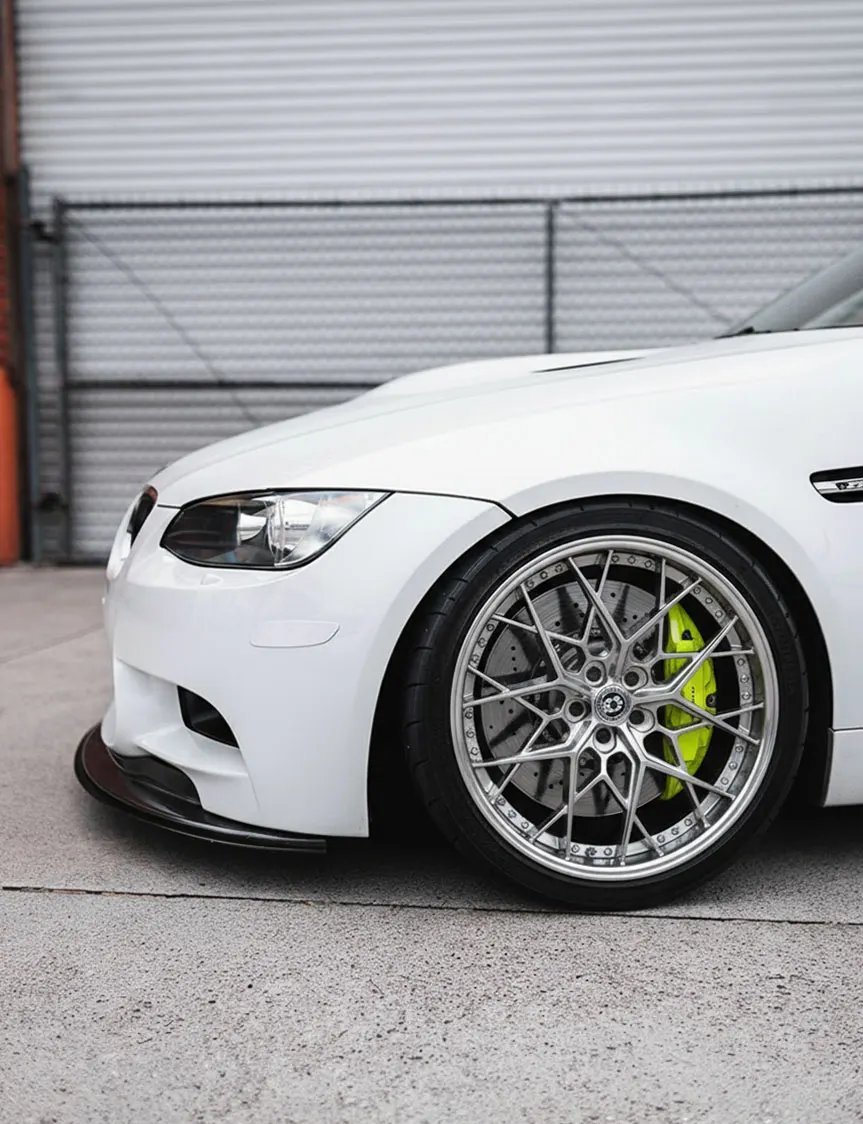
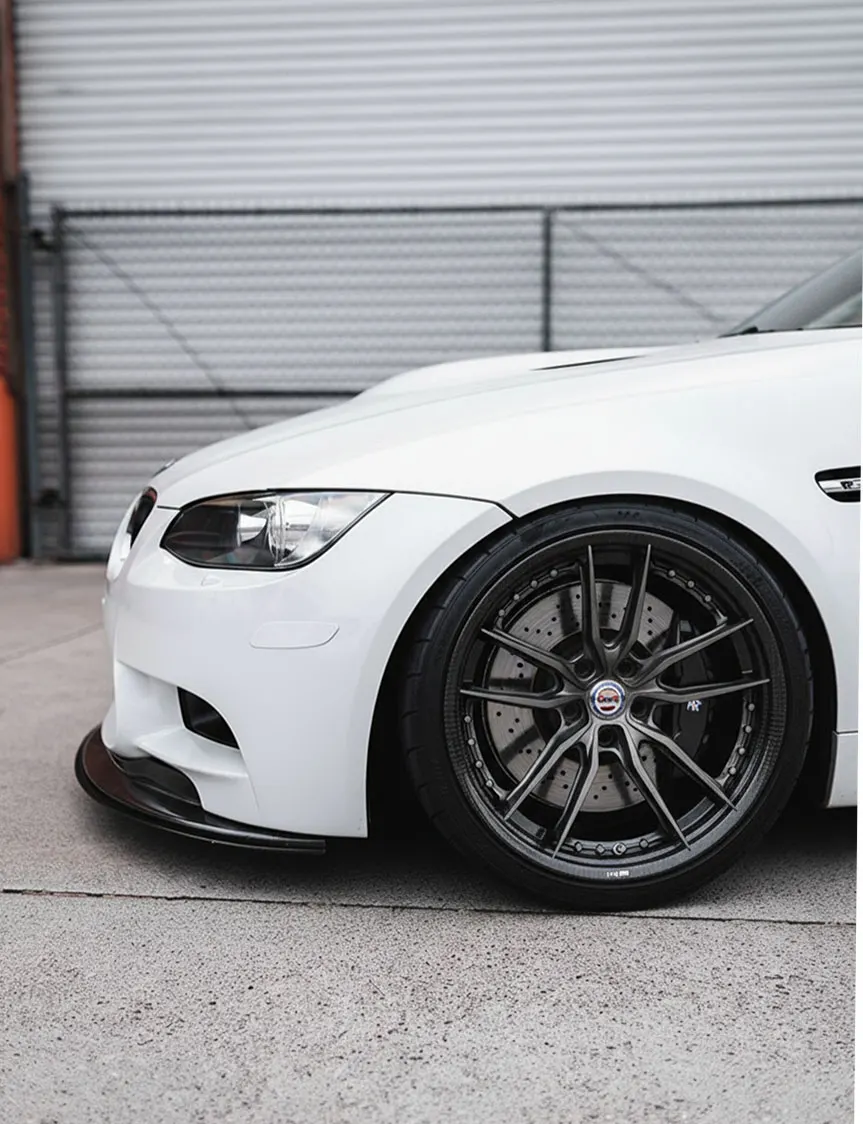
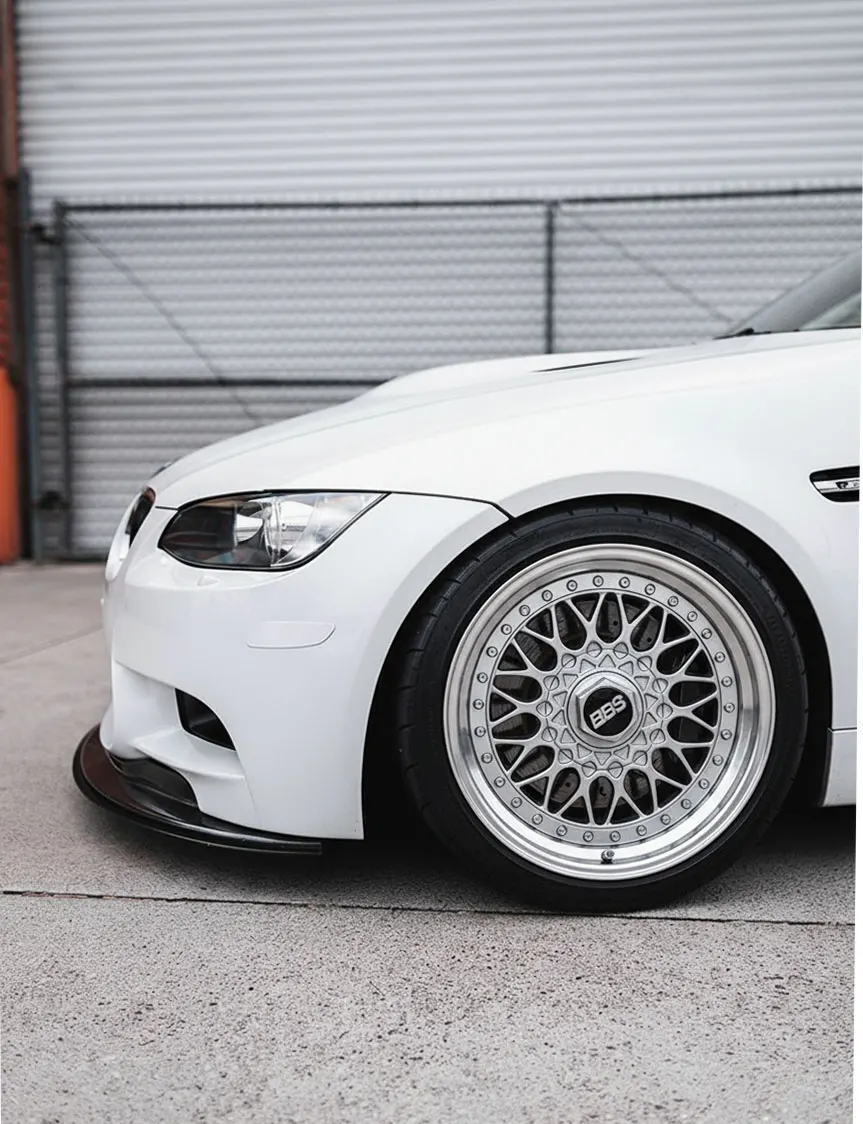
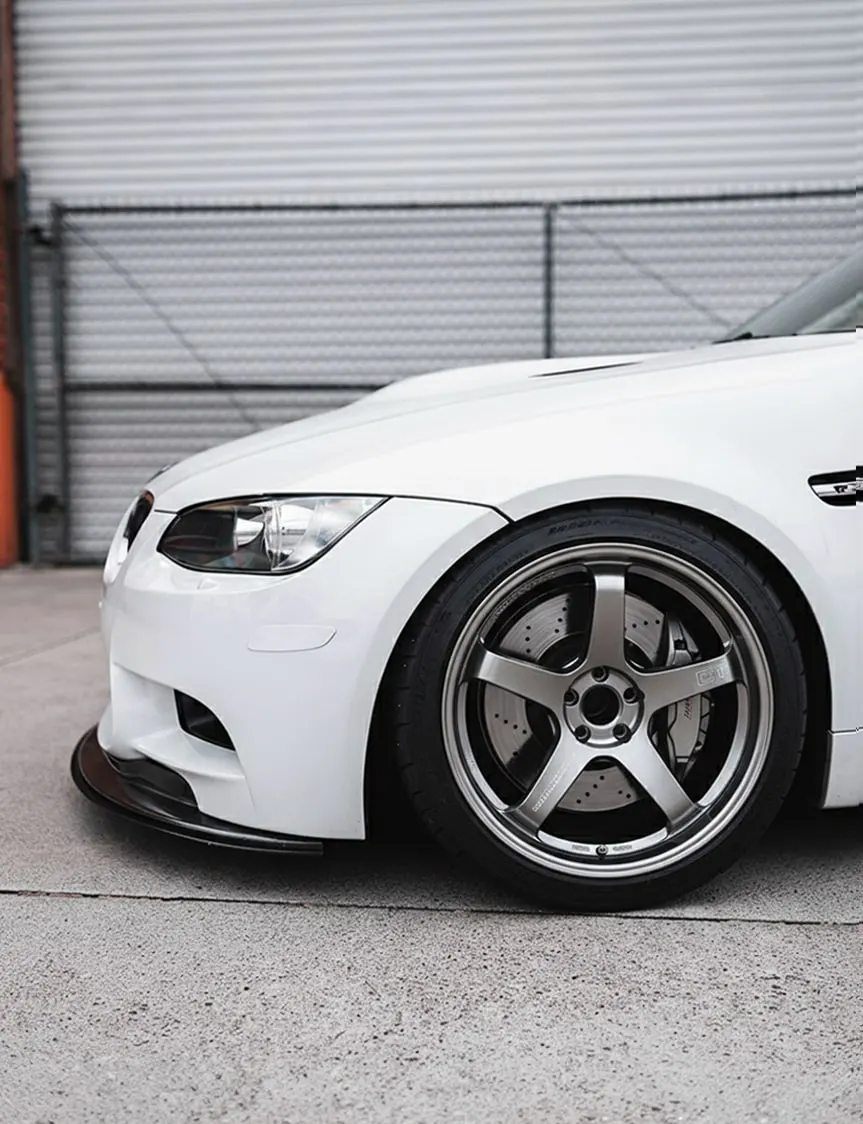
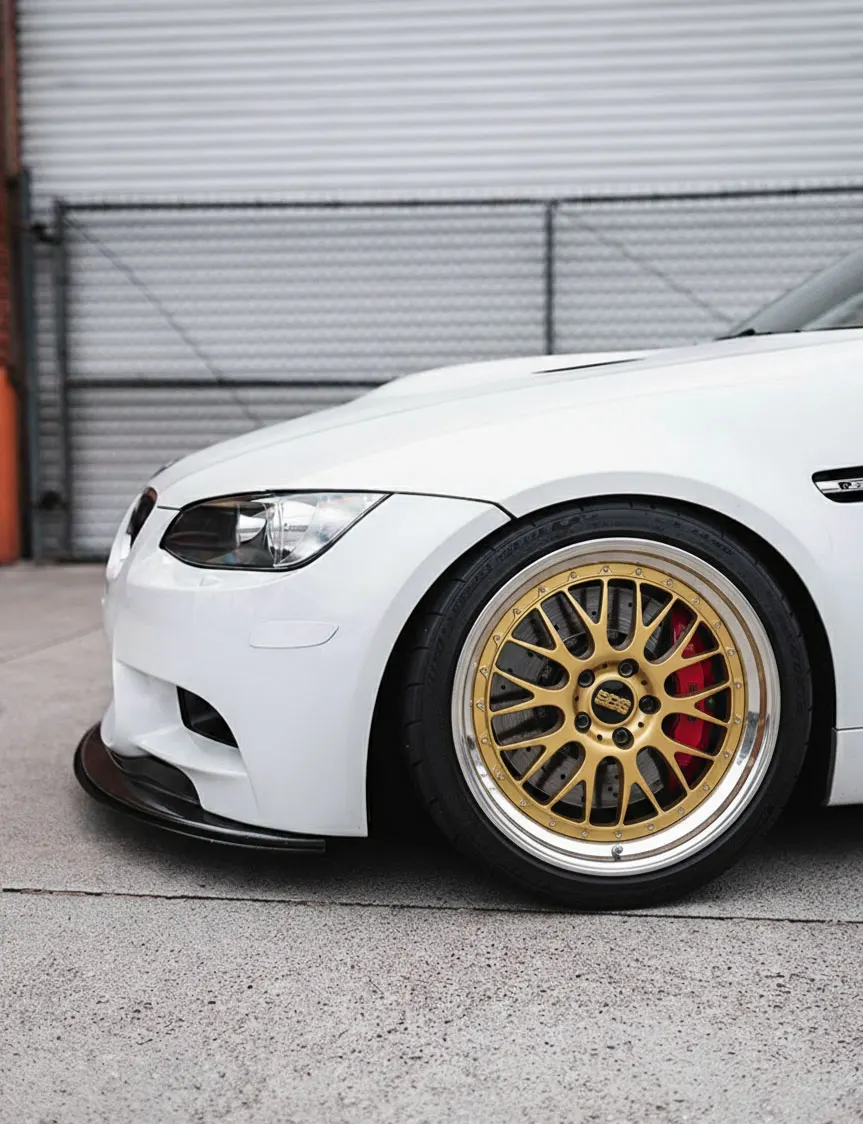
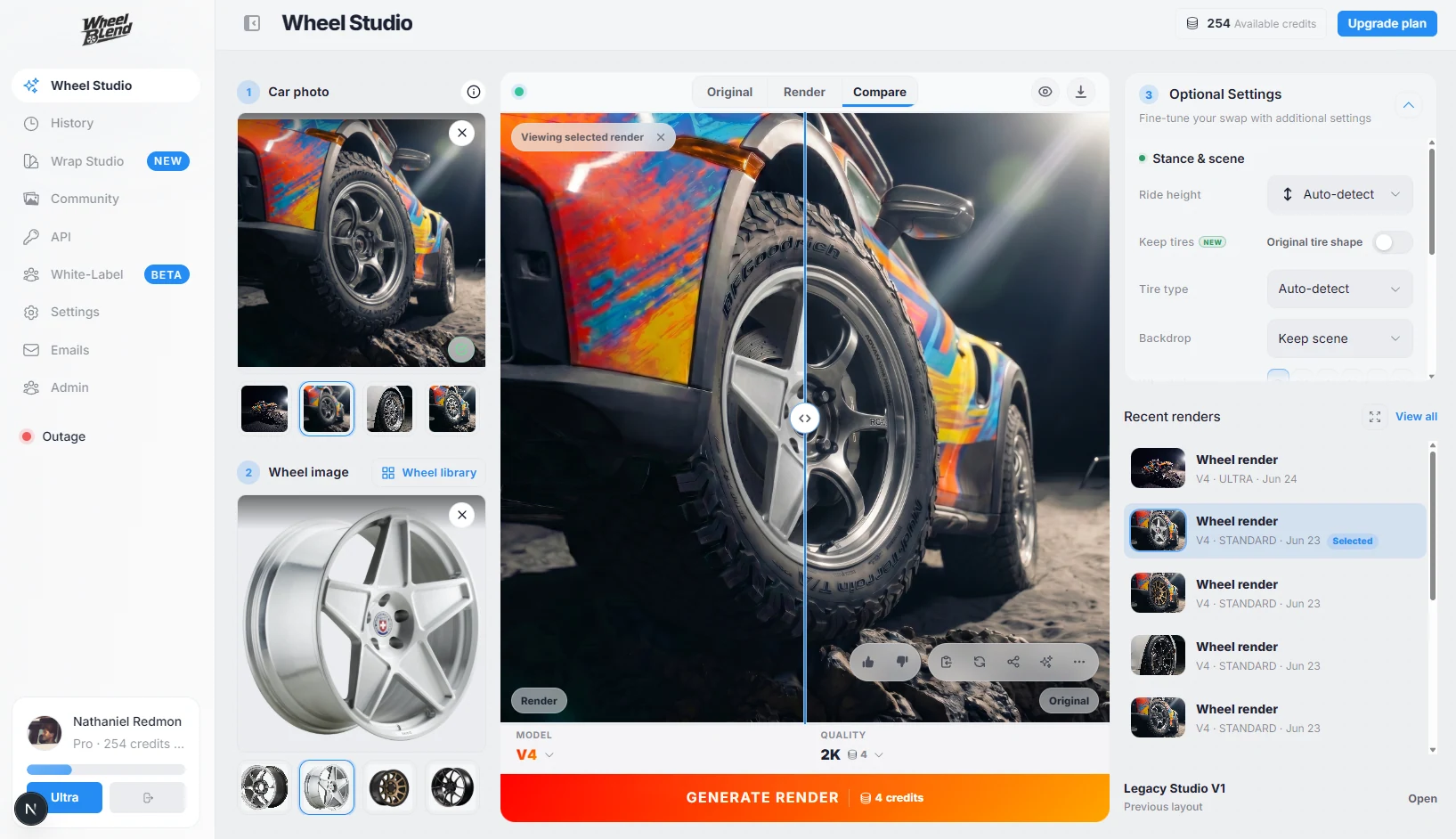
A full studio, not just an upload box.
WheelSnap renders a photo and hands it back. WheelBlend keeps your car, wheels, settings, and results together so you can test, compare, and refine without starting over.
- Lineups
- Queue up to 24 wheels on one car and render 4 at a time.
- Before and after
- Slide between your original photo and every result.
- One-click retry
- Not happy with a result? Retry it on a different model with the same setup.
- Upscale and share
- Upscale a favorite, download it, or send a share link.
- History
- Every render is saved, so you can come back and reuse a setup.
Cleaner wheel masking from messy photos.
WheelBlend runs a separate masking pass that finds the exact wheel before it renders. Listing screenshots, cropped wheels, PNG cutouts, and wheels on another car all come out clean, with your tire, brake, and lighting kept in place.
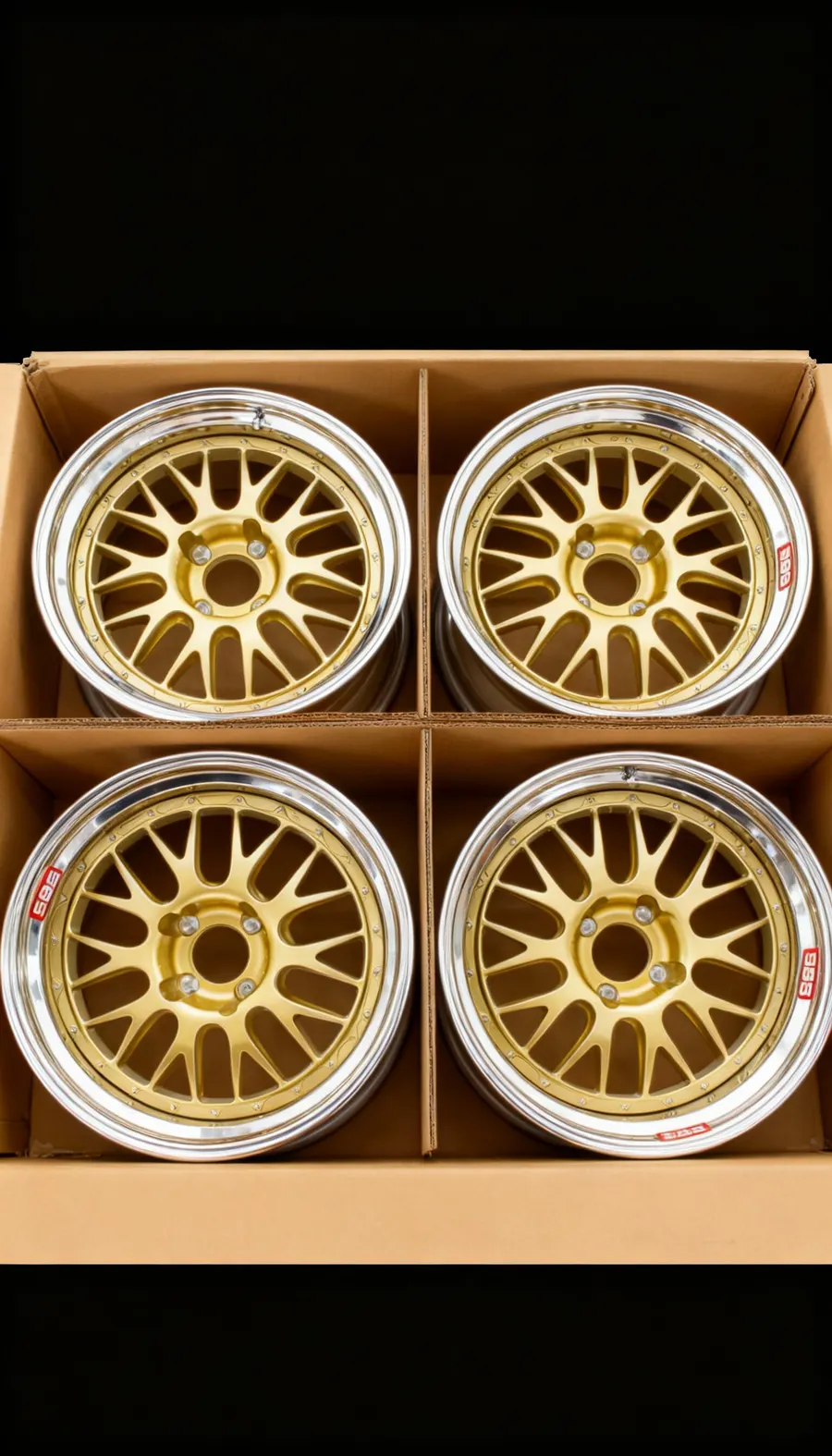 Listing screenshot
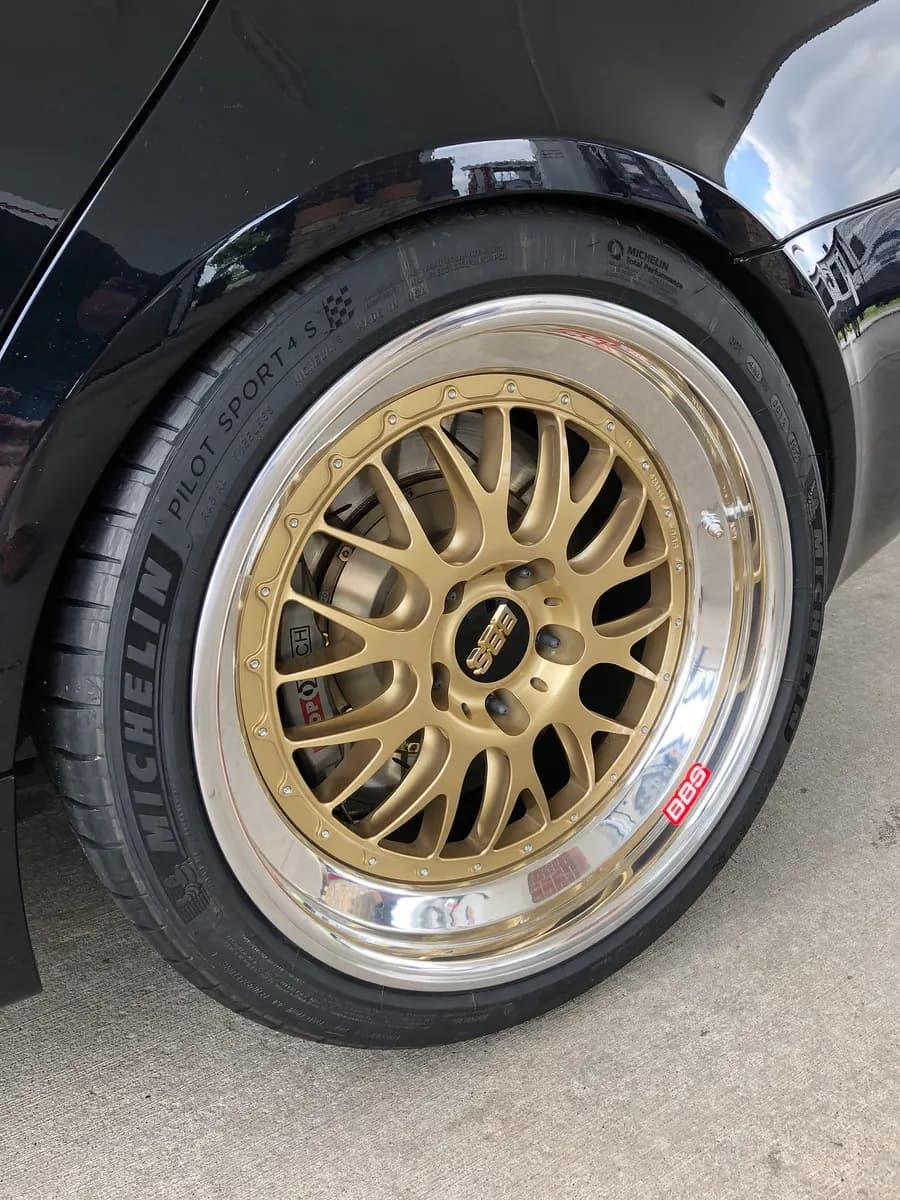 Wheel on another car
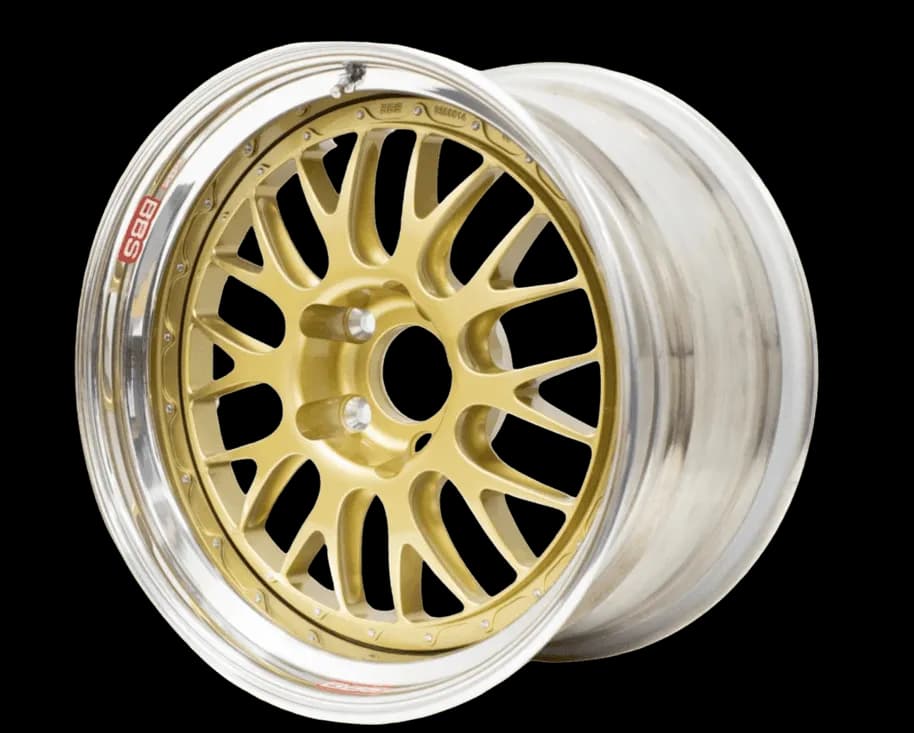 PNG cutout

Choose from 6 AI models.
WheelSnap gives you one model. WheelBlend lets you pick the one that suits the photo and your budget.
- WheelBlend
- 6 models
- WheelSnap
- 1 model
- Flash V6Our newest Flash model. Fast, detailed rims-only swaps.
- Flash V4Optimized for cost, speed, and rims-only creativity.
- Pro V3Best for higher-detail rims-only swaps, with optional rims + tires replacement.
- Experimental V5Experimental model for detailed, photoreal wheel swaps.
- Stable Fast V2Best for keeping original tire shape and sizing cues while swapping wheels. Most consistent for everyday realism.
- Creative V1Best when you want bolder wheel and tire changes. More creative, but can be less consistent.
Faster when you queue.
WheelSnap lists 15 seconds for each result. Queue a lineup in WheelBlend and 4 renders run side by side, so a new result lands about every 10 seconds.
WheelBlend vs WheelSnap, feature by feature
| Feature |  WheelBlend | WheelSnap |
|---|---|---|
| Creative controls | Ride height, offset, wheel size, finish and color, tires, brakes and calipers, backdrop | Background presets |
| AI model choice | 6 models, from fast Flash to detailed Pro | One model, no picker |
| Output size | .5K to 4K, plus upscaling | 2K or 4K |
| Studio tools | Lineups, before/after compare, one-click retry, history, share links | Batches of up to 5 |
| Wheel masking | Dedicated masking pass for screenshots, cropped wheels, and PNG cutouts | Works best with clear, well-lit wheels |
| Wheel library | 680+ aftermarket wheels, or upload your own | 318+ wheels, or upload your own |
| Wheels in one batch | Up to 24 on Pro and Ultra | Up to 5 on paid credits |
| Render speed | About 10s per result in a queued lineup | About 15s per result |
| Wrap previews | Body color and finish previews | No |
| Free to try | 4 credits, no card | 3 credits, watermarked |
| Monthly plans | From $4.99/month; $19.99/month Ultra with 500 credits | $15/month for 100 credits, plus one-time packs |
| Credits per render | Flash V6: 2 at 1K, 4 at 2K, 8 at 4K | 1 standard, 2 for 4K |
For shops and retailers
| Feature | WheelBlend | WheelSnap |
|---|---|---|
| Monthly price | $149 Business; $299 Business Plus | $199 or $399 Shopify plans; API by quote |
| Included usage | $75 or $150 render balance each month | 300 or 1,000 Shopify renders |
| On your website | Hosted Studio and website embed | Shopify app; iframe embeds through sales |
| API access | Self-serve on both business plans | Through sales |
| White label | Included with Business Plus | Through sales |
Questions
- What is the best WheelSnap alternative?
- WheelBlend. WheelSnap lets you pick a wheel and a background. WheelBlend also lets you set ride height, offset, wheel size, finish and color, tires, brakes, and caliper color, choose from 6 AI models, and compare results side by side in one studio.
- How much control do I get over a render?
- You choose the stance (ride height, offset, and wheel size), the finish and color, the tire type, the brake style and caliper color, and the backdrop. You can swap rims only or rims and tires, pick the AI model, and set the output from .5K to 4K. Anything you leave alone is matched to your photo.
- Can I choose the AI model?
- Yes. WheelBlend has 6 models. Flash is fast and low cost, Pro adds detail and optional tire changes, and the older models stay available for consistent results. WheelSnap does not offer a model choice.
- What can I do with a render after it finishes?
- Compare it with your original photo, retry it on another model, upscale it, download it, or share a link. Every render is saved to your history so you can reuse the setup.
- Can I use a marketplace screenshot or a cropped wheel photo?
- Yes. WheelBlend masks the wheel before it renders, so listing screenshots, cropped wheels, PNG cutouts, and photos of a wheel on another car all work.
- Is WheelBlend faster than WheelSnap?
- When you test more than one wheel, yes. WheelBlend runs 4 renders at once, so a queued lineup returns a result about every 10 seconds. WheelSnap lists 15 seconds per result.
- Is WheelBlend free to try?
- Yes. You get 4 free credits with no credit card. Paid plans start at $4.99 a month.
- Does WheelBlend work for wheel shops and retailers?
- Yes. Business plans start at $149 a month with a hosted Studio, a website embed, and API access. Business Plus adds white labeling.